





culilaren
Members
-
Joined
-
Last visited
-
@Djoss
-
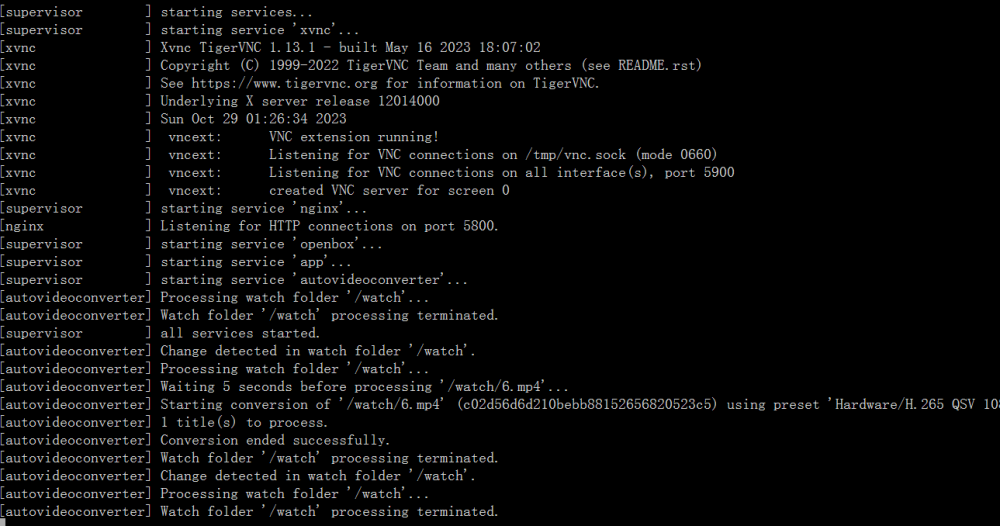
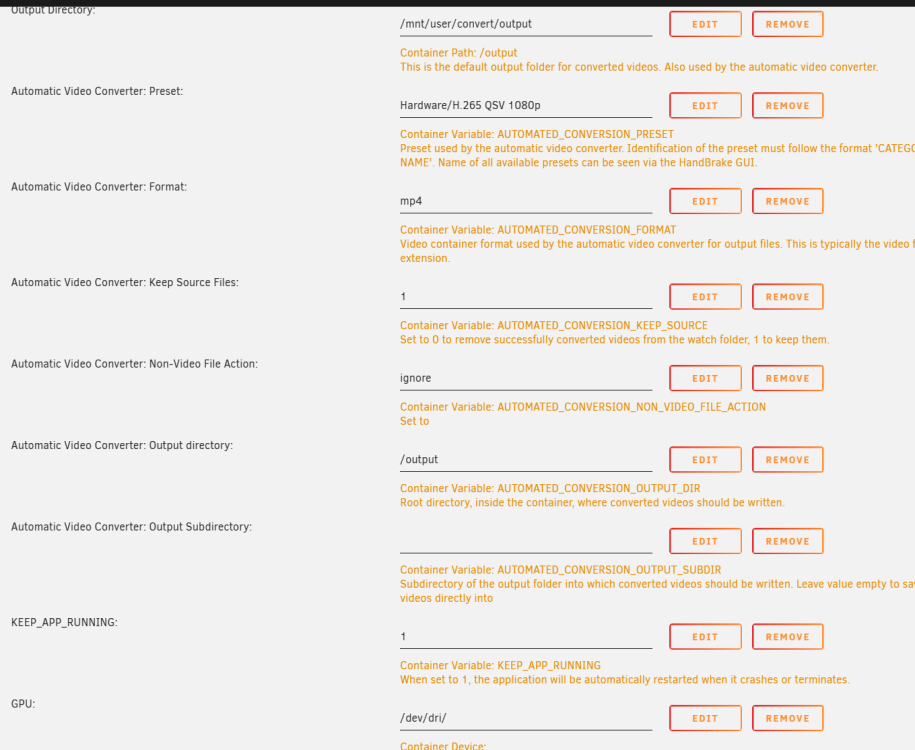
Updata to the :latest, tried to use QSV to decorde and conversion, i add video to watch, after less than 1 minute, i got a 44b mp4, it just dosen't work. how to solve that?
-
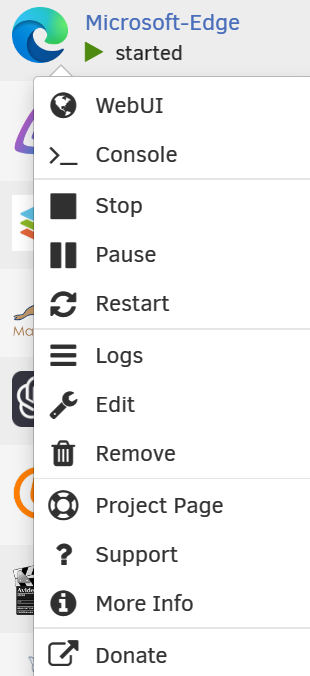
didn't have this button, so i add the":latest" after the repository.
-
i tried to update using tag latest, but nothing changed. still have something wrong, can't download edge
-
---Starting...--- ---Microsoft Edge not installed, please wait installing...--- ---Something went wrong, can't download Microsoft Edge, putting container in sleep mode--- i have successed install ich777/microsoft-edge, but i can't lauch it, when i check the log, it shows something went wrong, can't download Edge, how to solve that?
-
i do really have too many dockers which need to be installed.
-
also, is that possible to recovery docker without delete docker.img and reinstall?
-
well, how? recovery from Appdata backup?
-
for libvirt.img
-
well now result shows
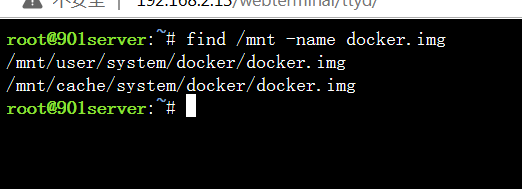
-
well i wait over 10 minutes, and still nothing happened.
-
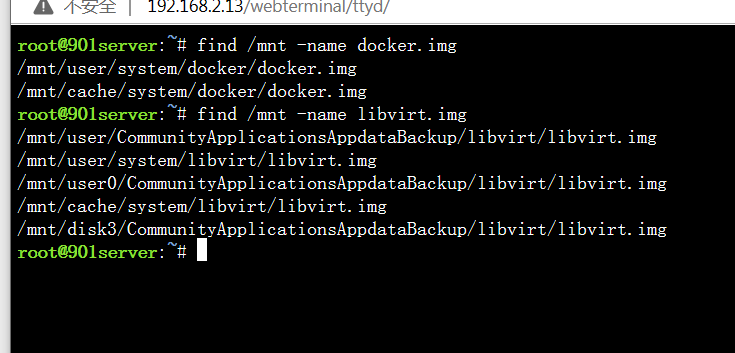
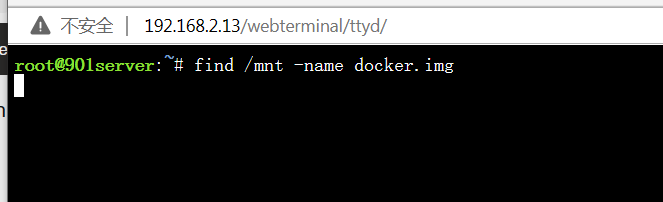
i put your command in terminal, but it shows nothing. so i tried to search myself through directory.
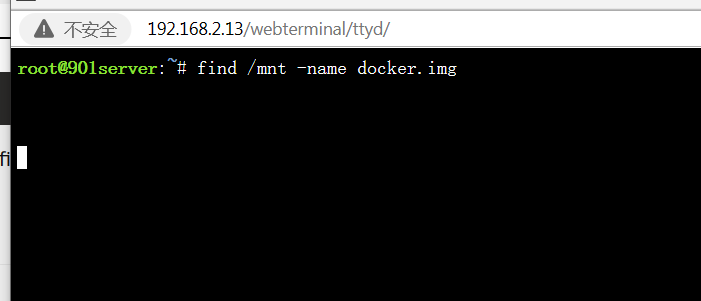
-
docker and libvirt images are very recent, but it seems no dupes
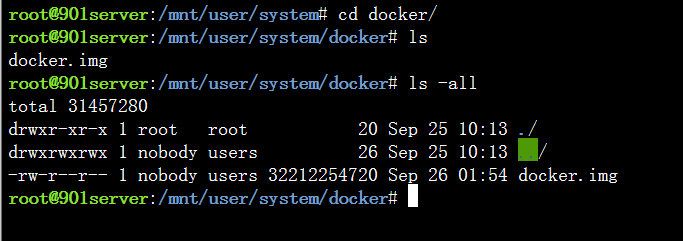
-
diagnostics 901server-diagnostics-20230926-0021.zip
-
Version: 6.11.5 2 Cache with raid 0 1 parity plugins didn't disappear also the setting for plugins are there.


