





faroh
Members
-
Joined
-
Last visited
Everything posted by faroh
-
Did you ever figure out what's going on? Running into similar issue myself now.
-
Update on this. I think my issue was my frigate container going crazy. Once I added a mem limit on it I haven't seen the crash since. So maybe that was the problem. I'll update again if I have another crash.
-
Cool, I should be good in terms of mem speed then. I did a bios update to latest today and I put a memory limit on my frigate containers in hopes that might help. I'll update here in a week or two if it doesn't happen again.
-
Sounds good - I'll check for BIOS version update next. So I ran memtest86 and no errors after 2 passes. I did notice my memory by default is running at almost 4700 MHz. Could that be causing issues? Should I consider lowering the speed below the default? Reading up on the Ryzen 9 specs it looks like if I have 4 sticks I shouldn't be running faster than 3600 MHz. https://www.amd.com/en/products/cpu/amd-ryzen-9-7900x#:~:text=vary by manufacturer.-,Connectivity,-System Memory Type I'll try reducing that and see things stabilize
-
Ahh that's unfortunate. Alright I'll test out the RAM sticks and see what's going on.
-
So it just happened again (been happening about once every other week at this point). Checking the syslogs I think this might be memory related? Look at the timestamp `Sep 11 15:13:17` syslog-10.0.1.10.log
-
I also saw some references to max memory speed and max memory. Any thoughts on if my memory speed is set too high (using default settings) or if I have to much memory on the server (64 gigs).
-
Is there a way to enable a more verbose log level for unraid? Nothing coming up from a few quick searches.
-
O that's interesting. I'll check it out and see what's causing it. Any recommendations for the freezing up issue?
-
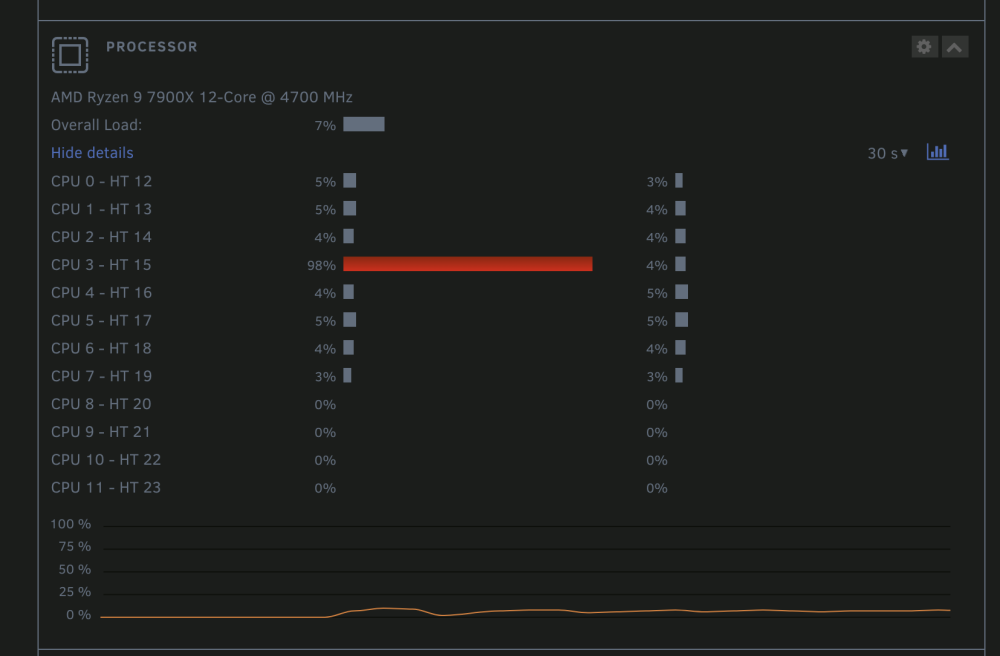
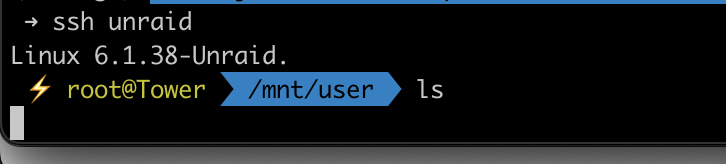
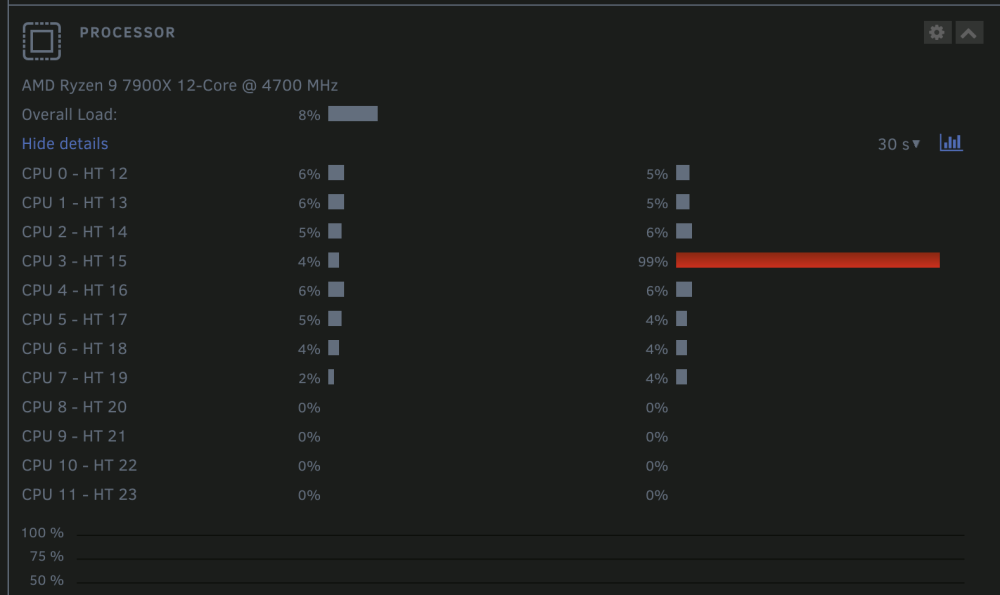
So the crash just happened again. One thing I noticed is when the server starts up and I start the array it takes forever for the first SSH to load my profile. Also same thing happens when I run a basic "ls". The single core is pegged for almost a full minute (see screenshots). After that it operates smoothly. I attached syslog as well as diagnostics. Thanks, Faroh syslog-10.0.1.10.log tower-diagnostics-20230817-1353.zip
-
Hello My unRAID server seems to freeze up every once in awhile on it's own. I can't reach the webGUI or SSH into the server. I'm not sure what's going on but I have tried several things that have worked for other people such as changing docker network from macvlan to ipvlan. I also tried disabling c state in the bios (I have a Ryzen 9 processor). Any advice would be appreciated to resolve this issue. tower-diagnostics-20230809-1417.zip
-
Can you explain what you mean by "global C States" I'm having similar issues on my end.
-
I'm having similar issues atm. Where you able to get to the bottom of the issue? @Faceman
-
I'm having this exact issue. What do you mean by using the hashed host ip?

