





mrcsx
Members
-
Joined
-
Last visited
-
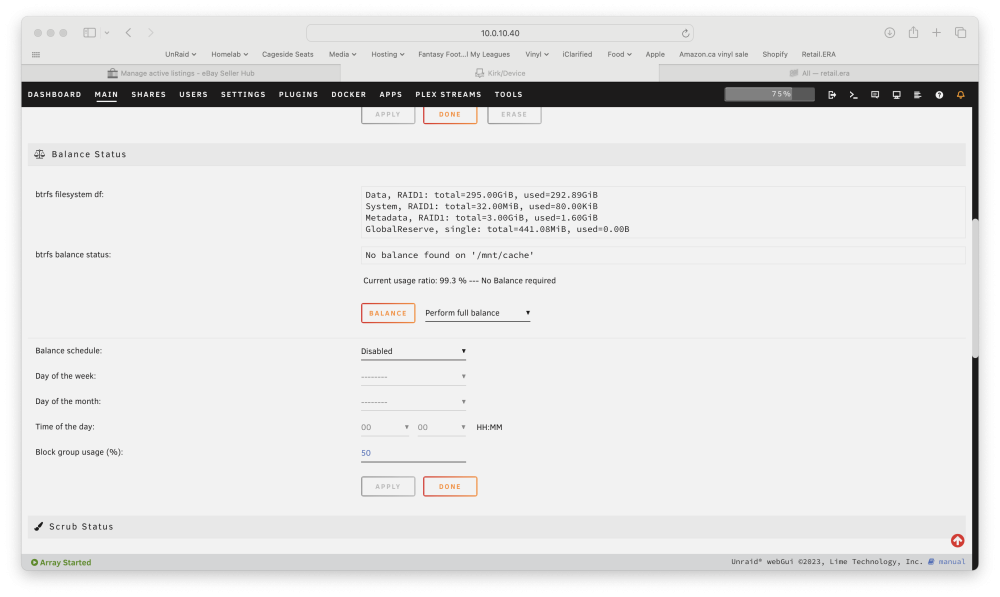
That appears to have been the problem. Now I was able to remove the drive and it's balancing as I type this! Thank you for the help!
-
Here are the diagnostics kirk-diagnostics-20240118-1156.zip
-
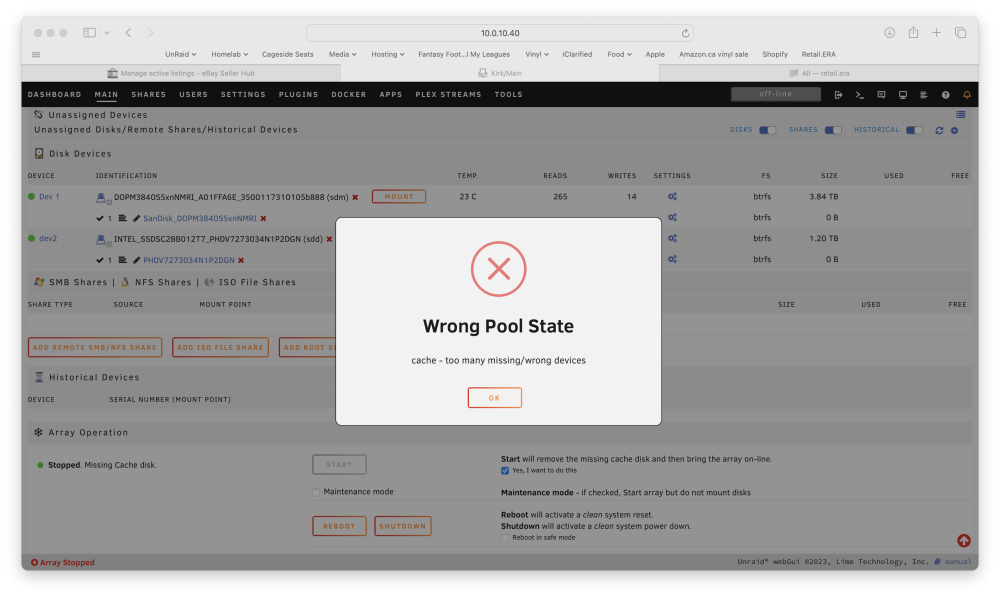
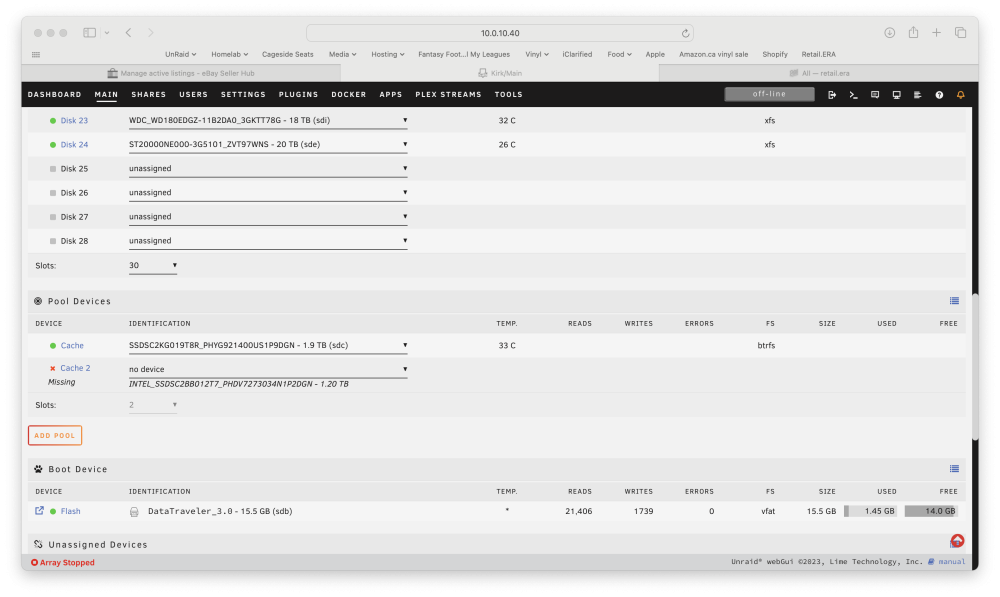
I'm trying to replace my cache pool made up of a 1.2TB and 1.92TB SSD drives with a single 3.84TB SSD. I have the pool as Raid1, however when I stop the array and try to remove a drive to make it a single drive cache pool, it says Wrong Pool State, too many missing disks. I've gone through forum posts, and figure I must be missing something simple. Can someone point me in the right direction? Essentially I want to Remove the 1.2TB drive, leaving the single 1.92TB drive, then add the 3.84TB drive making it Raid 1, then eventually remove the 1.92TB drive with another 3.84TB drive.
-
I've had a couple Seagate 5TBs that I pulled out of enclosures and used in my array for the last few months as well with no issues. One is my parity and one is a data drive. Like i said, no issues so far.
-
I just ran a preclear on a Hitachi 3TB drive. All went well, but the pre clear report at the end said it has the partition starting on sector 1? I thought the partition would always start on sector 64 since it's an advanced format drive. Is this something I should worry about? Report is attached. preclear_3tb.txt



