GigaTech
Members
-
Joined
-
Last visited
-
Hi All, Answering my own question Edit the VM and change to XLM view and add `<smbios mode='host'/>` in the `<os>` section. <os> <type arch='x86_64' machine='...'>hvm</type> <loader readonly='yes' type='pflash'>/usr/share/qemu/ovmf-x64/...</loader> <nvram>/etc/libvirt/qemu/nvram/...</nvram> <!-- Add this line to pass the host BIOS to the VM --> <smbios mode='host'/> </os> This should really be easier to find... Hope this helps Thanks
-
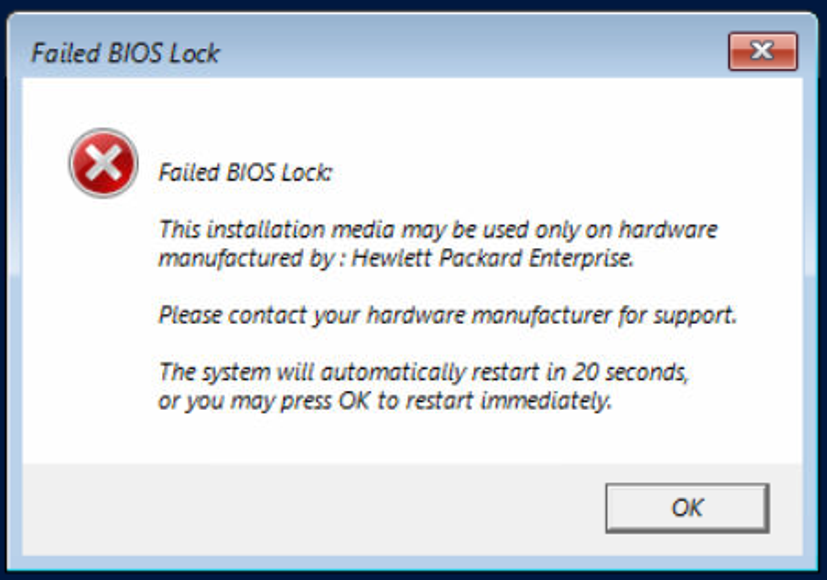
Hi All, I have a new HP DL380 G10 and purchased HP branded Windows Server 2025 at the save time Installed UNRAID with no issues on the server, Array configured, everything working well... Created an ISO of the DVD and copied to the isos folder, HP part number P77100-A21, MS WS25 16C Std ROK Created a VM set the disks, mem, OS Install ISO and all the other good stuff Start the VM, boot from iso then see the attached image "This installation media may be used only on hardware manufactured by : Hewlett Packard Enterprise." Ok so we need BIOS passthrough from the 'metal' to the VM... how? When using VMware you would create the VM and edit the Configuration Parameters and set a new value pair Options >> General >> Configuration Parameters, Add a new row Name: smbios.ReflectHost Value: TRUE Is there an equivalent to this VMware configuration setting in UNRAID? Thanks EDIT: Also found this for Proxmox - https://forum.proxmox.com/threads/windows-rok-and-dell-hardware-how-to.111956/ Create a VM just like you would normally do. Copy the UUID you see in the VM's Options > SMBIOS settings, you'll need it in a moment Before starting the VM edit /etc/pve/qemu-server/<vmid>.conf and add the following Code: `args: -smbios type=11,value=x -smbios type=1,uuid=[UUID],manufacturer=Dell\ Inc.`
-
I have NOT removed anything, the value was empty, just added my arg to it and sent pic?
-
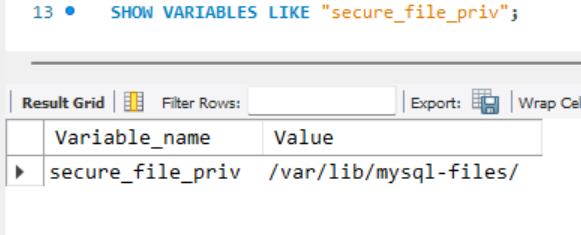
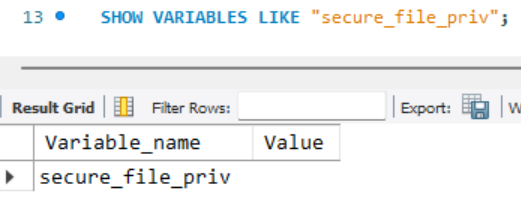
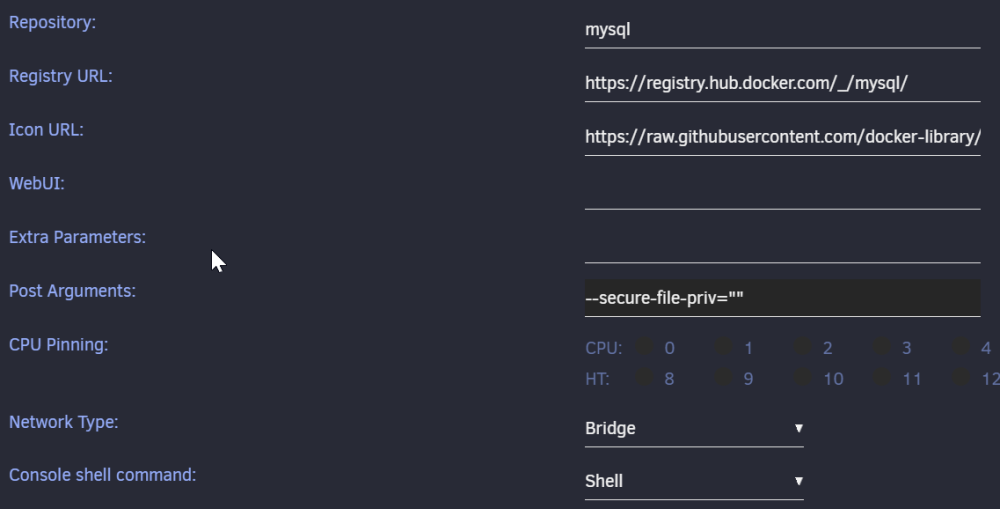
Hi, I need to add/change a line to `my.cnf` secure-file-priv = "" I can find the file by clicking on the docker icon, starting the console and typing `ls -l etc/my.cnf` `-rw-r--r-- 1 root root 1319 Feb 14 02:55 etc/my.cnf` Now we need to edit the file? Also if able to edit and save, will the changes persist across updates? Or get what you say above to work "#Configuration without a cnf file" "just append the following to the Post Arguments" - where are the post args to append to, can you provide a screenshot or clarification? In my case, to verify this setting, in MySQL workbench `SHOW VARIABLES LIKE "secure_file_priv";` Thanks UPDATE: OK worked it out, Edit the docker, at the top change from 'basic view' to 'advanced view' you will then be able to see 'Post Arguments:' click apply, the docker auto restarts Done...
-
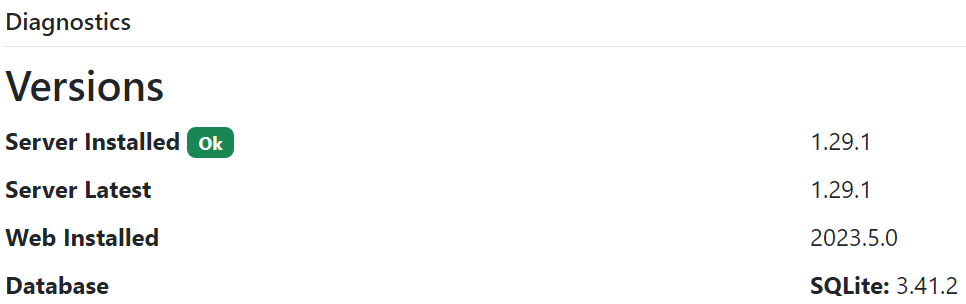
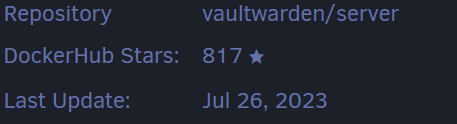
TLDR; How to update to the latest version of VaultWarden on UNRAID docker? Hi All, From the admin page http://192.168.XXX.XXX:4743/admin/diagnostics I think there is a 2023.7.0 version or at least a more up to date version than what I have installed. below is an image from UNRAID > Apps > Installed Apps > VaultWarden I have found this `https://github.com/dani-garcia/vaultwarden/wiki/Updating-the-vaultwarden-image` but really am unsure if this is the correct way to go about an update to an UNRAID docker. so the question is, How to update to the latest version of VaultWarden on UNRAID docker? and if I am already on the latest version/release, this question is still valid for future updates and clarity of the process. Thanks
-
"Fix Common Problems" has always been installed on all of my servers (pre upgrade to 6.12 and fully updated) and it didn't tell me, I know this for a fact. I ran it and checked BEFORE doing the update... if "Unraid 6.12 has improvement security" then it needs improvements in reporting/logging too, rather than silently failing and breaking the whole system giving no user information
-
but this does beg the question It has been working like this forever, until the upgrade to 6.12.1 Thanks for your help
-
Thanks for the reply. How, from the console? you need to babysit me, i'm a windows boy! Thanks EDIT: Got it - Boot with GUI - Midnight commander - Edit this file /boot/config/network.cfg - Comment out the vLAN 77 - Save and reboot - access to the GUI, IP address 192.168.77.11
-
Hi Guys/Gals I have just done an OS update to 6.12.1, reboot as requested No there is no web GUI, can ping the IP from workstation UNRAID boot with GUI = No web GUI (even local in firefox) UNRAID safe mode boot with GUI = No web GUI (even local in firefox) in all cases, I can ping the IP address of the server and dont see any obvious errors on boot All plugin, docker and VM update were done before the OS update Daigs attached (produced from console) Thanks gigaraid1-diagnostics-20230623-1841.zip
-
Thanks for your time @uraid. Unfortunately my server is in production and cannot be rebooted, I will schedule some downtime at the end of the week/weekend
-
Ok, Have just posted over there... thanks for your time
-
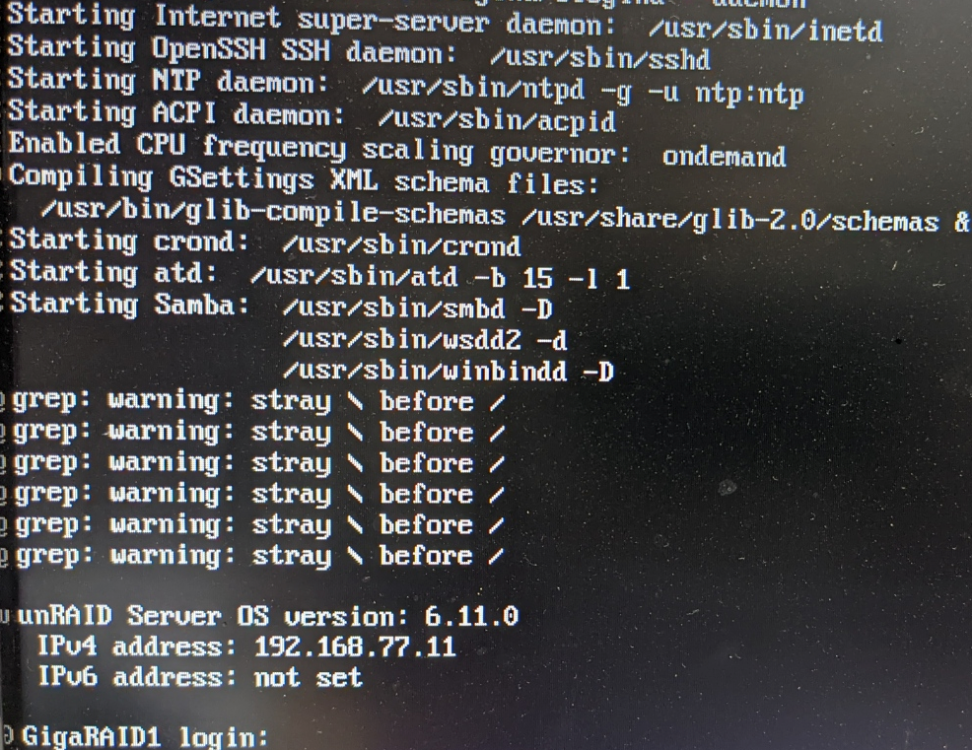
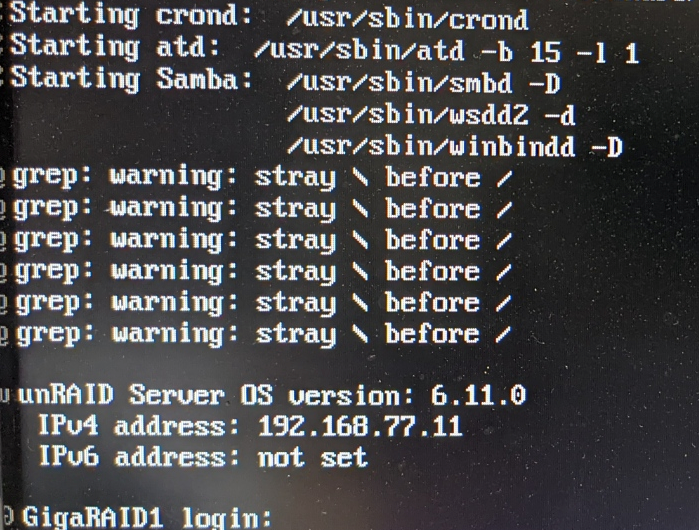
Hi All, I have a boot Issue with 6.11.0 - grep: warning: stray \ before / issue if I uninstall this plugin the grep error go away. Although the plug does still work and functions normally I have also posted the issue here, which is solved, but the issue was cause by this plugin which still remains to be an issue Thanks
-
I have uninstalled all plugins, except - Community Applications - My Servers and am still getting the 3 to 4 minute wait at 'Starting samba' BUT no grep warnings Is this normal wait time, or is there still an issue? The plugin causing the grep warnings was Theme Engine Thanks
-
Ok, that goes straight in with NO warnings...
-
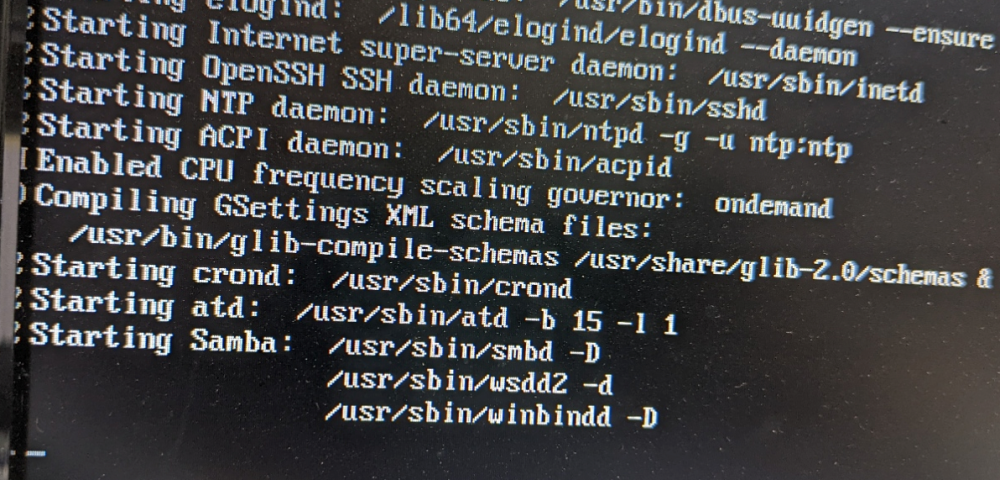
Hi All This is all new hardware and clean install of 6.11.0 Video card, using onboard AMD 5700G graphics 1x Docker, working fine 1x VM, working fine minimal data, although 'mover' is taking its time from NVMe to the array! At boot the system 'hangs' here at `starting samba` for 3-4mins Then comes up with this `grep: warning: stray \ before /` Attached is the diag diagnostics-20220925-2139.zip Thanks for your time in taking a look at this