





chis34
Members
-
Joined
-
Last visited
Everything posted by chis34
-
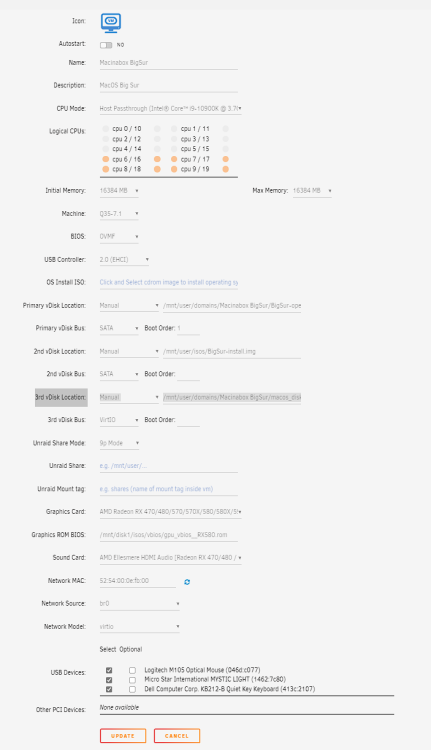
Hello, I have installed MacOs Big Sur with the MacOsInaBox plugins. The normal installation succeeded and i have been able to connect to it with VNC. Now i try to do GPU Passthrough editing the configuration file (see screenshoot below). When i launch it, i can see the baseImg logo and when i click on it i'm stucked on the Apple Logo, the install bar stays gray and do not progress at all. Any idea how to solve this problem ?
-
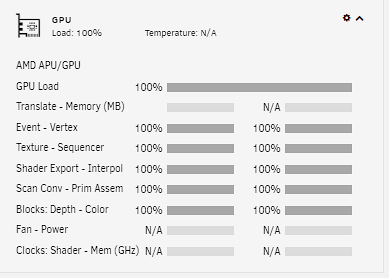
Salut Doobyns, J'ai bien essayé mais je n'ai aucune remontée de statistiques dans les graphiques (voir screenshoot) ... J'ai essayé de lancer radeontop et j'obtiens ces erreurs : Failed to find DRM devices: error 2 (no such file or directory) Failed to open DRM node, no VRAM support.
-
Executing radeontop on a command line i have this result : Failed to find DRM devices: error 2 (no such file or directory) Failed to open DRM node, no VRAM support.
-
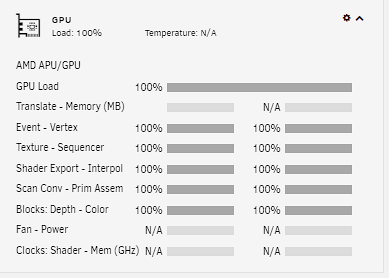
Thanks Squid for the tip. I have installed Radeon-Top and also GPU Statistics but infortunately no data displayed. I wonder if my Graphic Card is recognized or compatible with this plugins ?
-
I had seen it but installation fails. plugin: installing: gpustat.plg plugin: downloading: gpustat.plg ... 100% plugin: downloading: gpustat.plg ... done Executing hook script: pre_plugin_checks ******************************************************************** No vendor utilities found. Plugin install terminated due to failed prerequisites. ******************************************************************** plugin: run failed: /bin/bash Executing hook script: post_plugin_checks
-
Hello, I have just installed an RX 580 Sapphire Nitro + on my Unraid Server. Could you tell me if there is a script or a plugins that could give to me statistics of the GPU such as fan speed and Temperature ? Kind regards.
-
Bonjour, J’ai installé une RX 580 Sapphire Nitro + dans mon serveur Unraid. Sauriez-vous s’il existe un script ou un plugins pour récupérer la température du GPU et plus généralement des statistiques sur la carte graphique ? Merci par avance pour vos retours.
-
As i' m stubborn i definitely gave Q35 a chance and it worked .... I don't understand why ?? anyway both Q35 and I440 worked !!
-
+1 => 1.) api unraid + all plugins 2.) api VMs 3.)api dockers
-
Bon tu as vu que le problème est résolu sur le même post mais en anglais. Apparement il fallait passer par I440 et pas Q35 ... Merci pour ton aide, on reste en contact
-
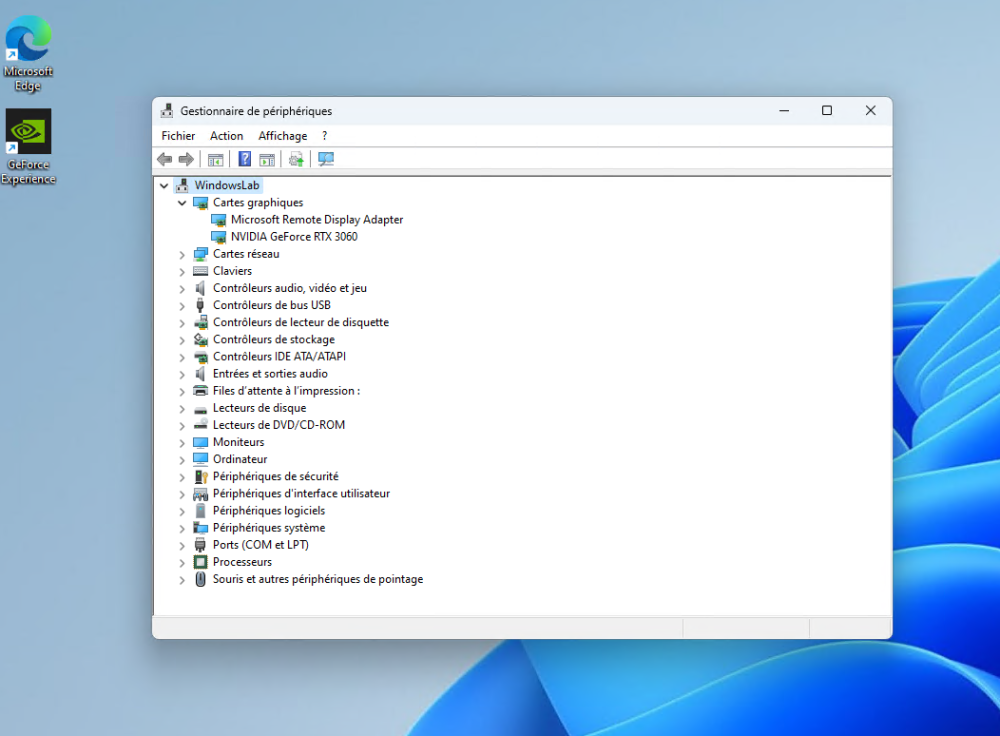
It works. Thank you so much to everyone for your help. Some informations : - i440 is working for me Q35 does not allow me to see the graphics card - I had forgotten on the previous installation to install virtio-win-gt-x64 and virtio-win-guest-tools => Do you think this could have made the difference between this installation and the previous one with Q35 ?
-
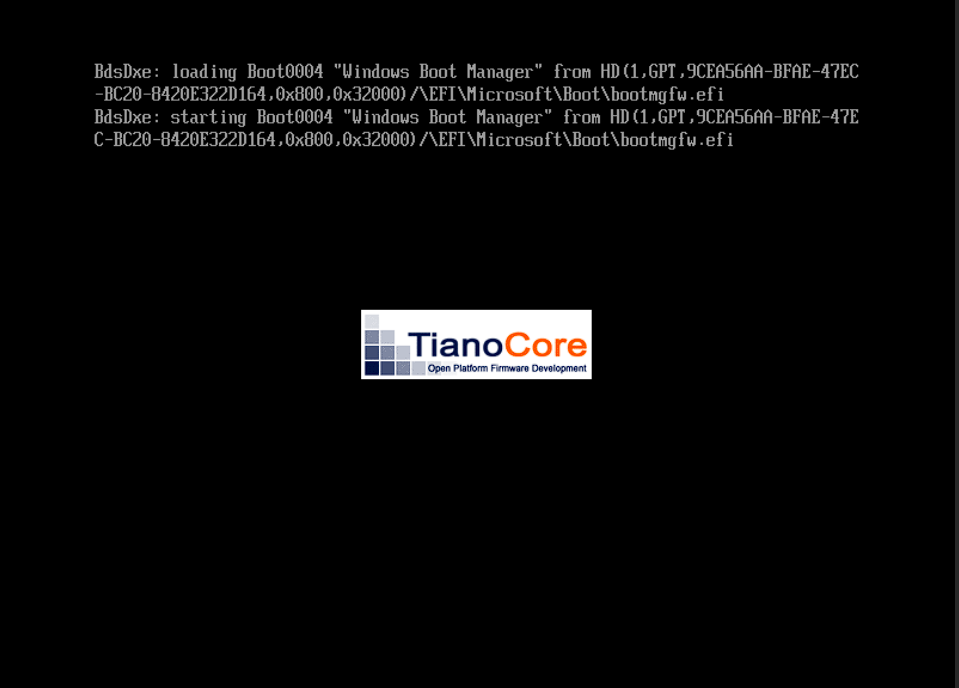
Installed Windows 11 i mean the first steps before rebooting then when it reboots it get stucked on the TinaCore screen ... cannot go further ... I stop / restart VM same result ... sound i440 does not work well The end fo the VM log : -tpmdev emulator,id=tpm-tpm0,chardev=chrtpm \ -device '{"driver":"tpm-tis","tpmdev":"tpm-tpm0","id":"tpm0"}' \ -device '{"driver":"usb-tablet","id":"input0","bus":"usb.0","port":"1"}' \ -audiodev '{"id":"audio1","driver":"none"}' \ -vnc 0.0.0.0:0,websocket=5700,audiodev=audio1 \ -k fr \ -device '{"driver":"qxl-vga","id":"video0","max_outputs":1,"ram_size":67108864,"vram_size":67108864,"vram64_size_mb":0,"vgamem_mb":16,"bus":"pci.0","addr":"0x2"}' \ -device '{"driver":"virtio-balloon-pci","id":"balloon0","bus":"pci.0","addr":"0x6"}' \ -sandbox on,obsolete=deny,elevateprivileges=deny,spawn=deny,resourcecontrol=deny \ -msg timestamp=on char device redirected to /dev/pts/0 (label charserial0) qxl_send_events: spice-server bug: guest stopped, ignoring
-
Ok installation work in progress ...
-
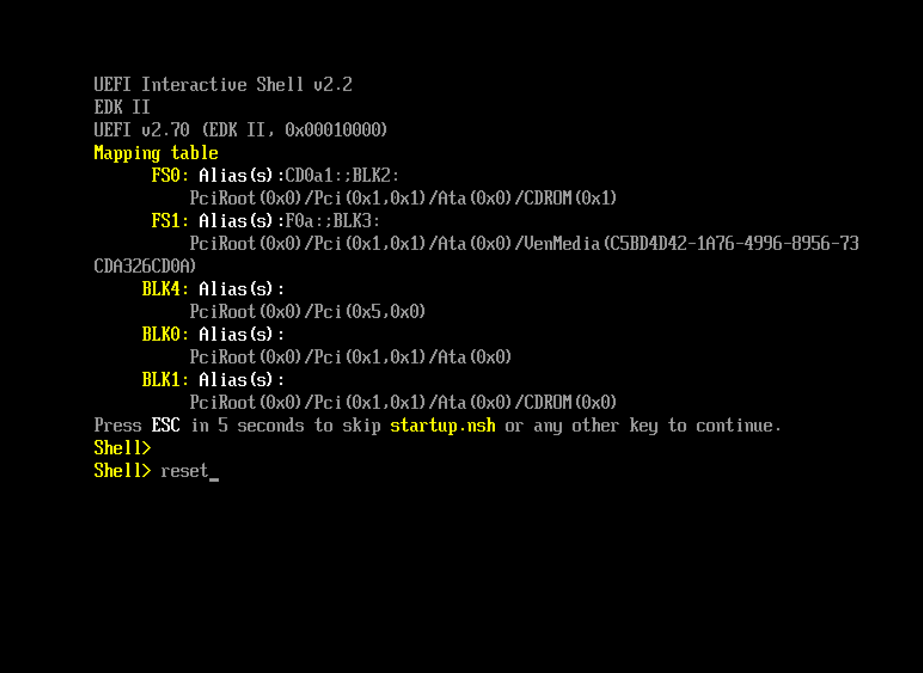
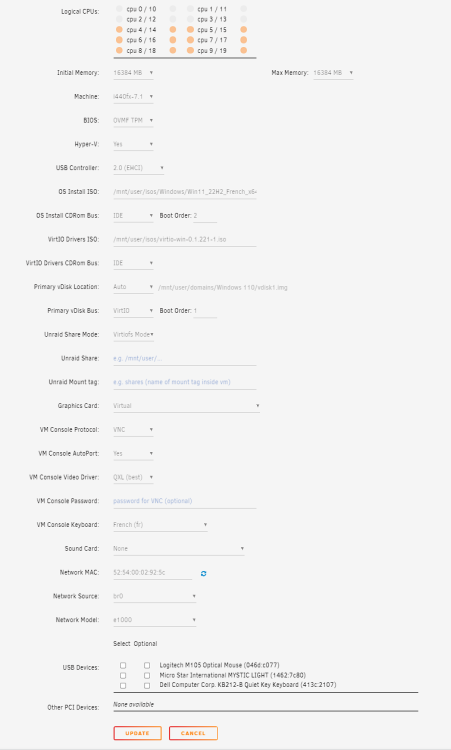
I tried creating a VM Windows 11 with i440. I stay stuck on the VM with this screen. Tried to type reset but unable to validate the action ...
-
No i didn’t i’m going to try it and let you Know…
-
Here it is. tower-diagnostics-20221022-1044.zip
-
No the resisable BAR is disabled on the BIOS. Here is a new diagnotics. Acfually i'm on UEFI with video=efifb:off on syslinux. tower-diagnostics-20221022-0940.zip
-
I tried with or without video=efifb:off and combinaison UEFI or Legacy same result…
-
SimonF i tried again to boot in UEFI and same result 😩
-
I was on UEFI and i didn’t succeed installating the VM at all, passing to Legacy allowed me to do so…
-
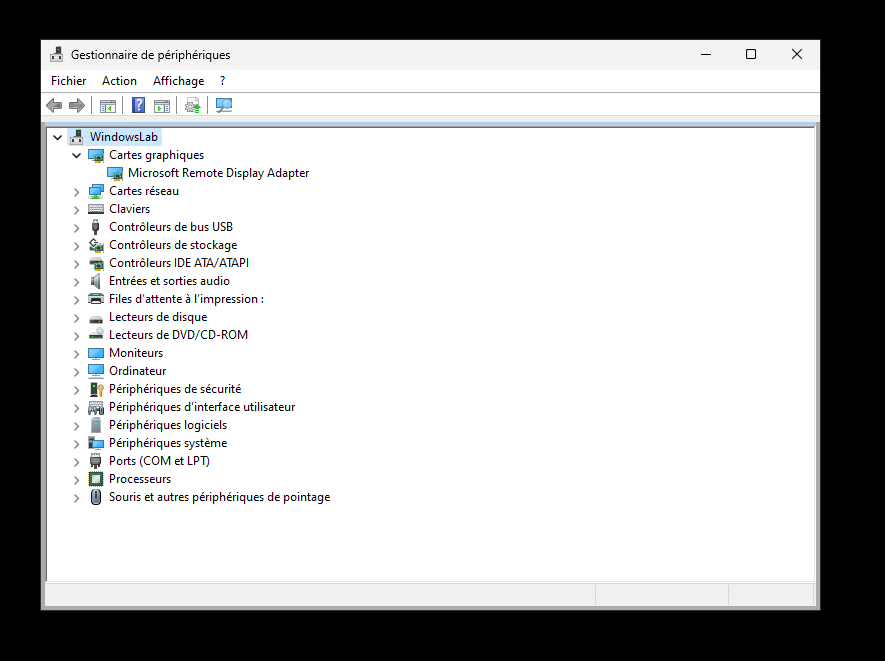
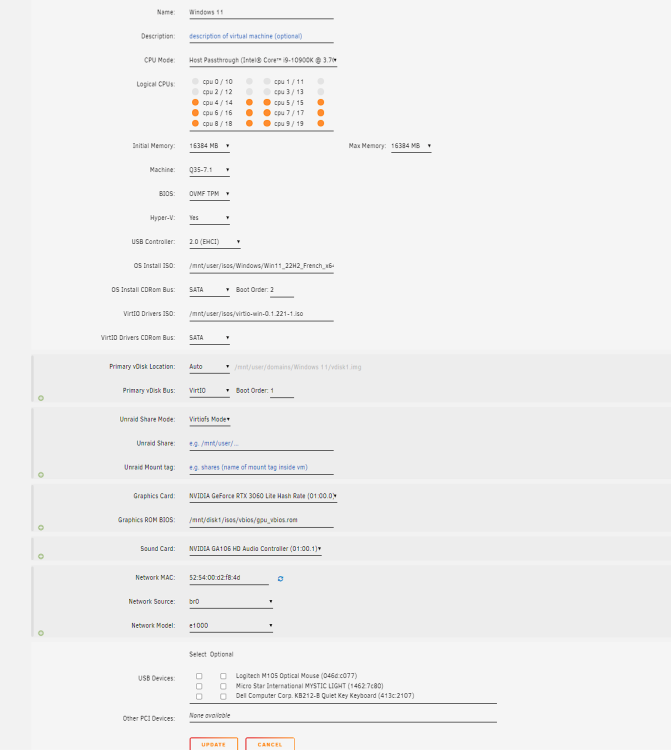
Here are my settings. 1/ I boot on Legacy 2/ I have corrected the XML file config of the VM setting multifunction='on' and correct values for the graphic card and sound as well. <hostdev mode='subsystem' type='pci' managed='yes'> <driver name='vfio'/> <source> <address domain='0x0000' bus='0x01' slot='0x00' function='0x0'/> </source> <rom file='/mnt/disk1/isos/vbios/gpu_vbios.rom'/> <address type='pci' domain='0x0000' bus='0x04' slot='0x00' function='0x0' multifunction='on'/> </hostdev> <hostdev mode='subsystem' type='pci' managed='yes'> <driver name='vfio'/> <source> <address domain='0x0000' bus='0x01' slot='0x00' function='0x1'/> </source> <address type='pci' domain='0x0000' bus='0x04' slot='0x00' function='0x1'/> </hostdev> 3/ I have put video=efifb:off on syslinux 4/ The graphic card is connected with a HDMI to a screen 5/ I have not installed the NVIDIA drivers on Unraid as it is supposed to be used only on containers (but not VMs). But i think this has nothing to do with thiis. 6/ I have passed the VBIOS of the GC as parameter => The problem is still there no graphic card detected on Windows (see screenshoot).
-
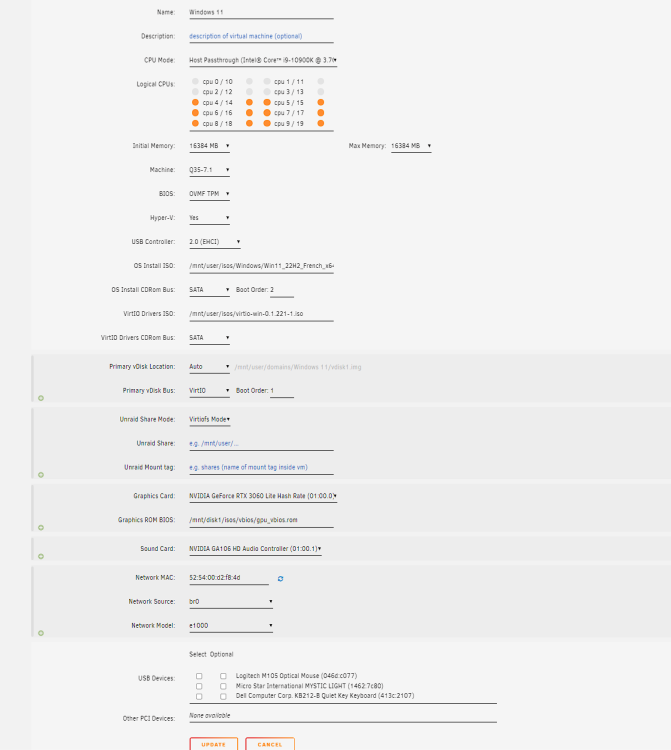
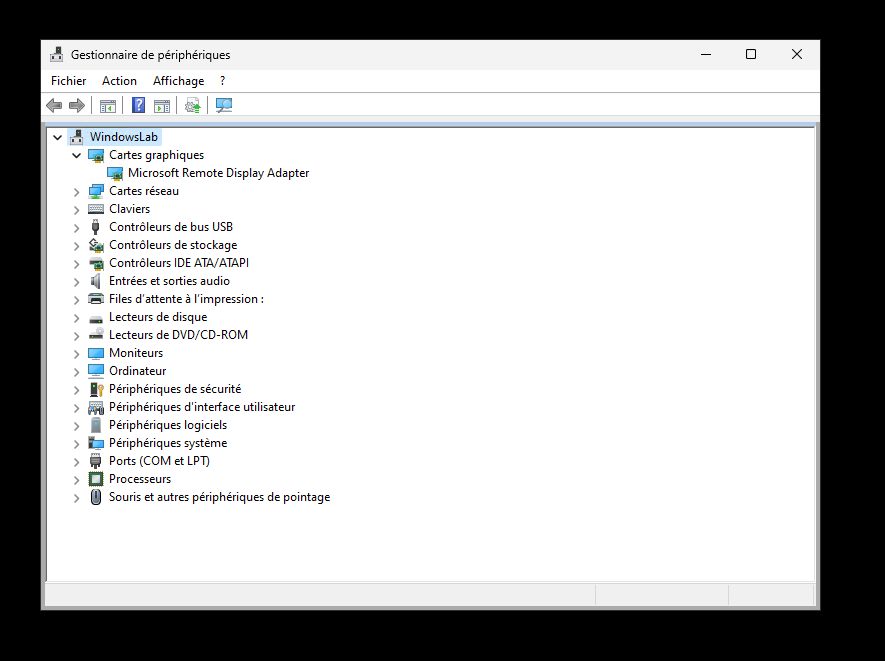
Voici ma capture d'écran : - A noter que : 1/ Je boote en Legacy 2/ J'ai corrigé le fichier XML en mettant multifunction='on' puis la carte graphique et la carte son sur le même slot. <hostdev mode='subsystem' type='pci' managed='yes'> <driver name='vfio'/> <source> <address domain='0x0000' bus='0x01' slot='0x00' function='0x0'/> </source> <rom file='/mnt/disk1/isos/vbios/gpu_vbios.rom'/> <address type='pci' domain='0x0000' bus='0x04' slot='0x00' function='0x0' multifunction='on'/> </hostdev> <hostdev mode='subsystem' type='pci' managed='yes'> <driver name='vfio'/> <source> <address domain='0x0000' bus='0x01' slot='0x00' function='0x1'/> </source> <address type='pci' domain='0x0000' bus='0x04' slot='0x00' function='0x1'/> </hostdev> 3/ J'ai mis video=efifb:off dans le syslinux 4/ La carte graphique est connecté à un écran par un cable HDMI 5/ Je n'ai pas installé les drivers NVIDIA sur Unraid car apparemment si tu fais ça c'est uniquement pour le passer à des containers et pas aux VMs. 6/ J'ai passé le VBIOS de la carte graphique en paramètre => Le problème persiste la carte graphique n'apparait pas dans le gestionnaire de périphériques sous Windows
-
Any idea how to solve this problem ?
-
I have followed the tutorial advanced gpu techniques from spaceinvadersone. I have modified my xml file, updated the bios from nvidia deleting the header. Same result the graphic card is not visible under windows on peripherals list…. 😭😭😭😭😭
-
Salut, Merci pour ta réponse. J’ ai progressé et réussi à exécuter la VM. Cependant je ne vois pas dans le gestionnaire de périphérique ma carte graphique. J’ai bien associé à vfio la carte graphique et le son, j’ai aussi configuré la Vm pour les utiliser et aussi positionné video=efifb:off dans le syslinux …. je ne sais plus trop quoi tester une idée ?





