Skip to content
View in the app

A better way to browse. Learn more.

Unraid

A full-screen app on your home screen with push notifications, badges and more.

To install this app on iOS and iPadOS
  1. Tap the Share icon in Safari
  2. Scroll the menu and tap Add to Home Screen.
  3. Tap Add in the top-right corner.
To install this app on Android
  1. Tap the 3-dot menu (⋮) in the top-right corner of the browser.
  2. Tap Add to Home screen or Install app.
  3. Confirm by tapping Install.

The Beast

Members
  • Joined

  • Last visited

Everything posted by The Beast

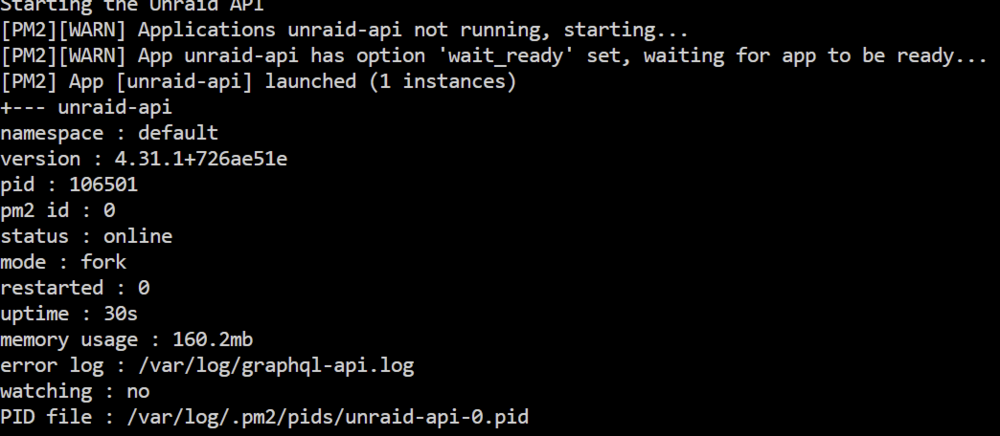
  1. It looks like one came out today? Still fails if it did. This was all working until the Unraid Connect was upgraded.
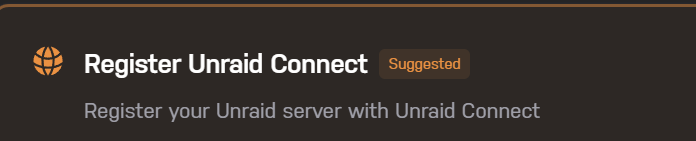
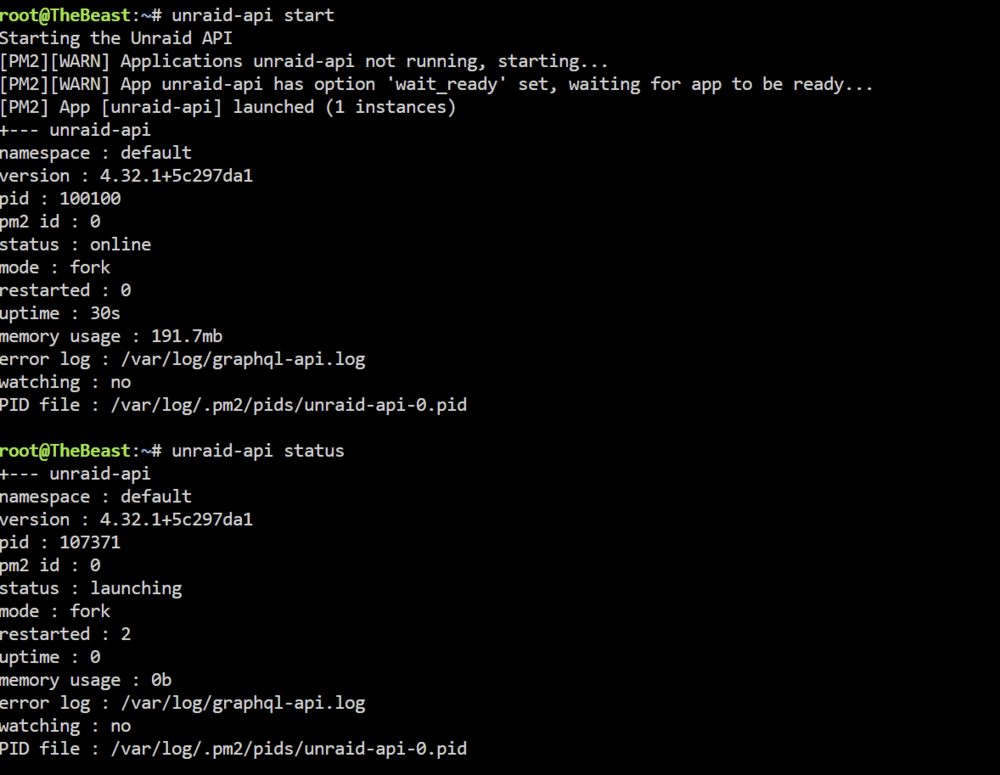
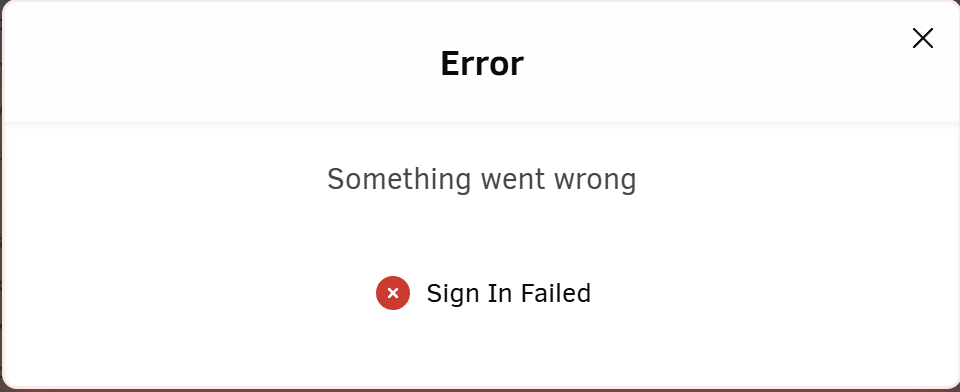
  2. Failed to start, probably in the restart loop. API starts ok without Unraid Connect......I can't register with unraid connect, I get a sign in error. thebeast-diagnostics-20260403-1022.zip
  3. It shows but I can't sign in, it's grayed out. Exact same problem......reboots don't fix it.
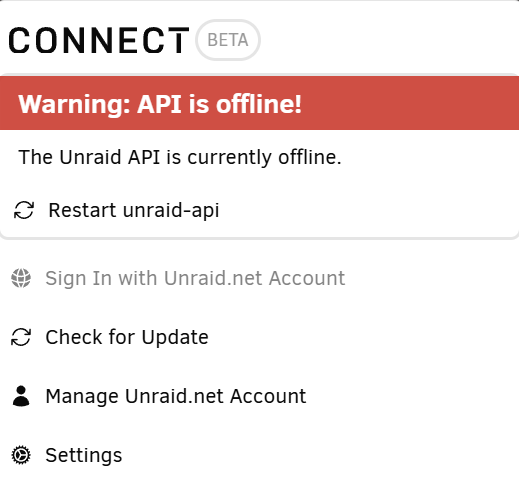
  4. my recommendation would be to fallback this buggy release and test thoroughly before releasing another one.
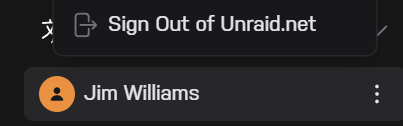
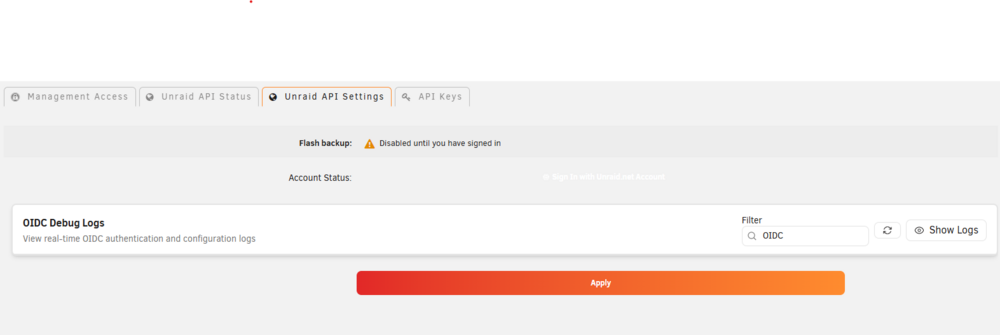
  5. How do you sign in when you get this: How do you sign in when you have this:
Account

Navigation

Search

Search

Configure browser push notifications

Chrome (Android)
  1. Tap the lock icon next to the address bar.
  2. Tap Permissions → Notifications.
  3. Adjust your preference.
Chrome (Desktop)
  1. Click the padlock icon in the address bar.
  2. Select Site settings.
  3. Find Notifications and adjust your preference.