





Alcapone001
Members
-
Joined
-
Last visited
Everything posted by Alcapone001
-
Okay No Problem. Simply a suggestion based on my challenges. All in all am grateful for those who have taken their time to make this work... As an aside any reason why Unraid mainly supports APC UPS only. Sponsorship?
-
Shouldn't this be added to the OP. This way People can easily pick this up. For instance in my case when setting up NUT for the first time I simply used the instructions in the Original Post. The Plugin was automatically removed later on due to compatibility issues .. Updating the Original Post will easily have helped..
-
Changing the USB Port Worked. It appears the USB Port i have been using went Kaput at some point.. Thank You.
-
Shouldnt the Status be 'Started'

 Same issue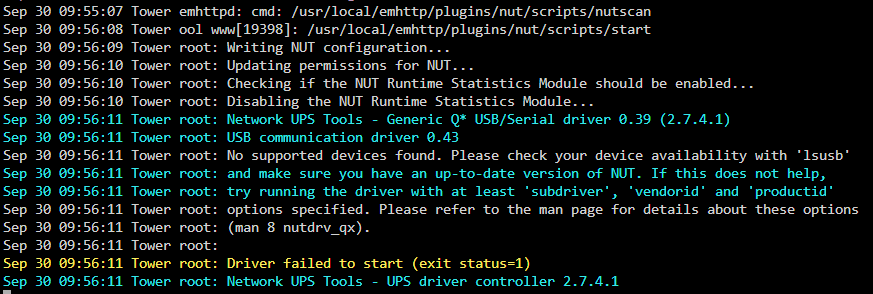
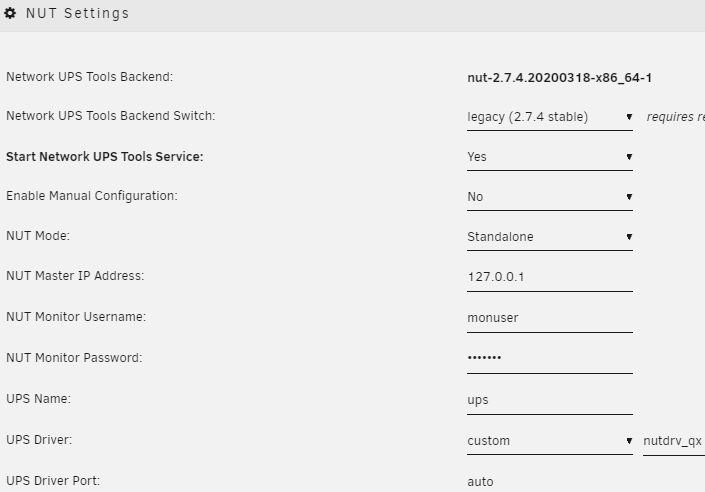 Same issue Why is the driver failing to start?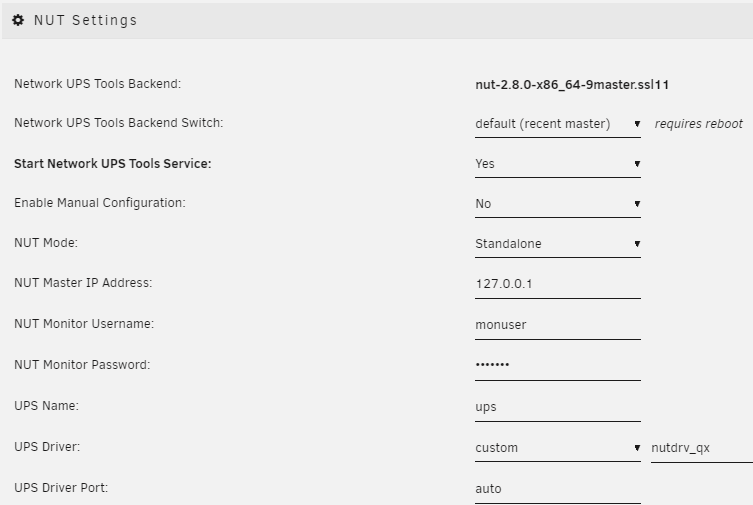
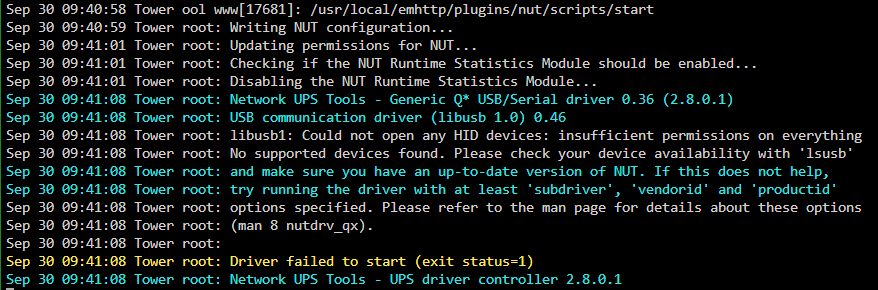 In the Plugin the nutdriv_qx is not an option. Using the Custom option and defining 'nutdrv_qx' results in failed to start driver. I noticed this is the same error i had even with blazer usb option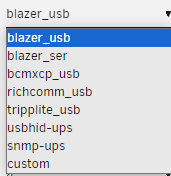
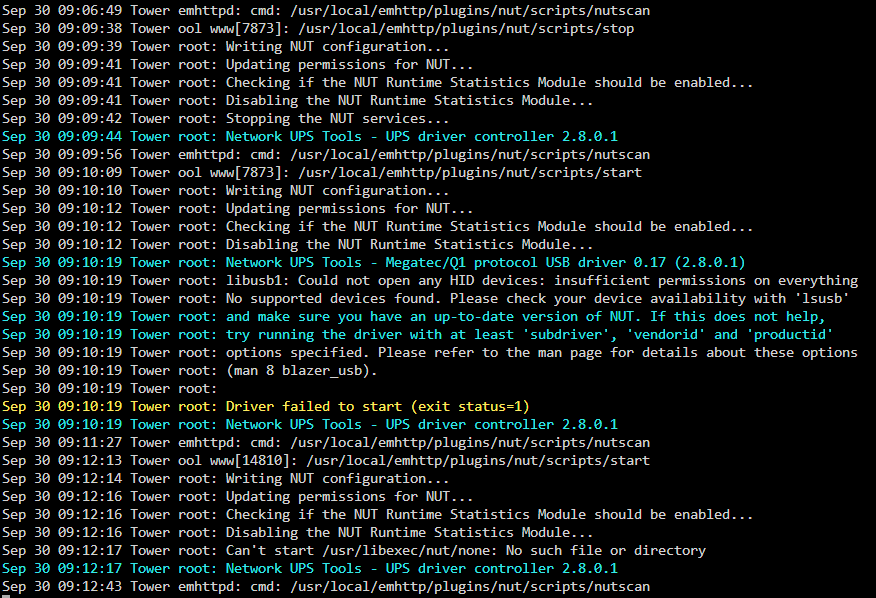
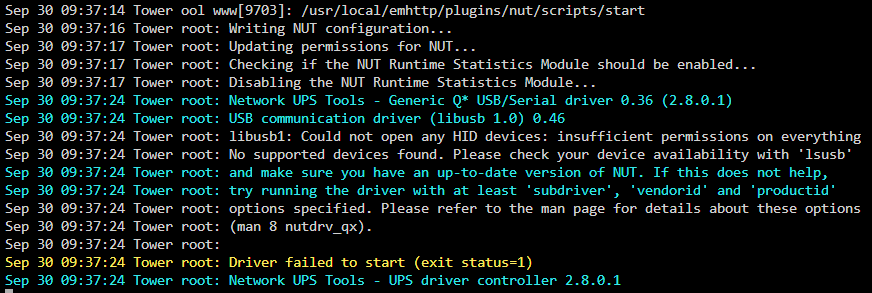 I have a Mecer ME-1000-VU UPS with a USB Data Port. The UPS uses UPSILON 2000 Driver. I had previously setup the UPS using the Link on the Home Page of this thread. It worked just fine. However, when the Server restarted due to a power outage the Plugin was removed due to compatibility issues. FYI at the time i was on Unraid 6.12.3. Am now on Unraid 6.12.4 and have now installed the rysz Network UPS Tools (NUT) for UNRAID plugin through Docker. Have tried all the options but not sure what am missing as the UPS is not detected.
 I think Simon's. Simply picked the Url posted initially here.. Will check further details once I get back home, in a few hours. Well, haven't upgraded or restarted the server since I installed the Plugin.. Hence my surprise seeing the alert. I think am on 6.12.3 but will check once I get homeSo Yesterday Power went off. On Switching back the Server, I got an alert that the plugin was removed because it was not compatible with my OS. Note that the Plugin has been in use for a month just fine. Shouldn't Compatibility be established at the Plugin Installation Stage. Not some time down the line...This is what i also dont understand why it cant do this by default. I mean you initiated the Shutdown, so it is not like you have any active processes running. For me I get this error and it can be a tad frustrating. I have no VMs setup and No one accessing shares.Did you get one..?


