





paladin
Members
-
Joined
-
Last visited
Everything posted by paladin
-
Have booted in safe mode. Had to re-add a nvme cache drive that had dropped off. Parity check auto started and in progress. Will take about 8 hours to complete. Thank you for assistance
-
After upgrade to 7.20, system has slowed down to a crawl. System is almost unusable. Upgraded two systems, second is all fine a joy! Main system is running 10 times slower. Waiting 10seconds to change screeens.... Diagnostics attached. HELP! tower-diagnostics-20251105-1736.zip
-
Pulling my hair out! I want to have document ID added to each artefact as a TAG. Have tried a million prompts with no luck. Ant help appreciated
-
Same here. I run 2 servers. One upgraded and worked perfectly. The other one I had to completely remove and reinstall. Then worked perfectly too. More a paladin config issue I think. Great work!!
-
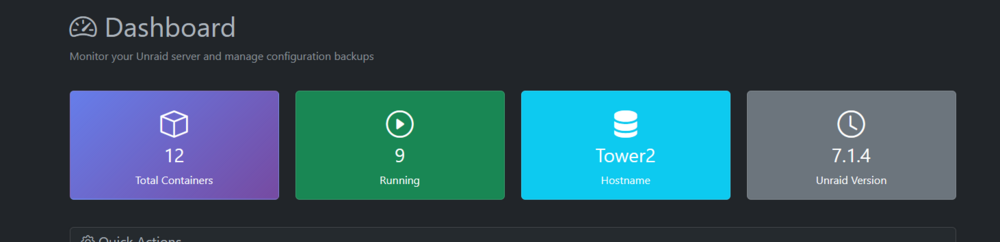
I removed --user 99:100 from extra parameters. First backup worked, subsequent failed. Same as Scridgeon's description. Also version and host name now working
-
Im running rwo servers. One is v1.1 and nil issues. The other I forced update to V1.2.2 and just will not backup. Have tried pointing to dockersoet IP rather than dockersocket:2375. V1.2.2 does not show unraid version
-
I also updated to v1.2.2 but had this error Backup failed: [Errno 13] Permission denied: '/boot/config/plugins/dockerMan/templates-user'
-
Great work!
-
Just forced update. Logged in. Looks fabulous!
-
I was having exactly the same. But when I changed Docker Host details, it all worked!

-
Happening to me too. Any resolution?


