




Skip to content
View in the app

A better way to browse. Learn more.

Unraid

A full-screen app on your home screen with push notifications, badges and more.

To install this app on iOS and iPadOS
  1. Tap the Share icon in Safari
  2. Scroll the menu and tap Add to Home Screen.
  3. Tap Add in the top-right corner.
To install this app on Android
  1. Tap the 3-dot menu (⋮) in the top-right corner of the browser.
  2. Tap Add to Home screen or Install app.
  3. Confirm by tapping Install.

netboy

Members
  • Joined

  • Last visited

Everything posted by netboy

  1. I found the issue. There is a Skip updating entries option in the library settings. Everything works now.
  2. What exactly does global update do? The titles that I have in my library are not updating when new chapters are out. I have to go into the title page then click the "reload data from source" icon for the new chapters to show up. Am I doing something wrong? Do not want to click up the update button for each title. Otherwise everything works great.
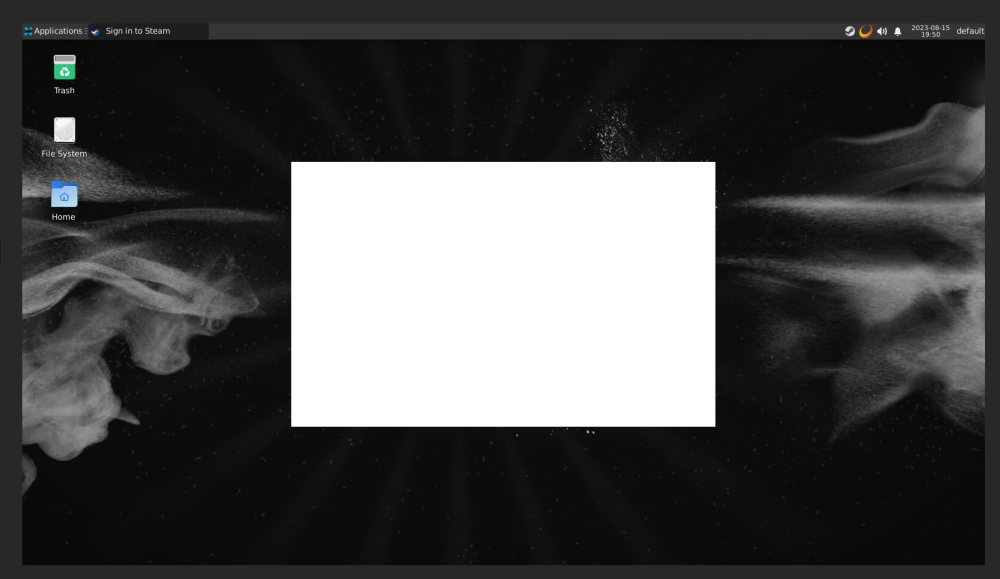
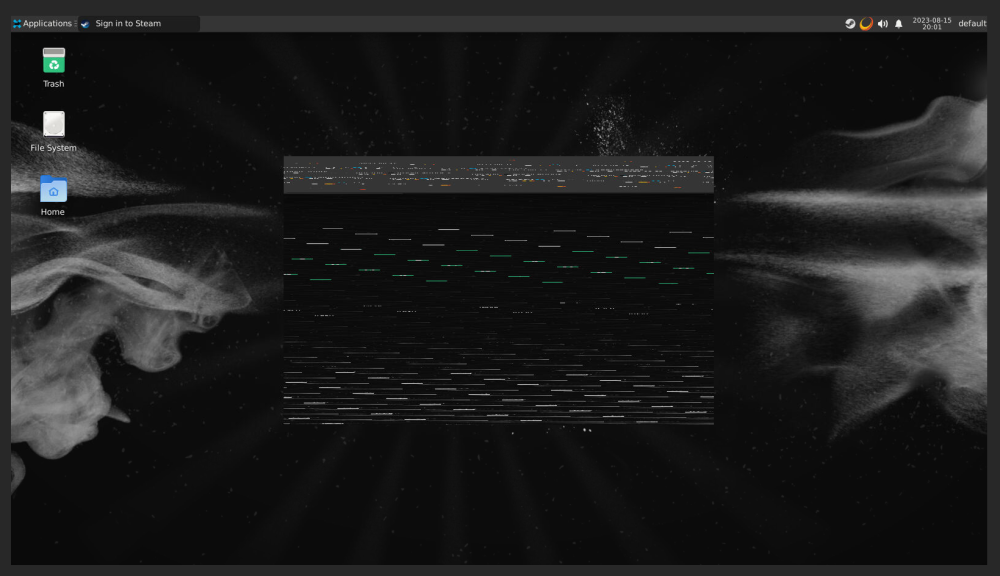
  3. I have everything setup and running well other than when I try to login with a second instance of steam. I get a blank white box I can't do anything with. If I remove the --runtime=nvidia parameter the login screen has color but still unreadable.
Account

Navigation

Search

Search

Configure browser push notifications

Chrome (Android)
  1. Tap the lock icon next to the address bar.
  2. Tap Permissions → Notifications.
  3. Adjust your preference.
Chrome (Desktop)
  1. Click the padlock icon in the address bar.
  2. Select Site settings.
  3. Find Notifications and adjust your preference.