digital_billy
Members
-
Joined
-
Last visited
-
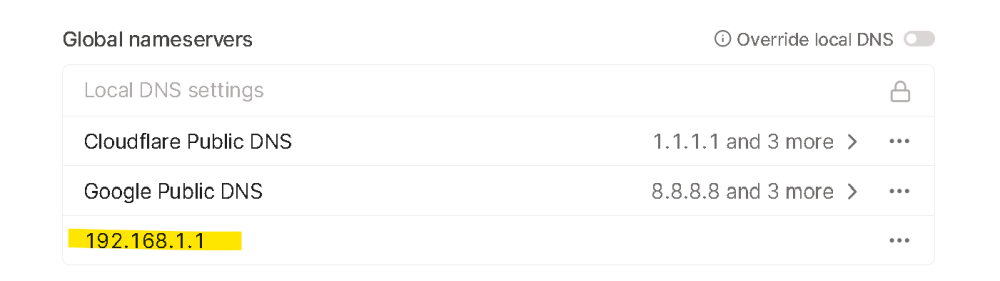
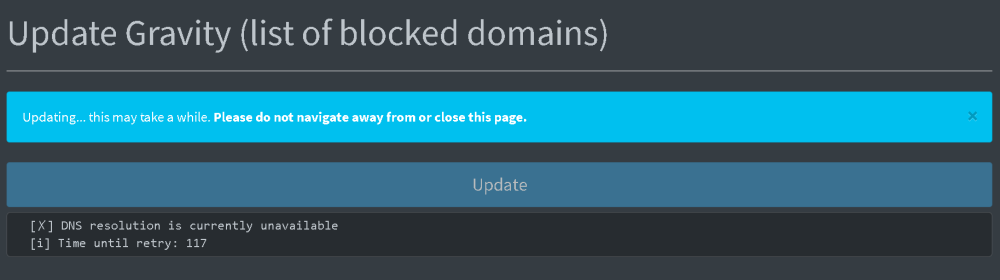
im doing the same thing with my iphone and and pushing all my iphone traffic to my unraid box with exit node enabled.. I just added my pihole dns address in to talscale. it seems to work however im havving an issue when using gravity update im getting this error "[✗] DNS resolution is currently unavailable" its worked before not sure what changed or had enabled to cause this error.
-
did you ever figure out the problem?
-
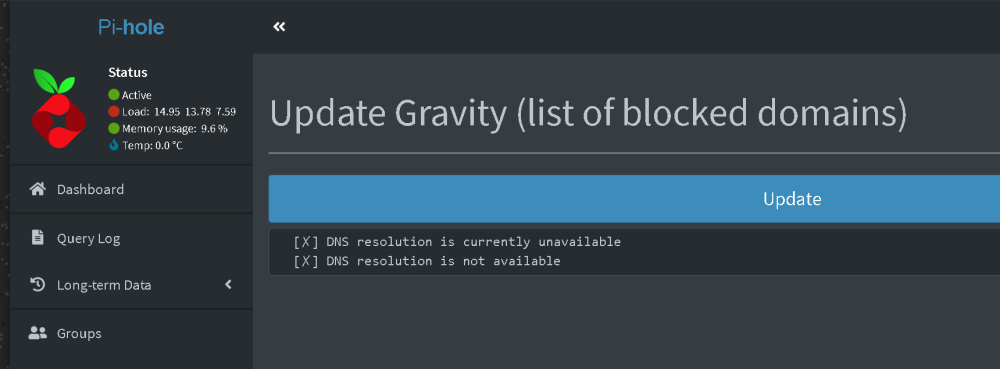
hi guys sorry for the newb question i have Pihole installed and its working but when i try to do gravity update i get a dns error... ive been searching but i cant seem to find a solution. must be a simple setting i am missing. i followed the guide by spaceinvader 1 on youtube but video is already kinda outdated.
-
thanks im going to give this a try hopefully it fixes my black screen issue
-
hi i have this same board does anyone have a fix for the GPU passthrough unraid-diagnostics-20230924-0629.zip
-
i have this board with his 6900 video card im having problems with gpu passthrough anyone have a solution for this mobo combo?unraid-diagnostics-20230924-0629.zip
-
following acouple of guides here still getting black screen not sure what else to try? ive tried a few different radeon cards and also different pcie slots to see if that makes a difference ^^ from the video above i tried this but still no go dd this in your syslinux/cfg or try it out first and add it in your GRUB before you start UnRaid. video=efifb:off My line looks like that: label Unraid OS No VGA menu default kernel /bzimage append pcie_acs_override=multifunction video=efifb:off initrd=/bzroot