





mikonas
Members
-
Joined
-
Last visited
-
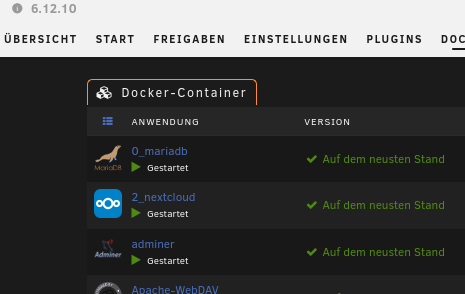
Hi @alturismo, ich denke Du meinst den Docker Container und hier die Konsole. Ja diesen nutze ich.
-
Hi zusammen, Danke an alle für die Hilfe. occ files:scan -- user Funktioniert sehr gut in der Konsole. Danke für die schnelle Hilfe. VG mikonas
-
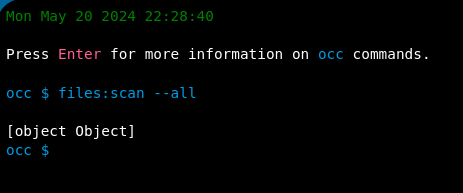
Danke @alturismo! Ich werde das ausprobieren. files:scan --all tut bei mir nicht was es soll
-
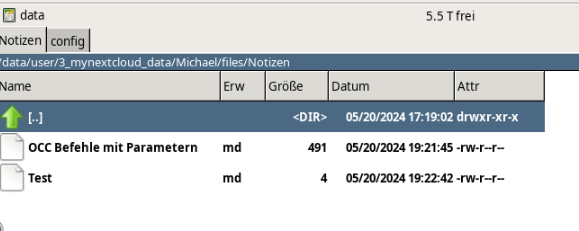
Nur Änderungen die ich direkt in der NC Oberfläche mache haben auch Einfluss auf die Anzahl der Folder und Files. Als Bsp. habe ich 2 Testnotizen angelegt und auch eine Datei in den Documents Ordner hochgeladen. Diese finde ich in der NC Oberfläch eund auch im Dubble Commander wieder. Alle Dateien die ich aber manuell in den User Homeordner kopiere finde NC nicht in der Oberffläche. Auch der Eintrag in der Config (filesystem ceck_changes =>1) ist irgendwie nutzlos. Hier ist der Wurm drin 😞
-
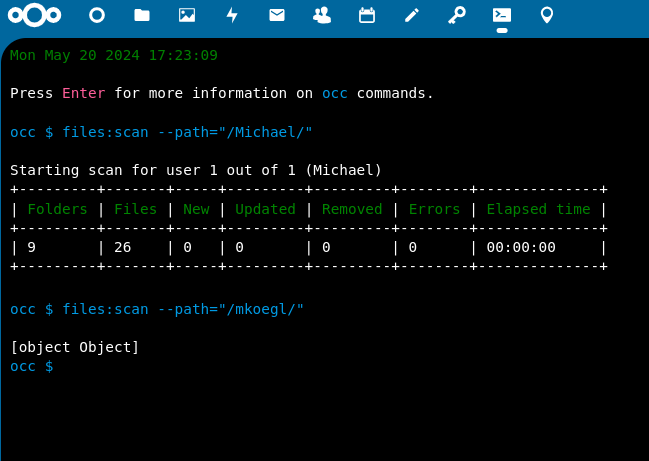
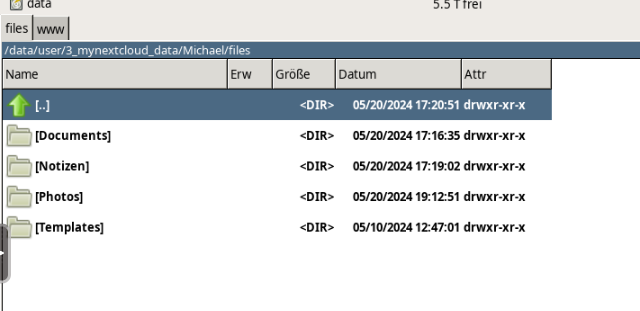
Hallo @Amane, kannst Du bitte noch einmal Draufschauen was ich verkehrt mache? Ich kann mit files:scan und diversen Parametern keinen Scan starten. [objekt Objekt] ist offensichtlich die Fehlermeldung oder es ist darin begründet das hier ein Admin Konto angesprochen wird. Ich kann für den user mkoegl den Scan nicht Starten 😞 Jedoch für den User Michael geht das schon. Müssen da noch irgendwelche Parameter hinten dran? Und was mich noch wundert ist das wenn ich in die Home Ordner des User Michael Dateien zu Verzeichnisse zufüge und dann den Scan start ändert sich nichts an der Anzahl der Folders oder Files. Irgendwas übersehe ich bei der Nutzung wahrscheinlich. Auch wenn ich den Pfad des users angebe bekomme ich keine Änderungg hin files:scan --path="Michael/files" obwohl ich die Dateien im Dubble Commander sehen kann.
-
Hi Amane, Du hast mein Pfingesten zu etwas besonderem gemacht 🙂 Freue mich wieder auf die Cloud zugreifen zu können. Danke nochmals für Deine Hilfe! Ich werde das mal probieren und melde mich. LG
-
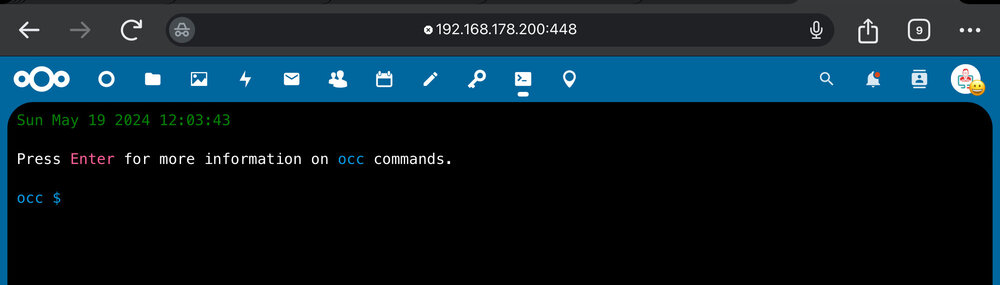
Eine Installation des Updates hat die Lösung gebracht, und nun bin ich erst einmal ein Stück weiter. Weißt du wie ich von hier den Scan des User mkoegl starten kann?
-
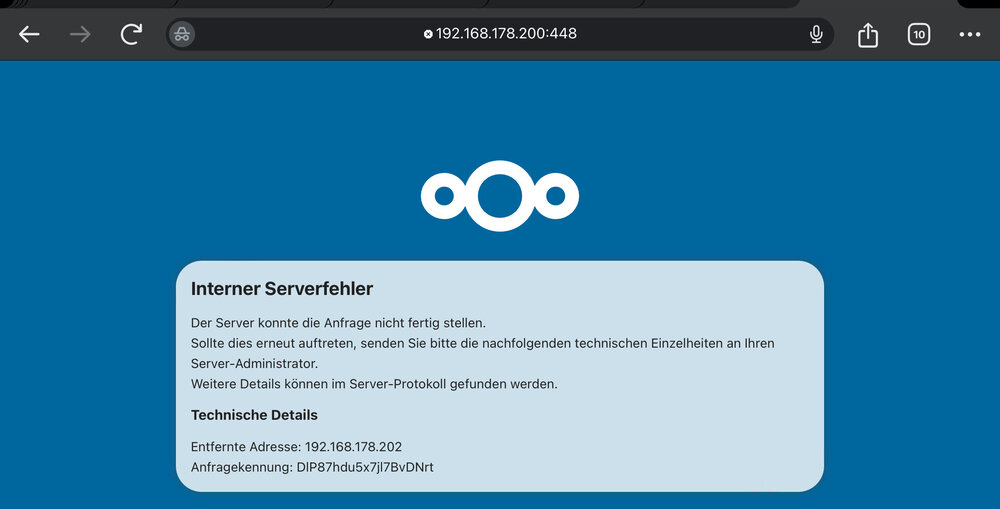
Wenn ich die installierte App ´OCC Web´ starten will kommt und laut Anleitung den Scan starten möchte kommt dir folgende Fehlermeldung.kannst Du damit was anfangen?
-
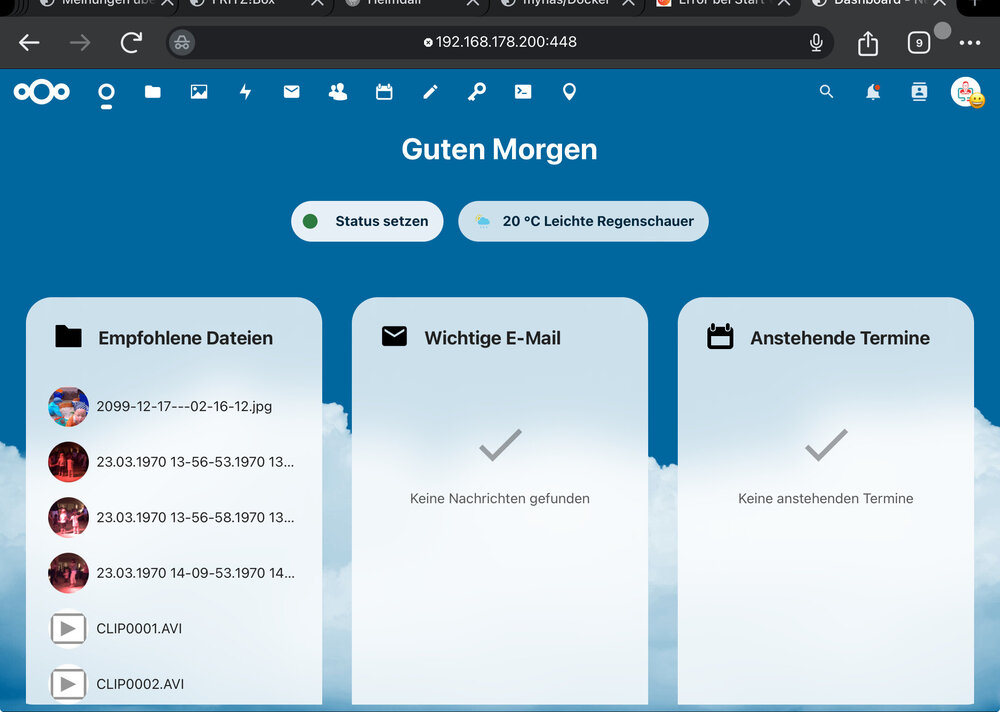
Oha, Dahab ich wirklich Deinen Post überlesen und bin gleich zum Ende gesprungen. super und herzlichen Dank für Deine Mühe. das gibt Karma - Punkte 🙂 Herzlichen Dank für Deine Mühe, es funktioniert und ich soooo froh das ich wieder auf meine NC komme 🙂 Wirklich! Wenn Du mir jetzt noch helfen könntest den Scan anzustoßen?
-
448 ist okay. Ich habe auf 443 Heimdal laufen. das kann es nicht sein. Ich habe auch die Ports eben gecheckt. 😔
-
Vielleicht kannst Du mir helfen meine Config.php zu prüfen. Meine seiht wie folgt aus (alles was Passwörter etc sind habe ich mit xxx überschrieben): <?php $CONFIG = array ( 'datadirectory' => '/data', 'instanceid' => 'occbr8b962p6', 'passwordsalt' => 'xxx, 'secret' => 'xxx', 'trusted_domains' => array ( 0 => '192.168.178.200:448', 1 => 'mynas.lan:448', 2 => 'xxx', ), 'dbtype' => 'mysql', 'version' => '29.0.0.19', 'overwrite.cli.url' => 'https://192.168.178.200:448', 'dbname' => 'nextcloud_db', 'dbhost' => '192.168.178.200:3306', 'dbport' => '', 'dbtableprefix' => 'oc_', 'mysql.utf8mb4' => true, 'dbuser' => 'xxx', 'dbpassword' => 'xxx', 'installed' => true, 'memcache.local' => '\\OC\\Memcache\\APCu', 'filelocking.enabled' => true, 'memcache.locking' => '\\OC\\Memcache\\APCu', 'upgrade.disable-web' => true, 'maintenance' => false, 'loglevel' => 2, 'filesystem_check_changes' => 1, 'ldapProviderFactory' => 'OCA\\User_LDAP\\LDAPProviderFactory', 'twofactor_enforced' => 'true', 'twofactor_enforced_groups' => array ( 0 => 'admin', ), 'twofactor_enforced_excluded_groups' => array ( 0 => 'user', ), 'app_install_overwrite' => array ( 0 => 'occweb', 1 => 'ocjobs', ), 'default_phone_region' => 'DE', 'overwriteprotocol' => 'https', 'trusted_proxies' => ), ); @Amane
-
Liebes Forum, ich hab ein kleines Problem beim Strat von Nextcloud. eigentlich hat die ganze Konversation gestanden und Nextcloud sehr gut funktioniert. Ich habe eine zwei Faktor Authentifizierung eingerichtet und Kontodaten importieren. Leider ist mir beim Umzug von sehr vielen Daten der Weg über den Browser ziemlich anstrengend gewesen gewesen und ich habe die Dateien manuell kopiert. Und wollte danach einen Scan der NextCloud Ordner durchführen. Leider muss irgendwas schief gegangen sein und nun kann ich mich gar nicht mehr auf die NextCloud oberfläche einloggen. Ich komme zwar noch auf meine Daten (Double Commander), aber keine Möglichkeit mehr dies ein NC zu sehen. Kann mir bitte jemand helfen, bei der Fragestellung, wie ich diesen unglaublichen Fehler beheben kann? Ein blutiger Laie bitte hier um Hilfe und ist von Herzen dankbar für etwas Unterstützung. Beste Grüße zur Pfingsten, Mikonas
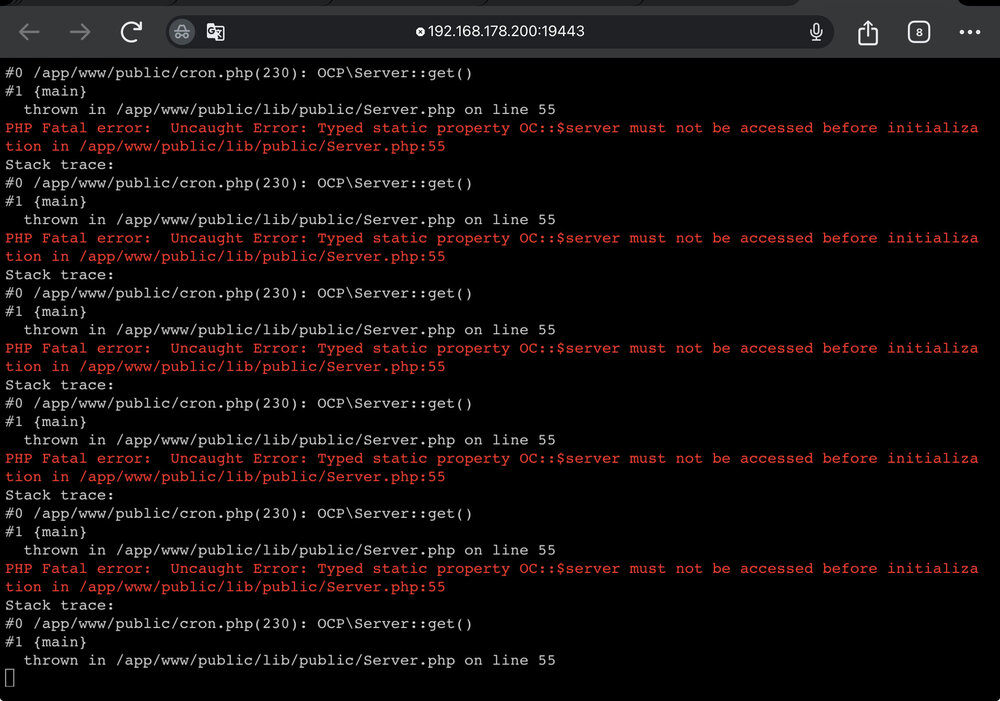
 Hallo @EliteGroup und Forum, ich habe eine kleines Problem nach den Anpassungen in der config mit php und kann Nextcloud nicht mehr starten. Hier wird immer geleitet das der Server einen internen Fehler meldet. Ich bin wirklich am Ende mit meinem Latein und ihr habtbestimmt einen Weg. Herzlichen Dank vorab alle. hier die Fehlermeldung und ein Auszug aus dem Logfile: Herzliche Grüße, Mikonas
 I am working with Unraid version 6.12.10 I recently installed Nextcloud with MariaDb and wanted to activate the 2-factor authentication. This is not possible with the following error message: The app cannot be activated because the server becomes unstable. What have I tried? I created another (admin) user and got the same error message. I don't want to run the system without two factor authentication activation. The attempt to create an SSL certificate also failed. Created a domain and a subdomain at selfhost dyndns Point the port 80/443 on my unraid server to the Docker container nginx Check in the console that the subdomain is resolved (NSLookup) Enter the subdomain in the Proxy Manager and enter the address of the unraid server including port (first check whether this IP address including port points to the Docker in the browser, internally and locally this works wonderfully) Public assessable activated and after clicking on Save the status online is displayed in green When testing by clicking on the subdomain, I land on the window in the browser. This website is not accessible If I now edit the newly created proxy host in the Proxy Manager and request a new certificate in the SSL tab, the check takes a while and then the process is aborted with the error message internal Error What can I do? Thanks in advance for your help. Best regards mynas-diagnostics-20240421-1025.zip




