





rowansc1
Members
-
Joined
-
Last visited
-
Thats a shame. I shall bring it back as there's a warranty. Thanks for your help!
-
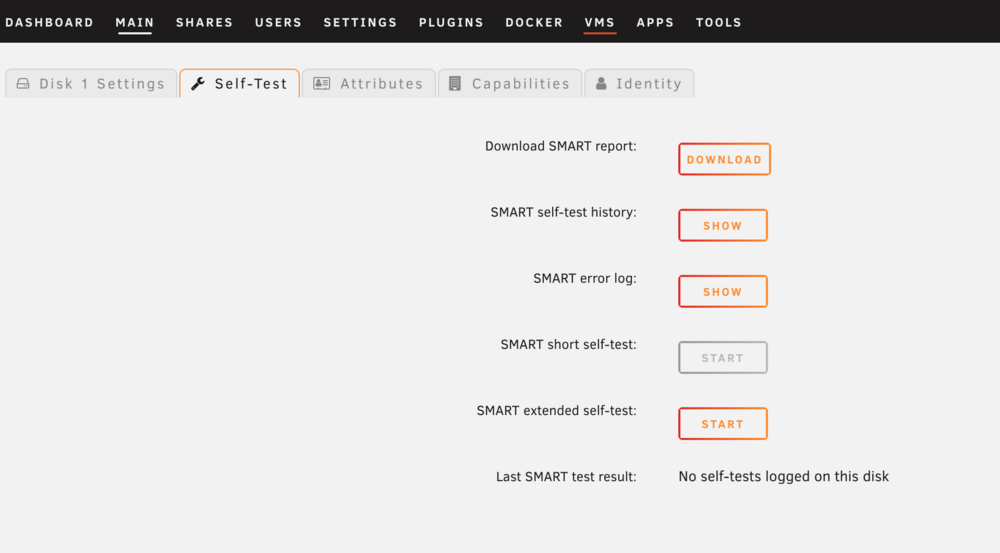
never mind - it got stuck and stopped doing the SMART test. Looks like it may have dropped off again?valkyrie-diagnostics-20250414-1345.zip
-
Ah ok - I'll let it run
-
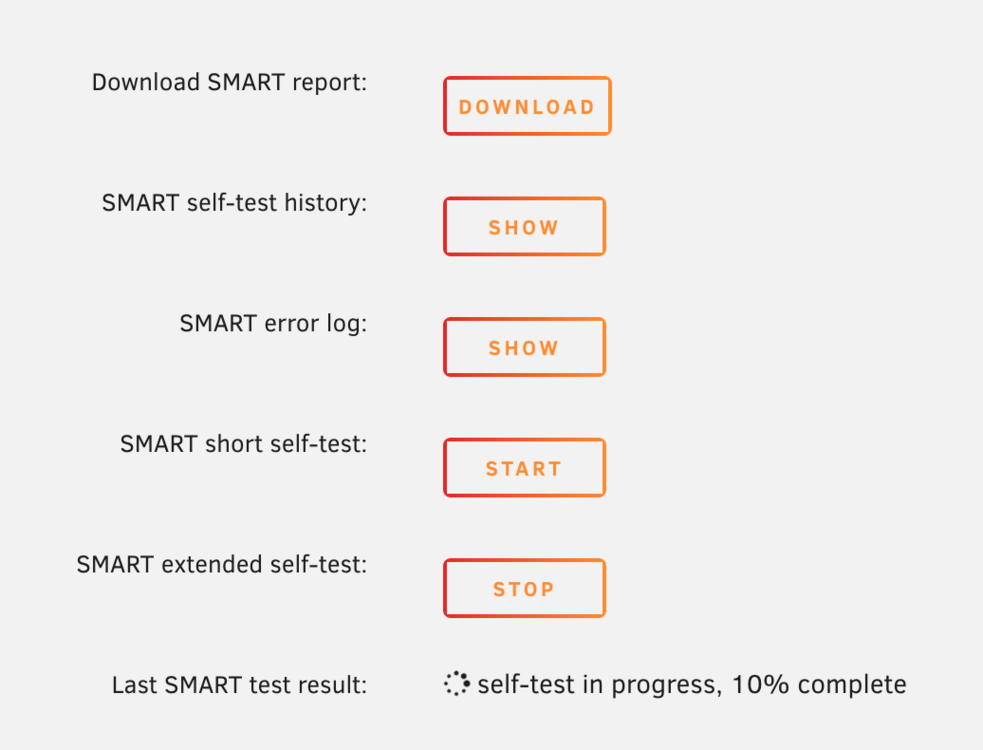
Thanks! The extended SMART test ran. I had to reboot it and shutdown and start it quite a few times for the disk to appear again. However, it has been detected. Sadly, its been stuck on `self-test in progress, 10% complete`.valkyrie-smart-20250414-1330.zip valkyrie-diagnostics-20250414-1333.zip
-
Thanks for your help @JorgeB! Sadly, after rebooting, it did the same thing as previously. valkyrie-diagnostics-20250414-1148.zip Here are the latest diagnostics
-
Screen Recording 2025-04-14 at 10.00.19.mov When attempting to run an extended SMART test, the button just goes back to `start` and doesn't actually do the test. The spindown time is set to never.
-
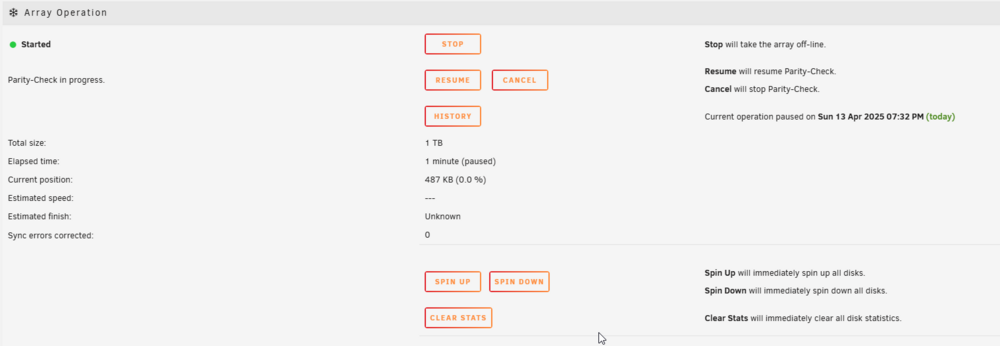
When I press the array start button, this is what happens:

-
Not sure if that last diagnostic had that disk in it, so here's another where I can see it in the `main` tab. valkyrie-diagnostics-20250413-1912.zip

-
Hiya Unraid Wizards! I've got a quick question here. So I purchased a used hard drive recently, and just got around to putting it in today. However, the drive seems to be erroring/not being detected by unraid. When installing, I went through the usual process, and it showed up in `main` as unallocated (great!), so I assigned it to a slot, and started the array. After 8 seconds, it stopped due to 137 errors. I thought that was weird so I took the drive out and moved it to a new slot in my server, with sadly a similar error appearing again. I gave it a restart, and now it's not detecting the drive at all. I was wondering if any of you knew wether the drive is just busted, or I've done something wrong? I've attached my diagnostics below, it's the Seagate ST1000.valkyrie-diagnostics-20250413-1839.zip Thanks everyone!
-
Preferably shrink the array. Typically I just put new drives into the array last week!
-
Ah balls, that's not ideal. What would be the best way to rebuild parity when removing this drive?
-
Thanks for your help so far JorgeB! I can confirm that the cabling is correct, the caddy lights are on and active. I have reseated the caddy and power-cycled the server. Diagnostics are attached below as requested. valkyrie-diagnostics-20250313-1305.zip
-
Hiya, it was the same type as disk in drive 2, sadly I can’t see any unassigned disks in the dashboard. Under main, it doesn’t show any other disks as assignable to drive 1.
-
Hiya! Looks like this could be a lovely disk failure, but I wanted to ask here to check. The drive appears undetected in Unraid, restarts of the server and array are inconclusive. The server is a HP ProLiant. I've attached the diagnostics below if they are of use. Thank you all! valkyrie-diagnostics-20250312-2031.zip

-
Thank you very much for the update! I'll remain on v3 for a little bit longer


