





Crimzon
Members
-
Joined
-
Last visited
Everything posted by Crimzon
-
I added a strict to User Scripts that does this At First Array Start Only: #!/bin/bash /usr/local/emhttp/plugins/dynamix.system.autofan/scripts/rc.autofan 'stop' /usr/local/emhttp/plugins/dynamix.system.autofan/scripts/rc.autofan 'start'
-
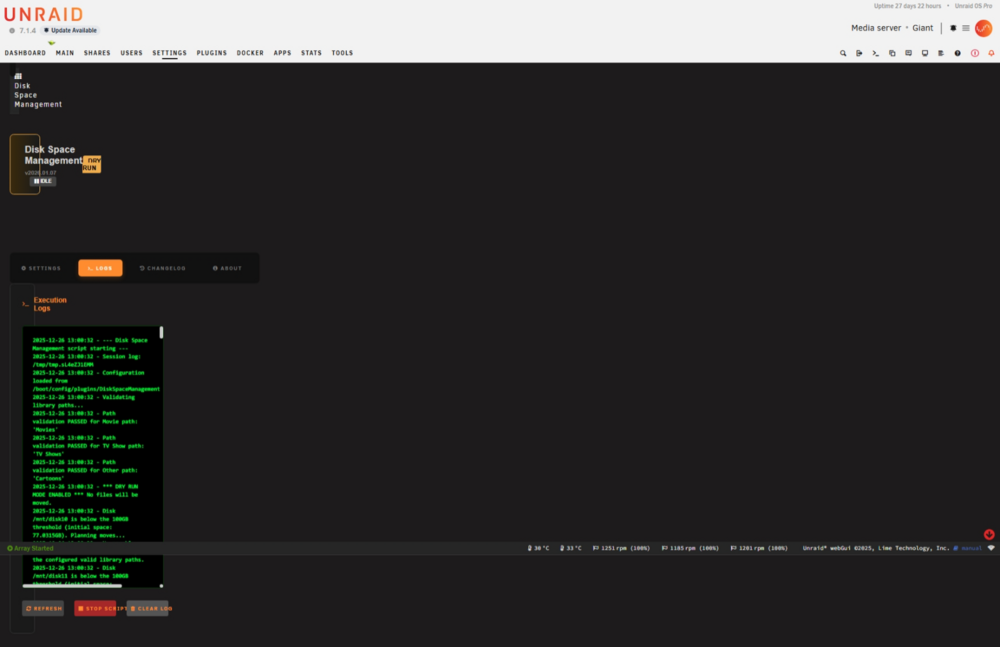
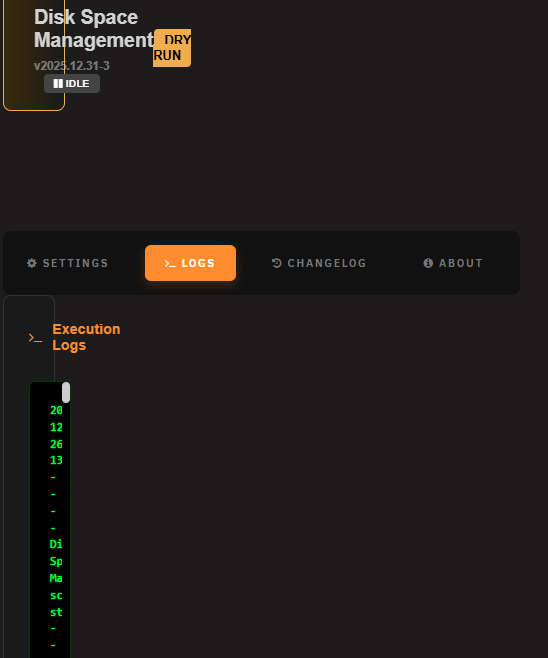
Your dev release didn't fix the problem but it did affect it. I still cannot enable/disable the Trial mode and the text scroll boxes are still pretty narrow, but they are wider than they were previously. This is behavior is consistent on the log, changelog, and about panels.
-
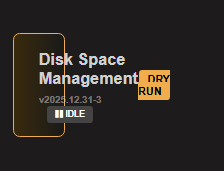
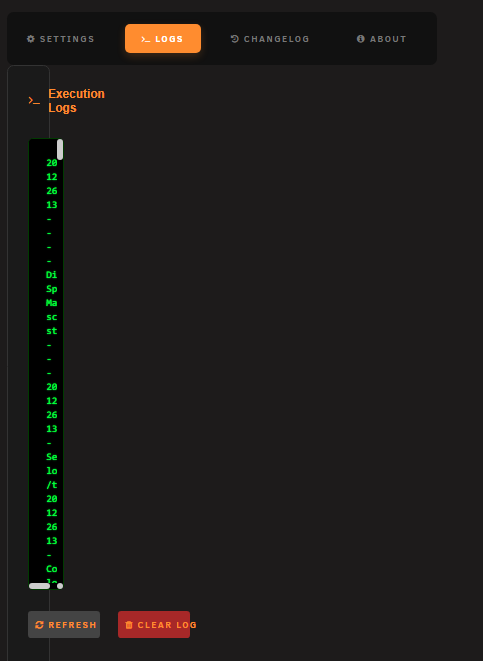
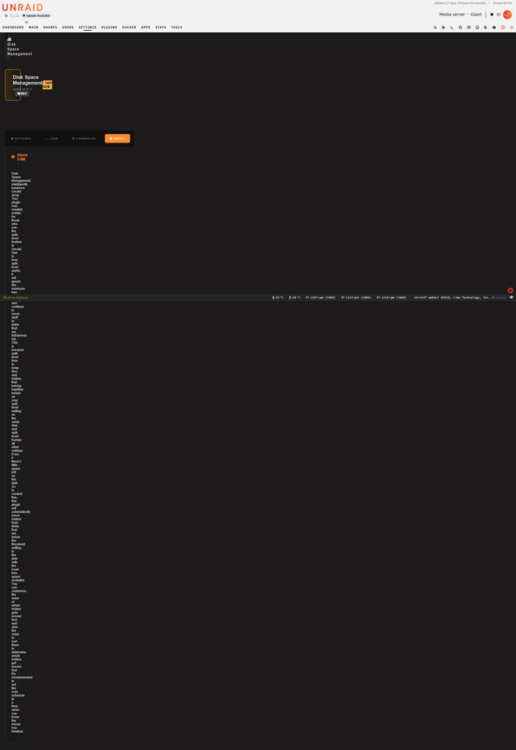
Sorry for the delay, I was OOP. Still having the issues with the latest release. My screen is on a laptop with a 1920x1200 landscape display. It appears that the control fields are not properly sized, or not initialized properly. You can see the slider for the log text field and the text is being wrapped in the very narrow display field. I provided a full page capture of the log, about, and settings pages, for your reference. Notice that most of your new controls on the setting page look fine except for the shared dry run control.
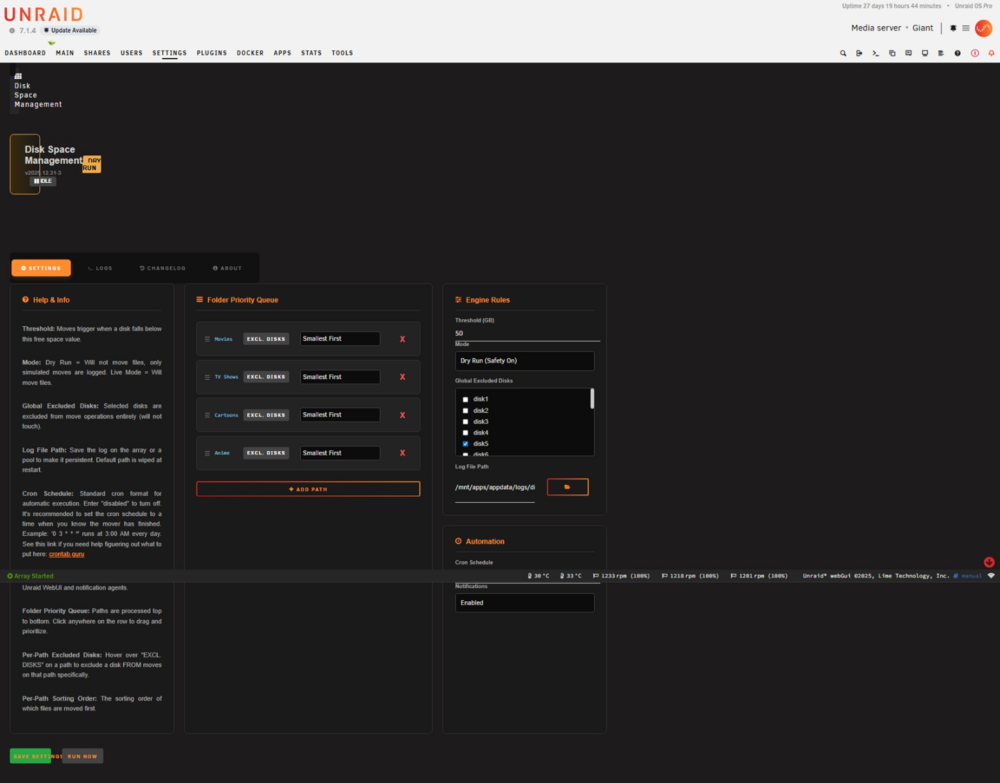
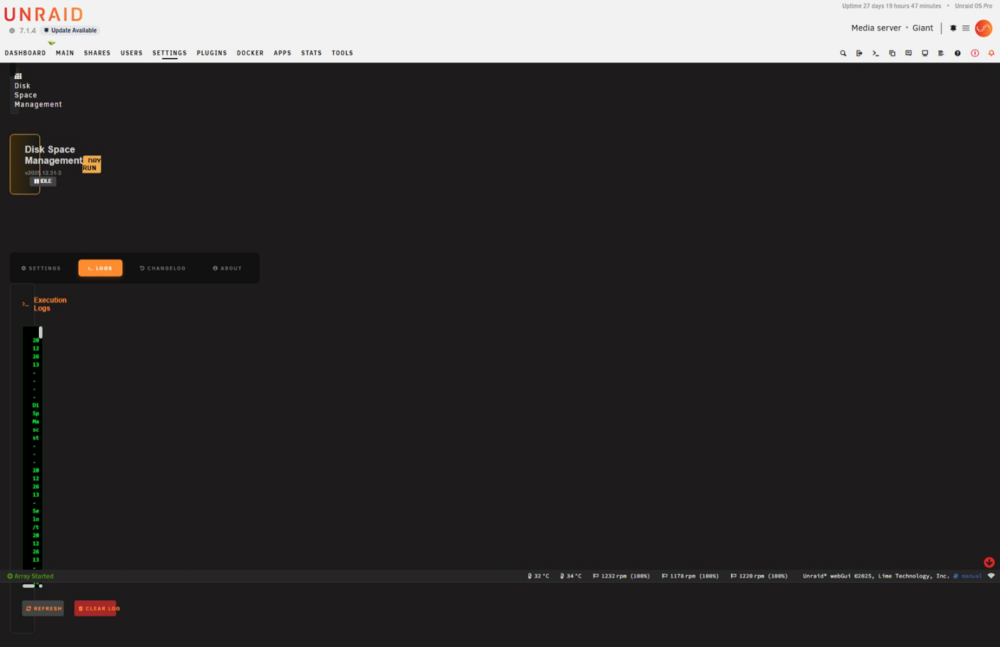
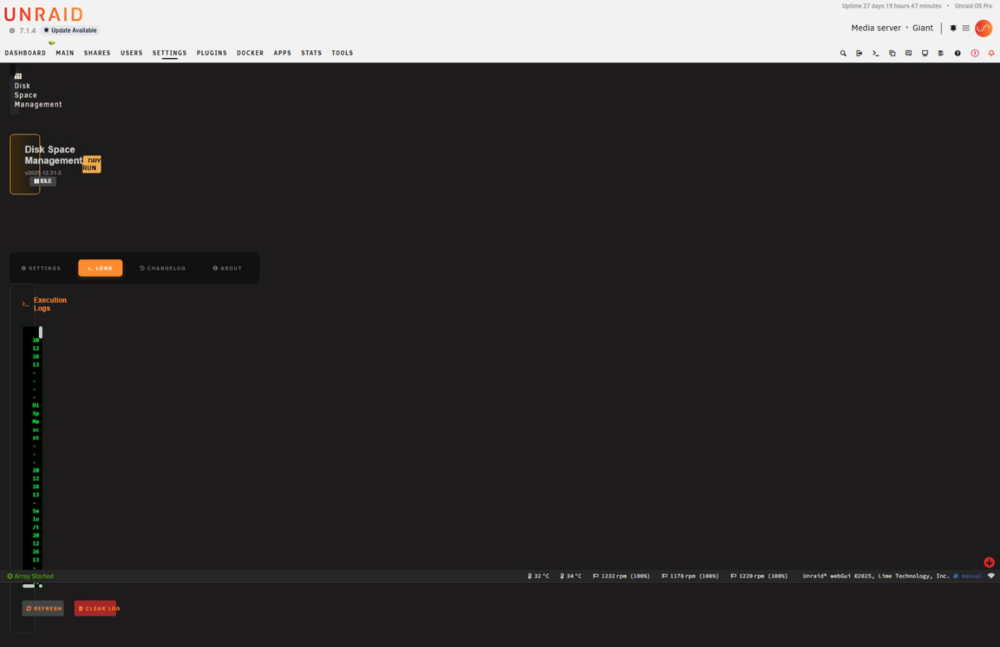
-
I tried it using both Chrome and Edge on Windows 11. I don't have any themes installed.Grabbed the new version but a lot of the screens are now smashed to the right side....
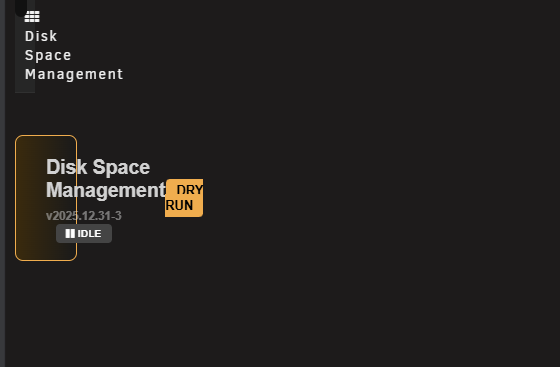
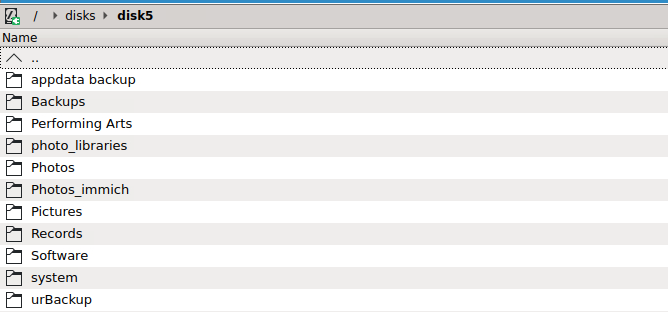
 Looks very nice! Thanks for all your efforts!A dataset is just a special type of folder on ZFS drives. They are not listed in /mnt like physical drives although they can be mountable if they are also shares. A dataset can contain other datasets, for instance. Here is a clip from the ZFS Master plugin.
 My disk5 is a ZFS drive. I backup my ZFS appdata drive to it and create ZFS snapshots of important data.
 This tool seems like it could be useful, but I would suggest a few changes. I would like to be able to select the shares I want it to monitor from a list with check boxes, rather than having to type the names of the shares. This would be easier to configure, remove the possibility of types or case mismatches, and allow for an arbitrary number of shares to be considered. Similarly, once selected, I would like to be able to order the list of the arbitrary number of shares I selected rather than having a comma delimited list of tv,movies,other I would prefer that it honored the include/exclude lists that are already defined for the shares. So if it was moving folders from disk1 of the Movies share, it would evaluate the other shares that were allowed by the exclude/include lists for that share rather than all disks with the plugin level exclude list. Someone mentioned the share selection above and the response discussed the issues with moving files between user shares. But while the list of user shares is avalable in /mnt/user/..., the file moves should be done via /mnt/diskX/... Those seem to be distinct issues.The plugin seems be e confused by ZFS drives containing datasets in the array. When run, the log contains a bunch of items like this: There is no reason for the tool to be considering items that are not in the list of shares I provided. Those datasets are not disks.When downloading files via XDCC, I have the app configured to move files from /incoming/downloads to /incoming/downloads/complete This works fine except that it appears that Hexchat does not properly close the files after it moves them. If I move the downloaded file to another location, .fuse* files are left behind until I restart the hexchat application. My download location is a ZFS pool and I am moving the files to a cache-only share on an XFS formatted nvme drive. The issue also happens if I merely try to delete the file while Hexchat is running. I don't seem to have this issue if I move/delete files from the downloads directory (for an aborted download, for instance), only when the app moves the files once they are complete.I stopped my array and added an additional disk, which was precleared but not formatted. I started the array in maintenance mode but that did not provide a Format option. I attempted to stop the array again so I could re-start in normal mode but the array refused to stop. The log was filled with errors reporting that 'rmdir /mnt/user' failed because it was not empty. Jun 3 12:31:47 Giant rc.samba: Stopping Samba server daemon... Jun 3 12:31:47 Giant rc.samba: killall --ns 3056077 smbd nmbd wsdd2 winbindd Jun 3 12:31:47 Giant wsdd2[3038296]: 'Terminated' signal received. Jun 3 12:31:47 Giant winbindd[3038303]: [2025/06/03 12:31:47.828187, 0, traceid=1] ../../source3/winbindd/winbindd_dual.c:1980(winbindd_sig_term_handler) Jun 3 12:31:47 Giant winbindd[3038303]: Got sig[15] terminate (is_parent=1) Jun 3 12:31:47 Giant wsdd2[3038296]: terminating. Jun 3 12:31:48 Giant rc.samba: Samba server daemon... Stopped. Jun 3 12:31:48 Giant emhttpd: shcmd (14943205): rm -f /etc/avahi/services/smb.service Jun 3 12:31:48 Giant emhttpd: Stopping mover... Jun 3 12:31:48 Giant emhttpd: shcmd (14943207): /usr/local/sbin/mover stop Jun 3 12:31:48 Giant root: mover: not running Jun 3 12:31:48 Giant emhttpd: Sync filesystems... Jun 3 12:31:48 Giant emhttpd: shcmd (14943208): sync Jun 3 12:31:48 Giant emhttpd: error: malloc_share_locations, 7936: Operation not supported (95): getxattr: /mnt/user/Incoming Jun 3 12:31:48 Giant emhttpd: shcmd (14943209): /usr/sbin/zfs unmount -a Jun 3 12:31:48 Giant emhttpd: shcmd (14943210): umount /mnt/user Jun 3 12:31:48 Giant root: umount: /mnt/user: not mounted. Jun 3 12:31:48 Giant emhttpd: shcmd (14943210): exit status: 32 Jun 3 12:31:48 Giant emhttpd: shcmd (14943211): rmdir /mnt/user Jun 3 12:31:48 Giant root: rmdir: failed to remove '/mnt/user': Directory not empty Jun 3 12:31:48 Giant emhttpd: shcmd (14943211): exit status: 1 Jun 3 12:31:48 Giant emhttpd: shcmd (14943213): rm -f /boot/config/plugins/dynamix/mover.cron Jun 3 12:31:48 Giant emhttpd: shcmd (14943214): /usr/local/sbin/update_cron Jun 3 12:31:48 Giant emhttpd: Retry unmounting user share(s)... Jun 3 12:31:53 Giant emhttpd: shcmd (14943215): /usr/sbin/zfs unmount -a Jun 3 12:31:53 Giant emhttpd: shcmd (14943216): umount /mnt/user Jun 3 12:31:53 Giant root: umount: /mnt/user: not mounted. Jun 3 12:31:53 Giant emhttpd: shcmd (14943216): exit status: 32 Jun 3 12:31:53 Giant emhttpd: shcmd (14943217): rmdir /mnt/user Jun 3 12:31:53 Giant root: rmdir: failed to remove '/mnt/user': Directory not empty Jun 3 12:31:53 Giant emhttpd: shcmd (14943217): exit status: 1 Jun 3 12:31:53 Giant emhttpd: shcmd (14943219): rm -f /boot/config/plugins/dynamix/mover.cron ... I then requested a shutdown instead, which also hung, but did shut down the webui interface. I eventually, had to do a hard boot. Wonderful.... EDIT: This may be caused by a user script which create the /mnt/user/Incoming folder mentioned in the log above rather than the unformatted drive. I left out the flag to prevent it from running when the array wasn't started, but in this case it was started but was in maintenance mode....Hex-chat appears to have some fundamental design issues where the UI interface is in the same process loop as disc access. If you are downloading to a busy disk, the UI can become unresponsive. I don't notice the issue when on an SSD drive but if you have platters, it can be tempermental. Faster disks definitely help but watch out for other tasks accessing the same drive as well.


