





fuzzydunlop
Members
-
Joined
-
Last visited
Everything posted by fuzzydunlop
-
@weirdcrap do you have XMP profiles enabled on your memory? I was having the same issues earlier this year when running XMP, memtest passed and everything worked fine, but every 20-30 days my server would lock up, disappear from the network and after reboot operate fine for another cycle. After disabling XMP, my server has been up for almost three months; would be even longer if it wasn't for a power outage.
-
I have two continuously running Windows 11 VMs on Unraid 7.0.1, both install Windows Updates automatically or manually without issues. Happy to pass along configs if it might help, but I don't recall doing anything special in the setup of either.
-
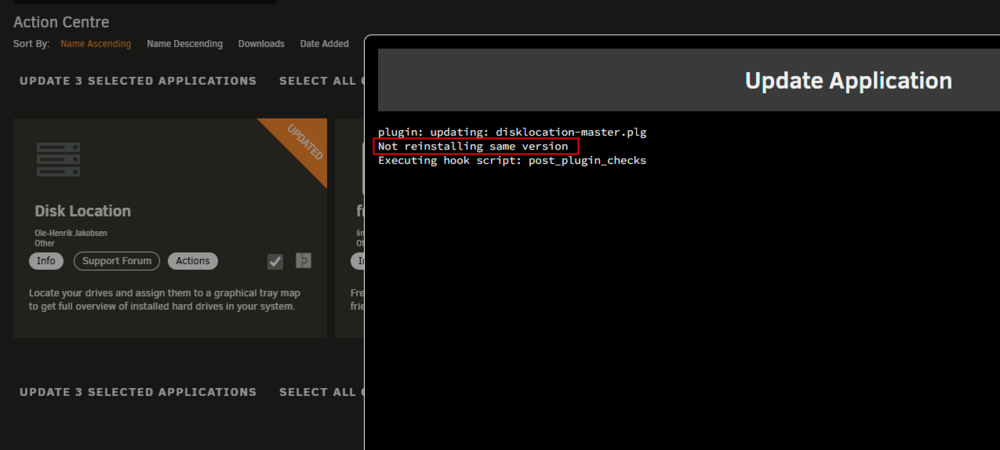
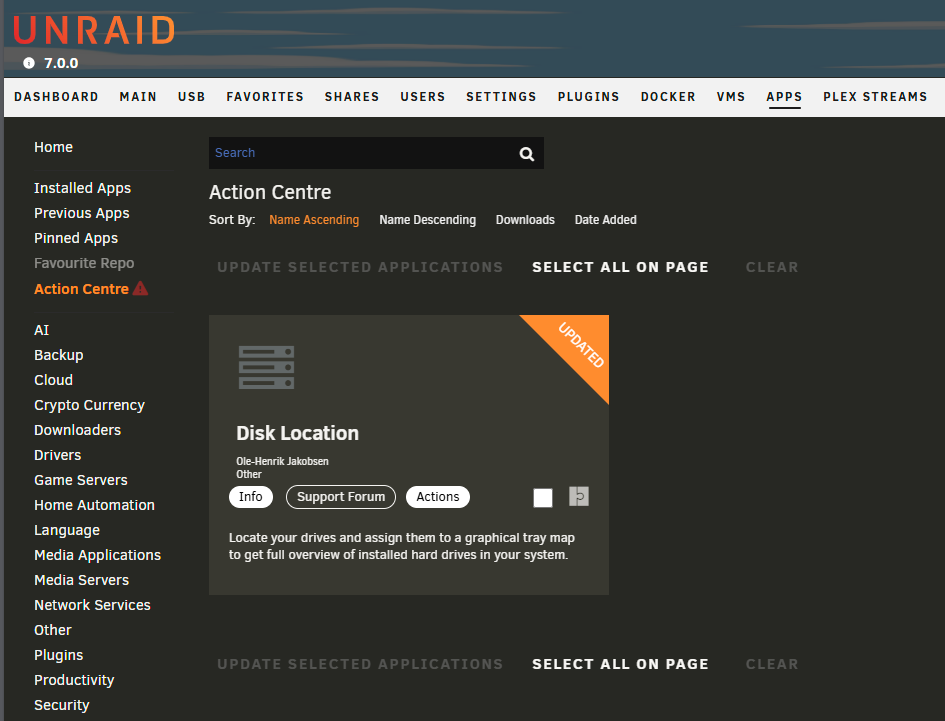
Here is the short message during update which notes the same version is already installed, whereas this morning it attempted a full reinstall of the plugin. But after each update cycle it still remains in the Action Centre
-
Hello all, it has been more than a week where my system continuously presents the Disk Location plug-in as having an update available. When the install runs, some of the time it is a short message saying the version is already installed on my system, others it seems like it uninstalls the plug-in and reinstalls it, but in all cases the update never disappears from the Action Centre list. Is there anything I could do on my end to make this update be recognized as installed?
-
When there are multiple containers installed and an update is processing there is an attempt after the first container updates to delete the existing image, which fails because the image is still in-use by alternate instances. The updates continue to the next instance, however there is never another attempt to see if that existing image can now be deleted resulting in (orphan image)'s that must be manually removed and require the Advanced View to even see. It would be ideal for the system to handle multi-instance container maintenance as effortlessly as it does solo containers.
-
Removing the --proxy from extra parameters did get Keycloak to start-up again, but in order to restore the service functionality behind a reverse proxy, I had to follow the Upgrading Guide (link) to map the deprecated proxy options to the new commands.
-
I was able to get mine to resolve by stopping the Home Assistant VM and changing the Network Source to vhost0 so that it grabbed a proper IP address on my network. The HomeAssistant_inabox docker picked up on the IP change and adjusted the nginx and then I was able to connect to the remapped UI from the docker link to WebUI. Look forward to exploring it further!


