Hitock
Members
-
Joined
-
Last visited
-
I end up using SmartersIPTVPro. It’s not the prettiest thing in the world. But it’s free and it works. Frustrating that this stand alone apps can can get it but plex has this feature not ready for prime time.
-
Also noticed. That the stream will still keep downloading. I can skip forward no problem. Slide up the timeline and play whats been streaming. On its own it just replays 30 seconds.
-
I have my IPTV signal on live tv(plex) for 30 secs or so then replay on loop. Its happened with either threadfin or Stream Master. No errors on the unraid log. I have no issues with IPTV with a dedicated app such as ipsmarters. thanks for reading.
-
Sounds good thanks
-
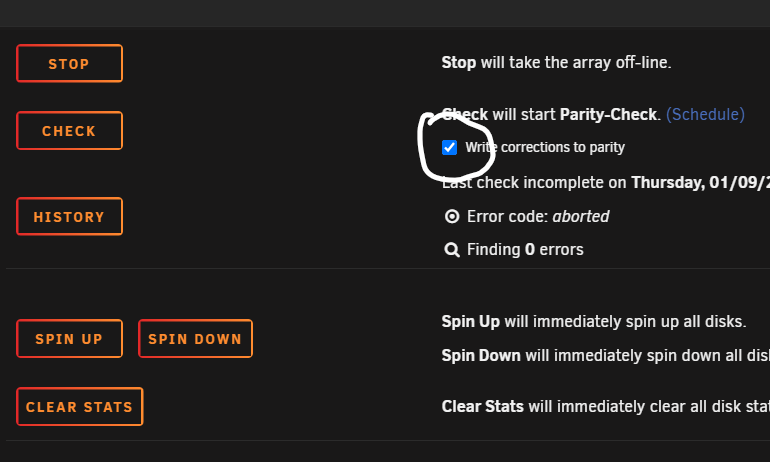
Ok. Thx. I have it set up to auto parity check every 90 days and not write errors to parity. I also have 1 hour cumulative turned on weekly. So I won’t need the manual.
-
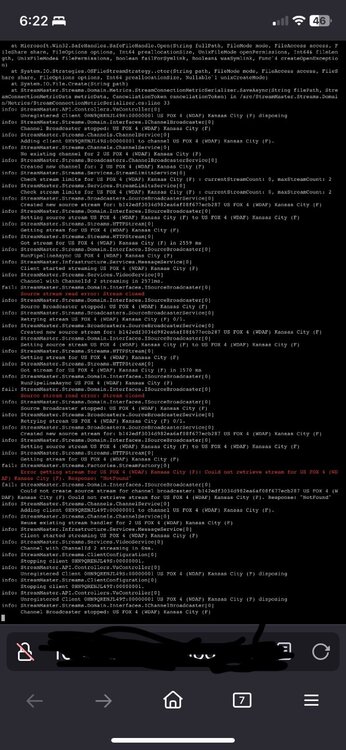
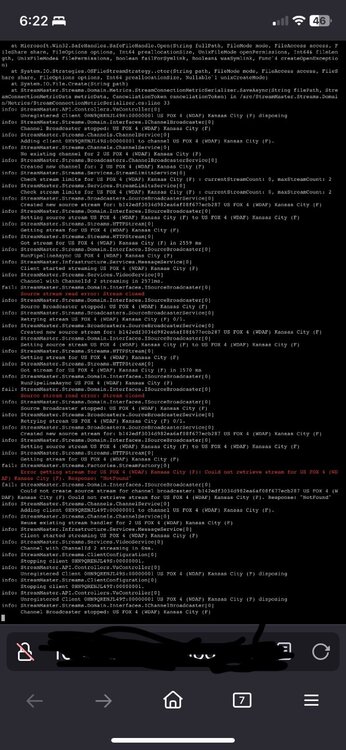
It only happens when turn on or off. So thanks. My real issue is the IPTV looping via Plex. I thought that has something to do with it. I posted my log from Stream Master. If I need to start a new thread. Lmk
-
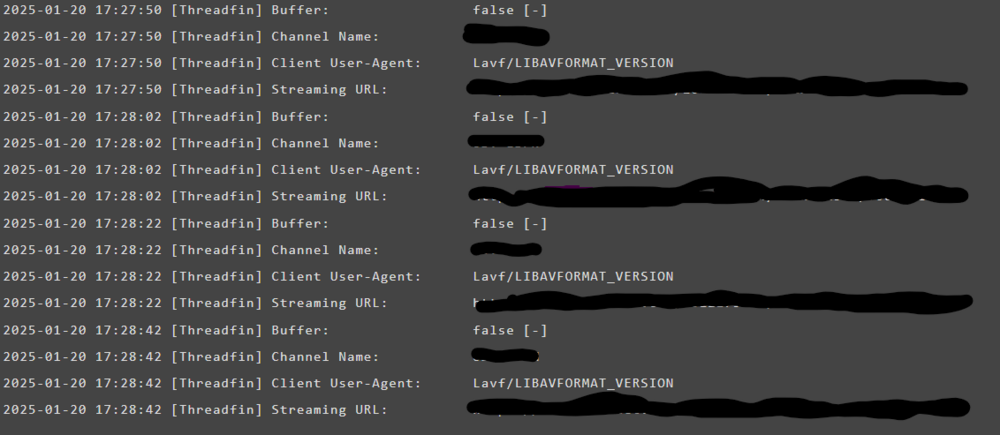
I can keep this going. I’ve isolated the issue with the blocking state, promiscuous questions… it happens everytime I start a docker or stop one. As far as the IPTV. I deleted threadfin and installed Stream Master. Same issue. It will play for 30 seconds then repeat. Log from Threadfin.
-
Closing this and opening another on same issue but with better info.
-
Here is the log inside the GUI of threadfin. You can see it restarting but on the restart it rewinds slowly creeping forward in time. Ive tried XTEVE but its not being updated. SO i gave threadfin a shot. Any other alternatives to those two?
-
I see that. I wasnt home and not using. I fired up the plex and tried to watch my iptv at the sametime as these errors started. My best guess is if i use the plex app on firestick it does this. The stream would play 20 secs or so then buffer for 30 then go back and repeat. Repeat what it played. Buffer. Then cycle again. The timing fits. Nothing else was happening with the server. So im running threadfin to translate the iptv signal to plex. But again, it just firestick. Im going to try the native plex app on my tv to see if its that.
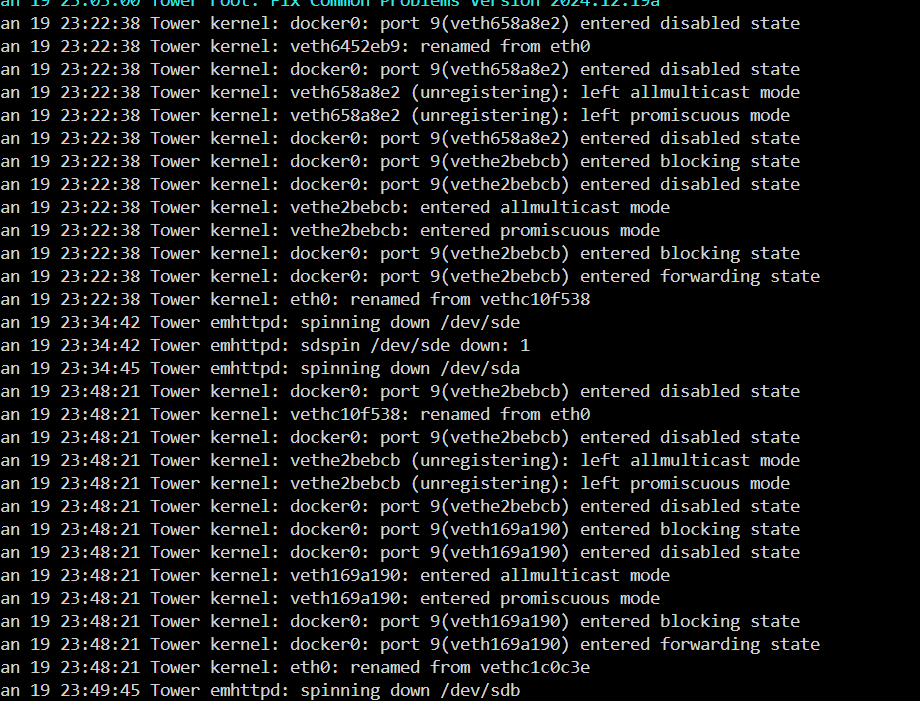 All show up for 11 hours. I reset the dockers to see if that would have fixed.
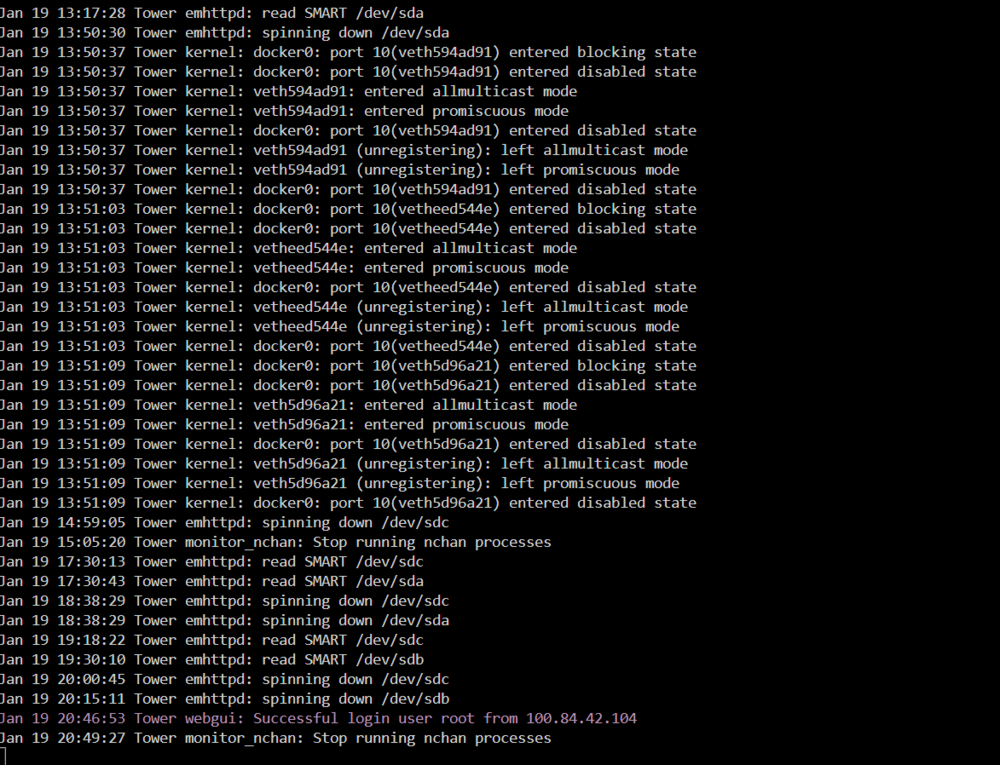 Thanks appreciate the answer. Makes sense.Hello, Ive read up on parrity and the settings options. Not writing corrections to Parity I feel is the right choice for my plex server. So far i have a 12TB HDD and a 500GB HDD in the array. Will be swapping out the 500 for another 12TB when needed. I have a 12TB HDD as parity. Below ive clicked that check assuming to set it to not write corrections. Once i do and navigate away and return to the Main it is checked on again. I do have a schedule set up to check parrity every 3 months; in those settings i have marked dont write. I also have to run parrity weekly for one hour(just because to maybe avoid the full day parrity check-if this thinking is unneccessary please let know). Essentially does it matter if i have a schedule set like i do or if neccessary to ensure not writing corrections to parrity; what am i missing to save the setting? Thanks for reading. Hitock