Vasa
Members
-
Joined
-
Last visited
-
This does not seem to work with the 2025 HX1200i Shift (connected to mobo via the usb-c on the PSU to 9-pin on the mobo). Can you please make it work?
-
So it's gg for me?
-
How and where would I get either of those two things? Please be as specific as possible <3 (Sorry, I'm n00b)
-
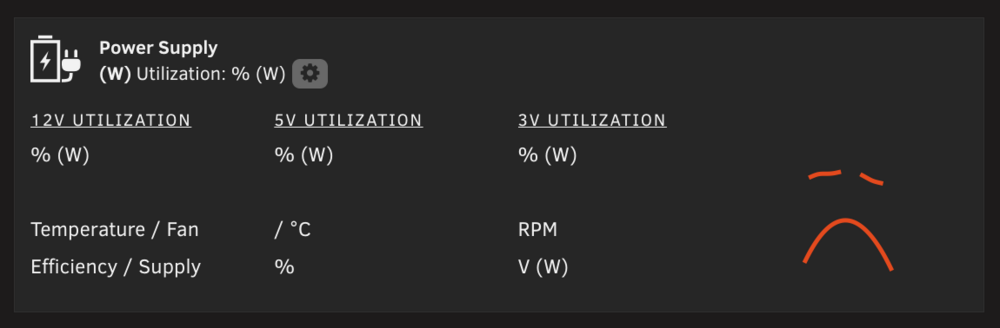
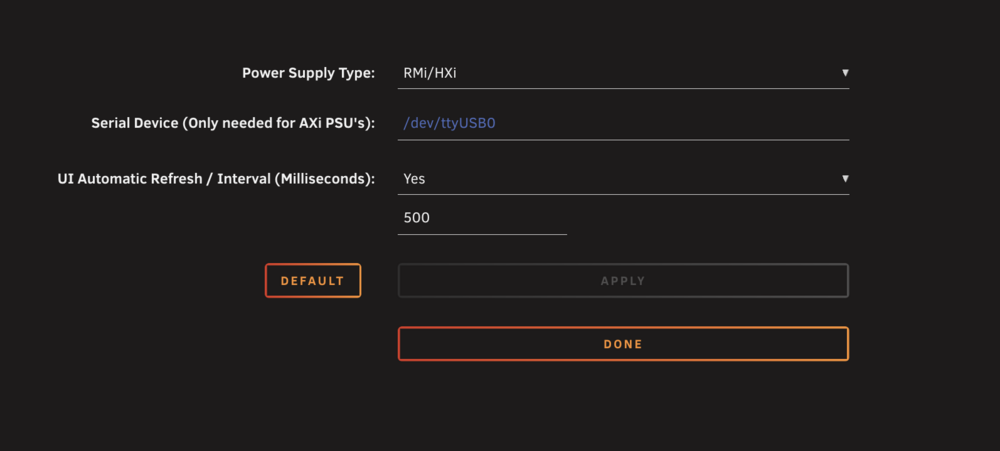
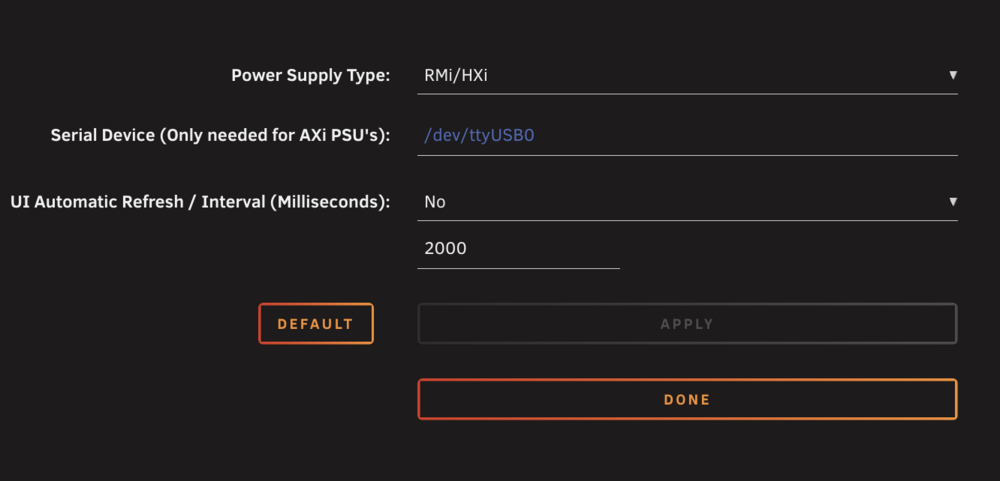
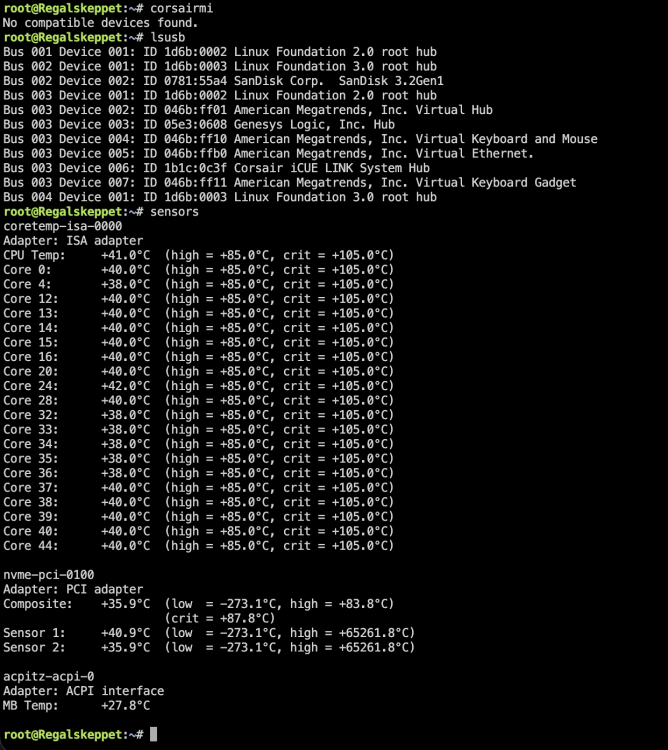
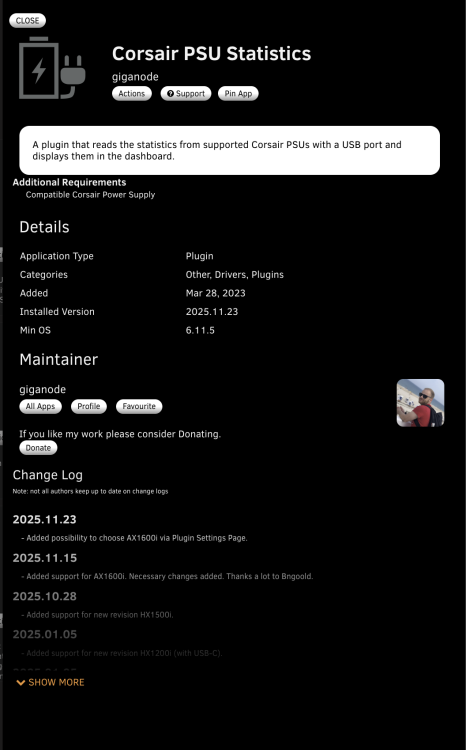
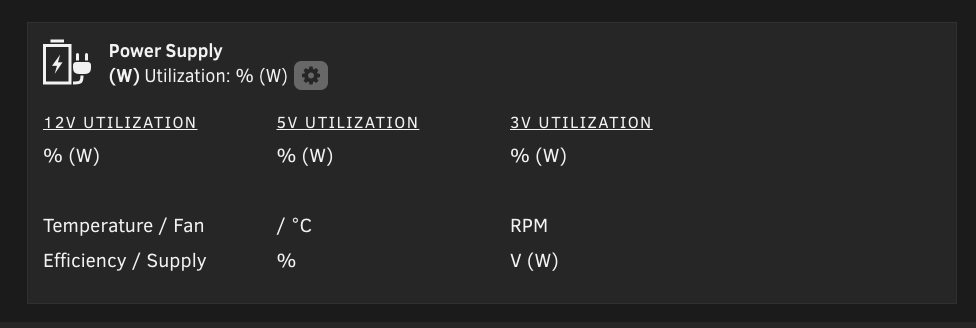
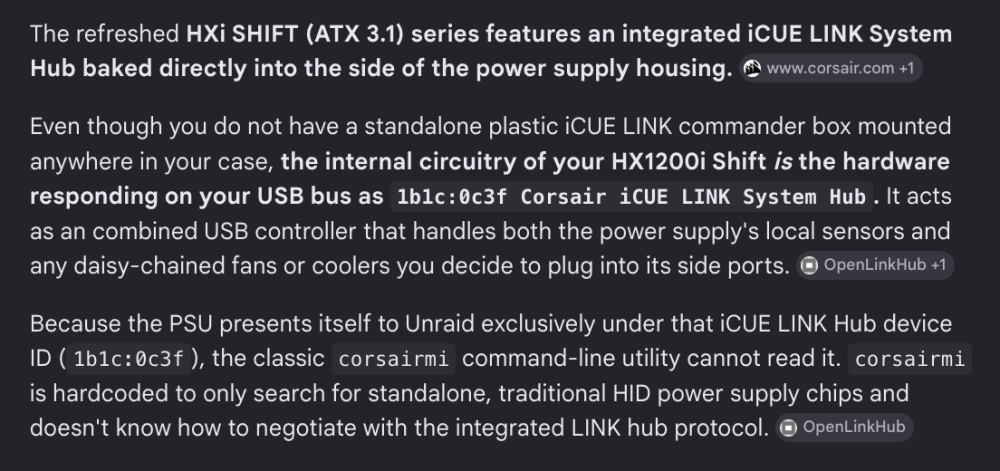
The PSU model I have: HX1200i Shift (which is different from the old HX1200i) plugged directly into my MoBo via the USB-C output on the PSU to one of the 9-pin USB connectors on my MoBo. Google says the HX1200i Shift does not use corsairmi: Command line results: Diagnostics: regalskeppet-diagnostics-20260725-1701.zip This is the app version I have installed (let me know if this is wrong and, if so, how to install something else given this is the only version that shows up in the Undraid app store): What I see (i.e. no data): PLEASE let me know how to make it work <3
-
Is it the HX1200i or HX1200i Shift? If the latter, how did you make it work initially?
-
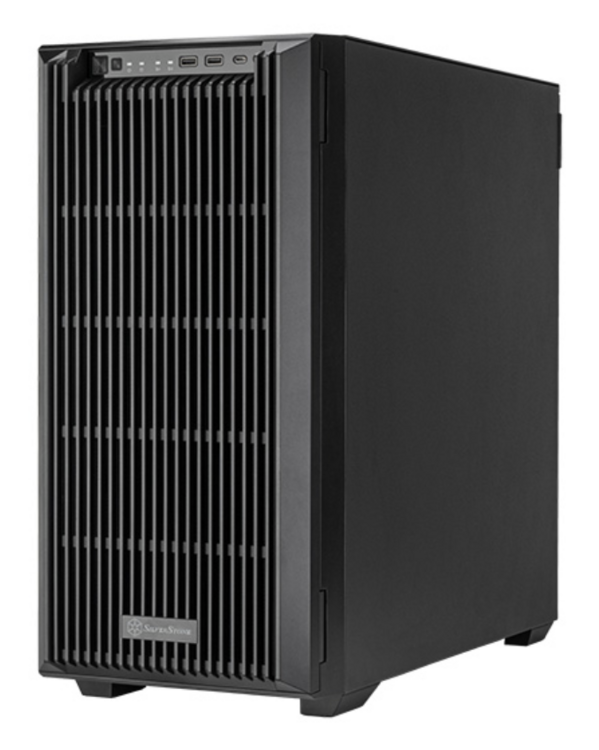
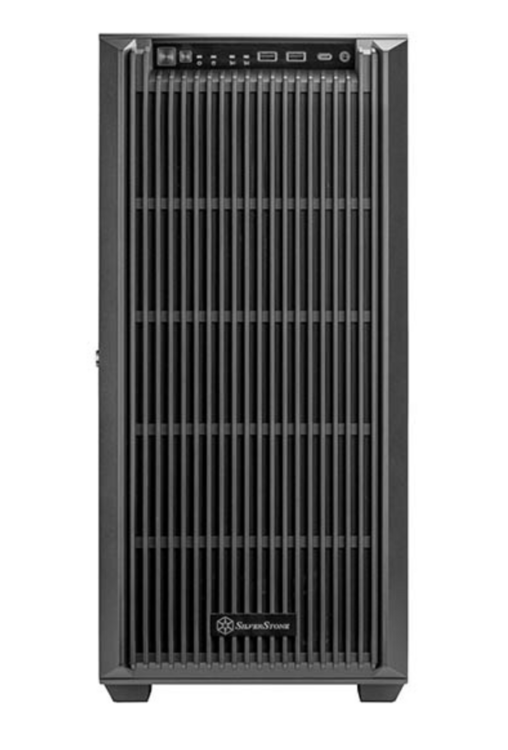
PLEASE, could someone make a case icon for the fantastic new Silverstone CS383 <3 https://www.silverstonetek.com/en/product/info/computer-chassis/cs383/
-
Hey! Love the idea behind this plugin and installing it went fine, but unfortunately, I haven't been able to get it to display any stats. I have an HX1200i Shift from mid-2025, which uses USB-C for iCUE connection (in addition to the propriatary iCUE connectors). This USB-C connection should be the way to get the telemetry data out. I have connected it directly to the Mobo (an ASUS W880-SE) using the USB-C-to-10-pin header cable that came with the PSU. When I do lsusb i get (among other things): Bus 003 Device 010: ID 1b1c:0c3f Corsair iCUE LINK System HubThis is the only Corsair-related line item. What have I done wrong, and what can I do next? (Note: the 'Serial Device (Only needed for AXi PSUs)' field has been left blank as it isn't an AXi.)