jnye6601
Members
-
Joined
-
Last visited
-
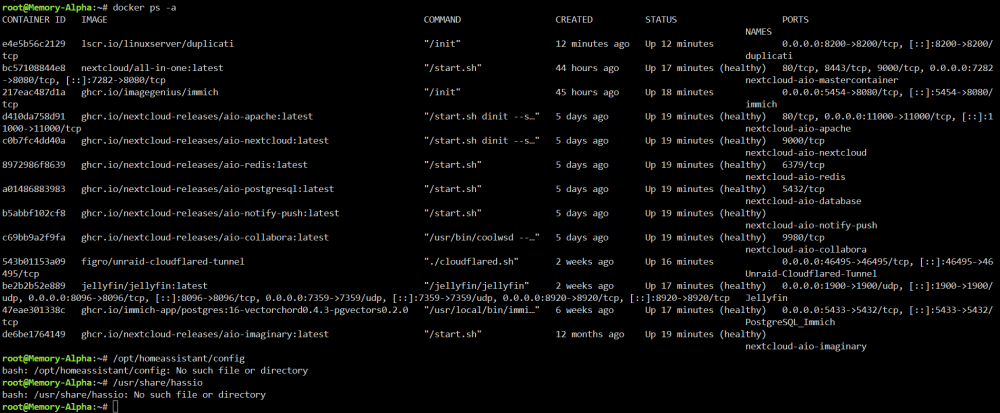
I discovered late last night that my Home Assistant docker has disappeared. Reinstalling has no effect. I've been working on system back ups also and recently installed Appdata Backup and Duplicati...pretty sure I have the former buggered up to as I keep getting an error notifcation, but can't deduce the related Nextcloud AIO issue. My plan was to back up full system data with Duplicati, and use Appdata Backup to back up app data. My son also runs an Unraid server, so our next steps are to use each other's servers to facilitate off-site back up copies. Reinstalling Home Assistant has no effect and I suspect I've blown out the appdata files by running clean up scripts to clear out any dangling junk. It's all a mess and I thought it was going so well... memory-alpha-diagnostics-20261114-0917.zip
-
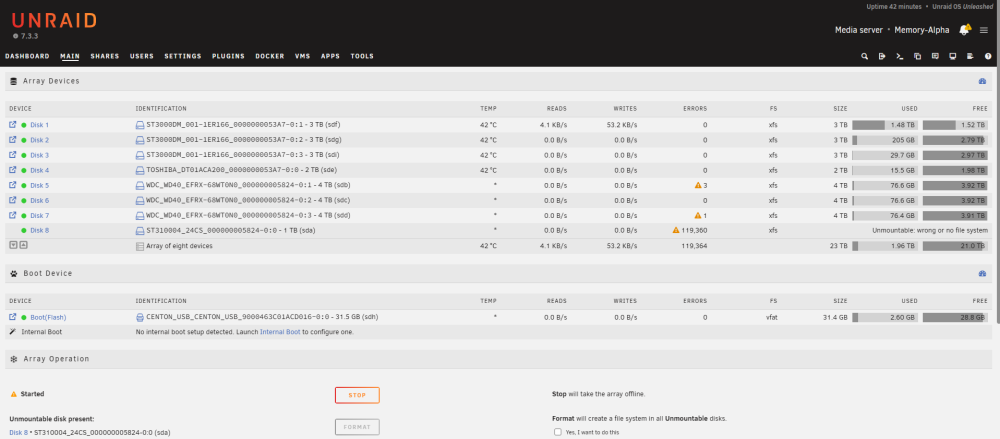
Good to know. Its strange that the two enclosures are the same brand and model but seem to behave slightly differently in regards to drop off. To confirm though, and this has been my aprehension, running the New Config tool will NOT delete any data, unless I select 'format'. Correct? I'm hoping to get a stable environment ahead of creating a pool for backups across my devices. Cheers.Yes, both enclosures are 4 space USB attached set to RAID0memory-alpha-diagnostics-20261014-0956.zip Diagnostics attached. Much obliged.So here is the story. Started with a single enclosure with three 3tb drives and a 2tb drive. No parity. Drives 1-4 A friend gave me three 4tb drives and I had a spare 1tb drive. I've installed them in a second enclosure. Drives 5-8 Unraid can see them all. The 1tb drive is pooched (as I expected) and doesn't even format. My plan is to use the second enclosure drives for backing up the first enclosure and other devices on my network. I'm not concerned with parity. I can seemingly browse the disks. I've tried configuring Duplicati but as soon as I apply the change to send backups to a drive on the second enclosure, I get drive errors. Is running two enclosures not possible, or am I missing a setting? How do I remove the failed drive from the system? Each time I pull it, I get config errors.
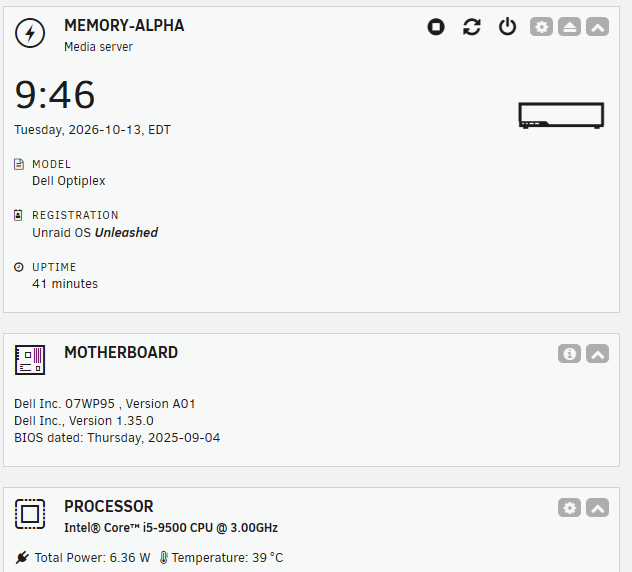
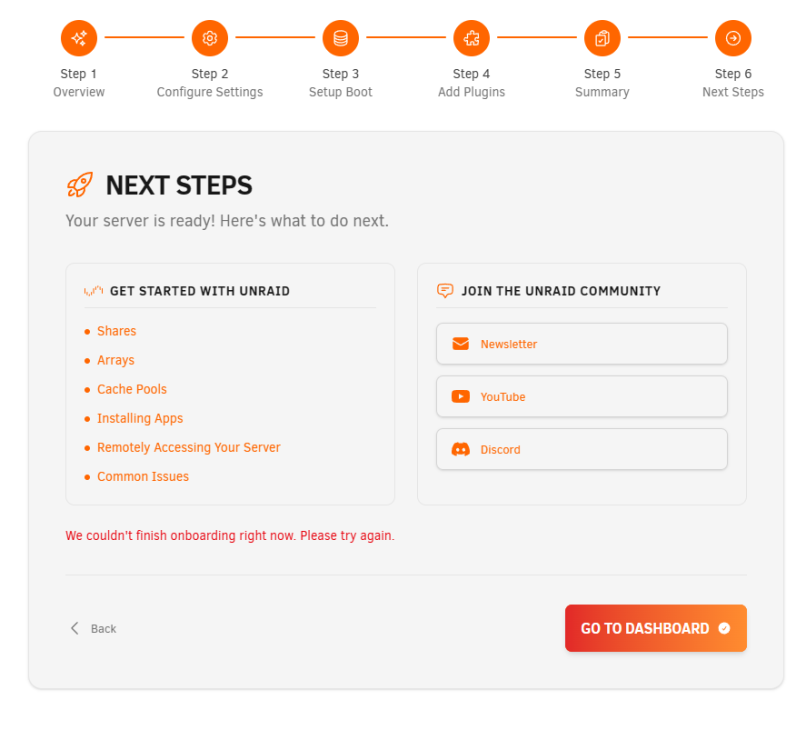
 Cheers. It seems to have cleared.Running v7.3.2 Added second independently connected usb enclosure upgraded to unleashed license rebooting system either causes second enclosure drives to show as unmountable or system loops into the onboarding setup Onboarding gets stuck at Step 6
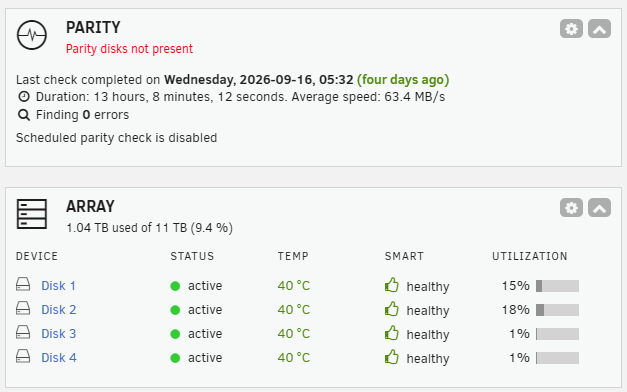
 Yes. I am currently not backing up. Theortically, I could use the new drives to back up the current storage drives then? If I ran with an 8 bay enclosure, does that change the situation?This is the enclosure. https://www.amazon.ca/dp/B09JKL7JPV?ref=ppx_yo2ov_dt_b_fed_asin_title&th=1 I have one already and they are USB connected. I have 8 HDs in all.I'm not sure what you mean by "USB not recommended for assigned drives for many reasons." My plan was to have my main storage drives in one enclosure, and the parity drives in another. Is this not recommended?Currently running Unraid 7.3.2 Drives consist of 3 3TB (disks 1-3) and 1 2TB (disk 4) for a total of 11TB of storage in a 4 bay enclosure No Parity drives installed at this time I want to add 4 parity drives of 13TB total 3 4TB drives and 1 1TB drive. I am unsure of the operational stste of the 1TB drive I believe that all parity drives must be larger than the main storage drive. Can the sum of the three remaining parity drives (12TB) act as a full parity of the four main drives? In the case that the 1TB is functional, and I will learn this when I have the new enclosure, how do I go about re assigning disk 4 as a parity drive, and the 1TB as a main drive? This would then provide 10TB of storage, and 14TB of parity And then what is the process of simply adding the new drives as parity?