





socbutter
Members
-
Joined
-
Last visited
-
I helped myself by following Spaceinvader One tutorial of Krusader.
-
Anyone that can help me???
-
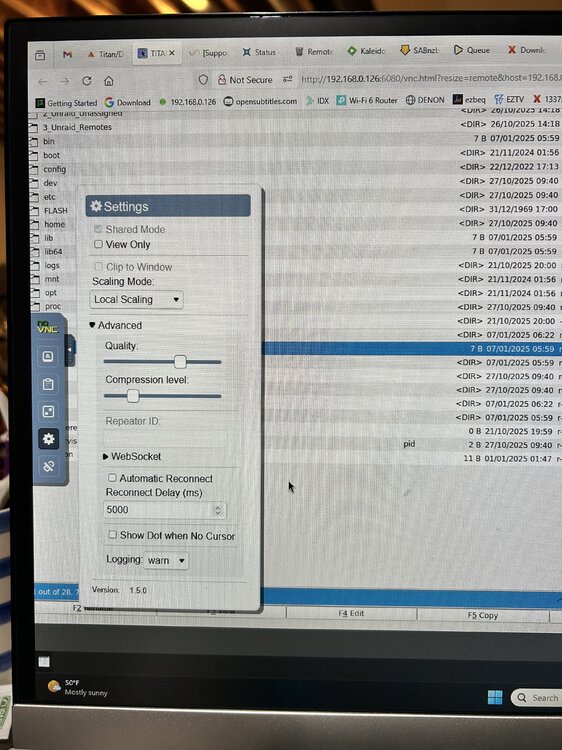
I am getting an error in the log file and the effect (I think) is a non-existent header: Any help would be appreciated, thank you. command execution krusader.txt supervisord.log
-
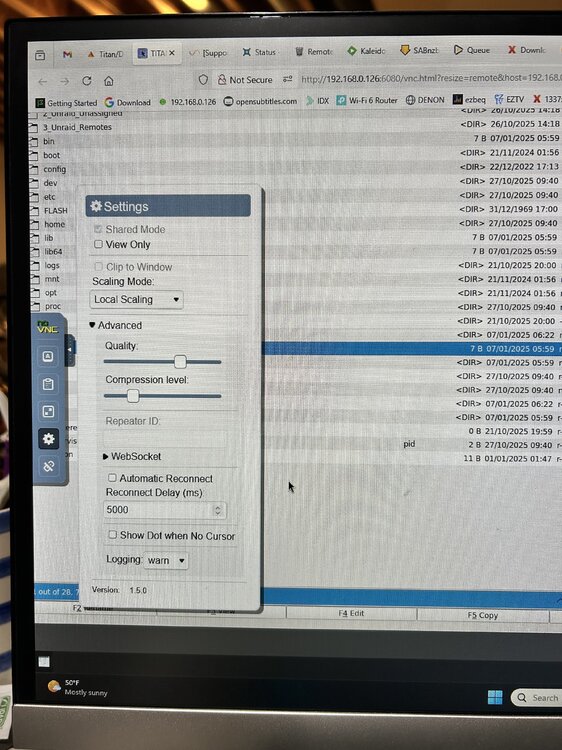
Can not find Server side scaling
-
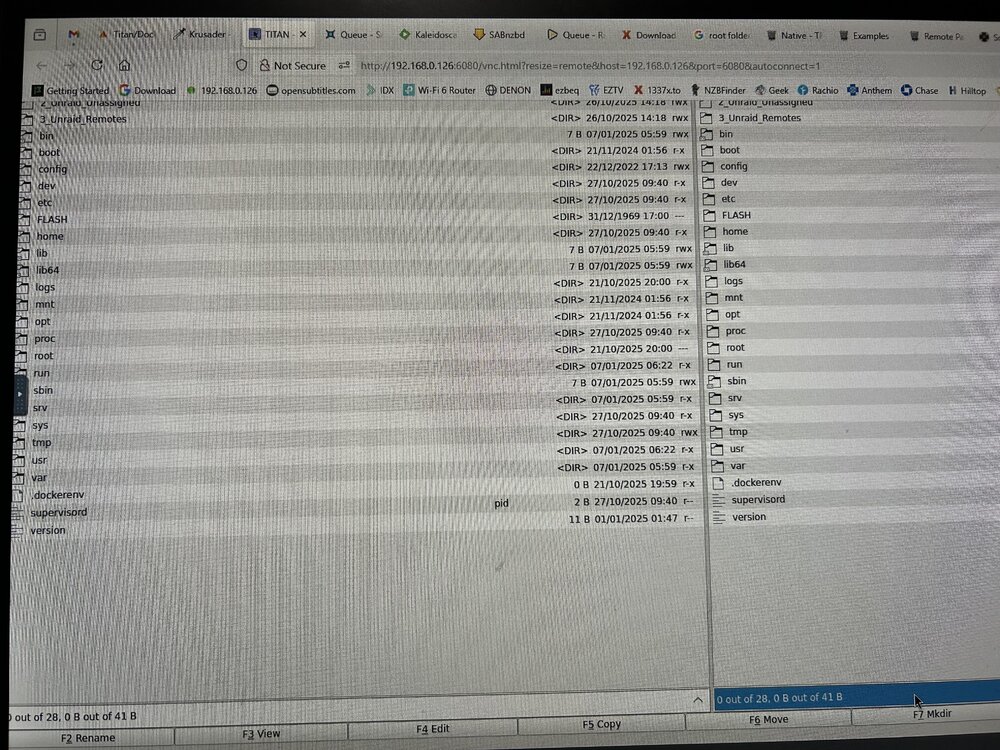
How do I get the header back?
-
Thank you for taking the time to help me. I tried binhex-delugevpn and posted on their forum had similar problem Preferences values were not persistent, returned to default values. Plugins were none existent even after adding them manually. Radarr, Sonarr and Sabnzb are working. Thanks again!
-
I tried all the following Private Internet Access VPN Endpoints with Port Forwarding without success. I first stopped the container and modify the wg0.conf file, start container and click webgui. Just timed out. Upon editing wg0.conf the endpoints were modified to append the port number, e.g., Endpoint = ca-ontario.privacy.network:1337 CA Vancouver ca-vancouver.privacy.network CA Montreal ca-montreal.privacy.network CA Ontario Streaming Optimized ca-ontario-so.privacy.network CA Toronto ca-toronto.privacy.network CA Ontario ca-ontario.privacy.network Do I manually set up port forwarding port triggering in my router?
-
My UNRAID ip is 192.168.0.126 My desktop ip is 192.168.0.105 Is this what you ask?
-
The connection has timed outThe server at 192.168.0.126 is taking too long to respond.
-
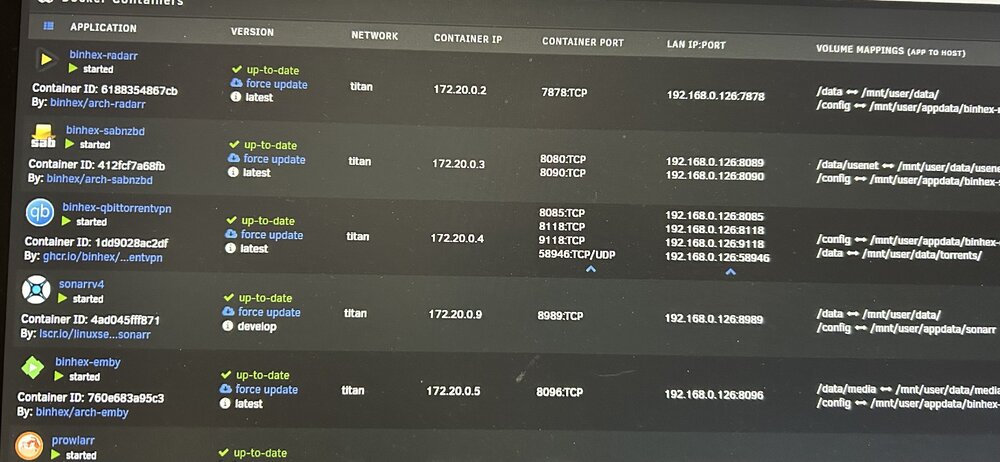
Please review the updated files. supervisord.log Command_execution.txt
-
Unable to connectFirefox can’t establish a connection to the server at 192.168.0.126:8085. I followed the instructions in 4th question of the qBittorrentVPN Docker FAQ Please help! Command_execution.txt supervisord.log
-
I tried Firefox in private mode. Same result. Perhaps it's time to try something else. qBittorrent? Thank you for your help,
-
Still not displaying plugins in preferences after restart. I learned a lot from this exercise.
-
Please don't assume I know this stuff. How do I Navigate to the appdata folder. In terminal? cd /mnt/user/appdata root@Titan:/mnt/cache/appdata# cd /mnt/user/appdata/binhex-delugevpn root@Titan:/mnt/user/appdata/binhex-delugevpn# chmod 0777 core.conf root@Titan:/mnt/user/appdata/binhex-delugevpn#
-
Having a problem changing the permissions on the core.conf. Using notepad++ can't read the file. On the Security tab, no Edit button exist. I am the Administrator. I ran in UNRAID -- Tools--New Permissions on appdata that worked. But core.conf already had "enabled_plugins": [ "Extractor", "Blocklist", "Label" ], None displayed in plugins After restarting. core.conf


