






ich777
Community Developer
-
Joined
Everything posted by ich777
-
What is the exact error message now, please post your Diagnostics again. You did reboot after removing the script correct?
-
Please try to use --gpus all
-
I don't know what to say. You have to ask your friend who set this all up, issue with that is that he set something up to circumvent certain restrictions and I can't tell if that's what's all causing that or anything else. You first have to get rid of that script which I don't know where it lives maybe he set it up as a user script maybe he did something else. Even if you remove the driver the script will stay because he put it in place and this is nothing the plugin can fix.
-
Or write the support from TBS. I'm not 100% sure if this card is supported because I can't find any information which devices are supported in the closed source driver.
-
Please see this recommended post, your plugin is broken when you see the Deprecated lines: Just a reminder for next time, always include Diagnostics.
-
Don't know what you are saying, please remove your unlock scirpt, until then no further support.
-
Diagnostics please.
-
I'm not sure if I understand, the TBS-OS drivers are now the closed source drivers.
-
I'm also not sure where you where looking:
-
Try it, you should always be able to downgrade.
-
Too many different versions from MFT to support.
-
I don't know, maybe but it seems nobody touched it since 10 months: https://github.com/tbsdtv/media_build
-
Yes, by installing the TBS drivers, if it doesn't work your card is maybe not supported anymore. They dropped a few older cards from the support list IIRC.
-
Issue with all of that is that the closed source TBS driver now only supports their products and not as it was before almost the whole spectrum of DVB cards out there. It seems that the TBS-OpenSource variant, is not actively supported anymore which had supported your card (which is a out of tree card it seems) and doesn't compile against newer Kernels therefore it doesn't work anymore. I have only two options for you: Downgrade Buy a new TV card Sorry that I don't have better news but since the Open Source driver doesn't compile against newer Kernels I can't help.
-
Diagnostics missing again.
-
You have to switch over to the LibreELEC drivers please since TBS are now the closed source drivers, I haven't got time yet to change the plugin page yet.
-
As always: without Diagnostics I can't say anything.
-
No sorry, the Mellanox Plugin is now deprecated.
-
Do you have Diagnostics?
-
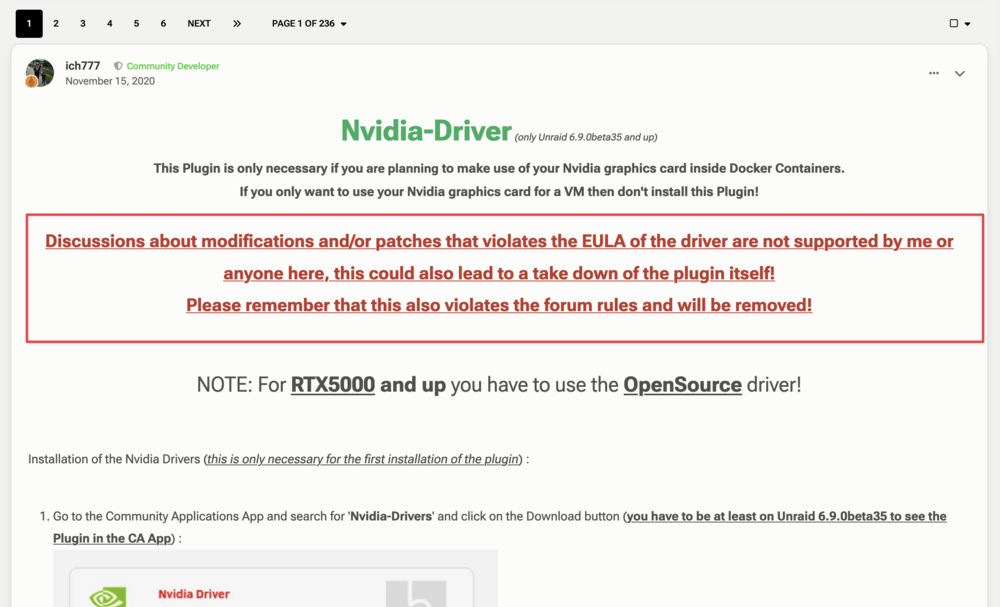
Please read the first post (big red text): May 18 21:24:42 Gandalf emhttpd: /usr/local/emhttp/plugins/user.scripts/backgroundScript.sh "/tmp/user.scripts/tmpScripts/unlock nvidia/script" >/dev/null 2>&1
-
From the diagnostics that you've posted I see anything obvious. To fully reinstall the driver: 1. Remove the plugin Reboot Install the plugin again Select your preferred driver Reboot
-
Diagnostics please when the driver is installed and after trying to run a container.
-
Can you please double check if this is actually true, the plugin should already automatically install a blacklist file into the correct directory on your boot device. Can't download NCT6687d Drivers-----------------------This shows another issue and it seems like it actually can't download the package.
-
Just to male sure, Ollama didnmt receive an update correct? Just to rule put that possibility since Ollama receives updates often. Do you also have the docker run conmand from your Ollama container? I'll look into your Diagnostics later. EDIT: I don't see anything obvious from your Diagnostics @Renew. Can you issue nvidia-smi in the container and see if both GPUs are showing up. You can also try to create an environment variable with the Key: CUDA_VISIBLE_DEVICES and as Value set: 0,1 in your Ollama Docker template.
-
Did you read the comment two above yours? The driver is actually built and should work but I have no TBS hardware that I can test with. Please post your Diagnostics, since without them I have nothing on hand to troubleshoot.



