





gergtreble
Members
-
Joined
-
Last visited
Everything posted by gergtreble
-
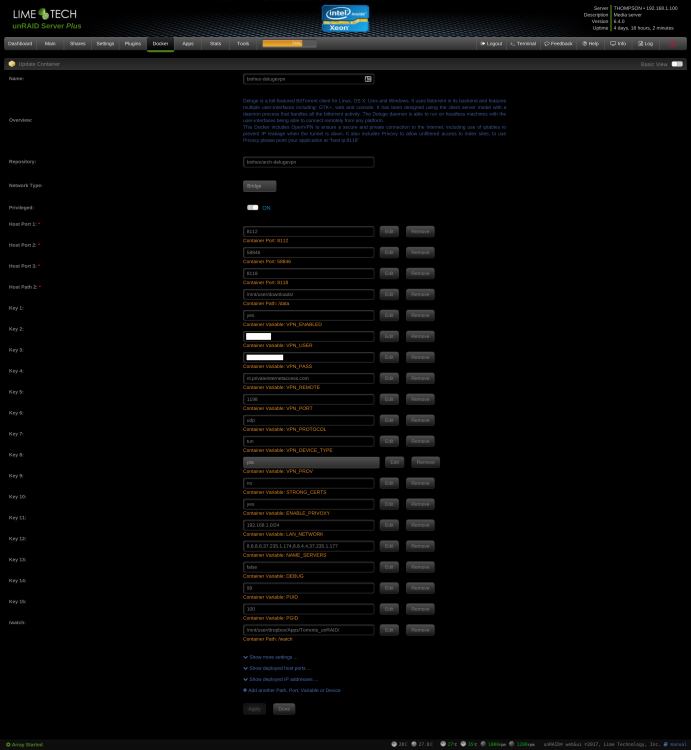
I have a problem. I had to restore my appdata from a backup. All seemed to go well but now I can not access the deluge daemon from any client on my LAN. The webui seems fine. But the daemon seems to be just... not there! 58846 is open according to nmap: Host is up (0.0020s latency). PORT STATE SERVICE 58846/tcp open unknown Where should I be looking to troubleshoot this? supervisord.log (with debug enabled) attached. supervisord.log
-
I had this happen to me today. It was a corrupt docker.img deleted it and recreated my templates and all is good.
-
Just forced an update and its working again now! Thanks a lot Ken-Ji.
-
Also have this problem.
-
Is the information in this thread still valid for the latest unRAID 6.x builds? I have a script I want to run once the array is started and this seems like the right way to do it rather than implicitly calling it from the 'go' script.

