





mckenna654
Members
-
Joined
-
Last visited
Everything posted by mckenna654
-
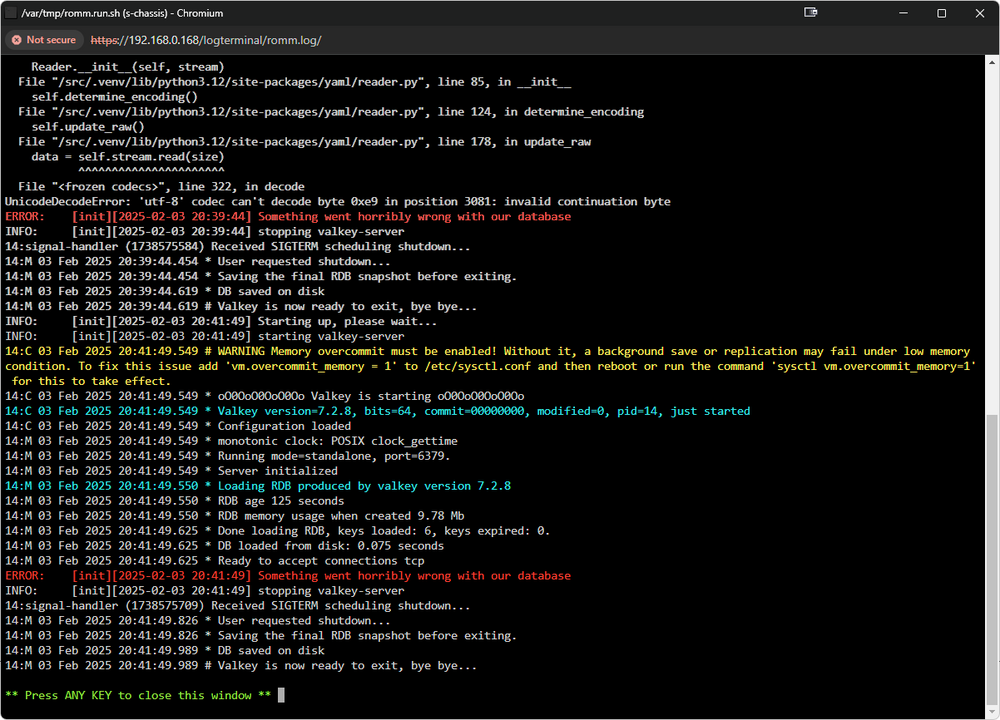
Is there a dummies guide to setting this up? I've installed mariadb alongside it but I can't seem to get Romm to run.
-
So I currently run this through huggingface but I'd prefer to run this docker on unraid to self host. I'm wanting to use this config.yml file https://raw.githubusercontent.com/LibreChat-AI/librechat-config-yaml/main/librechat-hf.yaml however I'm not sure where to place it given the docker template doesn't create an appdata folder like most do. Are you able to assist?
-
Hi, I'll preface this thread by saying I've spent about 6 hours already trying to get this fully functional on Unraid. I've tried a number of different docker files on Github as the software does not have it's own. Project: https://github.com/5rahim/seanime Dockerfiles I've tried: https://github.com/Coyenn/seanime-docker. https://github.com/primordialhuman/seanime-docker and https://github.com/ValgulNecron/seanime The furthest I've gotten is with coyenn's docker container however it doesn't come with mpv and yt-dlp which are required by seanime. How would I go about installing these within the docker container to have seanime working? Thanks
-
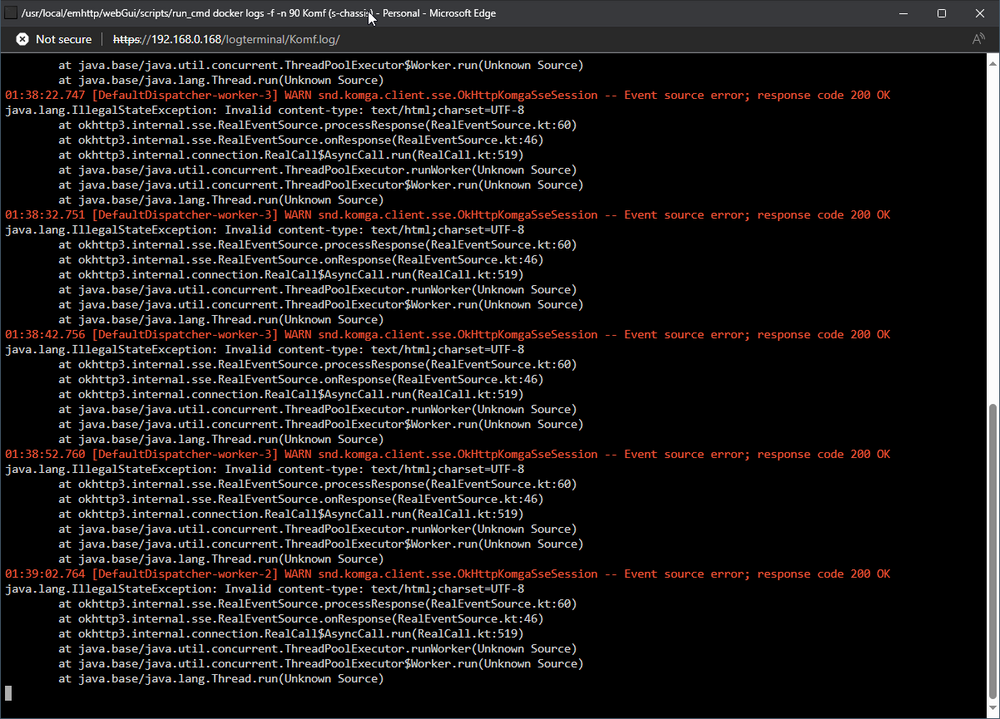
Can't seem to get it running. I've ensured 5 times now that my application.yml is correct. Is it an issue with Komga?
-
Is someone able to make a docket container for this and put it on the CA? Willing to donate because this would be a life saver for running RD and plex
-
Hi All, I'm looking for some assistance in setting up and configuring the following project on my Unraid server. I only have experience with installing dockers from the App Store and this is unfortunately not there. https://github.com/itsToggle/plex_debrid/wiki/Setup-Guides Thank you
-
Hi All, I'm looking to install Spodcast from docker hub. I've spent a couple hours trying to configure and run it but I'm puzzled. Would anyone be able to assist? Which of the docker images would be best for a GUI? Thanks
-
Fixed! /app/config.toml > /mnt/user/appdata/podsync to: /app/config.toml > /mnt/user/appdata/podsync/config.toml
-
Hi All, I've been attempting to setup a basic docker called PodSync on my Unraid server which fetches YouTube videos/playlists and turns them into rss podcasts. I'm trying to resemble this mapping. With this, but I'm getting this error. https://github.com/mxpv/podsync Any help would be appreciated! Thanks
-
Hi, I initially used this account as a throw away for forum support. Now that I plan to use unraid.net "my server" app, could an admin assist me with changing my username? I'd like it to be mckenna654 as this is more in line with my other important online accounts.
-
Hi, I'm looking to see if there are any existing tutorials for setting up and running a discord bot within an Unraid docker? Has anyone achieved this? Thanks!
-
Hi, I used to have an unRAID server which I have used for over 12 months. I'm looking to get it out of storage after moving house and repurpose it. I don't wish to use it for media anymore so I wan't to wipe the drives to other purposes (backup etc). What is the correct procedure for wiping my raid drives to start from scratch? Thanks
-
Hi All, Stremio has released their web version in Alpha (open source) with an expected full release by end of Q1 2021. I'm looking to install Stremio Web inside an Unraid docker as if it were a community application. I was wondering how I would go about doing that? Thanks.
-
Same issue for me - setup the docker with default settings/ports but cannot open the web gui at all. All other apps/dockers working fine. EDIT: I resolved by changing eth0 to bond0. Following this video:
-
I'm getting this when connecting via my Macbook as well. Windows machine is fine. It seems for whatever reason that connect to the share via AFP on a macbook is triggering the ransomware plugin. I will have to disable it for now
-
Upped timeout to 10,000 for auto and manual. Manual just goes back to the empty server screen and auto skips my server's IP as if the timeout setting is 0? I also attempted this with timeout of 0, same result. unRAID 6.2.4
-
Hi everyone, This may sound silly but I have looked everywhere and simply cannot find the default login for the web gui. Could someone assist? I've looked everyone online and all the config files!?
-
Do you mean the standard root account on unRAID? Yes I have that set to a custom password Logs: Dec 20 08:29:47 s-chassis php: /usr/local/emhttp/plugins/controlr/scripts/start Dec 20 08:29:47 s-chassis sudo: root : TTY=unknown ; PWD=/usr/local/emhttp ; USER=root ; COMMAND=/bin/bash -c /usr/local/emhttp/plugins/controlr/controlr -port 2378
-
I am having this exact same issue. Latest iOS and iPhone 6s. Can you assist? I Spent $8 It just go es back an empty server list when I attempt to add the server manually. When I attempt to add it automatically it "skips" the ip address of my unRaid server? Yes the ControlR plugin is running.
-
I'm having issues understanding what this exactly does. How do I connect my Kodi client to it? I am running Kodi 15 on my windows machine.
-
Here's an rsync script I put together. Please excuse if the echos are a little off. Make sure to tweak it to match your cloud service. I suggest checking out http://rclone.org/commands/rclone_sync/ and http://rclone.org/crypt/ #!/bin/bash echo "<div style=' width: 40%; -webkit-border-radius: 8px 8px 0 0; border-radius: 8px 8px 0 0; border: solid 1px #cccccc; background-color: #ffe88a; padding-left: 10px;'><br><b><font color='black' size='2'>Backing-Up to BackBlaze B2 </font><b><br> </div>" #echo "=======================" #echo "Encryption enabled" #echo "Backing-up from:" #echo " <b><font color='blue'>backup share "</b></font>" #echo "to:" #echo " <b><font color='blue'>"Backblaze B2 sbucket </b></font>" echo "<div style='width: 40%; -webkit-border-radius: 0 0 8px 8px; border-radius: 0 0 8px 8px; background-color: #ebebeb; margin-top: -14px; padding-left: 10px; padding-top: 6px;border: solid 1px #cccccc; '>Backing-up from: <br><b><font color='blue' size='2'>"backup share "</b></font> <br>to:<br><b><font color='blue' size='2'>"Backblaze B2 sbucket "</b></font><br> </div>" rclone sync /mnt/user/backup secret:/ echo "" echo "<div style='padding-left: 10px; margin-top: -14px; '><font color='green' size='4'><b>Done!</b></font></div>" backup is my backup share and secret is my encrypted bucket on Backblaze B2.


