





slider162
Members
-
Joined
-
Last visited
-
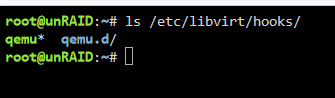
Reinstalled the USB Manager Plugin and now it looks like this: And now the USB devices are attaching after a reboot. Thanks!
-
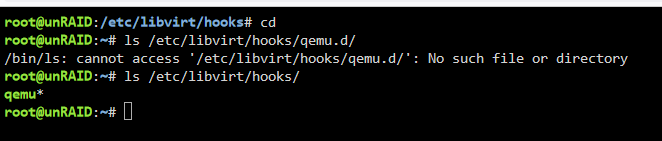
Doesn't look like it.
-
I stopped and started the VM. This is the result of usb.txt. I then detached/attached manually via the USB console and that is usbreattach.txt. Thanks. usb.txt usbreattach.txt
-
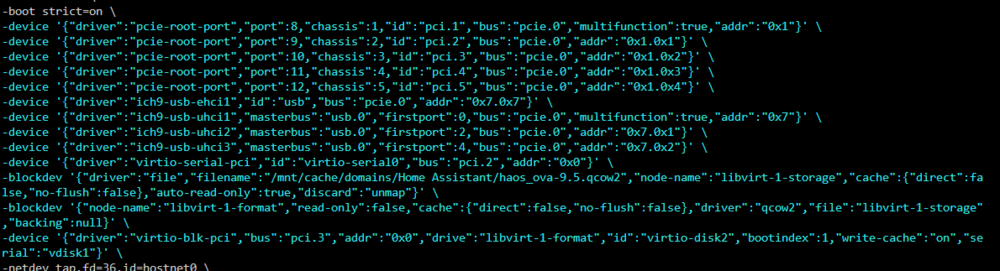
Looks like device.

-
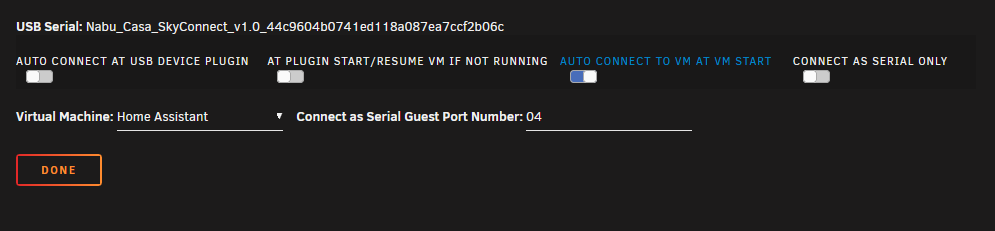
I have three USB devices that I would like to attach to my Home Assistant VM after the unRAID server reboots. If I just reboot the VM server, I have to detach/attach. When the unRAID server randomly reboots, I have to manually attach. This used to work but now it isn't. Is there anything else to look at? I used to have to configure some hostdev settings since two of the USB devices show up being identical but I thought the USB DEVICES screen was the work around. There are no issues manually attaching. I just want it to happen automatically.
-
Just set up my first server. Also getting an "outdated version" error connecting. [2021-03-17 17:37:23 INFO] Version 1.16.210.06 Windows 10 Minecraft says 1.16.220.51. Checking for updates still says up-to-date. Is there an update coming or am I on the wrong server? EDIT: I figured it out. Somehow I was a member of the "Insider" program and was running beta. I opted out and all is well.
-
Yes, looks like you got everything. At first look I thought you didn't get it all. We are both getting SSL errors at the handshake. Mine is intermittent, the same as Fiala06 which BinHex already replied to. I only access over HTTP, so accessing the GUI via HTTPS isn't the issue. I was assuming we have the same problem with a different error.
-
File "/usr/lib/python3.8/ssl.py", line 1309, in do_handshake self._sslobj.do_handshake() ssl.SSLError: [SSL: VERSION_TOO_LOW] version too low (_ssl.c:1108) Just in reply to the post(s) above. This is the "version too low" message at the end of LakersFan's error message.
-
Go to the very bottom, what does it say? Is it a unsupported SSL protocol error?
-
I'm getting the same even though my configs are set. Looks like they added IPV6 support. Does SSL need to be configured on Sonarr/Radarr?
-
I don't see how Pi-Hole would have anything to do with this. You can use the VPN docker and just disable VPN from the config so you don't have to have both installed.
-
Can't use PIA it due to issues that I posted earlier on this thread. Still not sure if it is PIA or this docker image. Also opened a ticket with PIA. Both sides say they don't see anything wrong.
-
It is instant. Install Docker Container > Enter VPN credentials > Configure SABNZBDVPN Download Directories > Send a file > Monitor Download Set VPN_ENABLED = yes or no and compare the results. I use Sonarr and Radarr to send but any download should present these timeouts once SABNZBDVPN gets the job.
-
As far as PIA VPN, I tried US East, Chicago, and US Midwest and they all timed out. As far as USENETSERVER, I tried NEWS.USENETSERVER.COM and news-us.usenetserver.com. All experienced the same behavior. They would download a few MB, timeout, and then start again. Thanks.
-
I'm struggling with this because it has been working flawlessly for the last 18 months, since I started using unRAID/Docker. Only in the last month or so did I notice problems. I don't know exactly when it started because I usually don't pay any attention to it. Right now I have VPN turned off using SSL and that is how I will leave it until something changes.



