





Altheran
Members
-
Joined
-
Last visited
Everything posted by Altheran
-
Hi, I woke up this morning this this error in the Docker Tab, wanted to let you know providing diagnostics before restarting it all. Warning: stream_socket_client(): unable to connect to unix:///var/run/docker.sock (Connection refused) in /usr/local/emhttp/plugins/dynamix.docker.manager/include/DockerClient.php on line 682 Couldn't create socket: [111] Connection refused Warning: Invalid argument supplied for foreach() in /usr/local/emhttp/plugins/dynamix.docker.manager/include/DockerClient.php on line 866 Warning: stream_socket_client(): unable to connect to unix:///var/run/docker.sock (Connection refused) in /usr/local/emhttp/plugins/dynamix.docker.manager/include/DockerClient.php on line 682 Couldn't create socket: [111] Connection refused Warning: Invalid argument supplied for foreach() in /usr/local/emhttp/plugins/dynamix.docker.manager/include/DockerClient.php on line 932 untheran-diagnostics-20210201-0813.zip
-
@saarg So, Any idea on how to "Custom IP" Tautulli?
-
I'm browsing from my personal PC (192.168.1.165). Everything is on a regular LAN on 192.168.1.0/24 UNRAID server has a single ETH interface on 192.168.1.230 All my containers (Except UniFi controler and Krusader wich are on host) are on custom : eth0 networks. Each has a dedicated IP. They ALL work, except for Tautulli... Tautulli has 192.168.1.221. I know about the MACVLAN stuf, wich is also why I didnt wrap my head around having a Wireguard server to remote manage my server / dockers It is also why I have ALL my dockers on custom eth, so they can talk to each other.
-
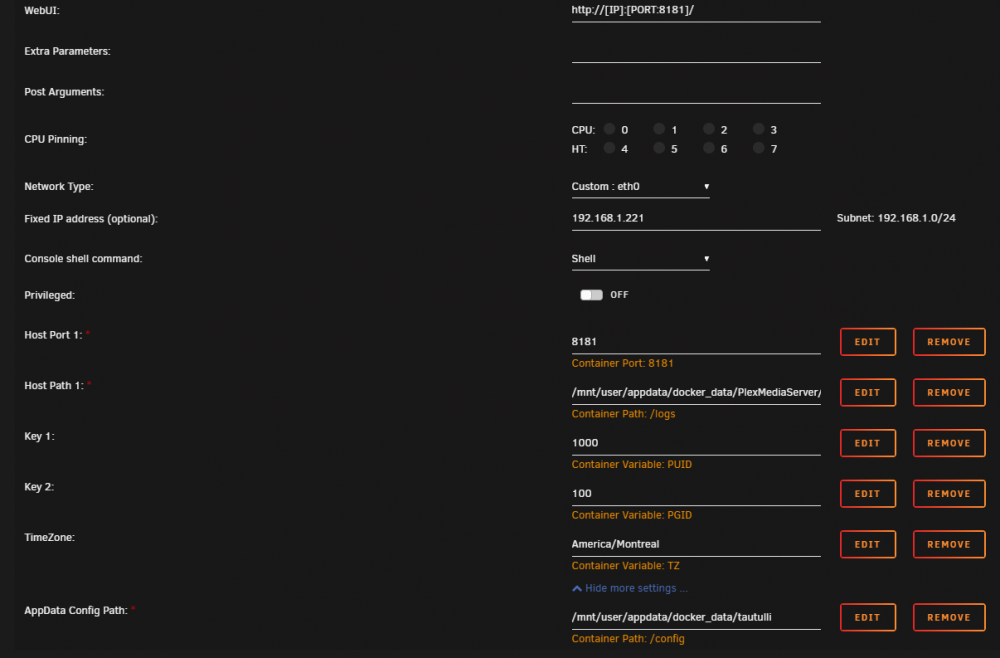
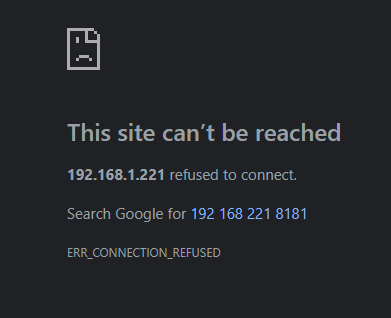
Hi all, for the life of me, I can't figure out how to make this work in Unraid with a "custom" network Type. All my Containers use distinct IPs, so they can route beween each other if some need to (host to host = ok, bridge to bridge = ok, custom to custom = ok, but Never managed to get differing network types to route to each other, the simplest was to go Custom IPs all the way) Can't get access to the webUI if I use a config like in the screenshot. I reinstalled the whole image from scratch and removed the existing config folder, I took a look at the logs at first it listens on 0.0.0.0:8181. Tried modifying parameters relating to the webservice listening interface , to no avail. Right now it looks like : [General] http_basic_auth = 0 http_root = "" http_proxy = 0 launch_browser = 1 http_username = admin https_create_cert = 1 http_host = 192.168.1.221 enable_https = 0 api_enabled = 1 https_ip = 127.0.0.1 https_domain = localhost http_password = admin interface = default http_port = 8181 So, anyone has tautulli working in UNRaid with a custom IP ? Thanks for the help !
-
I too am curious !
-
So any idea ?
-
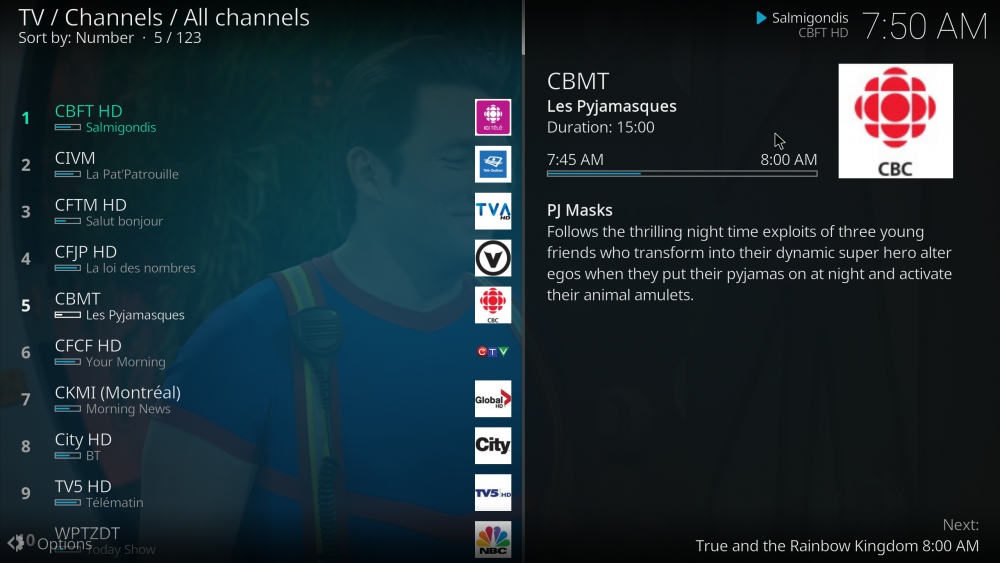
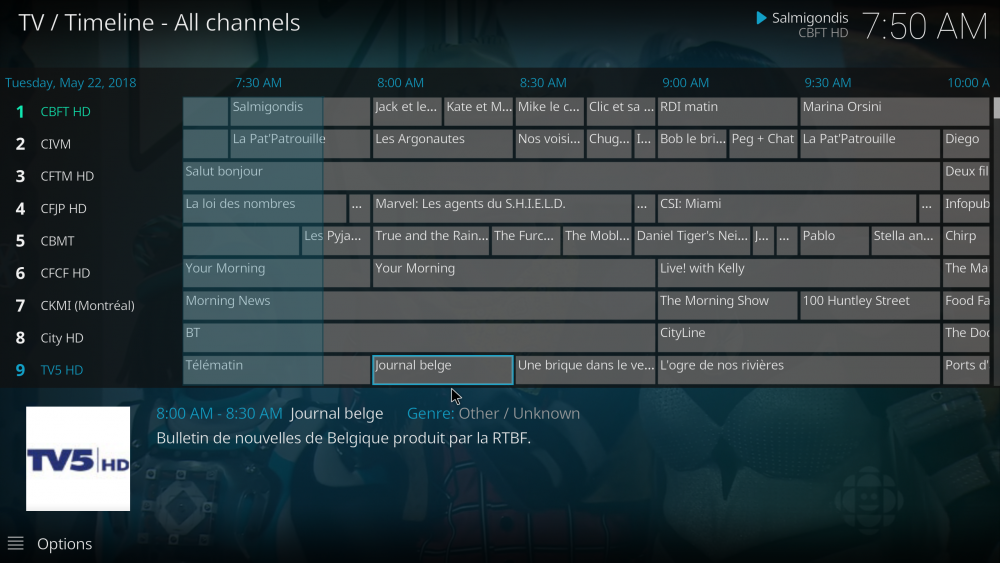
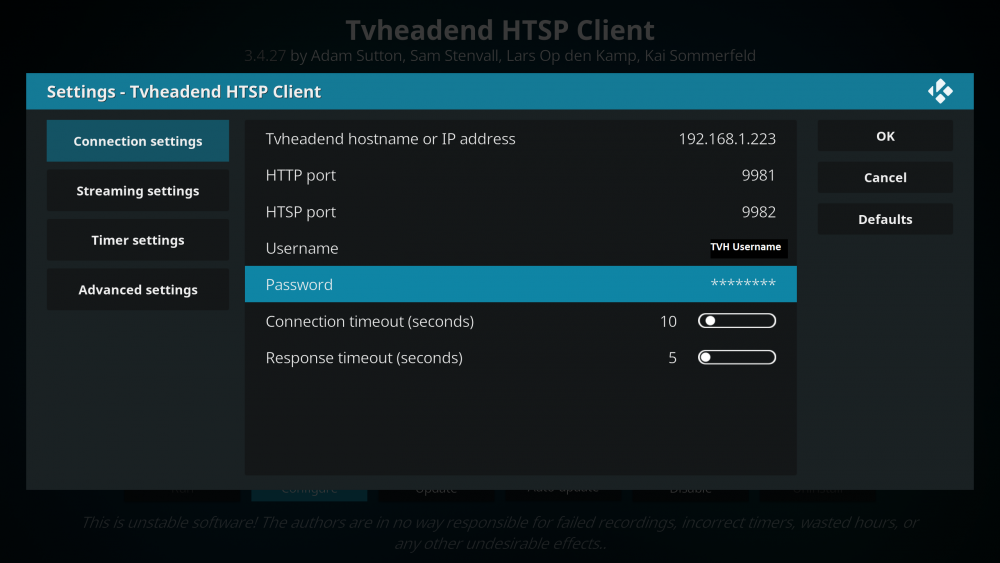
@nuhll Yes Here is from Kodi.
-
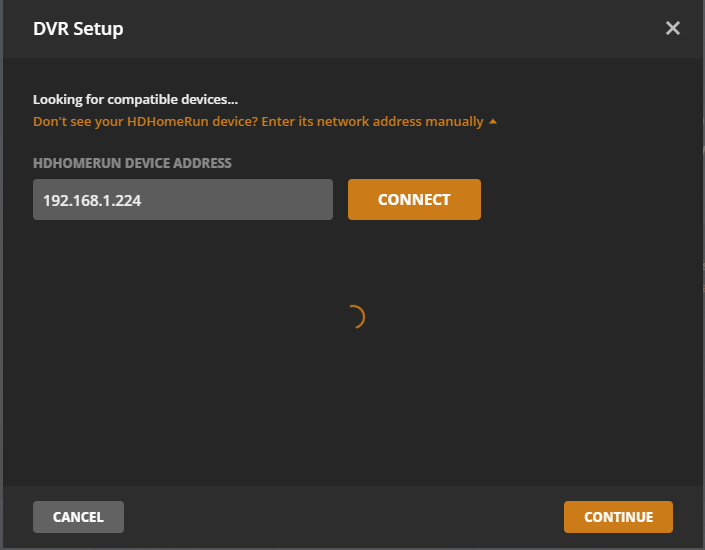
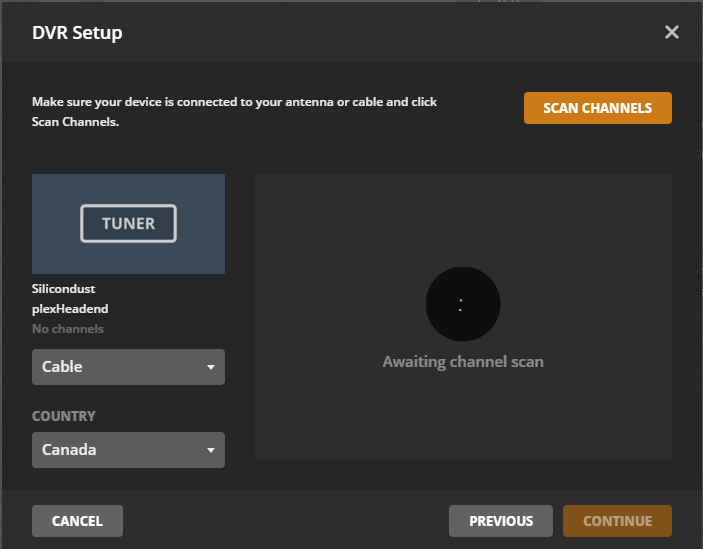
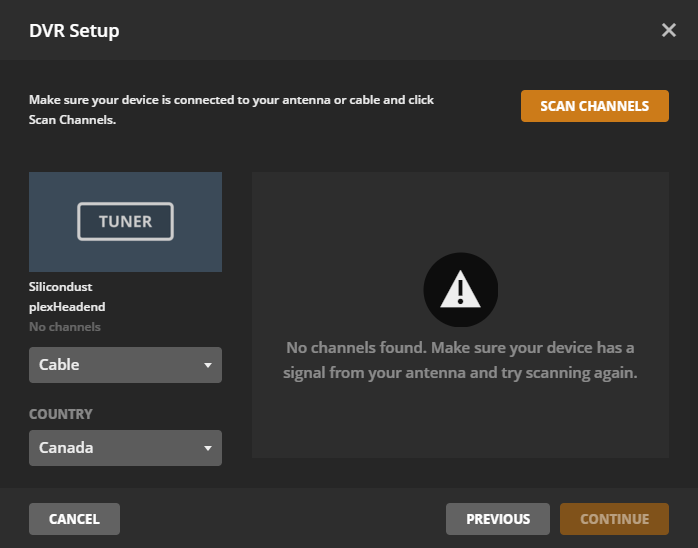
@nuhll Here is a rundown of my configs
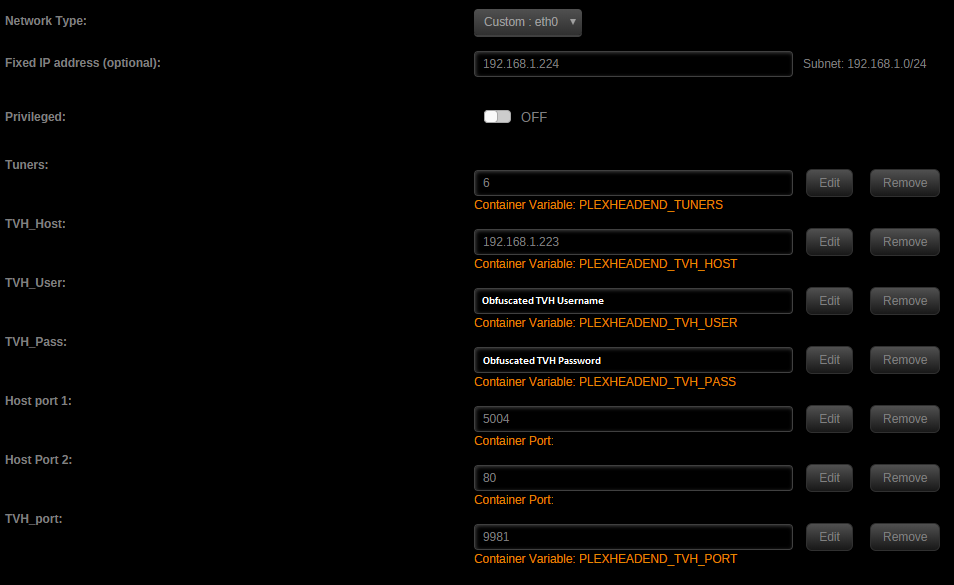
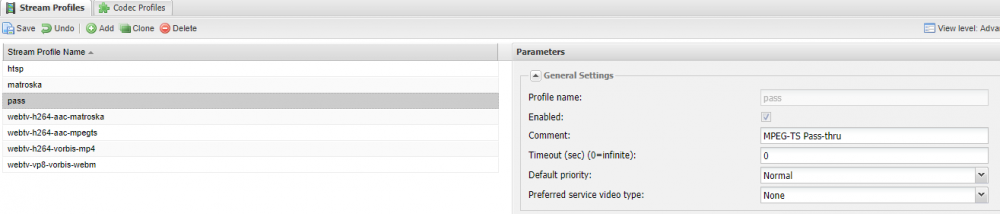
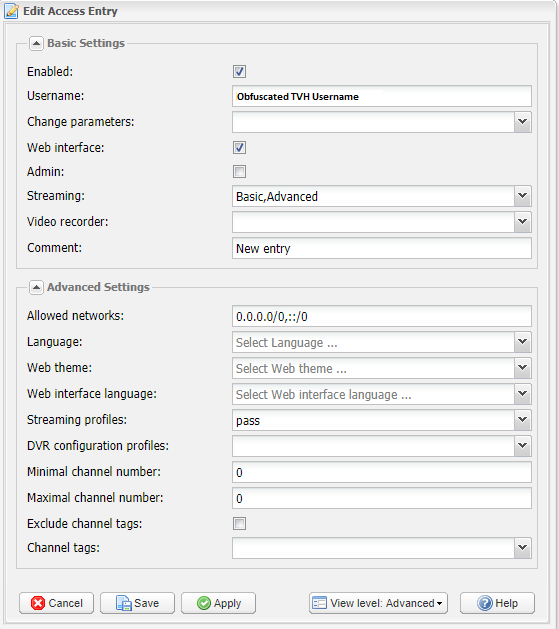
-
@nuhll Any TVHeadend configs you can specify ? Now plex is giving me no channel scanned ...


