





Parax
Members
-
Joined
-
Last visited
-
Same issue here. Yes you can use user scripts plugin to restart it, my script is simply: "docker restart Unraid-Cloudflared-Tunnel" and is scheduled to run weekly.
-
-
[User Utilities] section (user scripts etc) is located in settings tab, but every time I need it, I go to the tools tab first. Is there a way to show this under both or toggle where it shows? P.
-
Why is "users scripts" on the settings menu and not on the tools menu? ok, it's just me, isn't it?
-
That seems to have done the job, thanks! Whilst I was there, I also deleted the file in plugins-removed: /config/plugins-removed/fix.common.problems.plg
-
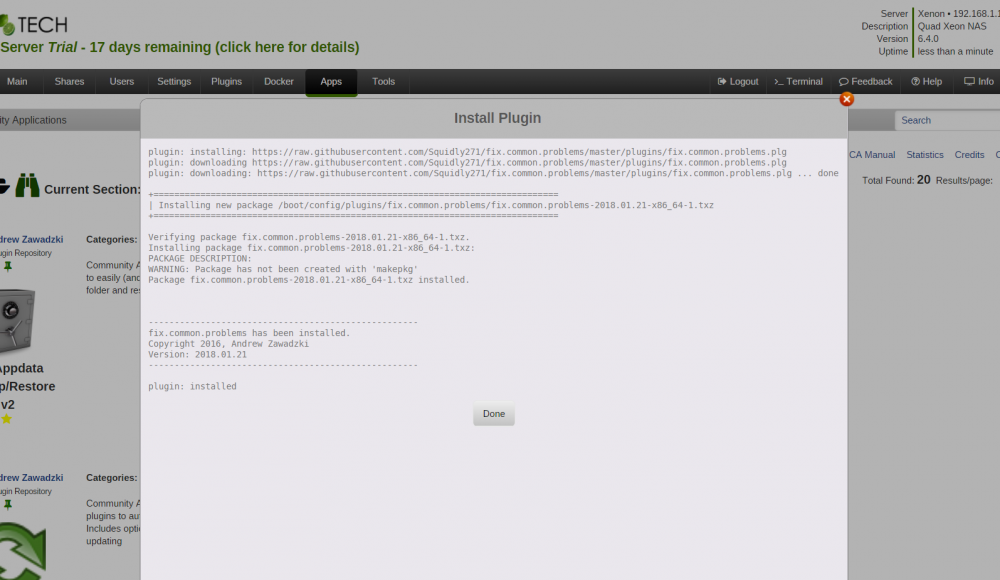
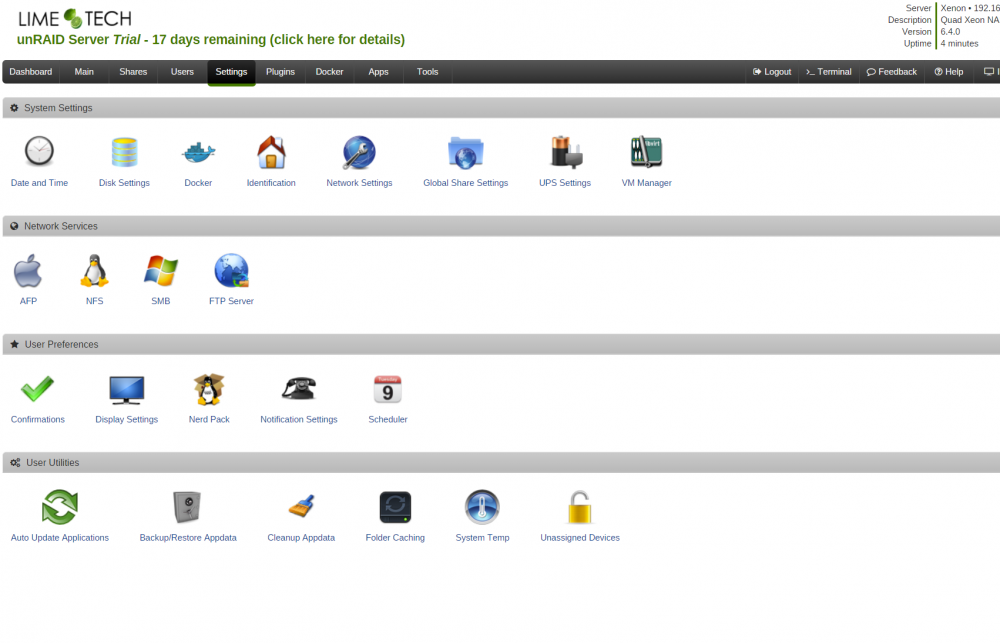
Rebooted, removed, rebooted, reinstalled... screenshot Same result .. nothing in settings: and same jigsaw icon in plugins Here is the Server Log for the install:


-
This may be a little Ironic but I have a problem with Fix Common Problems Installation.. I'm not seeing a lifesaver icon in the settings.. I'm only seeing a Green Jigsaw Piece in Plugins tab.. Clicking the jigsaw takes me to a blank page at: [IP addr]/Settings/FixProblems I've tried removing and re installing from Community Applications but always the same result... any suggestions?

-
Parax changed their profile photo
-
try also https://accounts.google.com/DisplayUnlockCaptcha
-
Is Shadow copy supported? I'm about to upgrade my nas, I like nearly everything about unraid but shadowcopy for win shares is a highly desired item on my list.. native or via pluggin..


