





sauso
Members
-
Joined
-
Last visited
Everything posted by sauso
-
Oh man this will be awesome. I had a bunch of files in my drive but wanted to change the modified date. it downloaded it locally before it change the file. will give this a shot tomorrow.
-
My egg will only work on python 3.8 and deluge 2. won't work on 1.
-
Oh Man, they looks awesome! cheers!
-
I just updated and mine's been stable for the last 10 mins. How many torrents are you seeding?
-
Couldn't agree more. I am genuinely interested in helping people out because i think this is a fantastic solution. But people need to help themselves as well.
-
Don't upload the egg. Copy it into the plugins folder in your App Data. Then open the core.conf file and add it in to the "Plugins enabled" section. That it the best way The upload feature seems to be broken.
-
Maybe post the step you are having issues with. Include screenshots of what you doing.
-
Have you installed the rClone Plugin?
-
The Thin client needs to match for it to work correctly. I use the RSS Plugin but that only works with the desktop client, so you may need to find a copy of it.
-
What step are you up to so far?
-
Bit hard to say that when you can write shell scripts. The vast majority of users using unraid wouldn't know the first thing to do in a terminal. On the surface absolutely a beginner shouldn't have an issue. But if you peak under the covers then you at least need to know a bit about linux to ensure you don't stuff anything up.
-
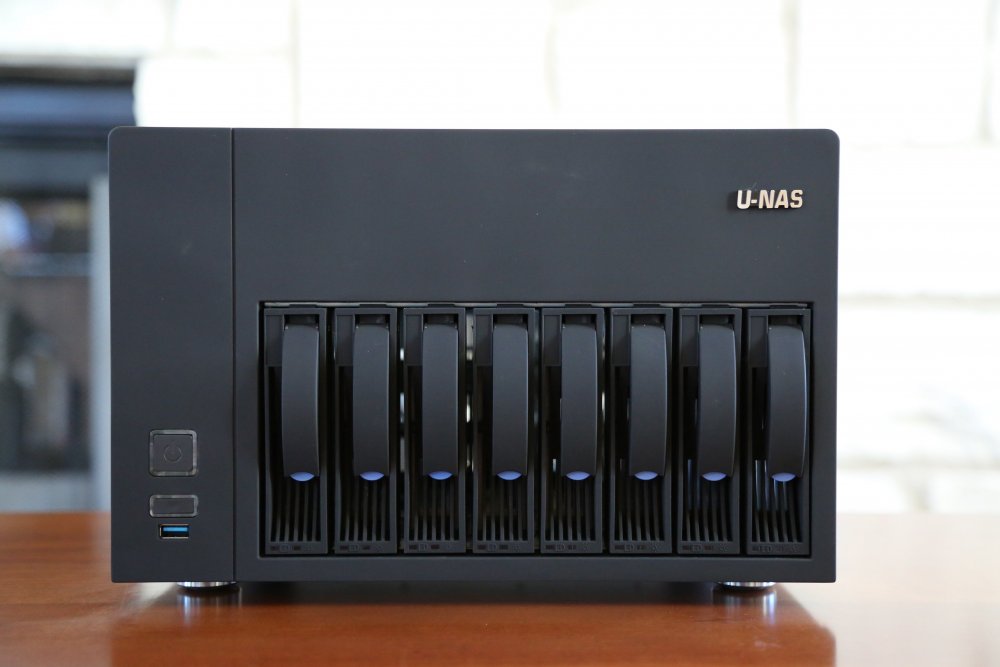
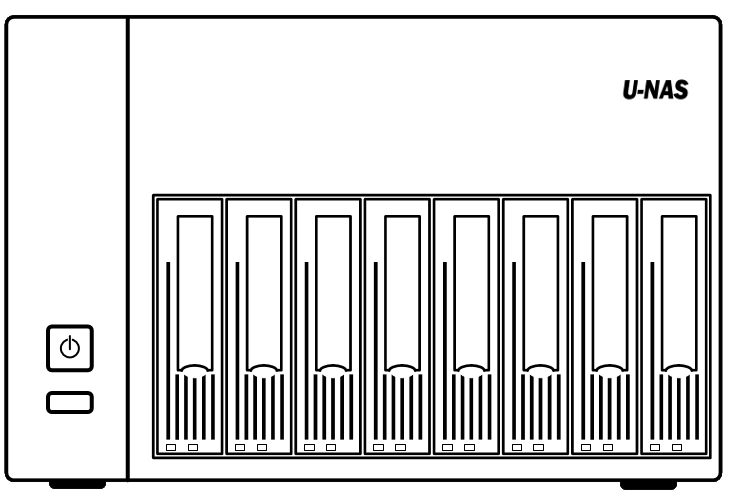
If anyone is interested i made my own up. Think it looks ok.
-
I have compiled the autoremove egg to work with 3.8 python. Seems to work for me. Give it a shot. https://drive.google.com/open?id=16i4TlCfA_Izg255W5zNNCZqg0tYzvb9I
-
Whilst Space Invader's Video and @DZMM' guide are great. There is an element of know how required. I would not consider this a beginner level thing. You have a very real possibility of deleting everything on your array with a rouge command. Even i managed to delete 4TB of local data the other day with a missing /. If you follow the guide to the letter it will work, but if you miss one thing it might not so be careful. Also there are only a handful of people using this process so support is pretty much limited to this thread. That being said i'm happy to help where i can. I'm also working on a rClone script to move data from my cache to the array based on modified date. Pretty much a copy pasta of this script but i want granular control of what is on the SSD cache rather than just using mover to move everything once a month.
-
Any chance of getting an icon for the u-nas 8 bay case?
-
What plugins are you trying to install?
-
FYI i've manually installed python-future in the container and the plugin now works. Any chance we can get it added to both the binhex-deluge and binhex-delugevpn images?
-
Hey @binhex. Trying to install the remove plugin for Deluge however looks like it won't enable in the new version. There is already a bug report on the plugin git. https://github.com/springjools/deluge-autoremoveplus/issues/3 Any chance we can get this module included in the docker container? Thanks
-
Turns out this was Organizr. Restarting the container fixed it.
-
I was just checking my Unraid Logs before and i'm getting the below error appearing every few seconds. Nov 29 21:37:25 Tower nginx: 2019/11/29 21:37:25 [crit] 8534#8534: *7654 connect() to unix:/var/tmp/binhex-deluge.sock failed (2: No such file or directory) while connecting to upstream, client: 192.168.2.5, server: , request: "GET /dockerterminal/binhex-deluge/ws HTTP/1.0", upstream: "http://unix:/var/tmp/binhex-deluge.sock:/ws", host: "unraid.mydomain.net" Thought is might be letsencrypt related so i disabled my Deluge config but it still kept coming up. So then i thought i would stop deluge all together and it still kept coming up. Really scratching my head where it is coming from. Any ideas?
-
Just updated to the new version. Fixed my poster problem!
-
TVDB Api is foobared again. https://forums.thetvdb.com/viewtopic.php?f=122&t=60101&start=10 They are really starting to become unreliable. In the last week i've had about 5 series with TBA in the title. This causes Sonarr to not import the file. Plex surely has the manpower now to build their own meta data api...
-
FYI @ken-ji I found a post where you said to remove the IP addresses from the Interfaces. Did this and it worked straight away. Thanks!
-
Stupid question but did your external IP change? I get cloudflare message only if my Internet is down or my IP has changed. https://whatismyipaddress.com/
-
Update was released 4 hours ago. I just updated and it fixed the issue.


