





repomanz
Members
-
Joined
-
Last visited
-
I saw a lot of pci changes so I acknowledged them all. I do see this
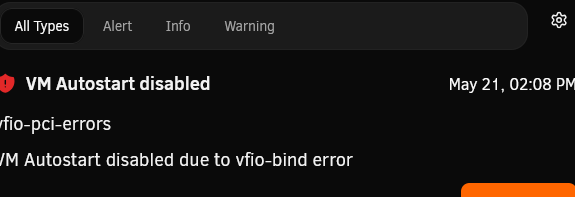
 as the title suggests, I replaced the mb and cpu recently. When my unraid is booting up I get an error stating my vm's can't auto start. The interesting thing is that I can start them manually once I login to the unraid ui. I've tried looking through the VM configuration and don't see anything obvious on why it's causing issues. Attaching diags.cybertron-diagnostics-20260521-1418.zip
 This fixed my issue. Thanks for quick response. FYI: I had the plugin installed and recently changed GPUs.from system devices error: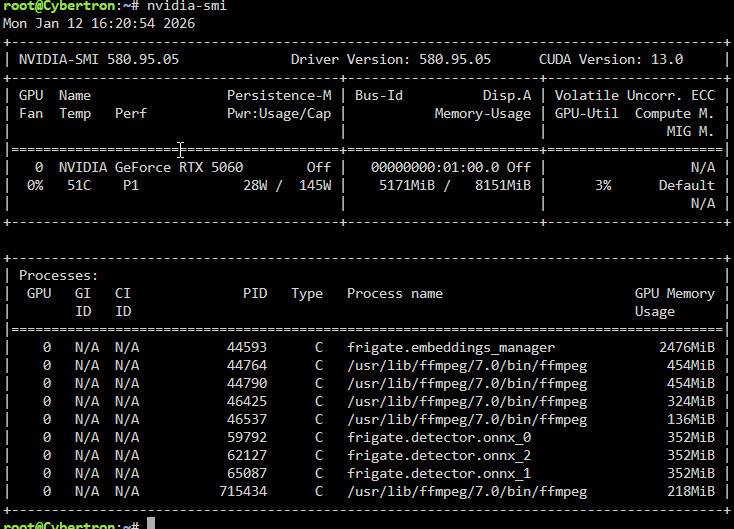

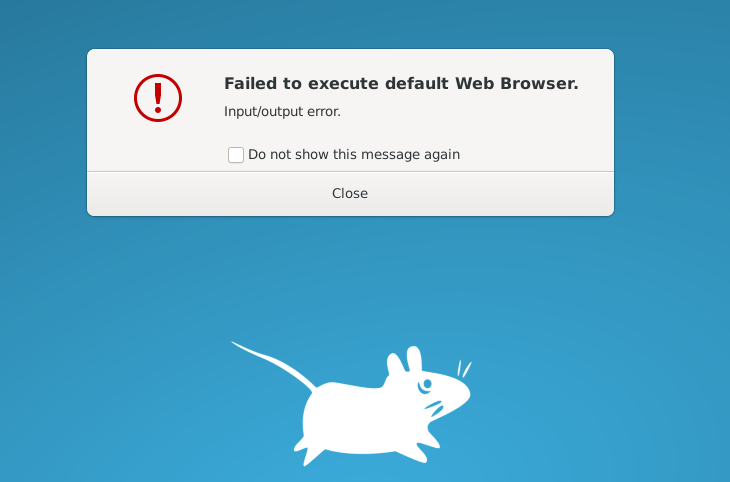
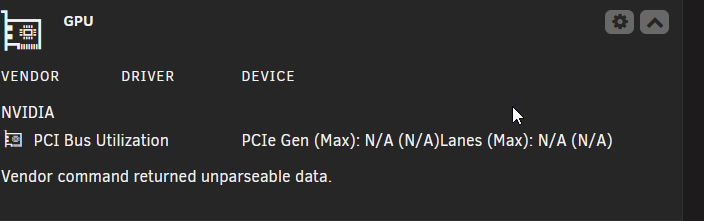 Hello - just installed a Nvidia rtx 5060. Both OS and plugin see the GPU using opensource drivers. I get a parse error with the plugin now. Work around?Hello, I'm having trouble with this container and downloading/installing object detection models. I have a model_cache directory within the config folder. In the container; I have defined yolov7-640 as the model I want. My understand is frigate will automatically download the model but in my case I don't see a yolov7 directory being created in the model_cache directory. Any guides or help appreciated.Latest still doesn't fix the restart as I still get the signal 15 error. Reverted back to 4.5.1 with no problems.To close the loop here. I ended up opening a ticket with the frigate devs. The issue was my total docker size was the problem. Increased it by 10gb; issue resolved.Sure thing. For fun I put the shim to 16GB (--shm-size=16gb); same error. Error: failed to register layer: write /usr/local/cuda/targets/x86_64-linux/lib/libcublasLt.so.12.1.0.26: no space left on device CUDA would point to the graphics card. My config currently has all the related nvidia gpu related settings defined in the container.@yayitazale Howdy. I'm still getting the shim error when trying to update. I've tried from my original of --shm-size=1024mb - to --shm-size=8096mb with no luck. Do I need to uninstall and install fresh using my original config file?Hello - I am updating my OTP software to a different provider. Trying to locate the 2FA setting in my account (account settings) but don't seem to be able to find it. Where is this setting?? repo@Asparon Hello - thanks for this container. Couple questions. 1) when I try to authenticate via youtube it displays an error input/output error likely related to the container's web browser. I get the same thing when attempting to use the web browser in the container. 2) I think this is related to 1 but I don't see manage broadcasts Thanks!
 with most recent update frigate is no longer looping / crashing. That said; my configuration unchanged, I'm not getting any object detection events which I did in v12. I see cuda / gpu being loaded in the logs but doesn't actual do the detection. v12 worked great.Hi @KluthR New to using this plugin and think I'm doing something wrong. I've mostly taken the defaults in the plugin template. When starting the backup; I notice the compressed file is very very large compared to the actual container size on disk. docker system df -v (23mb) plugin backup size of container on disk (31+ gb) in the plugin configuration I have the value set to no for saving external paths. The external volume for krusader is /mnt/user What am I doing wrong here?







