





Tortoise Knight
Members
-
Joined
-
Last visited
-
I'm the OP. My issue was the USB drive was failing. Replacing it fixed it.
-
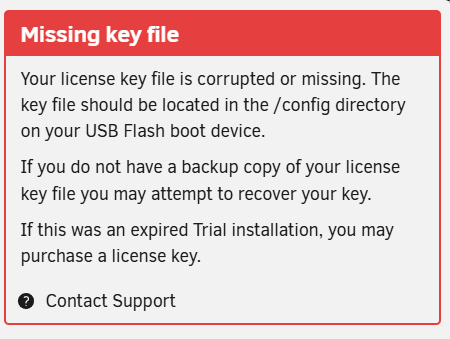
Would booting into safe mode cause this as well as all the errors in the syslog? Also, docker tab has disappeared from webgui. Weirdly though the previous input/output error isn't showing up. atlas-syslog-192.168.1.2-20250131-1925.zip

-
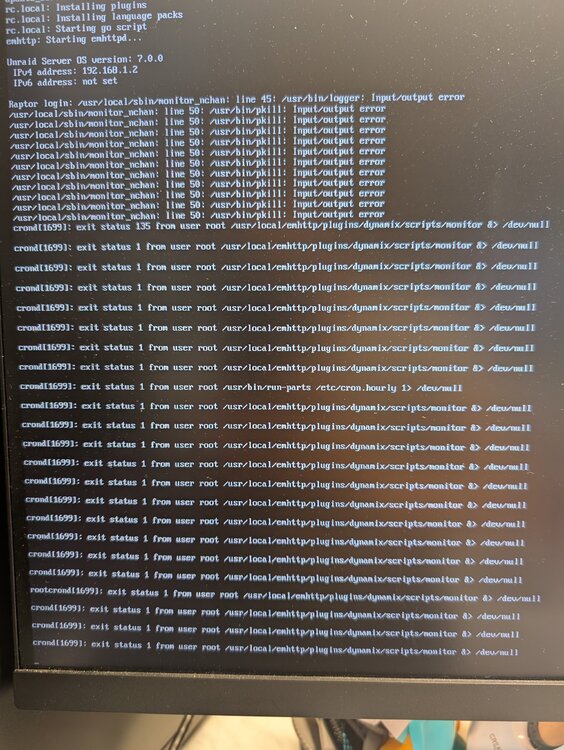
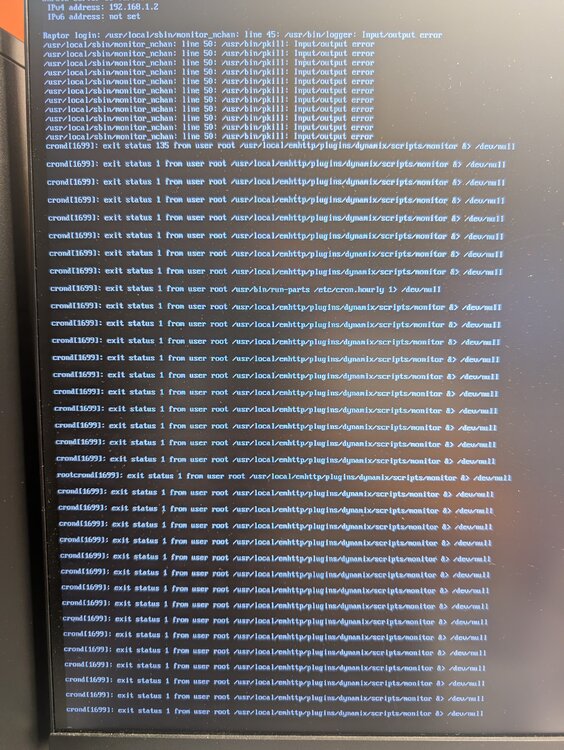
Yes, the remote syslog server isn't logging any more data. This is what I see on the screen and corresponding syslog file. At the same time. I can't access the webgui. However, any plex streams that were already active are still active. I can access some docker containers through their ip but others I can't. Cannot login either. atlas-syslog-192.168.1.2-20250131-1813.zip
-
atlas-syslog-192.168.1.2-20250131-1759.zip
-
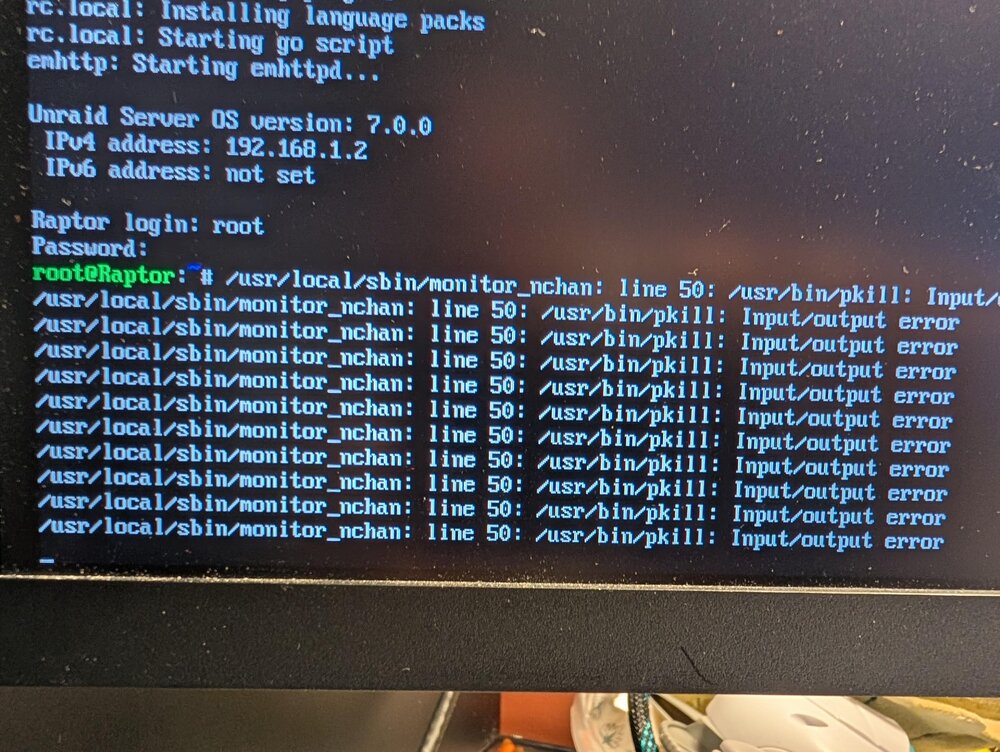
Every so often I'm not able to access the webui or any of my dockers via ip. When I plug my monitor in I see "/usr/local/sbin/monitor_nchan: line 50: /usr/bin/pkill: input/output error" raptor-diagnostics-20250131-1029.zip
-
This guy knows his stuff. Finally got it it updated. Thanks!
-
I'm sorry, I'm pretty much Linux illiterate so I wouldn't know how to check this or fix it.
-
Did you get this figured out? I've got the same error even though rclone isn't running.
-
Hi, I'm confused as to where the data folder should be mapped to?


