





hamad
Members
-
Joined
-
Last visited
-
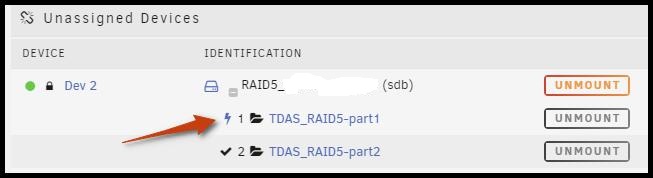
When I hover the mouse over the icon it says "Excute Script as udev simulating a device being installed" and when I click on it I got a message window with "/tmp/unassigned.devices/scripts/TDAS_RAID5-part1.sh 2>&1" I do not understand what are these, and why I got this icon on this partition only.. all other devices and partitions have a "check mark" icon on them do I did something wrong in here..
-
I have a DAS device Terra-master (D5-300) connected by a usb-c to my unraid through unassigned devices its an raid 5 with two btrfs-luks partitions and can be accessed just fine. the problem is that when I start a file transfer to the DAS and after some times ( ~ 1 hour) all the DAS's HDs LED and FANS goes OFF ( as it goes to sleep mode) while the files transfer continues normally, which leads to temperature rise of the HDs due to FANS are off. I already contacted manufacturer and after some emails back and forth they confirm that the device is absolutely fine ! so I start to think it may be some settings not right within unassigned devices that trigger this issue. I have also noticed an icon next to the first partition which I am not sure what it is (see screenshot) any help is appreciated

-
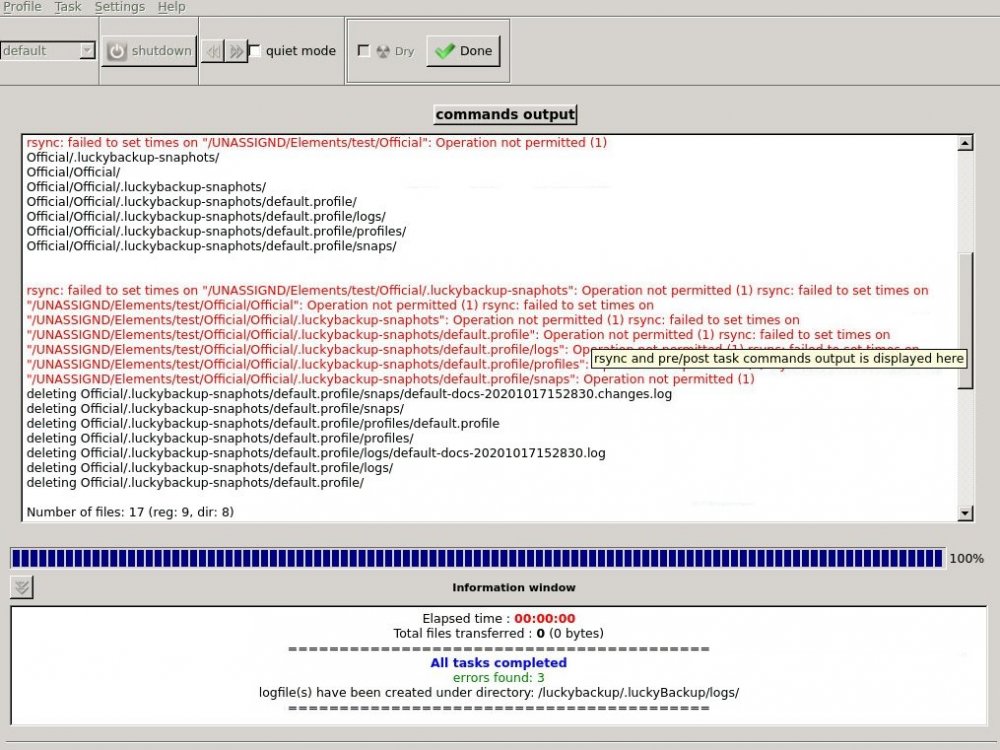
I did that already. but files still exists in destination. also I got some errors as in attached capture.
-
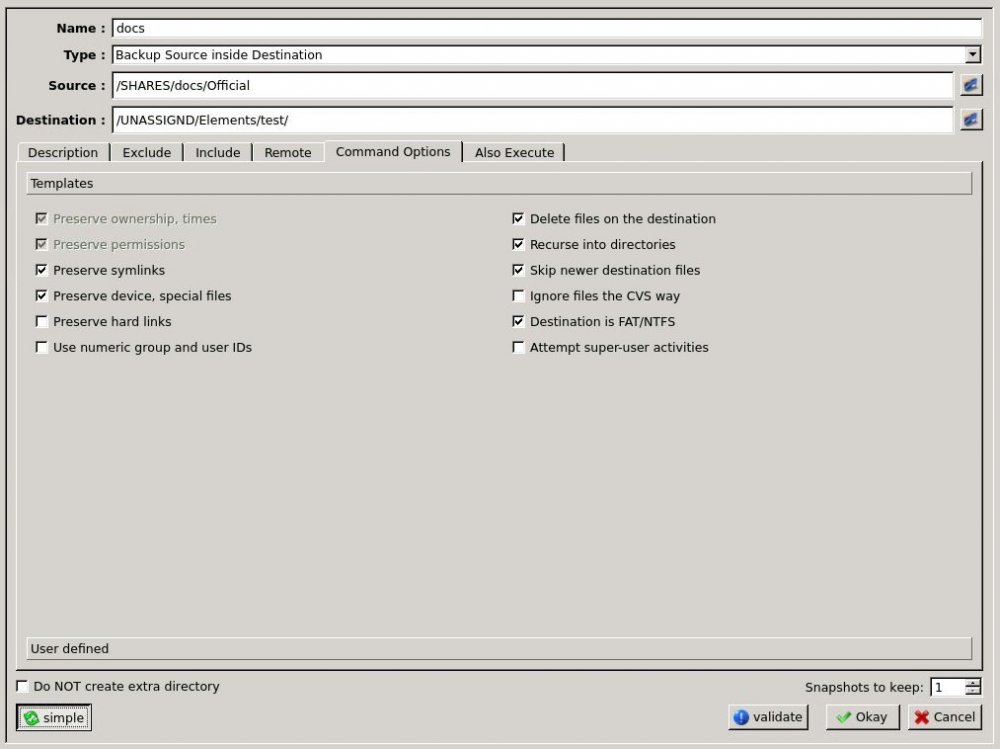
LuckyBackup actually problem partially solved.. it was my mistake that I choosed the Synch not backup under (Type) but still have a problem of not deleting files that exist in destination but not in source. my need is to (one way sync) source to destination so that any change in source (add-delete) will be reflected to destination. thanks for fast reply
-
I do not know if this is a bug or just me missing something. I am trying to sync my share to external drive ( using unassigned devices ) , I unchecked the option ( skip newer destination files ) in COMMAND OPTIONS cause I need an exact replication. but as soon as I click Okay the option got checked again by it self ! Also the option ( Delete files on the destination ) is grayed out and can not be selected.
-
I have a share with [cashe use set to YES] as well as exclude it to use DISK#2 I noticed that after running mover it uses DISK2. What could be wrong ? thanks


