





Natebur
Members
-
Joined
-
Last visited
-
@JPDVM2014 I woke up and saw an update available. It doesn't give that error anymore but now gives the base64 error that is already reported.
-
I have the spotizerr setup, but I get the error below when i try to download. 2025-03-24 18:55:34 [MainProcess:waitress-0] [spotipy.cache_handler] [WARNING] - Couldn't write token to cache at: .cache i tried mapping the cache directory to folder on the host and I still get the error.
-
Any luck on this?
-
I get that all the time and just ignore it. I haven’t had an issue.
-
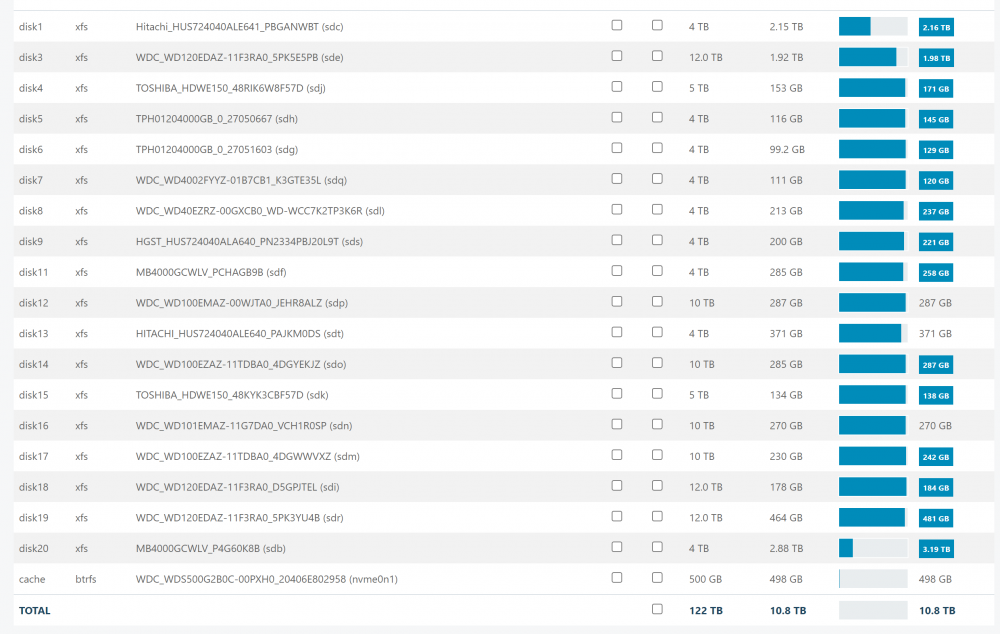
I have a quick question. I appologize if it has been answered as I have not gone through the 67 other pages. When I go to the url for unbalance, it has my disks listed, their total size, their free space, and the plan free space. But this is when I first get to the page before I even select a thing. Is this just a glitch or is does this point to/mean something?
-
Thank you! So I would use the wallet address under keys?
-
I'm sorry if this is a stupid question, but i have it up and running, how would i get the crypto off the wallet thats included?
-
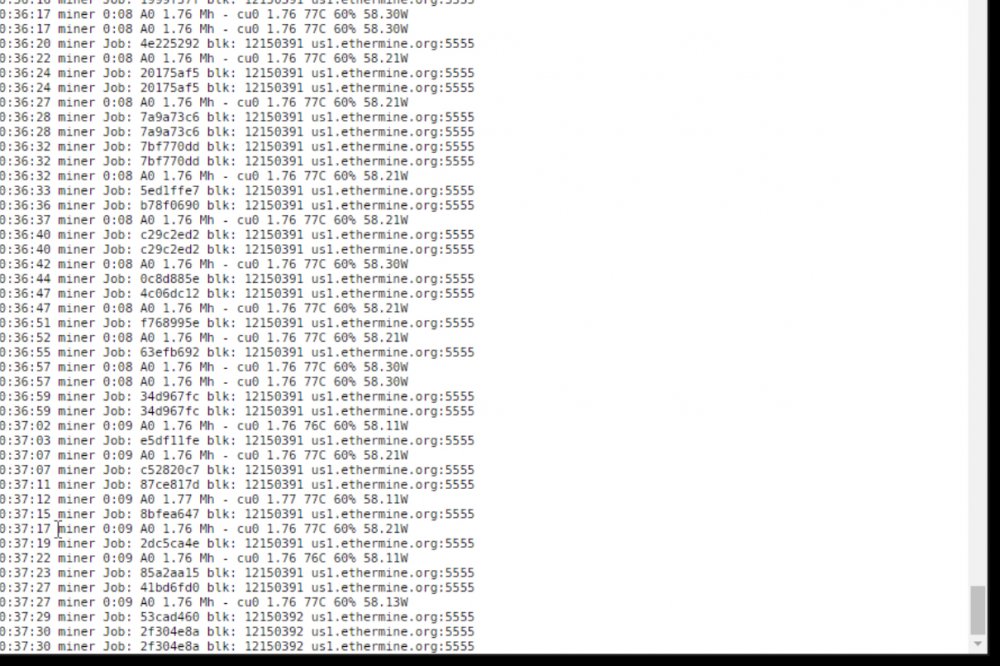
Does this show my hash rate is 1.76?
-
It’s working for me!
-
I’m getting this exact same thing
-
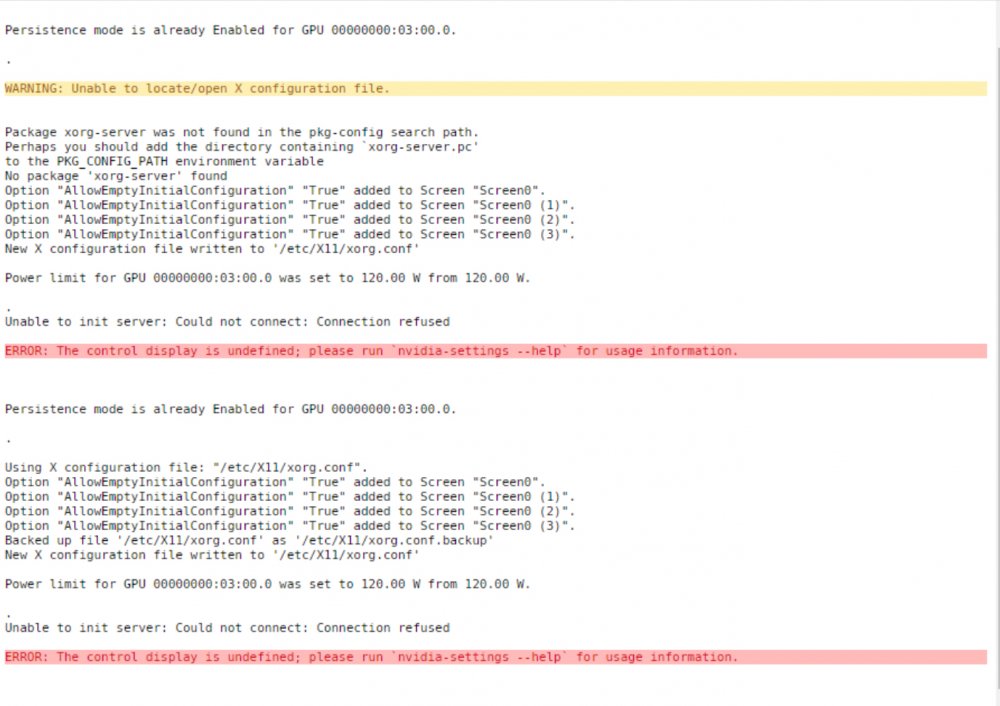
That’s what I thought. Here is the result of that.
-
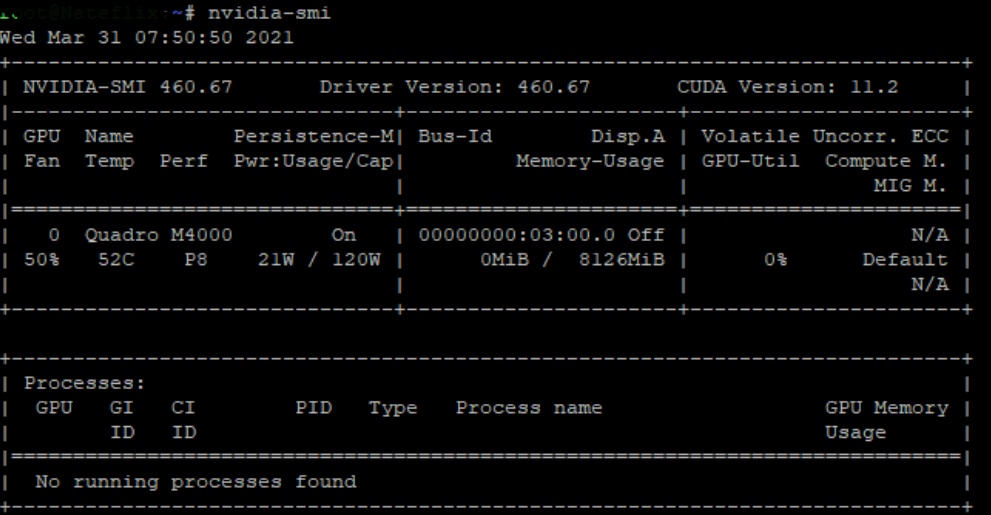
Of this screenshot, what should I put in the GPU variable?
-
What format should the GPU ID be?
-
I’ve already booted into non-GUI mode and the issue continues. I also removed the plug-in GPUstat in case that was causing it, but it continues as well.
-
I had plex using it as well as the os was booted into GUI mode. I have booted the os into standard mode and removed it from plex as well. No VMs.



