





JHopple
Members
-
Joined
-
Last visited
-
7.3.1 with internal boot. Attaching diagnostics and a download of the SMBSharesSettings page source tower-diagnostics-20260624-1315.zip SMBSharesSettings.txt
-
I have retried this multiple times and I also tried changing other settings and anytime the Apply button is clicked the system goes to the shutdown display and reboots and no settings are saved. This is completely reproduceable. I can post a screen capture if it would help. Everything else works fine, so this does not prevent me from using the plugin but I can't change any of the settings. Please let me know if there is anyway I can help diagnose the issue, otherwise I will just continue to use the plugin as is. Thanks for the work. J.Hopple
-
Upgraded to 2026.06.17 so I could move the menu item to Settings. Now when I change the "Show in top menu bar" to disabled and click Apply my system immediately starts a shutdown and reboot. After the reboot the setting is still enabled.
-
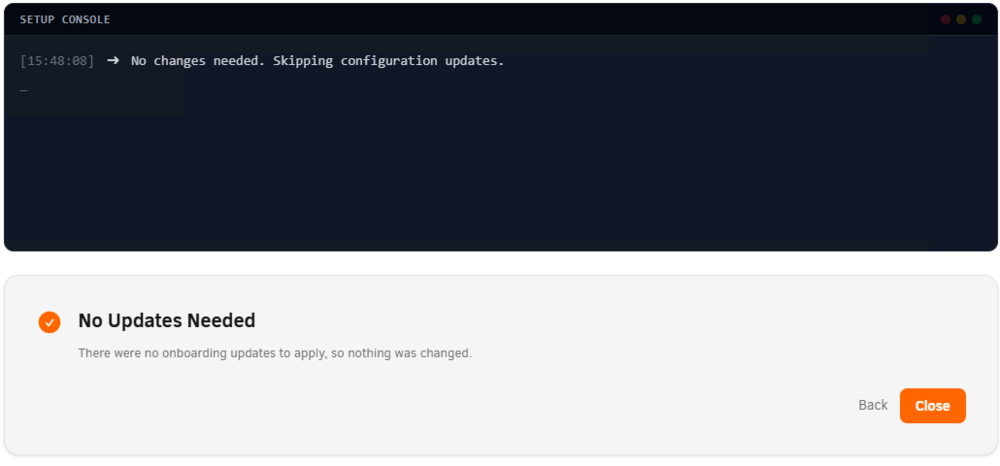
I switched to internal boot but the partition configuration was not what I was expecting. I used a Samsung 500GB SSD for the boot drive and I was expecting to have a boot partition and a data partition, that is what the YouTube migration video showed. What I got was a single boot partition with 480GB of free space which is not usable in the array. I tried to switch back to flash boot but the when I use the internal boot wizard I get this... Anybody have any ideas what my next steps are?
-
I had the same problem. I had to turn off secure boot in the BIOS.
-
I used the 'Alternative method' as outlined in the docs. This was supposed to maintain parity. I did have the 'Parity is valid' box check as the docs said I should. I am guessing I did something to invalidate parity but I am pretty sure I followed the procedure correctly. Anyways -- I have started a parity rebuild as you suggested and it is proceeding along with no errors. Thanks for the responses!

-
Yesterday I replaced 2tb drive with a 8tb drive. Rebuild completed successfully. Today I removed a 4tb drive following the directions here https://wiki.unraid.net/Manual/Storage_Management#Removing_data_disk.28s.29 I am now running an parity check as recommended and I am getting many sync errors. Can anyone tell if I have made a serious error? Thanks. tower-diagnostics-20210416-1711.zip




