





woocash
Members
-
Joined
-
Last visited
Everything posted by woocash
-
Is there any possibility of defining national date format? I unRaid the default is for example "Thursday, 2019 Aprlil 4". In polish it makes no sense, because we are used to a different format like "Thursday, 4 April 2019" which translates to "Czwartek, 4 kwietnia 2019".
-
That is wonderful, already put to good use, thank You!
-
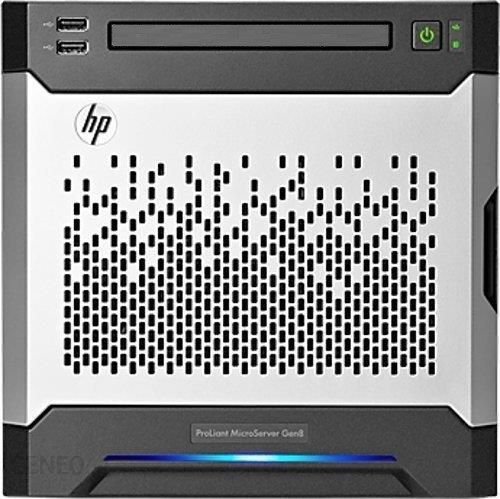
Good Sir, would it be possible to create an icon for Microserver Gen8?
-
Same problem here. Temporary solution that I came up with is to edit the docker settings and change repository to an older version: "linuxserver/duplicati:v2.0.4.23-2.0.4.23_beta_2019-07-14-ls27"
-
If I zoom in using mobile safari to open notifications menu (green button on the right side), the submenu opens waaaay to far to the left.
-
Problem description: Unable to manually start array. Automatic start after reboot works ok. All drives are unencrypted (xfs) Visual manifestation of the problem: After stopping array manually, the START button on Main screen greyed out, input field below it asks for passphrase, even though there are no encrypted drives in the system. Temporary solution: Set "Default file system" in Settings > Disk Settings to "xfs" instead of "xfs-encrypted" Proposed solution: Connect asking for array disk passphrase in the GUI with at least one drive having an encrypted filesystem, not with default settings.
-
Is it possible to separate configuration form, to be able to set different port and address for the server to operate on, and different port to be input into user configs? I have my OpenVpn server running on power 1194 internally, but it is visible outside on port 443 using a dynamic dns name. With current config it is impossible to automatically generate working configs for the clients.

