






Ninnetyer
Members
-
Joined
-
Last visited
Everything posted by Ninnetyer
-
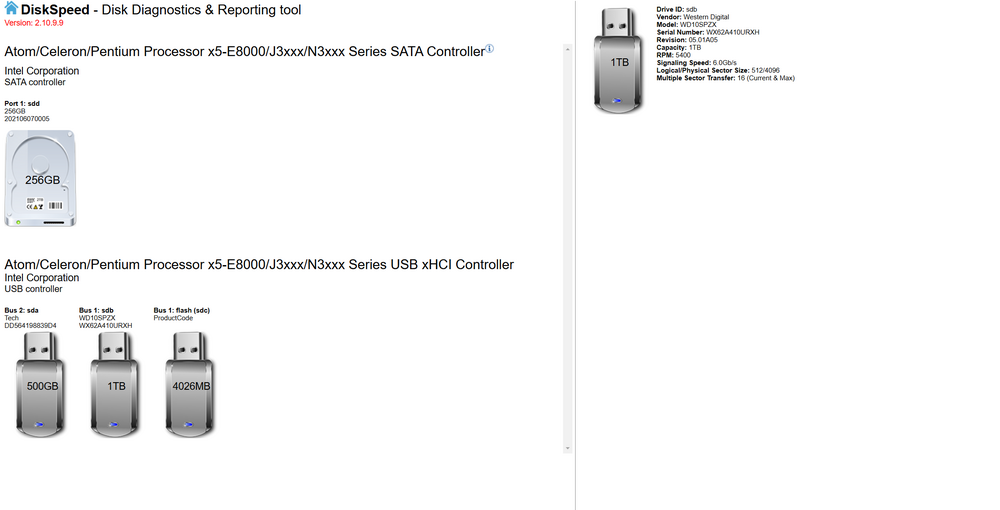
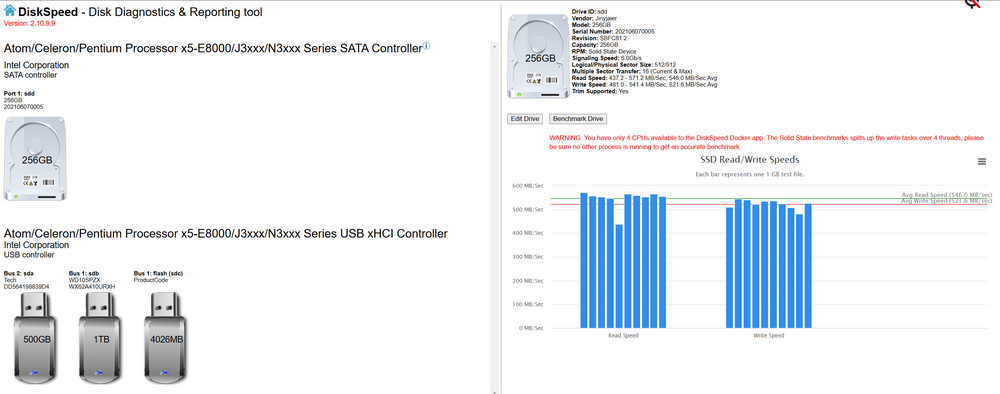
Hello guys, Is there anyway to check UNASSIGNED DEVICES ? Normal attached disks (Sata for example), are working fine, but for some reason usb attached disks wont let me test the speed, its there any workaround so It will let me test the usb attached disks speeds ? Thanks in advance.
-
Hey, not sure if I will be able to go back to stable version if something goes wrong, you know, like the usual behaviour of standard update, or is it that the link just simply provides an extra branch additional to "stable" and "next"?
-
Thats good news, hopefully microsoft won't mess up compatibility on launch date. Will keep an eye on this thread, so I can try out the plugin when its ready. Thank you again.
-
Hey, thank you for the hard work you are putting into this feature, do you think people with no supported cpus will still be able to boot win11 with this tpm emulation?
-
Oh yeah +1 on this, altough not sure if xeon E5 v4 cpus will get some love from microsoft for win11.
-
Hey ghost82, thanks for pointing that info, now I am facing the problem that there is no binary in unraid, so I am facing the "Unable to find 'swtpm' binary in $PATH: No such file or directory" message. Any clue on how to get those binarys installed in unraid?
-
Oh yeah, I am aware of that, I meant unraid as a whole. Now is there any additional step to take to enable such feature for tpm emulation?, cause currently I am running latest unraid version, with a passed trough nvidia card, uefi enabled windows 10, but when accessing tpm.msc in windows I get that there is no TPM compatibility.
-
Hi, what you mean with no issues. Is unraid able to emulate Tpm? Or you mean we can passtrough the device itself. I can't figure it out. Thanks in advance.
-
Thank you. I managed to run my machine with a 1660ti which came with some sort of additional controllers like usb controller and serial bus controller, now I passed the usb bus using your method: <hostdev mode='subsystem' type='pci' managed='yes'> <driver name='vfio'/> <source> <address domain='0x0000' bus='0x27' slot='0x00' function='0x2'/> </source> Now I would like to know how do you pass two devices (I already got 27:00.2, also need 27:00.3) IOMMU group 15: [10de:2182] 27:00.0 VGA compatible controller: NVIDIA Corporation Device 2182 (rev a1) [10de:1aeb] 27:00.1 Audio device: NVIDIA Corporation Device 1aeb (rev a1) [10de:1aec] 27:00.2 USB controller: NVIDIA Corporation Device 1aec (rev a1) [10de:1aed] 27:00.3 Serial bus controller [0c80]: NVIDIA Corporation Device 1aed (rev a1) Thanks in advance.


