





Spoonsy1480
Members
-
Joined
-
Last visited
-
No idea why but it’s working now I haven’t done anything or changed anything?
-
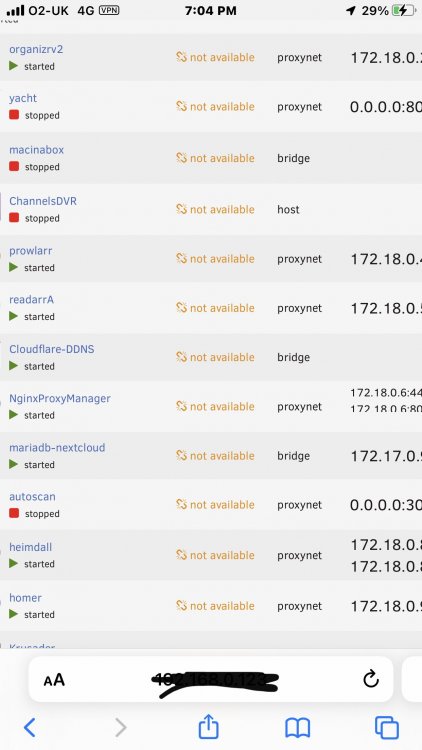
If you look at my screenshot it says they are not available and I can not update them I’m trying to fix this problem
-
As I’m playing music from server while I’m at work and I can watch plex if no internet no plex
-
Yes everything is running fine and I can access them all
-
Changed my router when unraid rebooted something is wrong with docker as it won’t update. Anyone know what I need to do to fix this?
-
So it’s supposed to be slave not shared as I have Emby on the shared but do not show errors should I change them to slave?
-
Thanks my mint/disks where set to shared now changed to slave. Don’t know why I got errors I haven’t changed anything only updated rclone plugin
-
Docker application plex has volumes being passed that are mounted by Unassigned Devices, but they are not mounted with the slave option I’m getting this I am using rclone and those directory are shared not slave but nothing is using unassigned devices. I did set the disks to spin down after 30 mins and then later I got this message is that the problem or rclone drives?
-
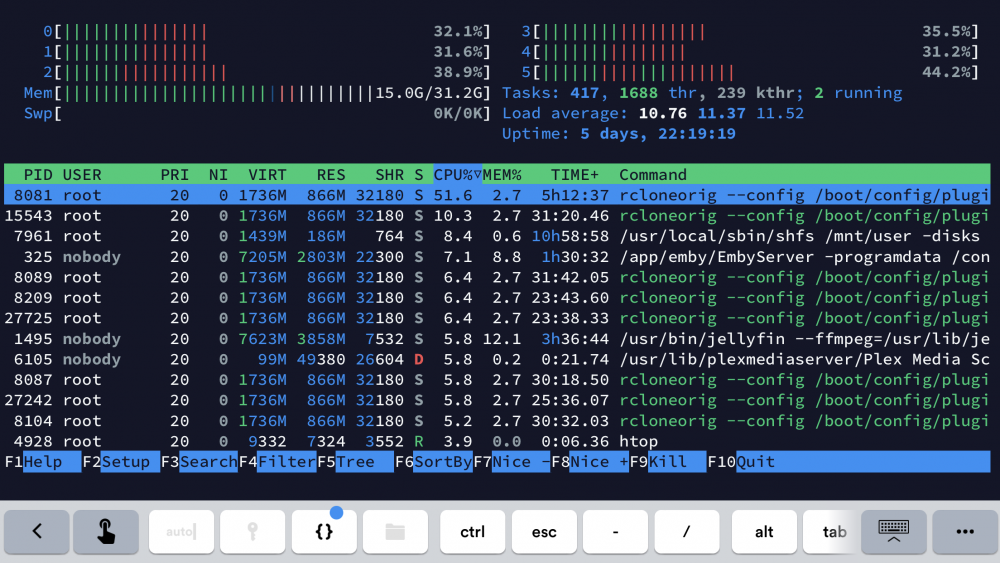
I’m getting really high cpu load and when I look at htop in Terminal it shows rclone
-
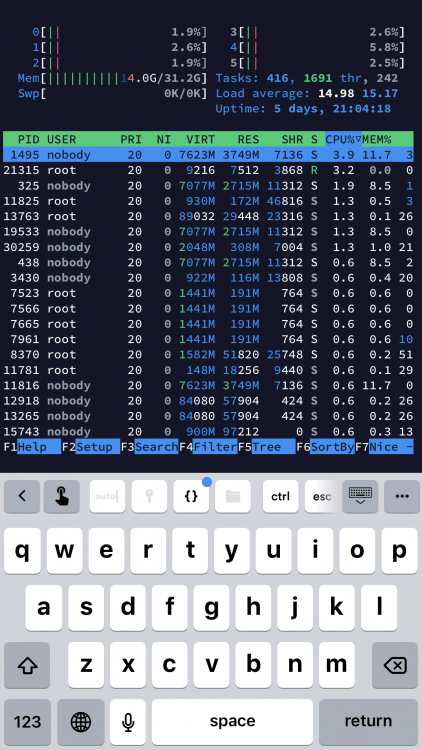
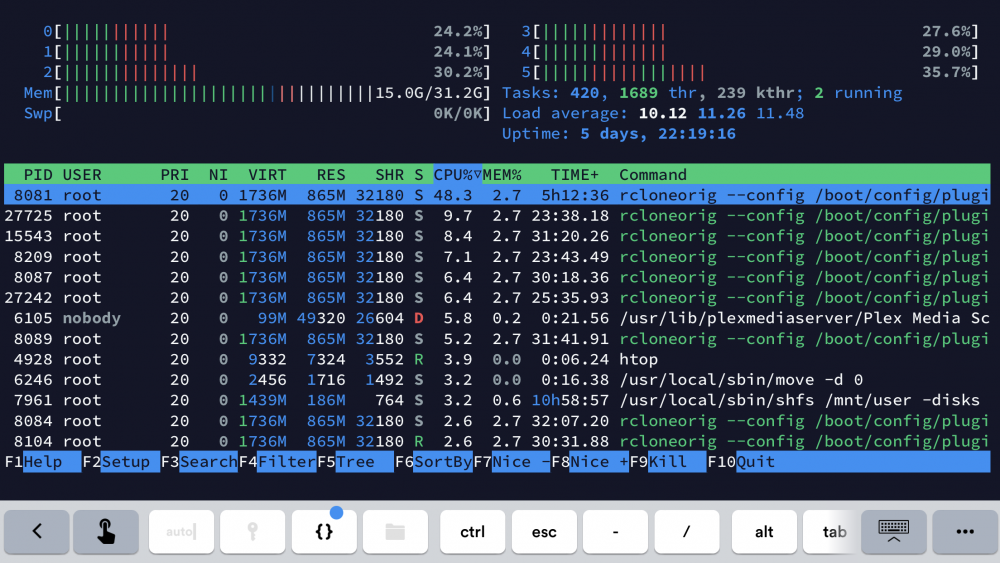
My server is all of a sudden running high cpu on all cores nothing seems to be running. I have run htop in terminal and it shows root and a nobody all the time . looking more into it, it seems to be rclone
-
Your rcloneremtename would I change mine to tdrive and would I change the rclonemountshare to /mnt/disks/ as that where mine is? Do I add the rclonecacheshsare the same as yours as user0. And the local file share you have /mnt/user/local I don’t have local in my user file?
-
#!/bin/bash #---------------------------------------------------------------------------- #first section makes the folders for the mount in the /mnt/disks folder so docker containers can have access #there are 4 entries below as in the video i had 4 remotes amazon,dropbox, google and secure #you only need as many as what you need to mount for dockers or a network share mkdir -p /mnt/disks/tdrive mkdir -p /mnt/disks/gdrive #This section mounts the various cloud storage into the folders that were created above. rclone mount --max-read-ahead 1024k --allow-other tdrive: /mnt/disks/tdrive & rclone mount --max-read-ahead 1024k --allow-other gdrive: /mnt/disks/gdrive & this is my script at the moment I would like to add unionfs to this how do I do it, not bothered about uploading or having it encrypted as I have 230tb already on a tdrive that is unencrypted. it’s really only tdrive that has my data on it
-
That did it thank you Sent from my iPhone using Tapatalk
-
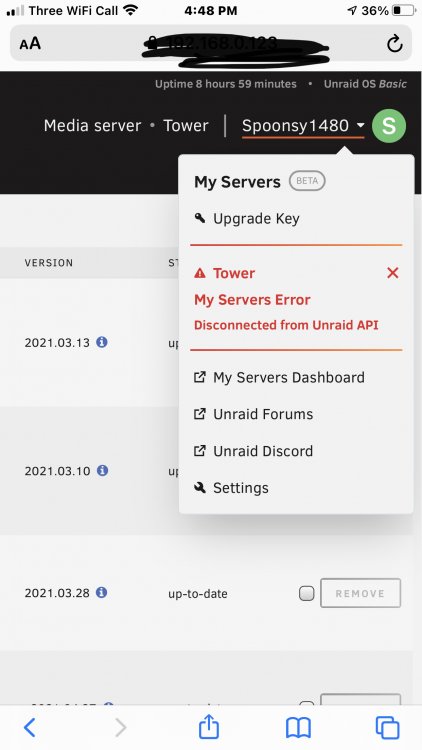
This has happened how do I fix it. Tried uninstalling and reinstalling no change
-
/tmp/user.scripts/tmpScripts/Rclone_mount/script: line 5: section: command not found I get this when I try to run a mount script Sent from my iPhone using Tapatalk Sorted it out I just needed to run in background


