





ThaDaVos
Members
-
Joined
-
Last visited
Everything posted by ThaDaVos
-
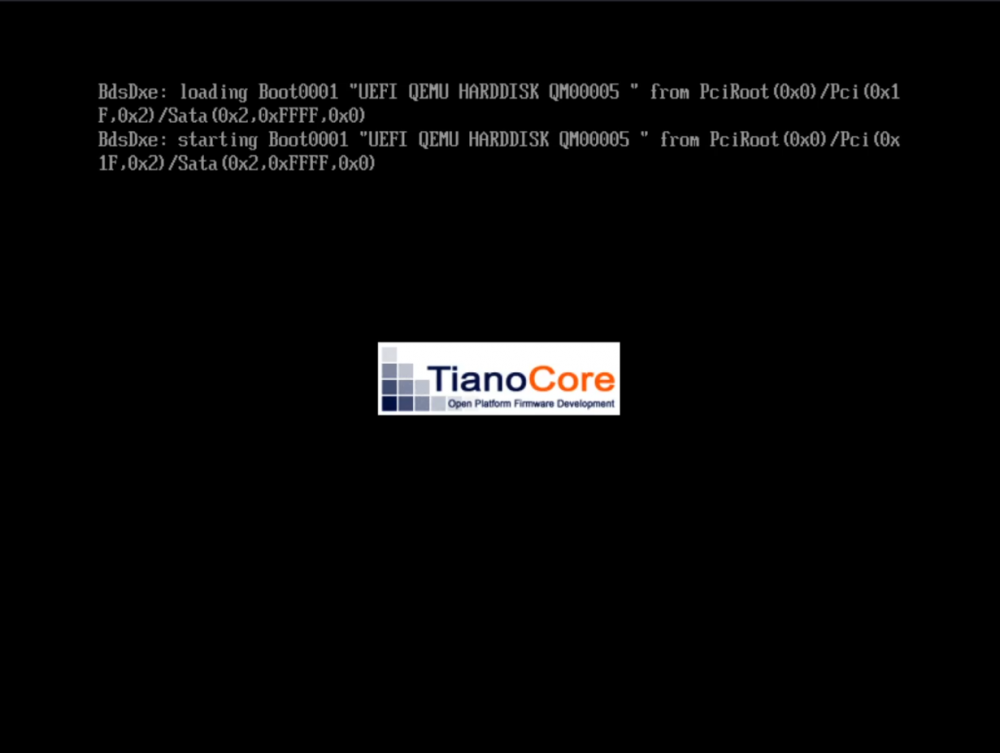
I've got Catalina installed just fine but for some reason I cannot get Big Sur installed (which I need as one can no longer develop iOS apps on Catalina as the max supported SDK is 13.7 and you need SDK 14+) - I tried updating my Catalina too but it will end up getting the same error as Big Sur during clean installation and I cannot figure out how to fix this...
-
Hey All, Love the zerotier container, only running into one issue: I've got two minecraft servers running on my unraid, one is managed by Pterodactyl (Game Panel) and the other is just the binhex one. I can connect to the binhex one, but not the pterodactyl one (ofcourse they have different ports and yes, I changed the port in Minecraft) - the only difference I see is that the Pterodactyl container is using a custom network as opposed to the bridge network the binhex container is using... Is this the issue? If so, how can I make it work with this custom network? What I've tried: - Change the network of the ZeroTier container => No differences - Restarting everything => No differences
-
Maybe a stupid question - but how does one use a username and password with a NFS share? It won't mount for me so I guess I need to enter my username and password but I can't find out where I have to do this - the SMB option does have a username and password field
-
I noticed I can use the Gray one instead and have the same layout 😂
-
Oh, that explains a lot... a bit stupid, normally with themes you use the same classes 😂 But, good to know, maybe I'll need to convert one of the themes I like to the Azure one (which is sometimes a bit buggy though) I guess this is the case for all the default Dynamix Themes? Ps: Thanks for the quick reply!
-
I love the layout of the Azure Base Theme but it seems I can't use it with this plugin, can I? When ever I change a theme it reverts to Black, and if I change the base theme to Azure, everything goes grayish and looks disgusting... Any tips?

