





Nozlo
Members
-
Joined
-
Last visited
Everything posted by Nozlo
-
Seller claims this drive works 100%, and I didn't end up testing it within the return window... Drive feels like it powers up and does not appear in unraid. I see it under system devices. Current problem Drive spins up but stays in not ready state Logical unit not ready, power cycle required and I have reset this thing many times PROTECT=1 is enabled but no commands I can run work usually saying not ready Cannot run sg_format because the drive is not ready I have tried Multiple full power cycles (PSU unplugged 5-10+ minutes) + drive reseat sg_format --format --fmtpinfo=0 --size=512 -v /dev/sdh (fails with not ready) Tried enabling libata.allow_tpm=1 and ran sedutil-cli --PSIDrevertAdminSP (but says "Invalid or unsupported disk") 3.3v pin taped on sata power connector homeserver-diagnostics-20260526-2225.zip
-
Downloads and Media are the main culprits. I got some space freed up manually moving files from file manager but mover is still not working.
-
Hello, Recently noticed mover isnt working as my cache is now full and its causing dockr to explode. I have tried every thread solution I could find including checking names of the .cfg files in the /server/boot/config/shares location. Installed CA mover, doesnt work. Uninstalled, doesnt work. Re-installed, doesnt work. Not really sure what is going on here. homeserver-diagnostics-20250331-2316.zip
-
Gotcha. Shutdown docker, set system share to cache only, run mover and in theory problem solved? I am assuming docker will need to be told where the vdisk was moved to? edit: Moved system share over to cache drive and will figure out backup solutions. Looks like no more unnecessary read / writes are on the array! Thanks for your help!
-
Sounds good. Went ahead and deleted that appdata directory on disk2 manually. It looks like the disk continues with constant writes. I have file activity plugin installed and enabled and it shows absolutely nothing. Could the constant writes on disk2 with both parity's just be normal?
-
That would most definitely help. Attached is the diagnostics zip. To add - I had other appdata directories on different disks that were old and unused containers. I manually deleted them and on those disks the constant writes appear to have stopped. The last disk is disk2 which remains to constantly r/w with an appdata directory containing a plex media server folder. For some reason, the mover will NOT move this directory off of the array even with disabling docker. I have also turned the plex container off and the r/w continue. homeserver-diagnostics-20231213-1620.zip
-
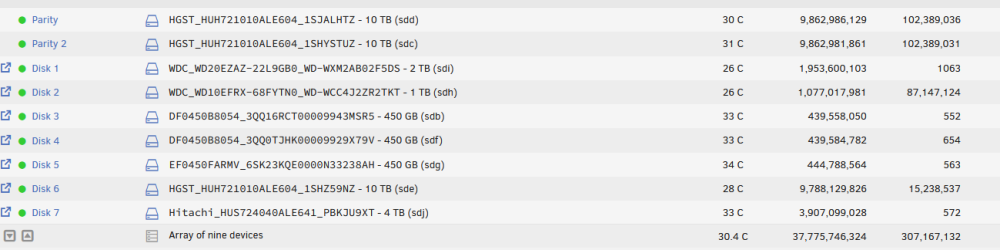
Hello, I have a two parity array with two disks on the array that are constantly writing and cant seem to figure out/fix the issue. I have appdata moved onto the cache drive with an appdata backup service running. After running the mover array --> cache multiple times it still doesn't seem to get everything off of the array and onto the cache drive. One thing to note it looks as if the docker default appdata location is /mnt/user/appdata/ I did try to change this to my cache and it reset all of my docker containers and had to re-map to the original location.
-
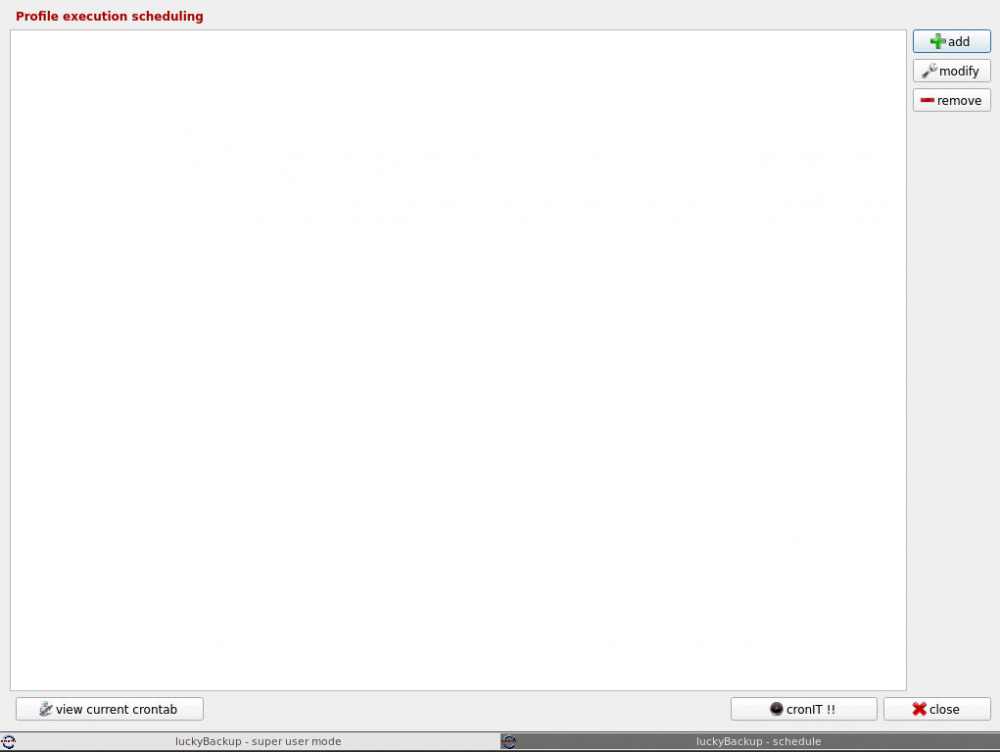
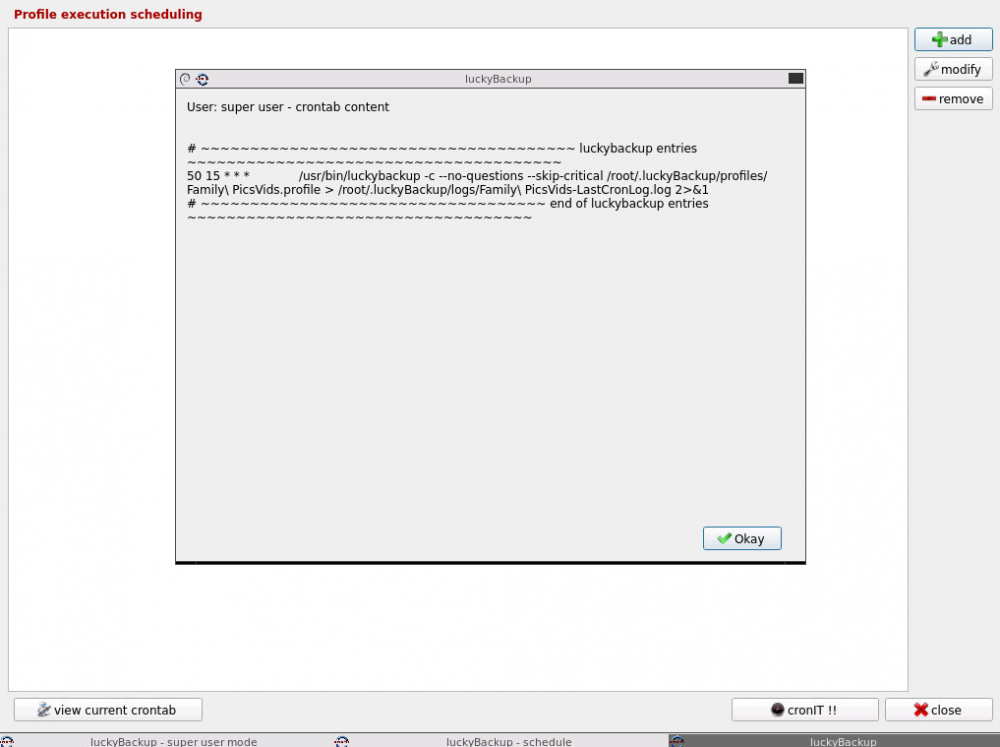
Yes confirmed that. I will create a cron task it will appear in the list allowing modification and removal everything will look great. I will restart the container and it will disappear from the list but will remain in the view current crontab page. Also is there a way to see the status and completion status of current cron job tasks? update: It looks as if through testing the cron will work although I am unable to modify or delete existing ones.
-
Using Lucky Backup. Cron jobs will not run. Method - create cron job to run daily at 3 mins in future to test, container will have been reset after confirming cron job has been made. After restart cron will disappear from list, although when clicking "view current cron tab" it looks like it shows. The task will not show that it has ran via the gui. Container is being ran as root to access appdata and share files. Appreciate the help!
-
Trying to figure out if this will work. I have this LSI SAS9201-8i raid controller mounted to my motherboard originally to allow for more drives via a mini SAS 8087 to 4 sata connectors. Works flawlessly (mntherboard only has 4 sata which are used). I recently came into quite a few SAS drives. That being said, would I be able to use a mini SAS 8087 to 4 SFF-8482 Connectors with SATA Power connected to the second port on the LSI raid controller and have the SAS drives work?
-
Running NC in a container with MariaDB and reverse proxy (letsencrypt). I store a ton of pictures and videos (around 600G all on HDD on unRaid). That being said, my video playback on nextcloud is basically unusable. When I click on a 4K video to playback, it will load forever and it will eventually return a 504 bad gateway error and basically crash the container. The server should be able to handle this without an issue in all honesty. I have tried configuring NGINX for longer timeouts, continues to throw bad gateways. I have also tried an app in NC called preview generator. Hasn’t done any good. Haven’t seen this issue too much searching around. What I have found, I have tried and still no positive results.
-
Pretty new here. I have ran nextcloud with Ubuntu before with no issues like I am having now. I installed nextcloud through containers and the reverse proxy etc. The time it takes to load/transfer data is very slow. Also, bad gateway error constantly happens when trying to load larger video files. Seems to me the container installation of nextcloud is overall much slower. Any ideas on how to fix/trouble shoot?


