Mobious
Members
-
Joined
-
Last visited
-
thank you
-
During a parity-sync or rebuilding parity does the cache drive play any part? I am rebuilding my parity drive right now and all of the app data is on cache but it is idle. Is it suppose to play a part in the rebuilding process or does the array know where the appdata is?
-
Fixed it.. System time was funked.. Updated it in BIOS and then again in Unraid.
-
I just upgraded my server, MB Ram and CPU but left the usb drive the same. Now I am getting an API Error Network_ERRORNETWORK unable to connect to mothership. I've tried signing out and back in several times but its still not working. I ran wget --output-document - https://mothership.unraid.net in console and go this. --2023-05-02 16:51:58-- https://mothership.unraid.net/ Resolving mothership.unraid.net (mothership.unraid.net)... 104.26.3.117, 172.67.69.176, 104.26.2.117, ... Connecting to mothership.unraid.net (mothership.unraid.net)|104.26.3.117|:443... connected. ERROR: cannot verify mothership.unraid.net's certificate, issued by ‘CN=E1,O=Let's Encrypt,C=US’: Issued certificate not yet valid. To connect to mothership.unraid.net insecurely, use `--no-check-certificate'.
-
Fixed it. Instead of rebinding the DNS record on my router, I bound it on my pihole/unbound servers.
-
I just updated my SSL certificate in Settings to migrate to the new myunraid.net cetificate and now I cant access my server at all. I clicked on the local access option in 'My Servers' and it says the server can't be reached. 'My Servers' still shows it as online.
-
Ill give that a try. However, I "Fixed" it by entering the time manually and then re-enabling auto.
-
Thanks I will give it a try!
-
Last year I purchased a Samsung 980 NVMe drive to act as my cache drive. A few months ago I started getting notifications that it was over heating during some Unraid operation. At the time I had the drive in a PCIE to NVMe adaptor and figured it wasn't getting enough air to cool it down. However, I also had a Samsung 970 NVMe right below it in the same enclosure and it never overheated. Last week, I upgraded my server and the mother board to an ASUS Strix Z-690E that has 3 on board M.2 slots. The slot that I installed the 980 in has a heat pipe but it still reports in Unraid that it is overheating. The notification is set at 84c. My questions are, is 84c ok for the drive? If so should I just up the threshold? or does it sound like this drive is faulty? Thanks.
-
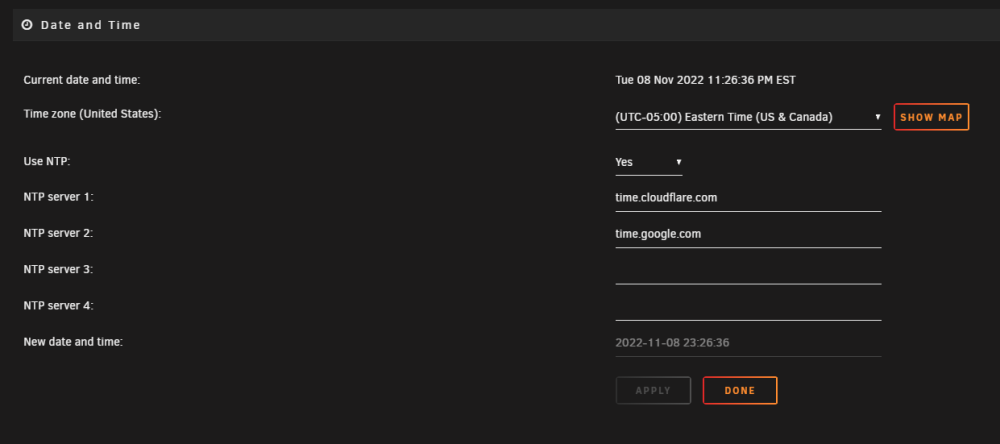
Hello, I am having problem with the Date/Time plugin. The time it gets is 5 hours behind the current time. I am in the US Eastern Time Zone. I have tried multiple different NTP servers and the time is correct in the bios. Does anyone know how to fix this?
-
Hello, I am considering upgrading my current server and would like some community guidance. My goal is to set something up that is more power efficient, and modern. I currently use a dual Xeon E5-2665 v1 setup with 64GB ram, 6 x 8TB WD Red drives attached to an LSI SAS card, 3 x Samsung EVO M.2 drives, and a Quadro P400 for transcoding. My primary use for the server is Plex, Nextcloud, Bitwarden, SearXNG, and occasionally 1 Windows 10 VM. At idle this beast eats up between 180 to 250 watts. I would like to reduce the power usage a bit while maintaining a capable server. Any CPU and motherboard recommendations you guys could make would me much appreciated.
-
I may have corrected it. I added the xxx.unraid.net to my local host file with the server IP and it seems to be working.
-
This morning I follow a tutorial on how to setup PiHole and Unbound on an Ubuntu VM. Everything installed properly and I pointed my LAN DNS to the PiHole server. I can access any external website including my own dockers like Nextcloud, Plex and others. The only thing I cant do is access my Unraid server locally or using the xxx.unraid.net/login address. The Unraid website can still see my server but when I click local access I get the "Site canot be reached" error. I am assuming this has something to do with rebinding local IPs but I cant figure how to correct it. Does anyone have a solution? Thanks!
-
I am thinking of upgrading to this from my dual Xeon E5-2665s. It looks good. Same amount of cores at a lower power draw. I haven't decided on a MB yet. I want to get at least 2 16x slots and a few 8 or 4s. Then get 64gb or 128gb memory.
-
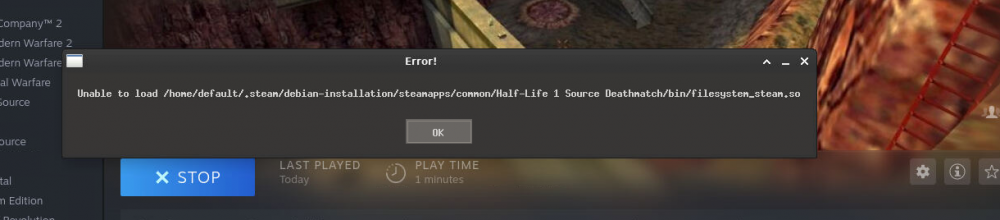
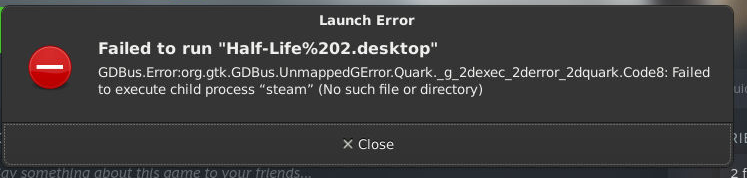
I'm trying to test this out with HL2 Deathmatch and I get this error. Also, my shared game directory didn't come over. I can see it in the file system but it wont let me add it in Steam. I tried running HL2 from the icon and got this.