





eldoonmad
Members
-
Joined
-
Last visited
-
I've just installed the Nextcloud docker on my UnRaid server (6.12.10) and have everything set up. However, the first main problem I am running into is that it will not load any documents. It just sits at "loading document". I even let it sit over night and it never loaded. PDFs open fine and I can create new documents, they just wont open. Any suggestions would be appreciated.
-
I am doing some port forwarding for some of the services on Unraid such as Plex, Transmission and a while ago when I was playing around with a reverse proxy I have 80 forwarding to 8001 and 443 to 44301. Here are the diagnostic from my system. Let me know if you find anything. infinity-diagnostics-20231108-1644.zip
-
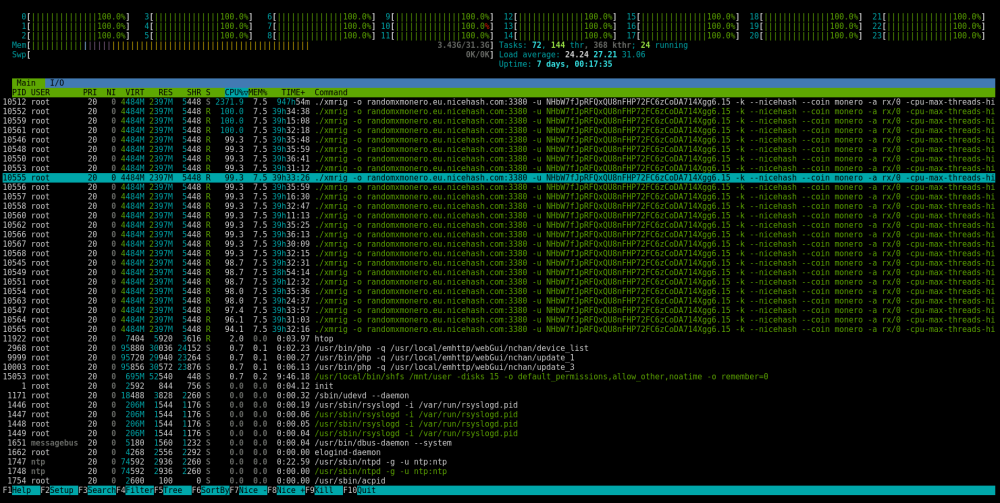
Recently I started realizing that my CPU usage has been jumping up to 100%. I recently learned about the htop command and used that to see running process. Well, I've found the buggar, but I'm not exactly sure what I'm looking at or where to begin to resolve the issue. Looking this up, it seems like the process is some sort of bitcoin miner. So, one trying to figure out how to get this off and two, how did it get there? Any suggestions would be greatly appreciated.
-
Well thats is unfortunate. So I assume there isn't a docker for the non-community edition (I can only assume not free). If I wanted to implement that I would be looking at creating a VM and hosting it on there and paying for a full featured version of NC? Is there any reason to even use the OnlyOffice docker instead of the built in app you find in NC?
-
Hello community. I'm probably asking a question here that has been answered a million times and that answer is lurking somewhere in the many pages of this forum. So my apologies in advance if I'm being redundant here. Feel free to just point me to an article if it isn’t a quick answer. Or perhaps this isn’t a NextCloud or OnlyOffice issue at all and more of an issue with my reverse proxy, which I admit, I am not an expert in After setting up NextCloud, I add https://documentserver.mydomain/ and get: Error when trying to connect (Client error: `GET https://documentserver.mydomain/healthcheck` resulted in a `400 Bad Request` response: 400 Bad Request 400 Bad Request ngin (truncated...) ) Here is my setup: - Unraid 6.9.2 - Nextcloud 21.0.2 - OnlyOffice Document Server - OnlyOffice App in Nextcloud 7.0.2 - Swag - All dockers are using the same custom docker network - CNAMEs “documentserver” and “nextcloud ” are both setup on my domain - “documentserver” and “nextcloud” are both added as subdomains in the Swag container - I have port forwarding configured on my firewall - Certs and keys have been copied over into app data folder for each docker respectively - Subdomain.conf files are setup in Swags proxy-confs folder - I have checked both conf files to make sure they point to the appropriate subdomain and docker name - https://nextcloud.mydomain resolves fine and I can access it no problem - https://documentserver.mydomain does return an error 400 Bad Request - https://internal.ip.address:443 does open the OnlyOffice Welcome page but resolve to a “Not Secure” page of internal.ip.address:4430 as that is the host port I have mapped in the OnlyOffice docker - All Security and Setup warnings have been cleared in NextCloud I should also mention that I was using Spaceinvader One's video tutorials that are about 2 years old now. So perhaps there are some settings that have changed since then that I am missing.
-
Sorry I didn't reply earlier. I was never able to get Subsonic working on Unraid. I ended up just using the Airsonic container and that seems to work fine for my needs. Not sure how to get Subsonic working though. I would like to since I do have a paid subscription with them. I saw the Subsonic container too but I'm not sure how to get a container that doesn't come from Community Applications to install. Otherwise, VM is the only other way I can see to make it work.
-
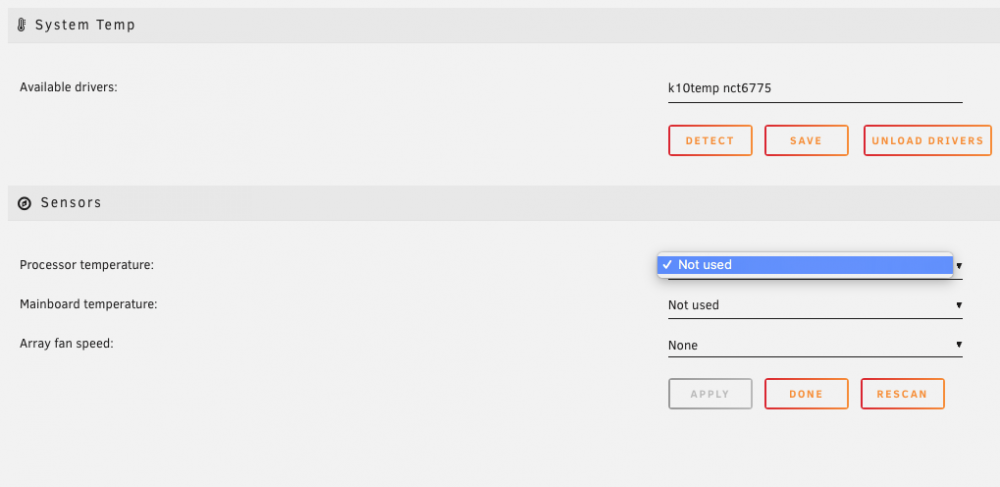
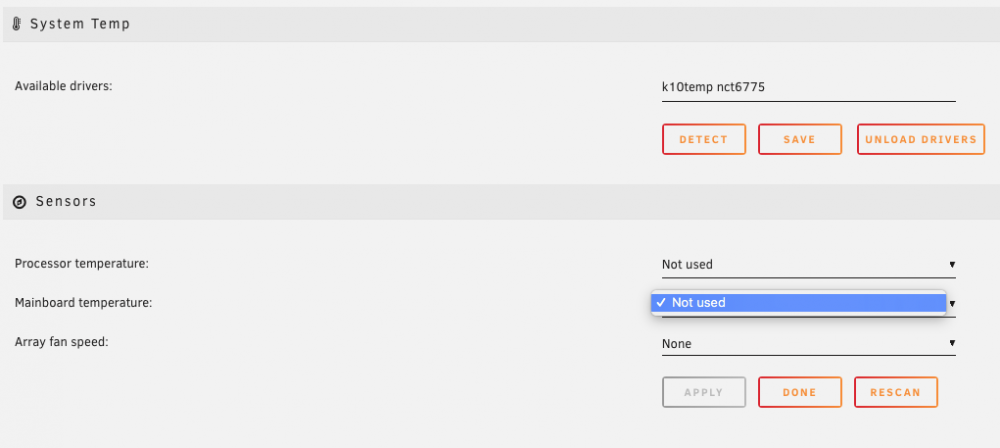
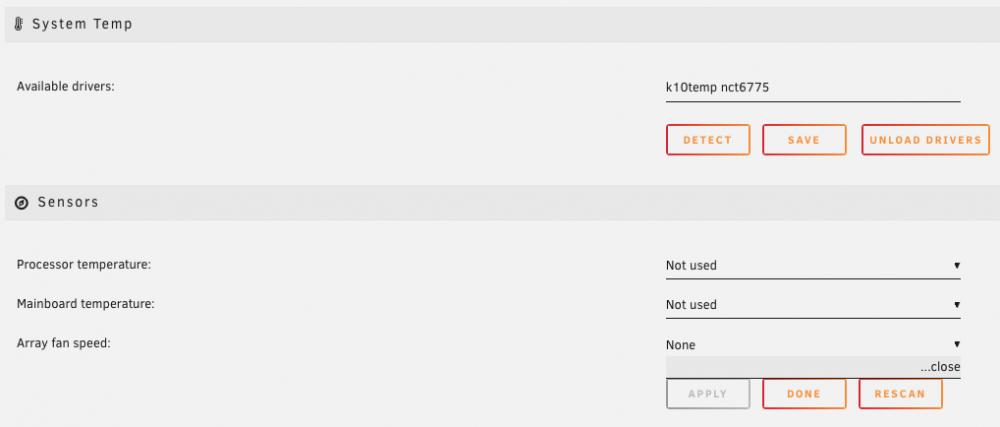
M/B: ROG Crosshair VIII Hero CPU: AMD Ryzen 3900x Hi all, I am having a similar issue with the temp plug-in. However, it doesn't seem to detect anything. I'm assuming that I need enter this in my "go file" as instruction by tansmith88. Only problem, I have no idea what the "go file" is. While having a temp of infinity is neat, I'd like to know the actual temp. Pics attached of my situation.
-
My apologies if I am posting this in the wrong section, for some reason I don't have the option to post under the Docker Containers part of the forum. I am new to unraid and docker in general. I'm just trying to get some services set up that I'm used to using. I have premium subscription to Subsonic and was hoping to get it to run natively on unraid instead of installing a VM to host it. I don't see a docker for subsonic in community applications. I see booksonic but that seems to be geared more towards audiobooks than a large music library. I see on subsonic's support page the option to download a "stand-alone" version and they mention to use that for unraid. However, I'm not exactly sure what the steps are to get a working docker up and running that doesn't install directly from community applications. Are they expecting users to take the files and create their own docker container out of it? If so, I'm sure I could look that up and figure it out, unless someone has quick tips. Even if that is the case, how then would I get it working on unraid? Again, I am new to some of these ideas, so a little guidance would be much appreciated.


