





Espressomatic
Members
-
Joined
-
Last visited
-
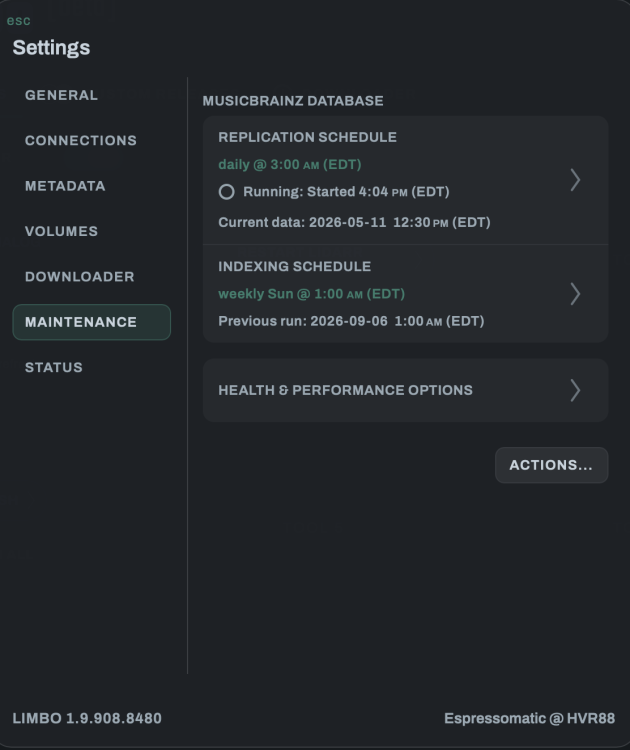
Can you try the latest version I WILL UPLOAD later today? v1.9.908.8480 will be the new version. I have to make another tweak to do an automatic db schema update which I forgot in the last build earlier today. Just pull down as normal. If you can open the UI, go to Settings, Maintenance, Actions, Start Replication. Then just wait until the schema is updated and the latest data is replicated.
-
OK, I finally got around to looking at this again and Unmounting is now added along with SOFT re-mounting. Much safer this way. Enjoy.
-
All OK. Just working on approximately 3 other projects right now. :) But this one is not dead and I have released a small update to bump Musicbrainz to the latest db schema earlier today. I hope to push a big update later in the year to fill in the remainder of the missing features. Likely they'll all be pushed at once, when I can breath from the work I'm doing now.
-
The unraid docker templates only support a single container and limbo is a stack of multiple containers. When unraid adds compose support and retools their templates then I’ll support that for sure. Right now I’ve put in configuration declarations to work with the compose manager plus.
-
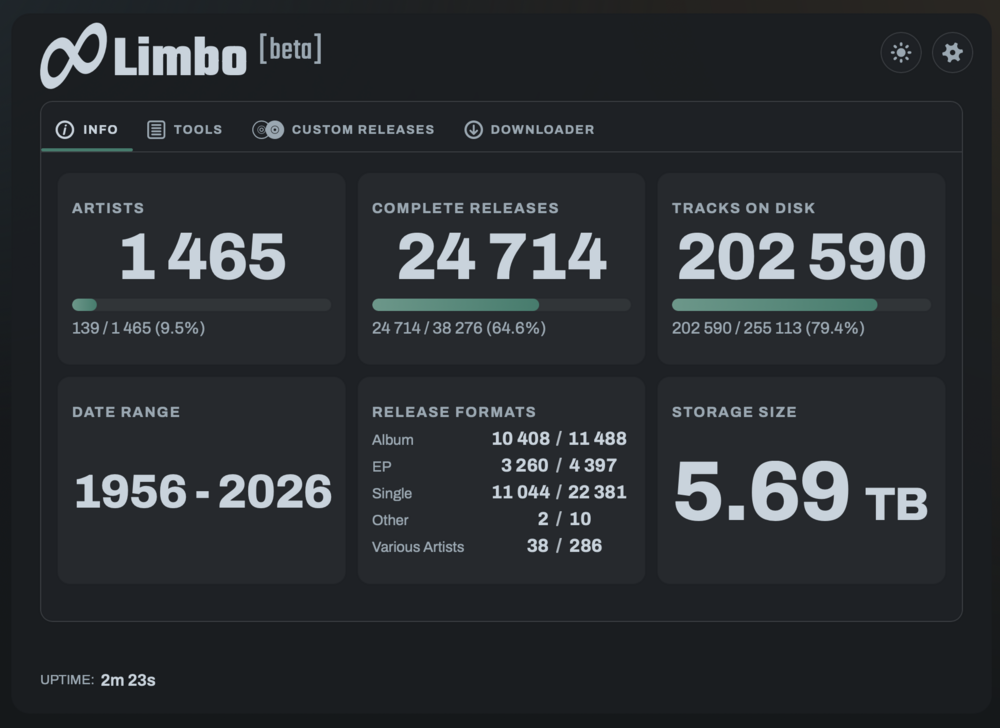
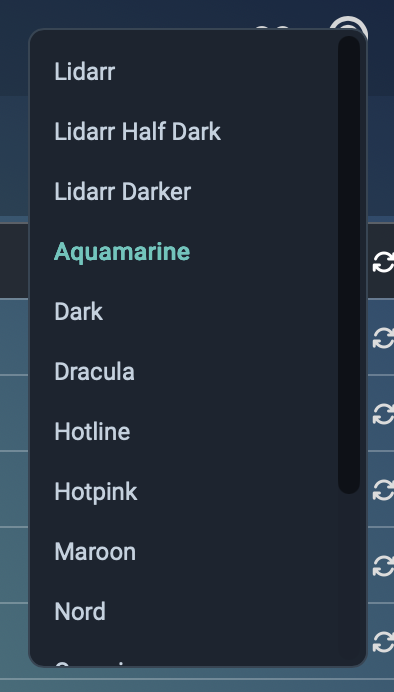
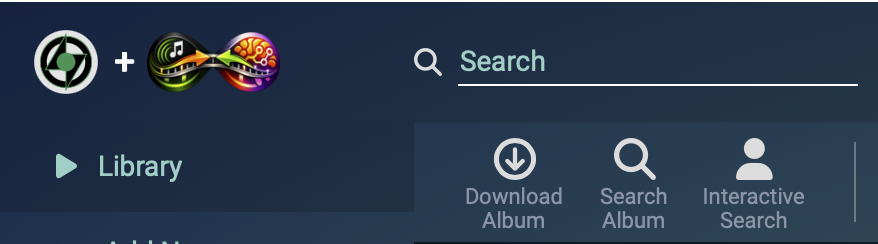
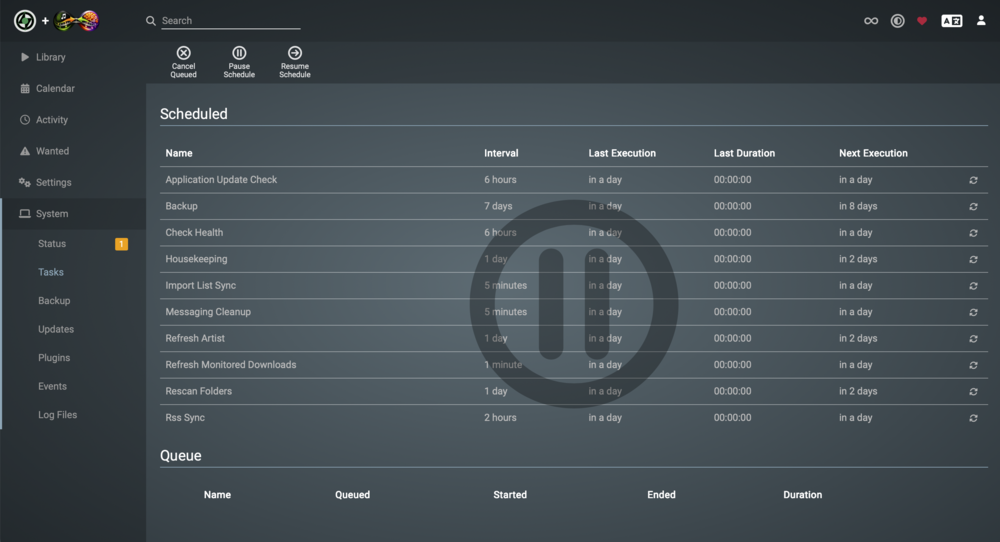
I took that to heart and decided to do something about it. So yea, I fixed it so Lidarr doesn't need to use Lidarr's servers at all anymore. You can now query anything on MusicBrainz locally at insane speeds compared to Lidarr's remote server, plus access a couple of dozen artwork sources instead of the non-working ones the Lidarr devs had hardcoded into the app. Pause/stop/start Lidarr's scheduled tasks, theming engine added to Lidarr with over 30 themes, instantly remove unwanted media types like Tape or Vinyl and more soon: integrated direct downloader, split/custom releases... Works with this binhex Unraid docker or any lsio/hotio container on any platform. Supported with Compose Manager Plus on Unraid, docker compose on other systems. https://github.com/HVR88/Limbo
-
Installation instructions for Unraid now included on the repo: https://github.com/HVR88/Limbo
-
I now have the stack deploying top to bottom on Unraid using Compose Manager Plus. Install the Compose Manager Plus plugin Paste Limbo's compose.yaml into the first window, and example.env into the second Add your own personal MusicBrainz replication key (free from Metabrainz) to the env declaration at the top of the second window Save and Start You can monitor installation progress at HOST_IP:4808 While that's happening you can also install Limbo Stick (a helper sidecar) next to your Lidarr installation - it allows theming Lidarr, adds direct-download buttons to Lidarr and gives Limbo the ability to manage/control Lidarr's background tasks. This is still in beta and the Downloader isn't yet fully exposed in the UI, so you can't kick off Limbo-based downloads and imports.
-
There's a greater chance of growing a third leg out of my forehead than any USB thumb drive failing on use with Unraid. Haha. I posted that I didn't see a reason to boot from NVME or anything other than USB, but I remembered one (and only one). Every motherboard I've ever used has occasional issues booting from USB - doesn't matter if it was old BIOS or newer UEFI. It's happened on all systems here and there. On one ASROCK system if the machine has been down for a while, I have to move the USB drive to a different port for the board to see it - it doesn't matter the USB drive used. Restarting doesn't have that issue ever.
-
For sure. I hadn't seen a git hub link, but I'll go there as I'm sure I'll have a number of others to post.
-
I get that's the way it works now. What I'm suggesting is allowing the compose or a template to be added first, and that determines the project name. Like with Unraid's container-based template docker support. Or Portainer's templates.
-
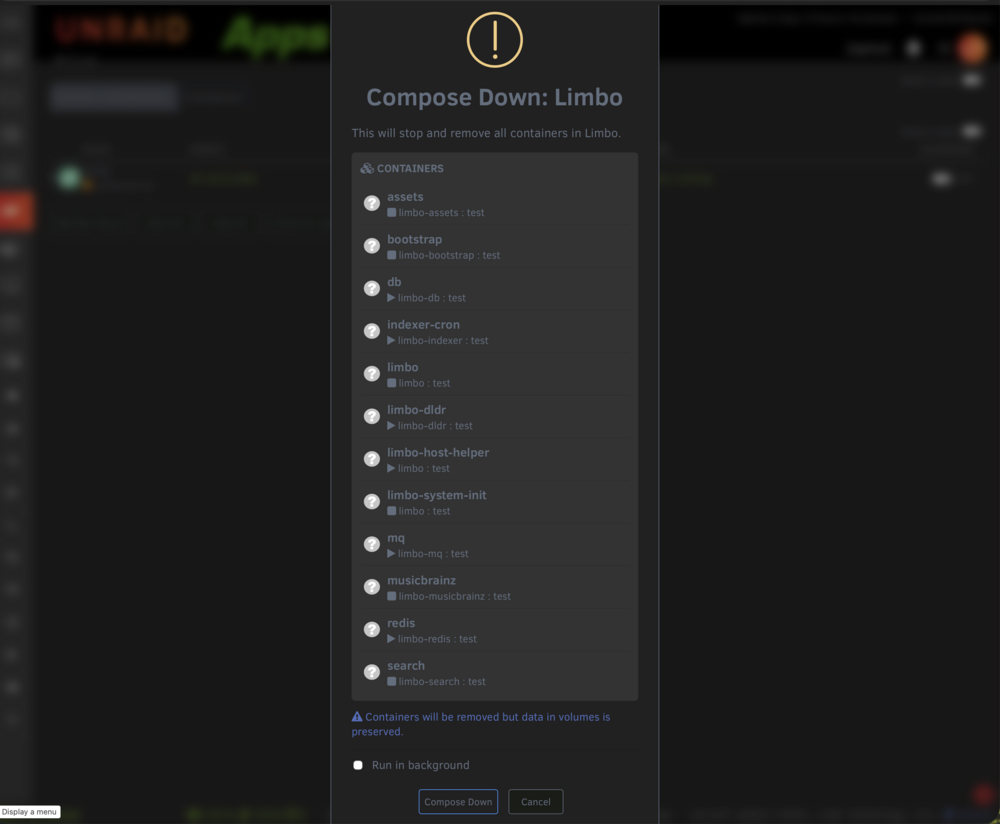
One more when you get the chance... Don't let modals get longer than the viewport - controls are pushed beyond the visible display frame when I'm running on anything but my 32" display.
-
PLEASE (PLEASE!) can we have Compose Manager actually delete directories under /boot/config/plugins/compose.manager/projects/ when you delete a stack? If I see another stack get "003" in its name I'm going to lose it. I'd also like to be able to create stacks without setting their names or descriptions - my compose file already includes that information and it's not for the user to decide when I'm shipping a pre-made stack. I'd also like the ability to set compose and env via URL instead of pasting - including the ability to just paste a single GitHub URL to grab both at once. I'd also break with Unraid's convention of using the "DONE" button and relabel that button on the bring-up window "CANCEL" if you can't close the window without stopping the process. Anyone involved in Unraid web design: DONE does not mean what you think it means and CANCEL buttons shouldn't be named "DONE" all over the UI.
-
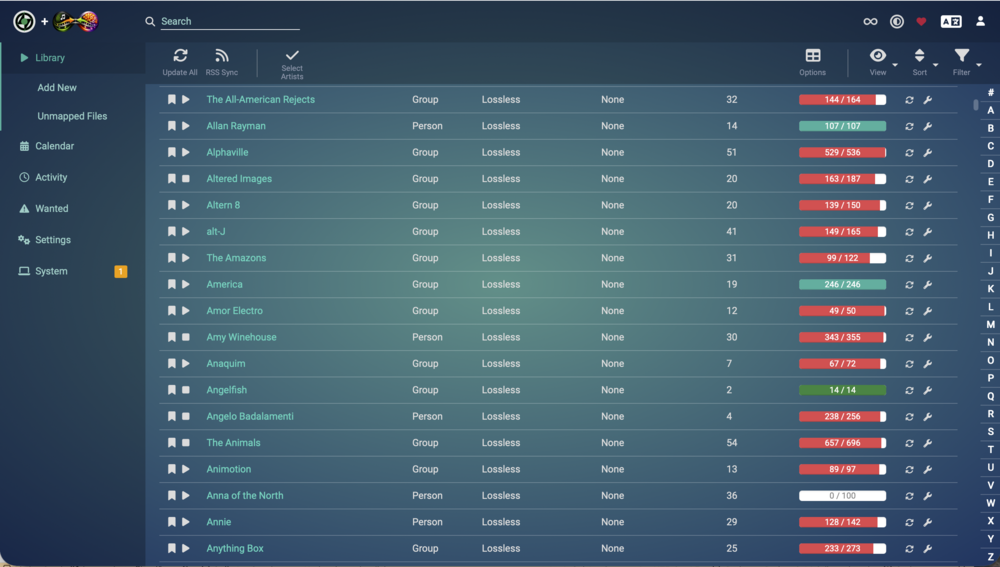
Themes in Lidarr:

-
It looks like it has great bones and could make the basis of a new Unraid release. It could definitely do with some UI/UX love, but I acknowledge that the current state is trying to shoehorn a lot of functionality into what the Unraid base webUI offers.
-
I think I'll have mastered all matters of cosmology and astro-physics before I understand the benefit of SSD boot/licensing on Unraid, but glad some people are getting a kick out of it. Now... when the time comes for a brand new docker UI with full compose and multi-container support... then I'll be smashing plates and yelling from the rooftops.





