billington.mark
Members
-
Joined
-
Last visited
Everything posted by billington.mark
-
Did that, and the UUID was empty and it wouldn't work. Had to manually edit the cfg file for the pool and set it manually.
-
Recently forced to leverage the "new config" functionality due to multiple drive failures and I was unable to reimport my (WebUI created) zfs cache pool. Errors in the logs after recreating the pool with the same everything (disks, pool type etc) were "no pool uuid”. It seemed the cfg created here after recreation of the pool in the webUI was null: /boot/config/pools/<POOL NAME>.cfg Luckily I was able to recover by grabbing the UUID from the CLI with: zpool import -d /dev/disk/by-id Then manually editing the cfg with the value. Mostly myself to blame here as I've had "normal" cache pools in the past when I've ran this command and didn't cross my mind that the process wouldn't mirror that scenario. Not sure if this is a fault in the way the pool is reimported when it already technically exists, or if something can be added to the workflow to accommodate this? Or, an option to exclude zfs pools from the "new config" workflow all together in the WebUI? If not, I've documented the fix in case anyone falls foul to this in the future and saves them the headache!
-
Hi Guys, I'm late to the SAS party and recently snagged two ST6000NM0014 drives for a very small sum. As I noticed the drives wouldn't spin down, I found this plugin, and the drives do now spin down, but the error count on the WebUI for those disks slowly started to creep up. Manually spinning the drives down in the WebUI also swamps the syslog with IO errors, which led to me having to rebuild the array from parity as a result. Removing the plugin leaves the drives spun up, but obviously it would be better if these played nice! System details: Unraid 6.9.1 (downgraded from 6.9.2 due to the other spin down issue) LSI SAS2008 controller, with 2x SAS ST6000NM0014's, and the rest are SATA (which spin down fine) The OP mentions that the issue can be caused by a combination of controller\disk, rather than the non-standard implementation of power management across different brands, but the thread seems to lean heavily towards the latter? I guess my main questions are: Should I hang onto my ST6000NM0014's? Is there a reason the Constellation ES.3 is currently #'d from the exclusion list if its still misbehaving? Would things be better with a different SAS controller? Can the OP be updated with a list of SAS drives that are known to play nice with this plugin? Is this being addressed at a core unraid OS level for 6.10? Apologies if these have been answered already but the last few pages of this thread are hard to follow with the 6.9.2 issue being added to the mix!
-
I tried 19 times to decode this but then gave up
-
+1 to this. TOTP 2FA code implementation would be a welcome feature addition.
-
Stuff to try: Set up the VM using Q35 instead of i440fx. The virtual PCI-e lanes are set up much differently, which could yeild better results. (this will most likely need an OS reinstall inside the VM). Windows not booting\installing: Set the VM to only have 1 CPU, and install\boot as normal, do a graceful shutdown, then update the VM config to the desired CPU setup. This fixes things after feature updates if the VM misbehaves after them too.
-
QEMU 4.0 RC0 has been released - https://www.qemu.org/download/#source And a nice specific mention in the changelog to things discussed in this thread (https://wiki.qemu.org/ChangeLog/4.0): Now that these changes are standard with the Q35 machinetype in 4.0, I think this could also be an additional argument against potentially forcing Windows based VMs to the i440fx machine type if this brings things into performance parity? If @limetech could throw this into the next RC for people to test out, that would be much appreciated!
-
It was me I think the current behaviour in the UI is perfect. Pick an OS, and the sensible, least hassle settings are there for you to use. I dont think options to change the machine type should be removed. At worse, they could possibly be hidden behind an "advanced" switch (which i think currently flips between the form and the xml), then having another tab to view xml instead?... I know there's a balance to be found to accommodate all levels of unraid users here, and i dont envy the UI decisions to try and keep everyone happy! It is worth pointing out that its documented the drivers DO behave differently based on what PCIe link speed they detect, and personally i get better performance numbers, and prefer running a Q35 based VM... I think the long term fix for this is to either allow the option to run modules such as QEMU, libvirt, docker from the master branch, and allow them to be updated independently to the OS, or to have "bleeding edge" builds where these modules are compiled from master. Easier for me to say, than it is to implement though.
-
@jonp Ive been under the impression for a long time that latency and performance improvements in QEMU needed the Q35 machine type to be taken advantage of. All development ive seen, and tips to improve performance, all seem to be around using the Q35 machine type. At the end of the day, I want to get as close to bare metal performance as possible, thats my aim. Im in no way preaching that we should all move to Q35. Now i have my own performance numbers pre and post patch, i'll happily test the i440fx machine type too. Ive also posted this over in the Level1Tech forum to ask them the same question, seeing as its them who've pushed for the development on the Q35 machine type to get these PCIe fixes in the first place. As for removing the option in the GUI for Q35 for windows... I think it would be more appropriate to show a warning if Q35 was selected, as apposed to remove the ability to choose it altogether.
-
Im seeing around 5-10% increase in performance on GPU tests with my RTX2080.
-
The original topic of this post was to highlight a particular problem I was having (And still am), but the main underlying point here is that over the last couple of years, development on QEMU, introduction of new hardware from AMD, and the general love for virtualisation on workstation hardware has meant development in this space is moving at quite a pace. Short term, a build which would include virtualisation modules from master would make a lot of people happy, but the same is inevitably going to happen when 3rd gen Ryzen, 3rd gen Threadripper, PCIe4, PCIe5, etc, etc drops in the coming months. Personally, I think the long term holy grail here is to see the ability to choose which branch we're able to run key modules like QEMU, libvirt, docker from... then be able to update and get the latest patches\performance improvements independently of an unraid release. Short term though... a build to keep us all quiet would be lovely
-
i440fx doesnt have any PCIe 'slots' as such. its presenting the GPU to the OS on a pci slot. Again, causing latency and a performance hit compared to bare metal. The CLI tool is to show that when you use Q35, the PCIe root ports are x1, not x16. The issue here is that the NVIDIA driver doesnt corrently initialise the card (on windows anyway), unless it detects its on an x8 or x16 slot. The comments on the patch do a good job of explaining whats going on, and whats being changed here: https://patchwork.kernel.org/cover/10683043/ I'm by no means complaining, but if there's a way to improve performance and get as close to bare metal as possible, i think its worth implementing. 👍
-
Are you using Q35 or i440fx? The issue here is that the NVIDIA driver is behaving differently if the bus reported is anything less than x8. Also, Latency on the VM as a whole is greatly improved when using Q35 with the patches. Its a long read, but you can see the evolution of these changes on the level1tech forum i linked in the original post.
-
Yep, and because of that, the NVIDIA driver is reigning in performance. I dont use MacOS, so im not sure if you're able to see this info on the driver... but in either case, x1 root ports will be presented to the VM guest, regardless of the OS its running. Depending on what checks the driver is doing on MacOS, it might have different performance implications than on Windows.
-
Thats still not fixed. (as much as id like for it to have been that easy!) Have a look in the NVIDIA control panel under system info at the bus in use. (id put money on it being x1!). (image is from the level1 forum as im not at home and cant take a screenshot currently) You can also do a speed test by using the evga utility: https://forums.evga.com/PCIE-bandwidth-test-cuda-m1972266.aspx The patch to add the ability to set pcie root port speeds wasn't present in the 3.1 release (which is what we're on, as of 6.7.0rc2)
-
Please can the following patch be applied to QEMU (until QEMU 4.0 is bundled with unraid, as this fix is already present in master) PCIe root ports are only exposed to VM guests as x1, which results in GPU pass-through performance degradation, and in some cases on higher end NVIDIA cards, the driver doesn't initialise some features of the card. https://patchwork.kernel.org/cover/10683043/ Once applied, the following would be added to the VMs XML, to modify the PCIe root ports to be x16 ports: <qemu:commandline> <qemu:arg value='-global'/> <qemu:arg value='pcie-root-port.speed=8'/> <qemu:arg value='-global'/> <qemu:arg value='pcie-root-port.width=16'/> </qemu:commandline> Patch is well documented over here too: https://forum.level1techs.com/t/increasing-vfio-vga-performance/133443 This would also increase performance of any other passed through PCIe devices which use more bandwidth provided by an x1 port (NVMe, 10Gb NICs, etc). If we could have QEMU compiled from master instead of the releases though... that would be even better!
-
Seems to be a hardware issue with the SMI SM2262 controller on these NVME devices. A few posts up, this was resolved by swapping out to a Samsung PM961. Id stick to known good hardware like Samsung\Intel NVME drives tbh.
-
After seeing that lstopo\hwloc had been added in the GUI on 6.6.1 I decided to give it a go today... The server boots and the array comes up (including docker and VMs), but the login screen never loads properly, and each time it tries, there's a noticable 0.5second stutter in VMs. unraid-diagnostics-20181003-1319.zip video of what the gui is doing on the screen: https://youtu.be/Gw_U-OLKIIw
-
Update: Resolved this by renaming /boot/config/plugins/dynamix.plg to dynamix.xxx Upgraded via the GUI, and on boot up no VMs start. Frustrating as i run my home router on a pfsense VM hosted by unraid. 'virsh list' on the command line just sits there and doesnt list domains. Couldnt find anything significant in the syslog when i went through it. Decided to roll back to 6.5.3, and now array wont start at all, so im going to be in trouble when the other half comes home! diag zips attached. tower-diagnostics-20180905-1313 (rollback to 6.5.3).zip unraid-diagnostics-20180905-1244 (Post upgrade to 6.6rc1).zip
-
Can you paste your syslinux config (with the device stubbed), and post another diag zip after trying to start up the Vm with the device passed through?
-
Can you post your VMs XML? Also, have you stubbed the NVME device? from looking at your logs, it doesnt look like it has been.
-
I think they're getting at the point that you won't be able to boot from an nvme device as it won't be detected as a bootable device in the bios... Which if you're using it with unraid, that's not an issue. That's how I read that response anyway.
-
Page 4-10 of your motherboard manual.... Clearly says that bifurcation is supported on a couple of your PCIe slots. Check your BIOS settings and see if you have the option to change things on your x16 slots.
-
What model board do you have?
-
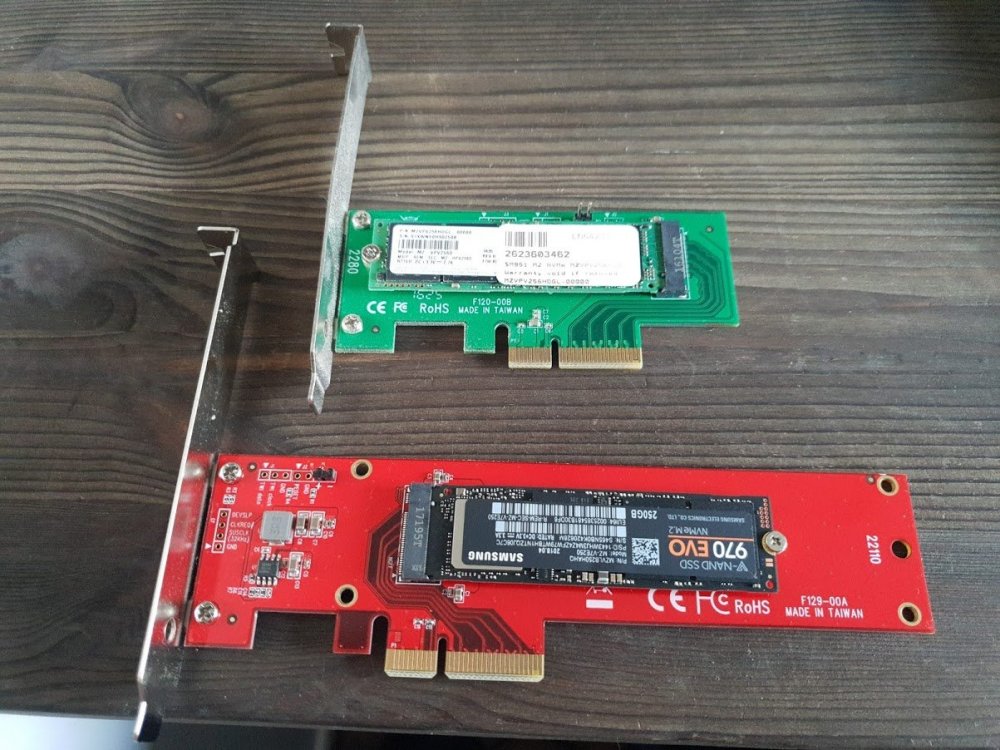
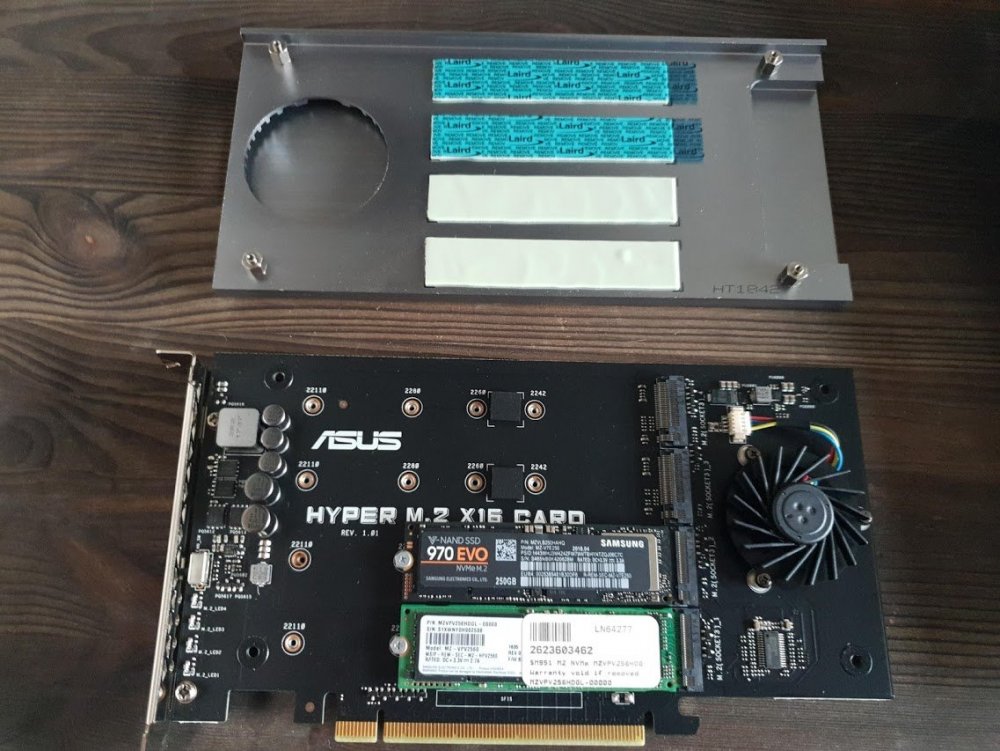
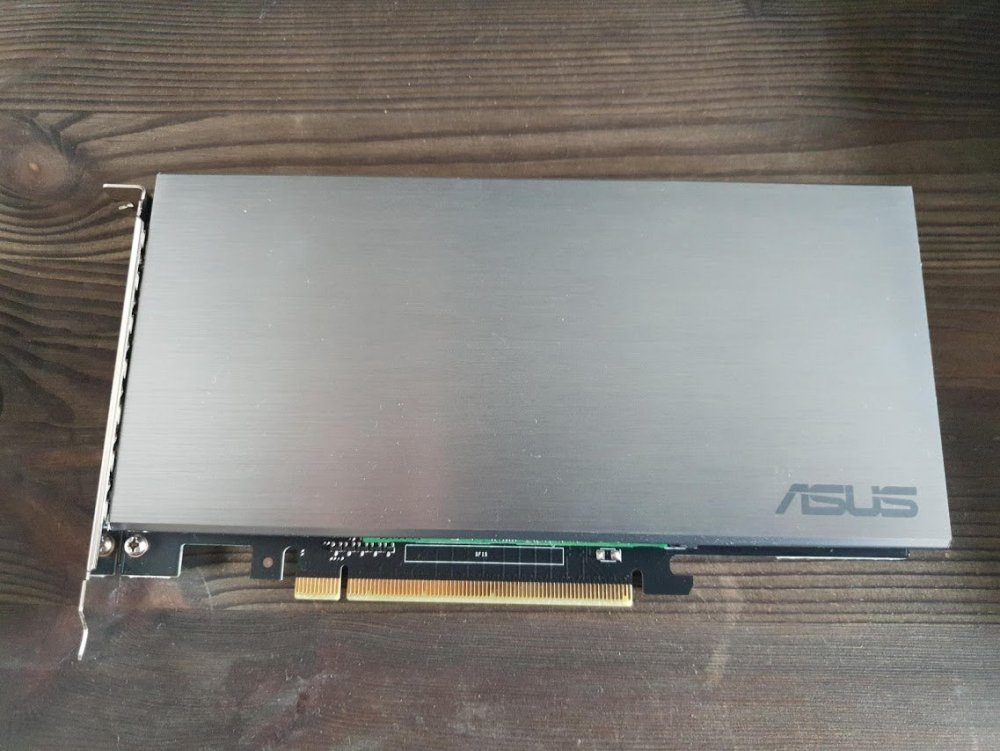
So its arrived and fitted, and.. Success! You DO NOT need an x299 based motherboard for this card to work, only a montherboard\cpu capable of splitting an x16 slot into 4x4x4x4x. This was found in my PCIe settings in the BIOS. Even better, each NVMe device is still in its own IOMMU group: IOMMU group 47: [144d:a802] 81:00.0 Non-Volatile memory controller: Samsung Electronics Co Ltd NVMe SSD Controller SM951/PM951 (rev 01) IOMMU group 48: [144d:a808] 82:00.0 Non-Volatile memory controller: Samsung Electronics Co Ltd NVMe SSD Controller SM981/PM981 Only thing i had to to after installing was to update a VMs XML which has the 970evo passed through to it with the new PCIe address. So, ive free'd up a PCIe slot, and have the option to add 2 more NVMe devices in the future without much hastle at all.