






botteur
Members
-
Joined
-
Last visited
-
Here they are ur1-diagnostics-20240722-1701.zip
-
Well, I don't know what to do.
-
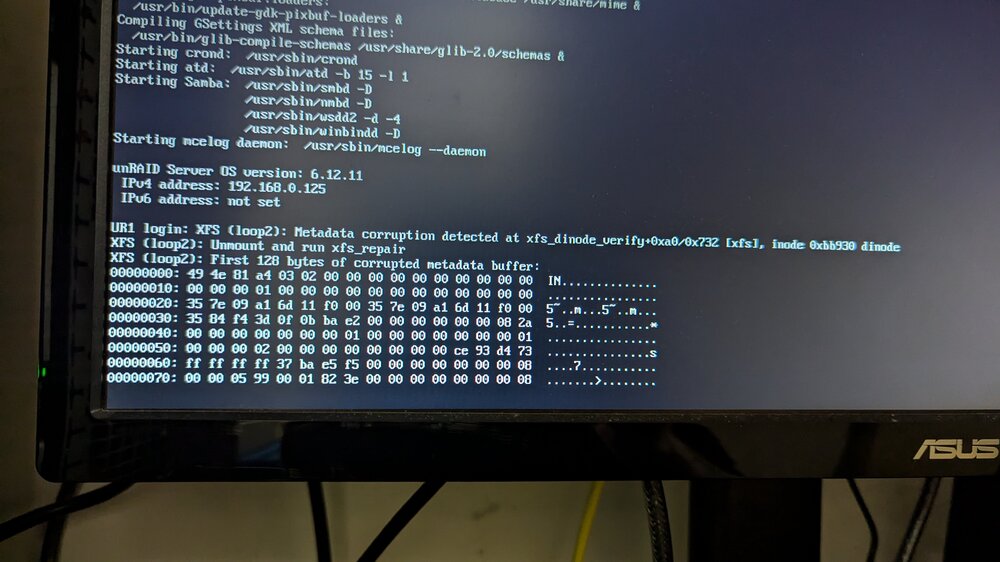
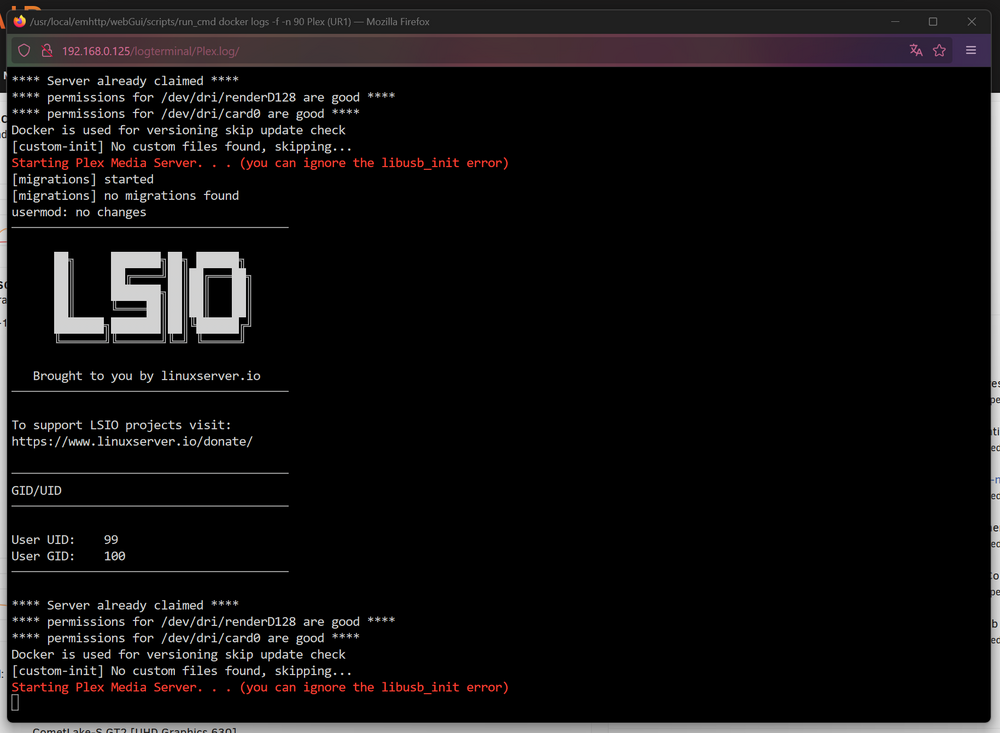
Hello, I have a question that follows on from the previous problem! I changed my cache ssd for a bigger nvme ssd. To do this I : - stopped my dockers - stopped my array - changed my cache - restarted my array - mounted the old ssd cache with unassigned device - used the cp -r command via terminal to copy the contents of the old cache to the new one. - restart my dockers For most of my dockers, everything went well, but for the bigger ones (Plex, Jellyfin, Nextcloud, Transmission ...) it's more complicated! Typically for Plex, I get this kind of error. the docker launches normally but I get an error displaying the web ui. So I had my syslog blank and here I just saw that I have this as an error: I thought it was because of the file system because I had formatted the new ssd in xfs. Since that didn't work, I reformatted it as the original ssd was, i.e. btrfs. But even so, it still doesn't work. Is there something wrong with me? ur1-diagnostics-20240721-2146.zip

-
Unfortunately I don't know how to test the card in another machine, so I'll leave it like that and keep an eye on it. Fortunately, there's no vital data on it.
-
Incredible! It worked! Here I have another weird bug in the bios, the disks are all listed without problem, but some are considered NVME. Despite this, once Unraid is launched, I get no errors and the syslog is clean! Thanks a lot!
-
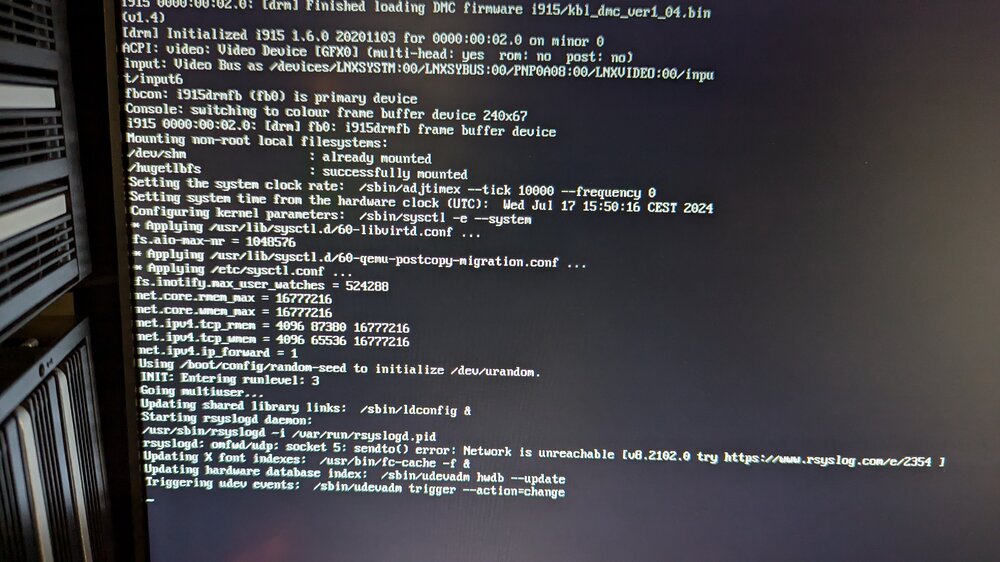
Somehow it reassures me to know that it's probably a compatibility problem. In the worst case, would you have any other cards to recommend? At the moment, I can't start the server with this card, it crashes at this screen on startup: And so I can't provide syslog with the sata card in place.
-
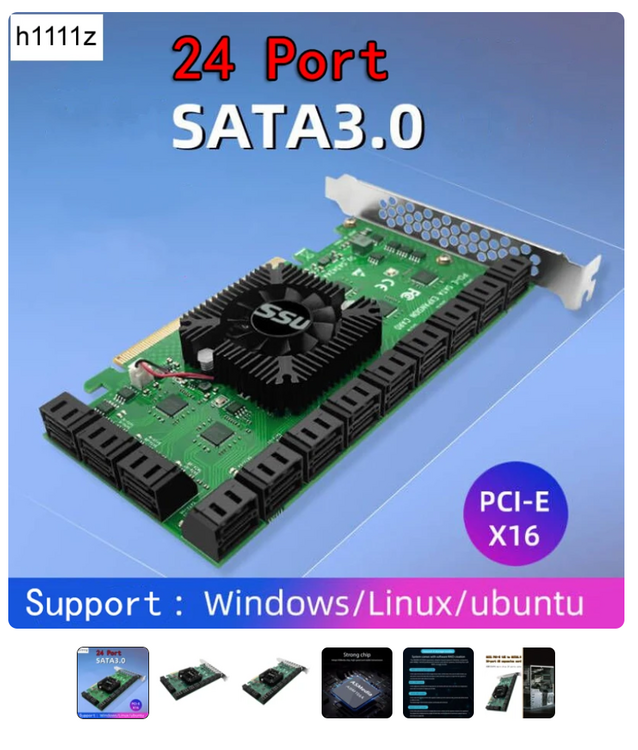
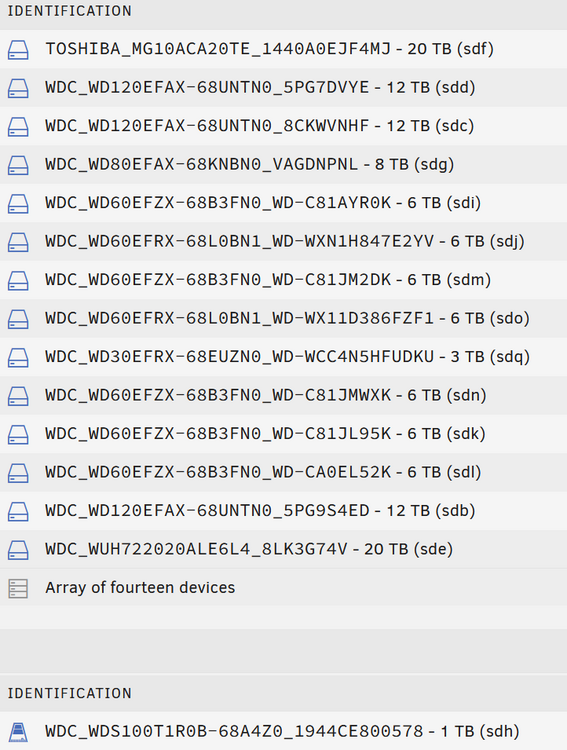
Hello everyone, I have a hardware question for you. I wanted to update the configuration of my Unraid server. I bought this sata card on AliExpress. When I plug it into my server's motherboard, it's recognized without any problem. The same goes for the bios, where all my hard disks are perfectly listed (13 at the moment). Things get complicated once Unraid starts up. It doesn't always start up correctly, and when it finally does and I access the webui, Unraid tells me that my array is missing some disks. Here are the configuration details: i7 10700k Asus ROG MAXIMUS 7 Z490 HERO Cosair 2*32GB DDR4 3200Mhz Cosair 2*16GB DDR4 3200Mhz HDD x12 (see attached photo) SSD x1 I confess I'm a bit confused because, apart from a compatibility problem, I don't see why it doesn't work. What do you think? Do you have any recommendations for me? Thanks in advance!
-
Hello everyone! Thanks for the docker! The installation went well and I have no errors on launch. However, a small problem: my server never appears in the list of servers available in the game. Maybe I've missed something...
-
botteur changed their profile photo
-
Bonjour à tous ! Moi c'est botteur et je viens de Belgique ! Je suis sous OpenMediaVault depuis des années et j'étudies depuis quelques jours la possibilité de migrer vers UnRaid J'espère trouver les bonnes solutions et tips ici


