






mSedek
Members
-
Joined
-
Last visited
Everything posted by mSedek
-
yes, everything works perfectly..
-
Never say never.. say "up until now is not available"... anyways just downloaded genymotion (virtualbox based) and is working like a charm for my android studio high end SENIOR LEVEL development..
-
do you have a ryzen cpu?
-
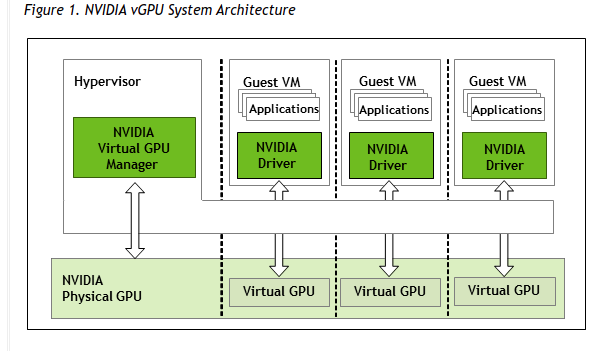
Nvidia yesterday released a driver that unlocks gpu virtualization so, what do i need to do to share my 2070 super tu multiples vms at the same time??
-
does not works, as soon as I pass the flag +vmx the network card stops working and also that video seems outdated and over complicated for something that should be overly simple.. anyways, I dont think is something about IF i am able to run nested VMS as I don't have any issue running nested vms in Windows or linux, my problem is with macOS and so my first question remains unaswered
-
Im trying to use the android emulator from Androidstudio as I do develop android apps.. under linux and windows vms I can do it no problem but macos reports "YOUR CPU DES NOT SUPPORT VT-X" Im running my VMs on threadripper.. any tip to make it work? im passing this qemu params <qemu:commandline> <qemu:arg value='-device'/> <qemu:arg value='************************'/> <qemu:arg value='-cpu'/> <qemu:arg value='Skylake-Server,vendor=GenuineIntel,+hypervisor,+invtsc,kvm=on,+fma,+avx,+avx2,+aes,+ssse3,+sse4_2,+popcnt,+sse4a,+bmi1,+bmi2'/> </qemu:commandline>
-
Hello, just to report that the system ignores the temperature threshold.. I have it set to start warning at 75 and hot 85 but it does no matter at 55 it starts spamming me with warning/hot/back to normal popups non stop... sometimes i get over 50 popups of those Edit. added evidence
-
Does anyone has an issue where you cant update Xcode to the latest?. that update has been stuck there for some time now
-
try all the bios if none of them works use the tool to download the rom from your card.. and do not make changes to the passthrough with multifunction..
-
In the xml you posted the video card passthrough didnt show up, <hostdev mode='subsystem' type='pci' managed='yes'> <driver name='vfio'/> <source> <address domain='0x0000' bus='0x28' slot='0x00' function='0x0'/> </source> <rom file='/mnt/user/isos/Sapphire.RX5500XT.8192.191212.rom'/> <address type='pci' domain='0x0000' bus='0x04' slot='0x00' function='0x0' multifunction='on'/> </hostdev> <hostdev mode='subsystem' type='pci' managed='yes'> <driver name='vfio'/> <source> <address domain='0x0000' bus='0x28' slot='0x00' function='0x1'/> </source> <address type='pci' domain='0x0000' bus='0x05' slot='0x00' function='0x1'/> </hostdev> change your passthrough to this and also which .rom are you using? get your own or try with others from the same card at tech powerups
-
Yo need to add the "special" apple string if you are using the custom ovmfs Forgot yo mention before that an xml tag device, the Apple string is a device
-
First when posting your xml, post it as code here and not as attachment for kindness to those willing to help second you are not passing through the gpu Third you need to add to your config.plist vía opencore configurator in the nvram tab a boot arg from the whatevergreen agdpmod=pikera
-
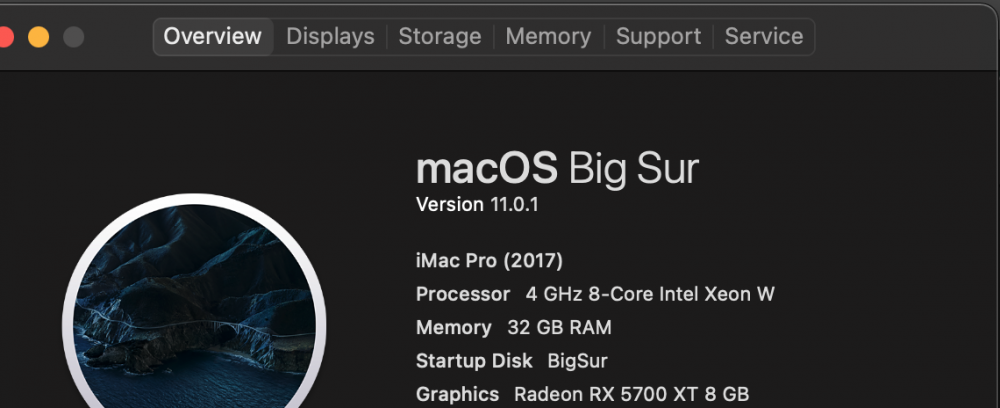
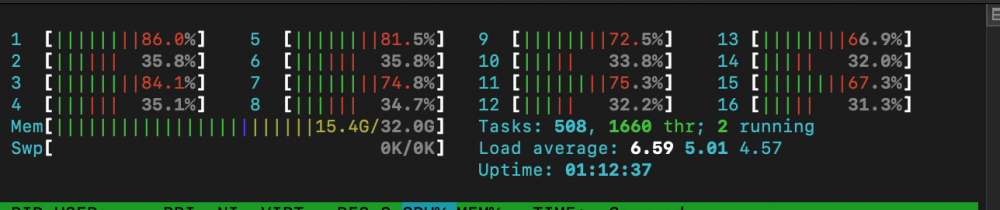
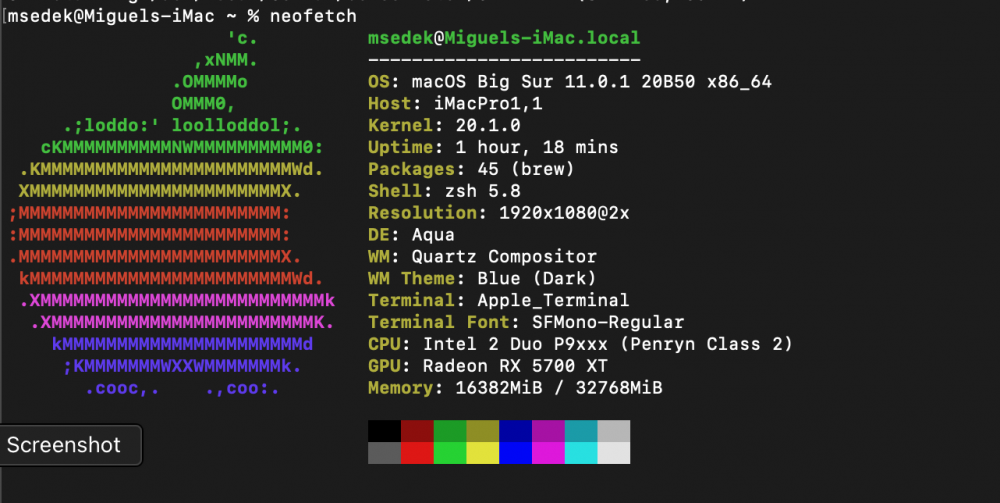
successful install from scratch then used my timemachine to migrate all my apps and data from the old catalina.. thanks @SpaceInvaderOne
-
man this is so wrong in many ways.. I can think of a billion things going wrong with this.. if you dont have a spare usb controller, I really really encourage you to buy a pci to usb card or ANY sort of device.. m.2 to usb anything other than doing that
-
found the bluetooth on my macOS vm lol.. gonna switch that controller to windows/linux and passs the other to mac
-
@SpaceInvaderOne any news about that post you did on that random forum ??
-
im passing through all my controllers to other vms except for the one that has the unraid drive, gonna look for the one you say mm no way to run any wire from my integrated but seems likely I wont be able to pass the BT
-
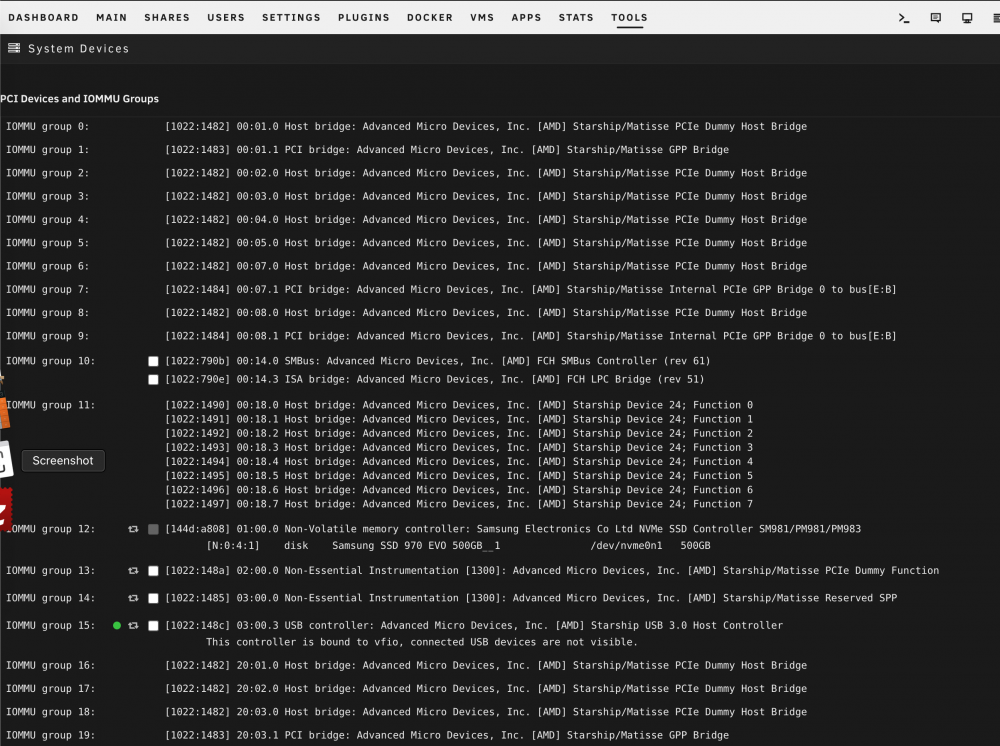
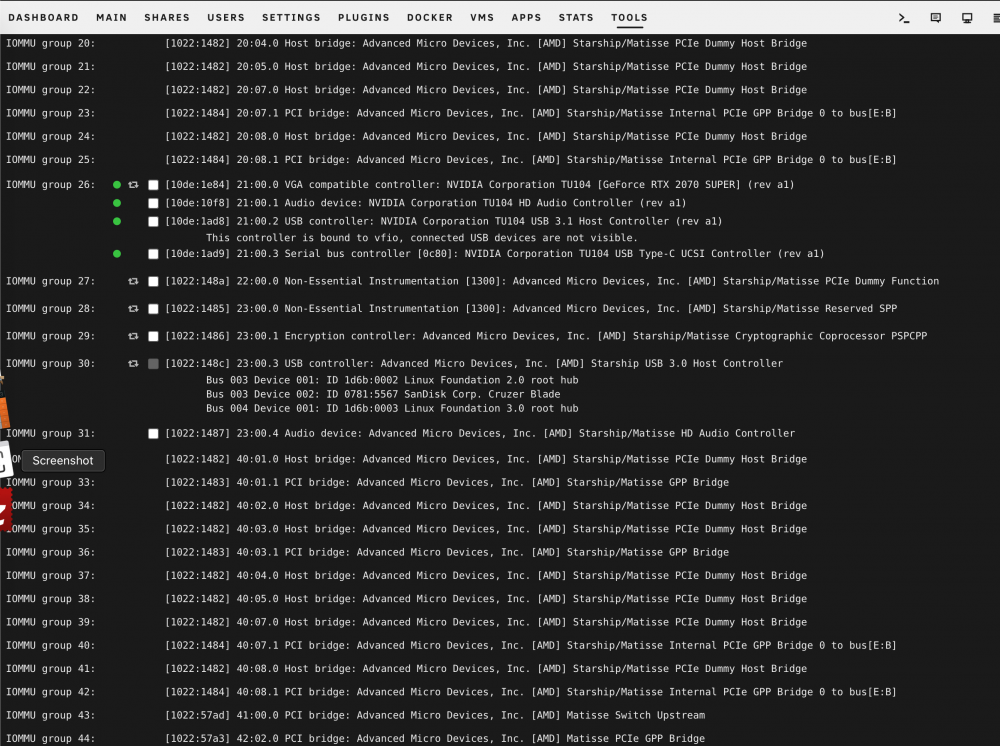
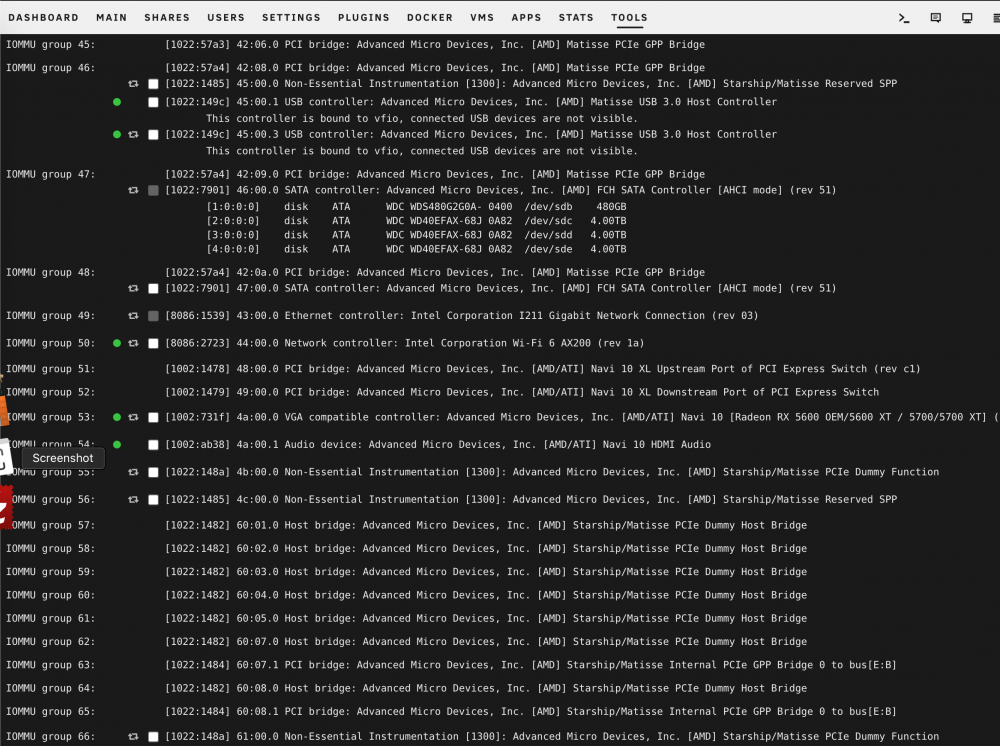
from this list which one would be? I fail to locate it..
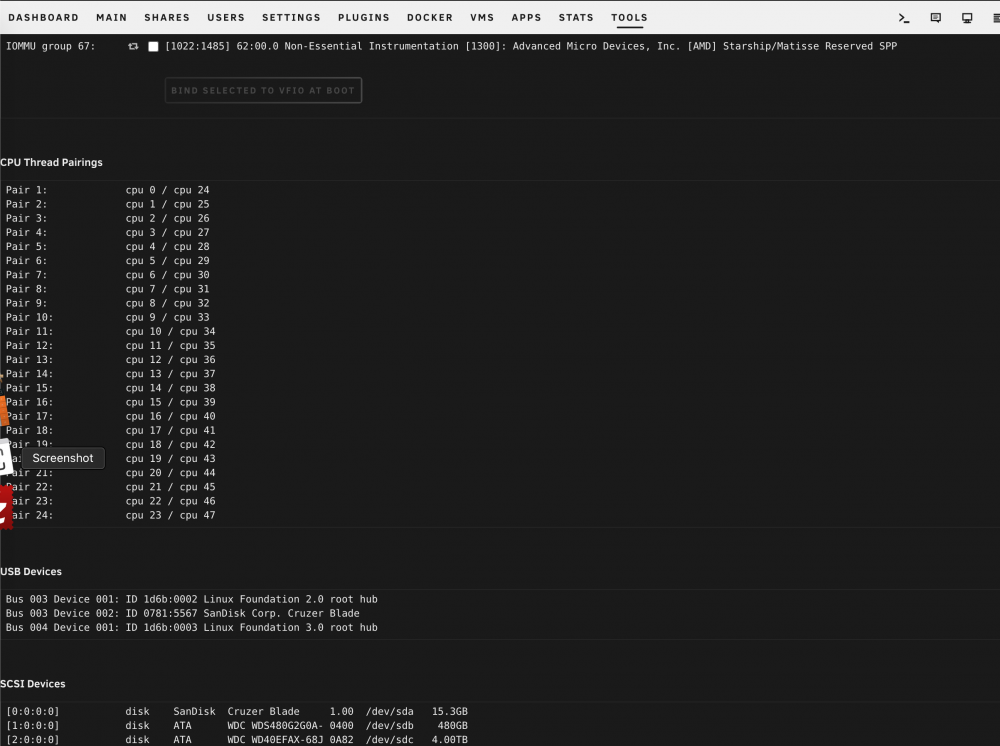

-
oh thanks.. will check
-
why would you pass an iphone?? pass the whole usb controller and then you can hotswap ANY device as like you have a bare metal system
-
Hello, my motherboard has this integrated card Intel® Wi-Fi 6 AX200 Wi-Fi 802.11a/b/g/n/ac/ax, supporting 2.4/5 GHz Dual-Band BLUETOOTH 5.0 I can pass it no problems via <hostdev mode='subsystem' type='pci' managed='yes'> <driver name='vfio'/> <source> <address domain='0x0000' bus='0x44' slot='0x00' function='0x0'/> </source> <address type='pci' domain='0x0000' bus='0x00' slot='0x09' function='0x0'/> </hostdev> and the driver installs perfectly, the problem is that I dont see the BT part of the card.. it has its own IOMMU group but I dont see it as a multifunction device [8086:2723] 44:00.0 Network controller: Intel Corporation Wi-Fi 6 AX200 (rev 1a) Thats the only thing unraid shows me and by installing the BT driver it does nothing.. Any ideas? thanks in advance
-
Post your full xml
-
You should have just backed up the vdisk. I did, tried to update, failed, deleted that vdisk, got my backup up amd running in seconds.. Which btw you should have a process to backup your vms
-
Well I fail to see any use case for a desktop OS without a video card.. I have 12 ubuntu servers running alongside with macos (5700xt/16 threads/32gb ram), and ubuntu 20/windows 10 (Rtx3080/12 threads/16gb ram) thats taking my hardware's full potential.. No dollar/resourse wasted.
-
Yes but macos without dedicated video card is just trash





