





6of6
Members
-
Joined
-
Last visited
Everything posted by 6of6
-
If you can, please do and I will pull it with whatever tag you wish... I don't doubt, for a second, that I've screwed many things up. I just want luckyBackup to work again. 6.
-
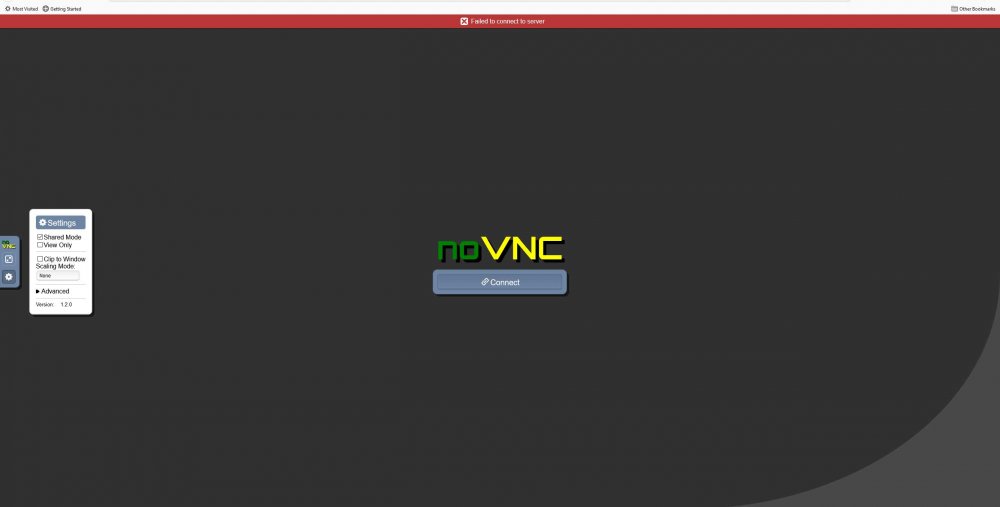
I have completely refreshed the page (and checked myscript-blockers very thoughly). My "left menu/novnc menu" only has the "cog/settings" and the "resize screen?" the icon above the cog as you display it. Hah? :)... Learned to attach an image without having to host it myself... maybe... guess I won't know until the big delay posting this message. Anyway... there's my screen. I hope (fingers crossed) 6.
-
I read/did the above before posting. Using Firefox (no history), refresh, sadly, doesn't do anything except refresh/reproduce the error. Can you push the previous version? I'll pull it as ich777:previous (just learned about docker tags/versions, or whatever tag you choose?) and confirm that it works as it did. Unfortunately, I can't roll it back on my own. Not smart enough (yet). I really just want it to work again. 6.
-
Newbie... Reading the thread scares me... so many people smarter than I... I can't mount an encrypted drive for some reason (unRAID 6.8.3 with Unassigned Devices "plugin" [i.e not the default that appears]). It never asks for "the" password when I try to mount it. It's a junk drive and I keep "blowing it up" and trying again, with every new version of Unassigned Devices. What am I missing? 6.
-
I may have the same issue as xtrips... unRAID 6.8.3, CA said there was an update to luckyBackup, so I updated. Now, launching the WebUI results in a noVNC screen with, "Failed to connect to server" across the top in a red banner. Unfortunately, I've only been using unRAID for a little over a month and I'm not very familiar with trouble-shooting things within it, or Dockers. The one thing I found, in the log, that looked odd was... ---Version Check--- ---luckyBackup not found, downloading and installing v0.5.0...--- I'm sorry, maybe the above is normal. I really like luckyBackup. Beyond being an excellent GUI for rsync, it's an excellent learning tool (the way the command line, with all the arguments are shown) -- a real jewel! 6.
-
After the 2020.12.14 update, it appears all plugin "download/install" links aren't working. I'm 3 days into my unRAID trial (newbie). Yesterday, I installed several plugins. This morning, saw the CA update notice and updated. I went to install another plugin and the "download/install" link does nothing. I then decided to uninstall a plugin I installed yesterday and try several other plugins -- all "download/install" links appear to do nothing. Am I missing something?

