spacezmonkey
Members
-
Joined
-
Last visited
Everything posted by spacezmonkey
-
Thank you..it is locked now.. 😀 thank you very much for your guide..
-
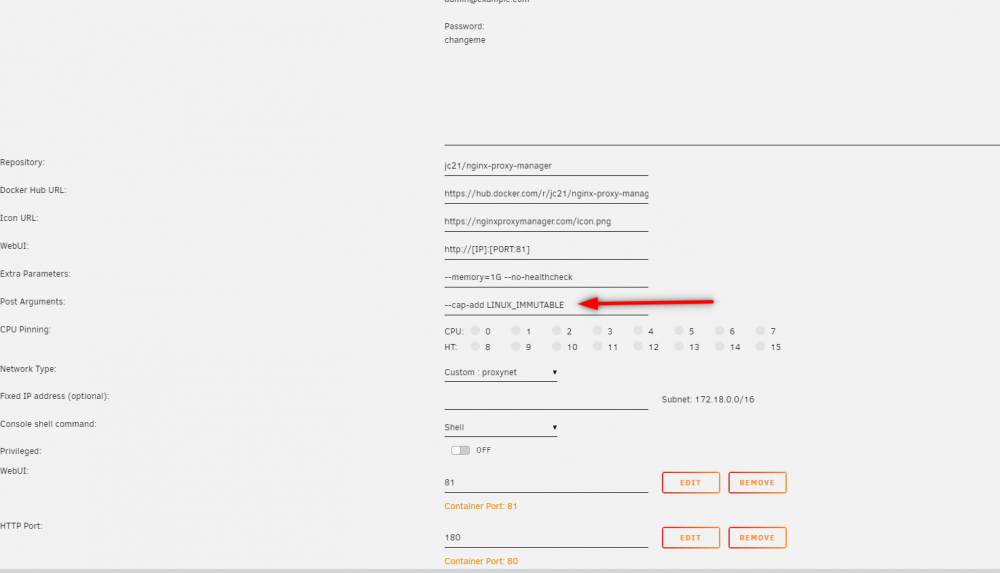
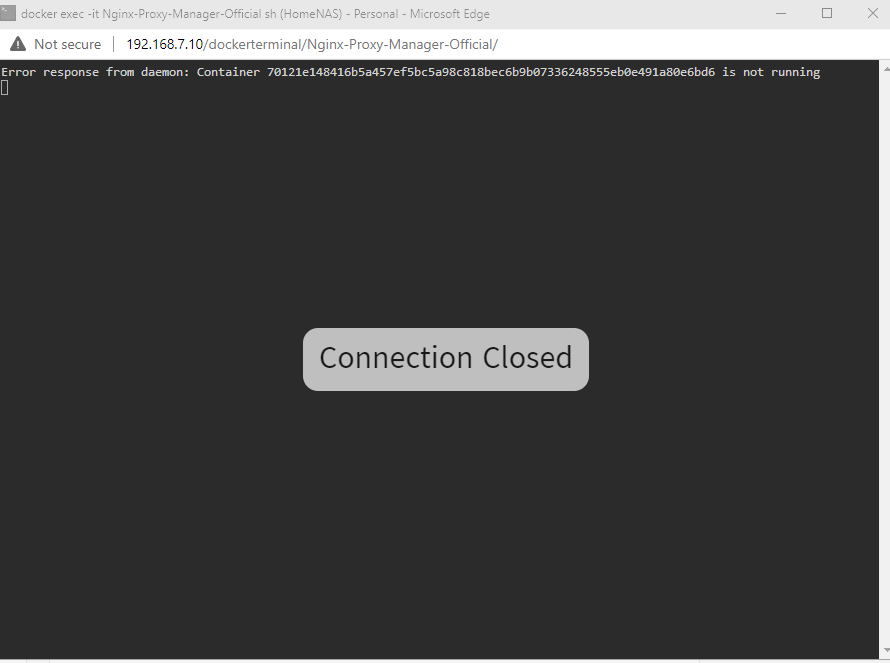
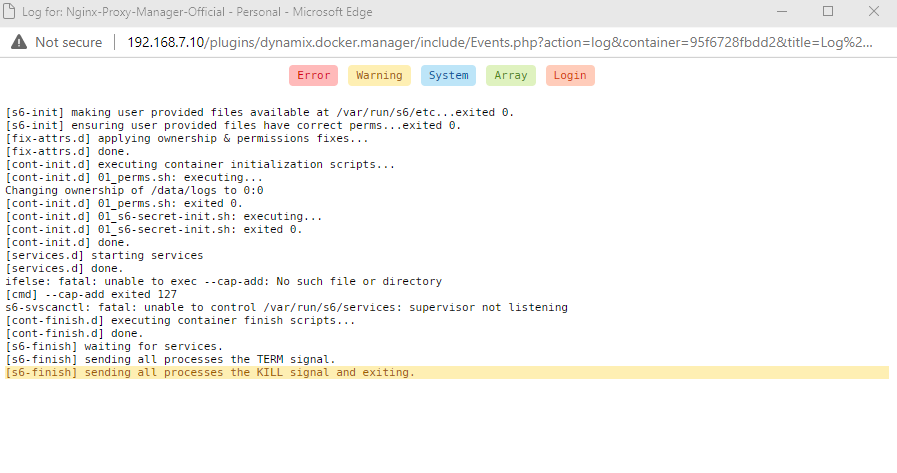
Hello , I have another error after adding post arguments. It seems like container is unable to run.
-
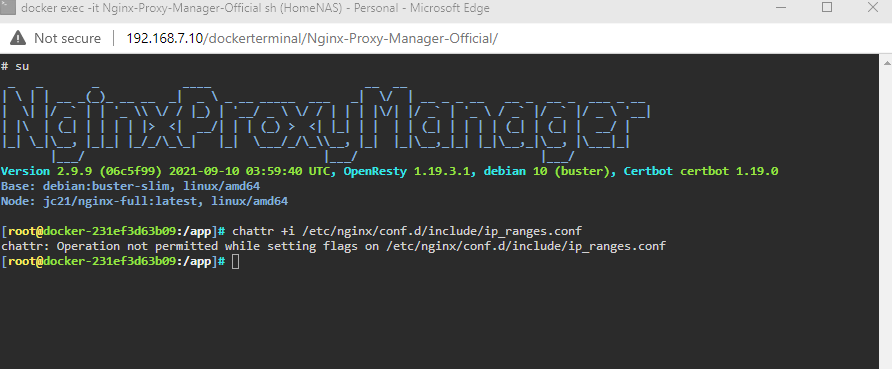
Hello, i wasnt able to flag the conf file. it say i do not have permission. i click on 3 links and there isnt captcha shown.. 😟
-
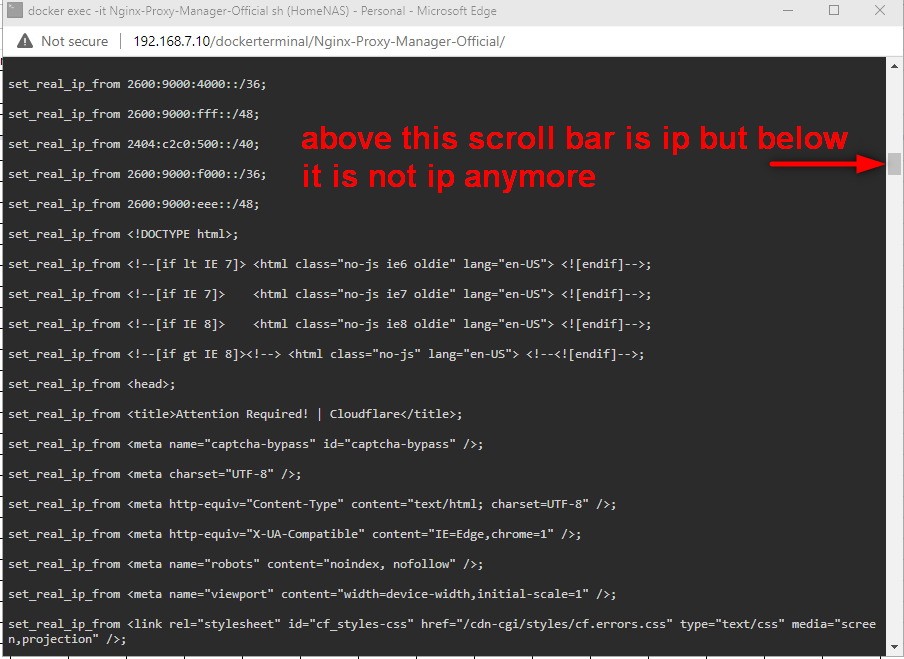
Hello , it works....😀 and setting are saving now... and status changed to online... however, when i restart the docker container, the html code reappear and i have re execute below code. Is there a way to make it permanent? Anyway i am very happy that docker container is working well now.. 😄
-
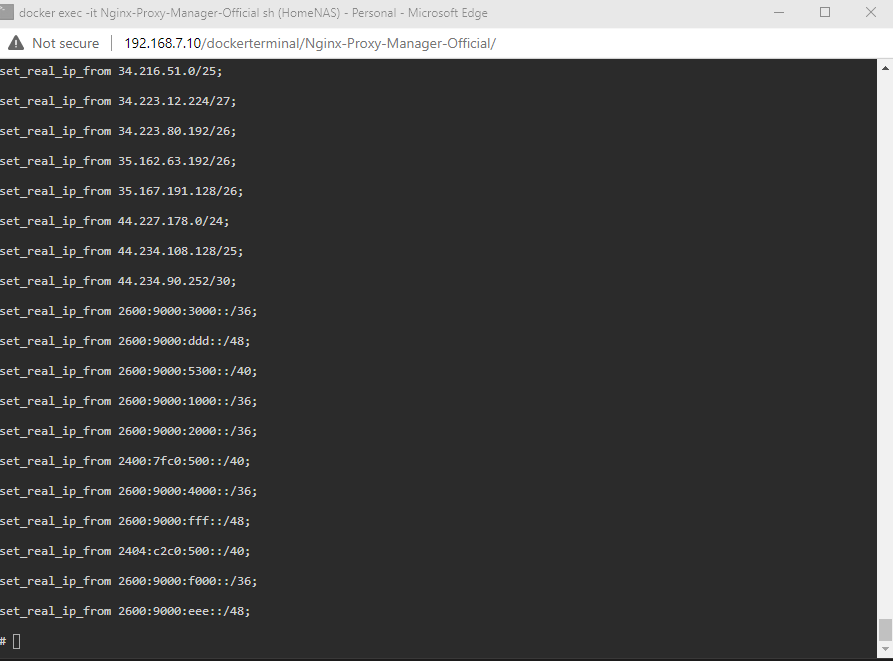
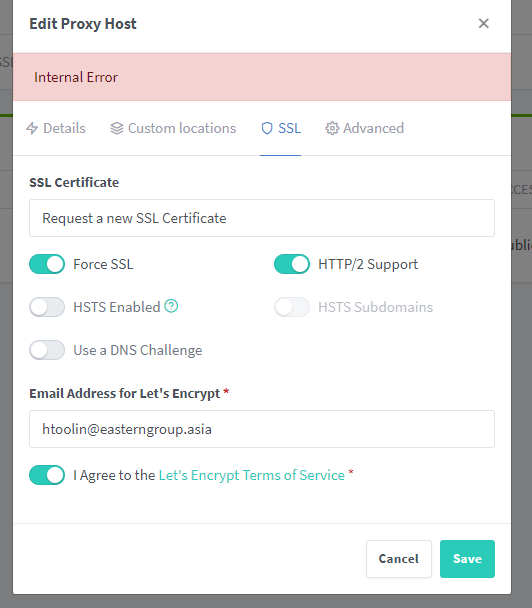
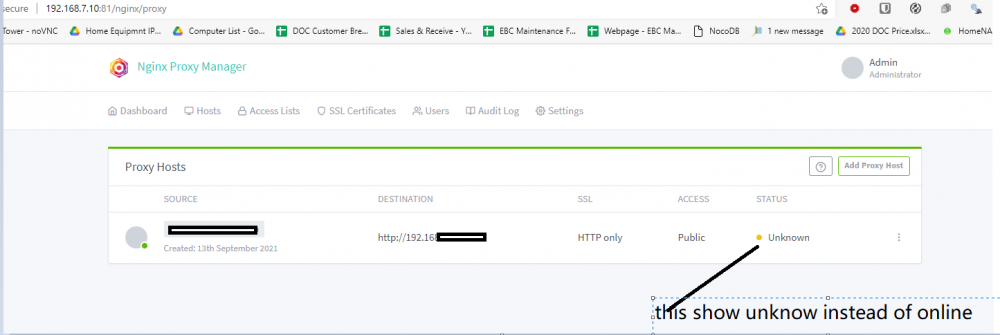
Thank you very much for helping me..i found my ip_ranges.conf file...but when i perform cat /etc/nginx/conf.d/includ/ip_ranges.conf it show a list if ip address until a point , it changes to text.. i am able to log into webui for setup, but i am unable save the setting. It show "internal error" and status is not shown "online".
-
Hello Sir, I am getting the same error with a new folder. i have added "-1" to all the 3 link. Is it something to do with my wrong configuration at port forwarding?
-
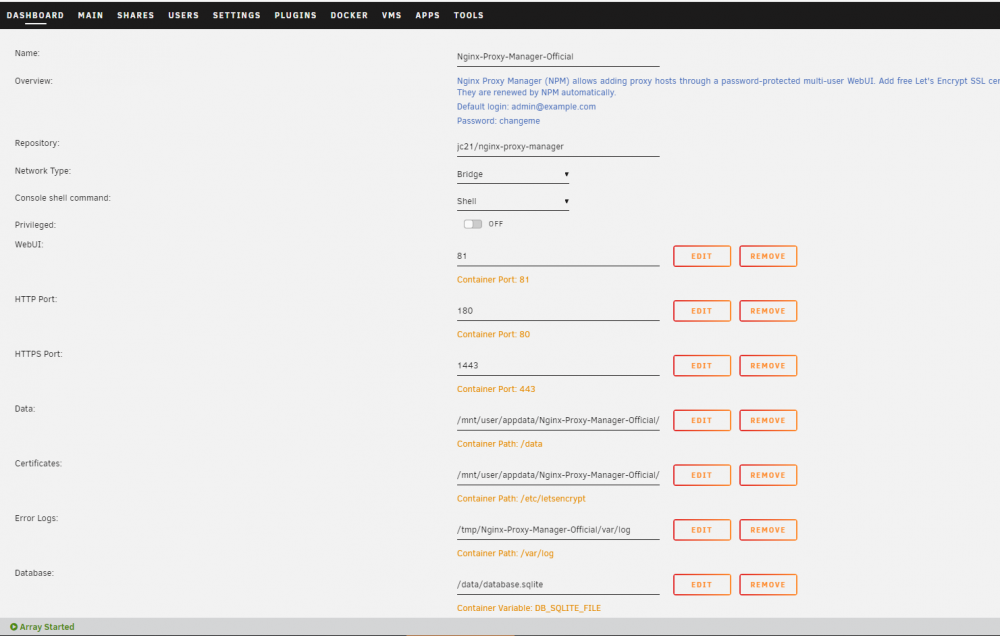
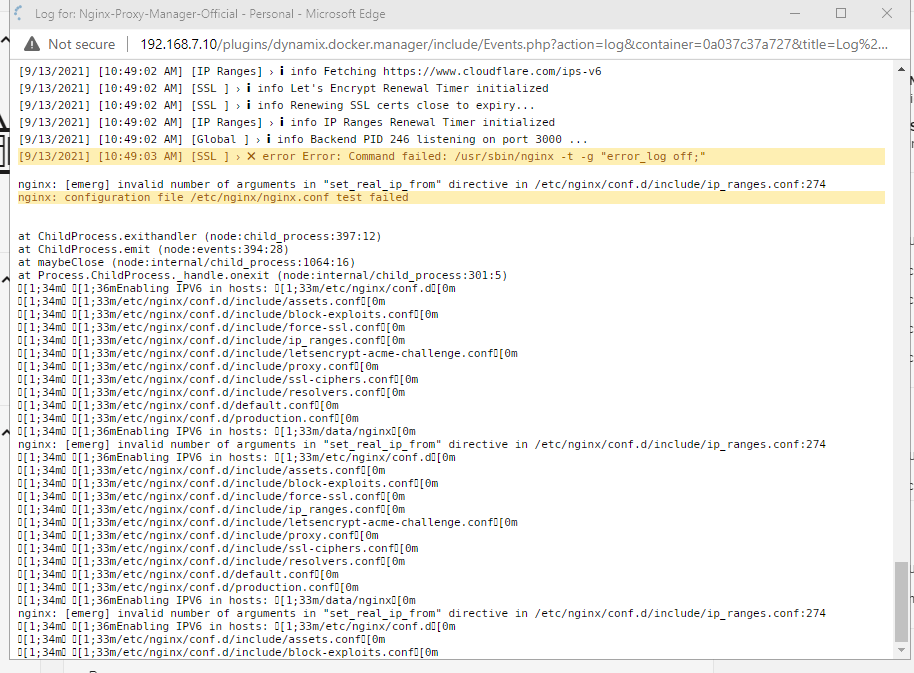
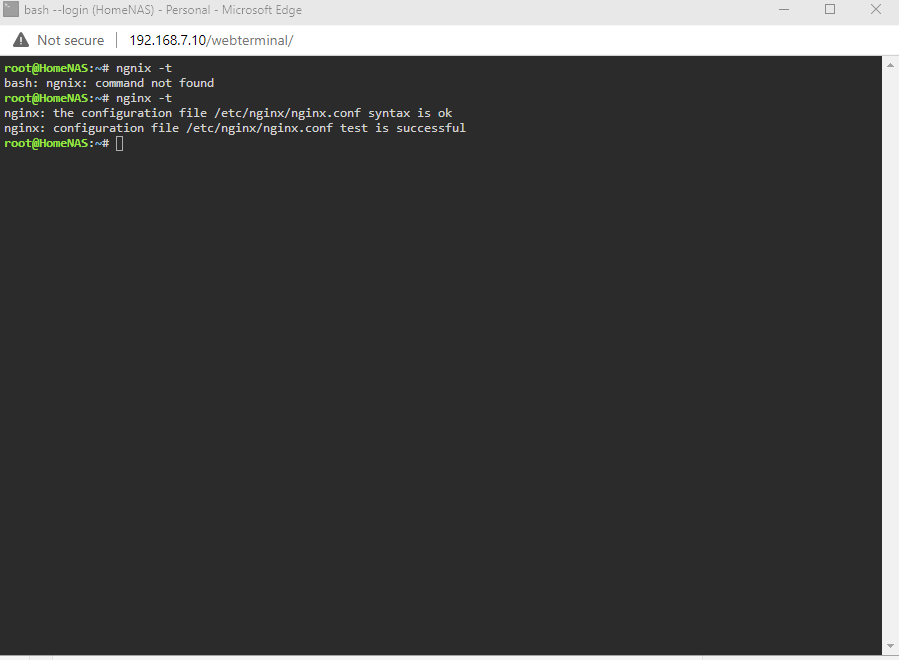
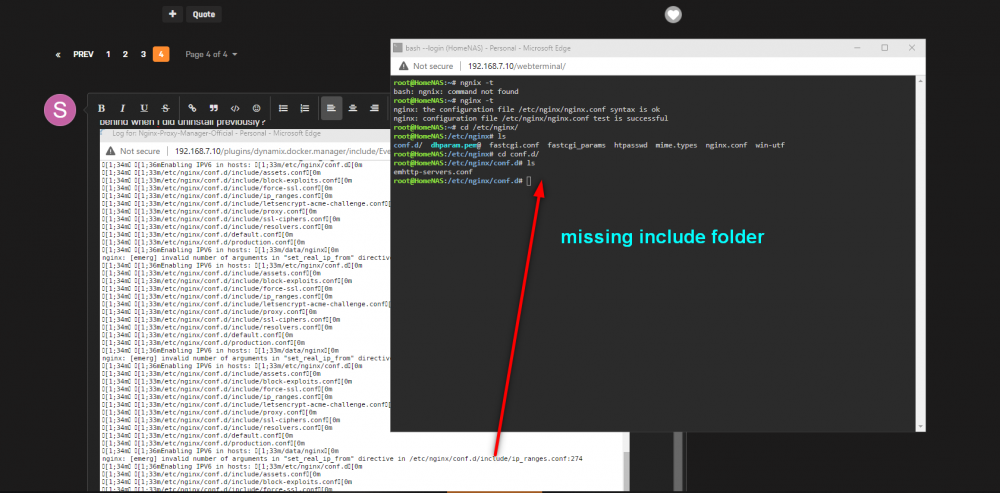
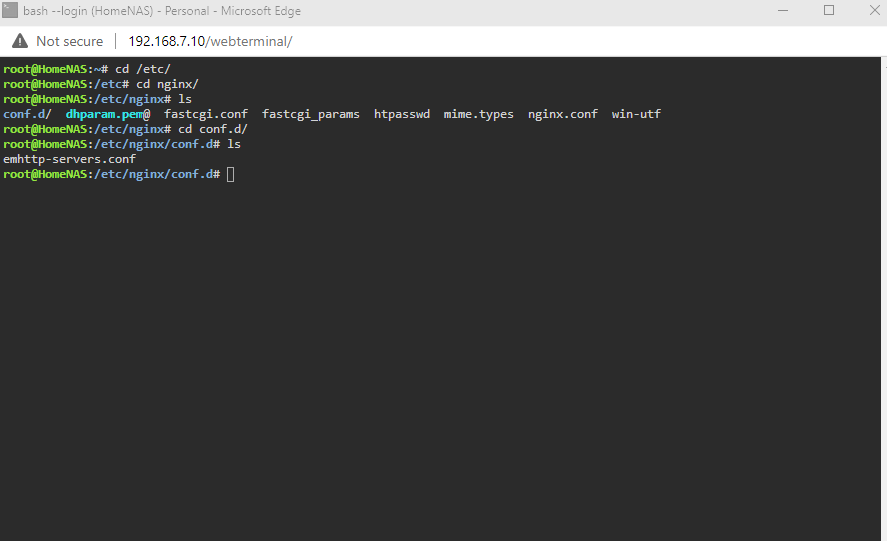
Hello , I am having this issue after install. Is there anything that i have done wrong in my setting? or is it due to files or folder left behind when i did uninstall previously? I am missing "include" folder during installation as well . (as shown in my attachment)
-
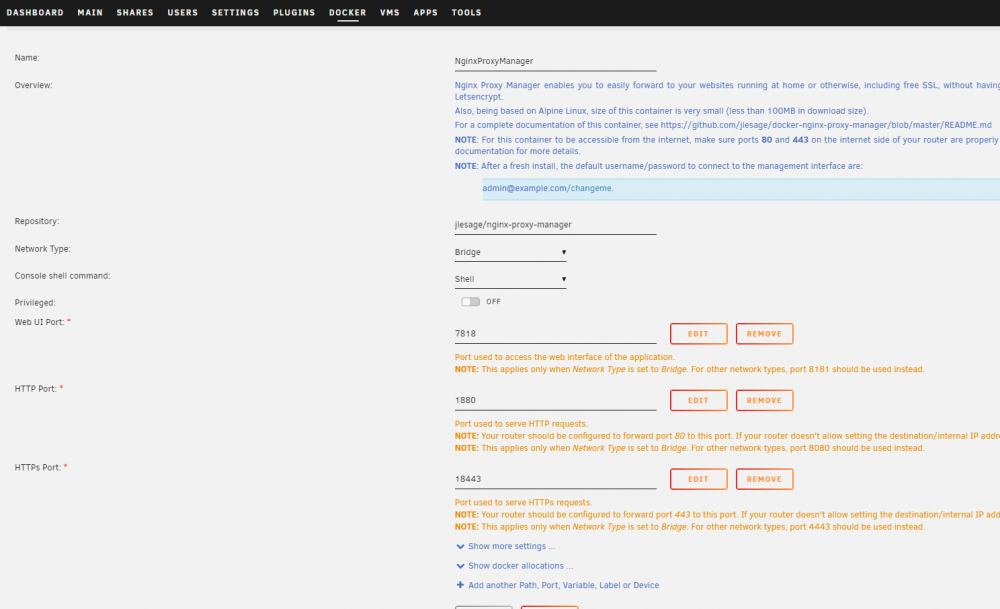
Hello Mattie, Thank you for your reply. I do not make changes to setting during install as shown in my attachment. and i wasn't able to find the ip_ranges.conf file in " /etc/ngix/conf.d " . i do not even have the "include" folder after conf.d. Is there anything i have done wrong during the setup?
-
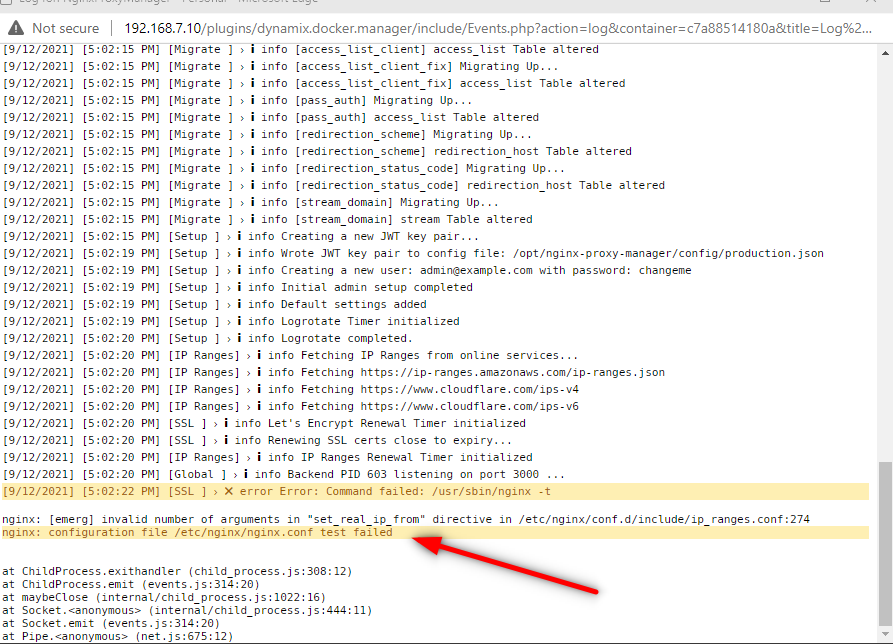
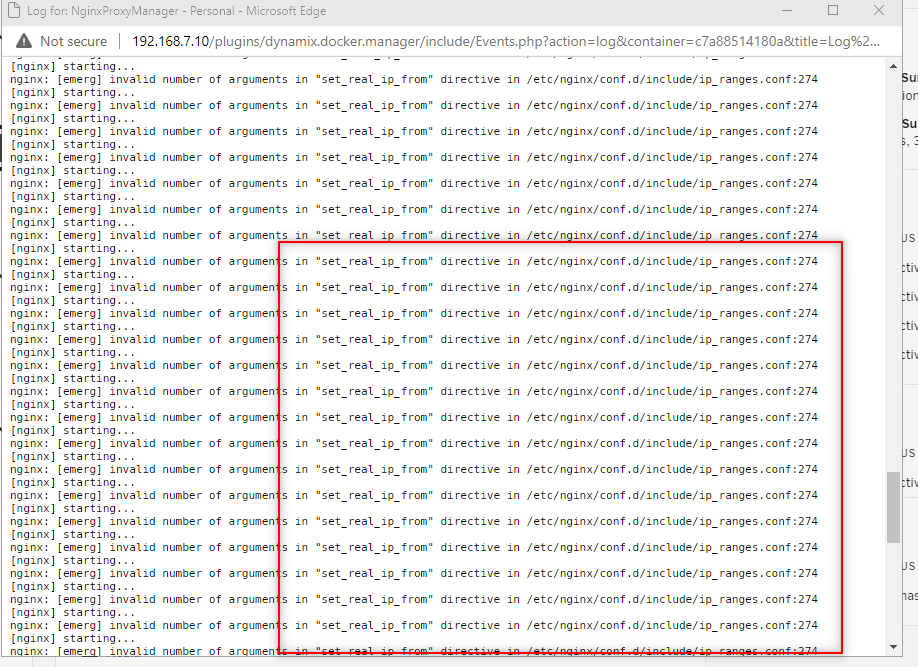
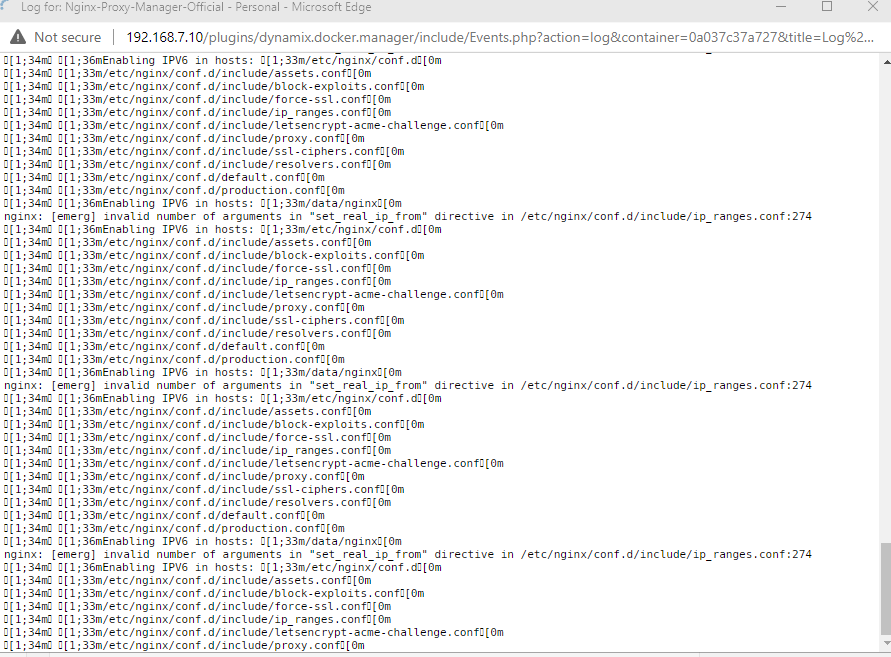
Hello After i install and check the log, i am having this error. is this normal ? When i setup host, i have error saving them.