





Bozont
Members
-
Joined
-
Last visited
Everything posted by Bozont
-
you can update with the new offline FileRun-2026.3.0-PHP-8.3.zip which came out today. i just updated with no error
-
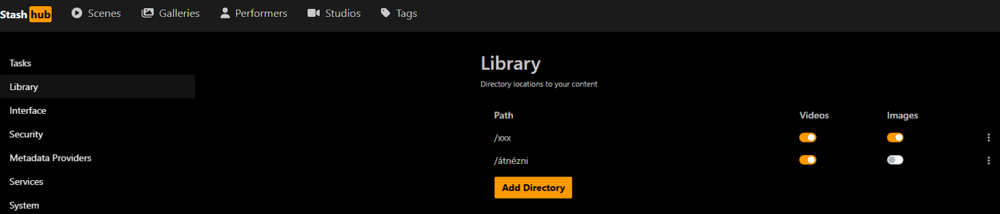
You should find your datas under /data folder in your stash. Mine set to /xxx in config so in my stash i find them in /xxx folder but it depends how you name it (in your pictures it should be /data because your /data folder pointing to your disk1/Media/Adult folder). You can set your folders in stash's Library and then add directory. I hope this helps

-
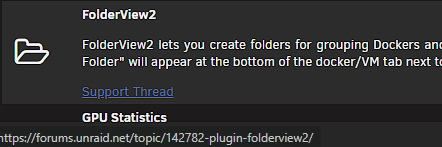
Thanks for todays update, now the external links are working as well. Only one thing: the plugin's support forum's link show this thread but it's redirected the origin folder.view's supports which can be confusing for new people. https://forums.unraid.net/topic/142782-plugin-folderview2/ -> https://forums.unraid.net/topic/142782-plugin-folderview/ Can you update this as well?
-
Hi Atarax, the app is called homepage and you can download from Ibracorp's repository in the Appstore
-
For me its worked with the latest qbittorrent but I modified the template to download figro/flood-ui:dev. Hope this helps with deluge as well Tapatalkkal küldve az én Pixel 4a eszközömről

