umitnice
Members
-
Joined
-
Last visited
-
Hey guys, thanks a lot for you help. I could solve it by reinstalling luckybackup. Have a nice weekend
-
Now I got it :) this is the content of default-LastCronLog.log No protocol specified qt.qpa.xcb: could not connect to display :0 qt.qpa.plugin: Could not load the Qt platform plugin "xcb" in "" even though it was found. This application failed to start because no Qt platform plugin could be initialized. Reinstalling the application may fix this problem. Available platform plugins are: eglfs, linuxfb, minimal, minimalegl, offscreen, vnc, xcb. Aborted
-
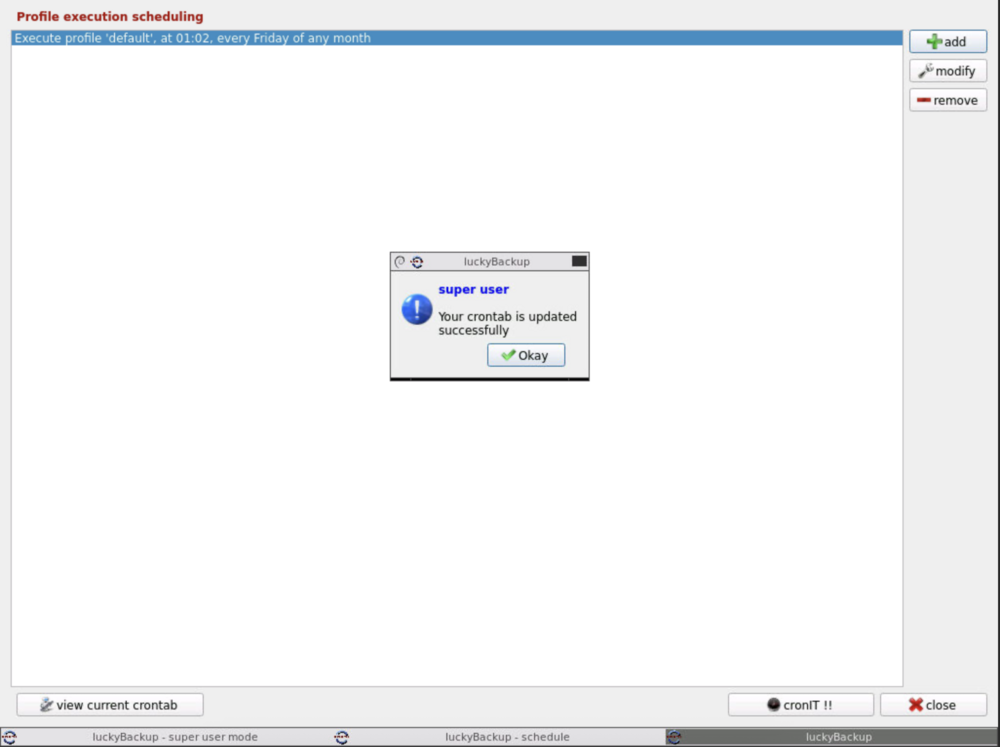
Hey, sorry for my late response. I've set a cron to 15:20 and waited but in the logs nothing changes because the job isn't starting: Nothing to do, noVNC resizing set to default Nothing to do, noVNC qaulity set to default Nothing to do, noVNC compression set to default ---Starting cron--- ---Taking ownership of data...--- ---Starting...--- ---Preparing Server--- ---ssh_host_rsa_key keys found!--- ---ssh_host_ecdsa_key found!--- ---ssh_host_ed25519_key found!--- ---Starting ssh daemon--- ---Resolution check--- ---Checking for old logfiles--- ---Starting TurboVNC server--- ---Starting Fluxbox--- ---Starting noVNC server--- ---Starting ssh daemon--- ---Starting luckyBackup--- Container is running fine when the original cron job should run.
-
Hey @ich777, sorry I've not mentiond it but you identified it :) There is nothing in the logs when I cron it. This is the only thing I see: WebSocket server settings: - Listen on :8080 - Web server. Web root: /usr/share/novnc - No SSL/TLS support (no cert file) - Backgrounding (daemon) ---Starting ssh daemon--- ---Starting luckyBackup---
-
Hello, since several months I noticed that cron jobs not working. Therefore I did it by do it manually by pressing the run button but now I wanted to try to solve this issue. Anyone with the same issue or a helping hand?
-
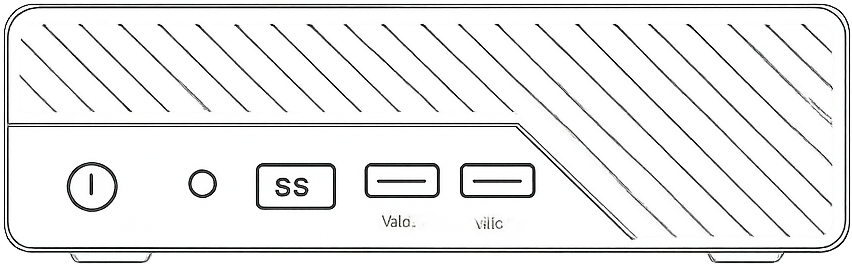
ChatGPT helped here for Minisforum MS-01. I appreciate it if someone can do it better
-
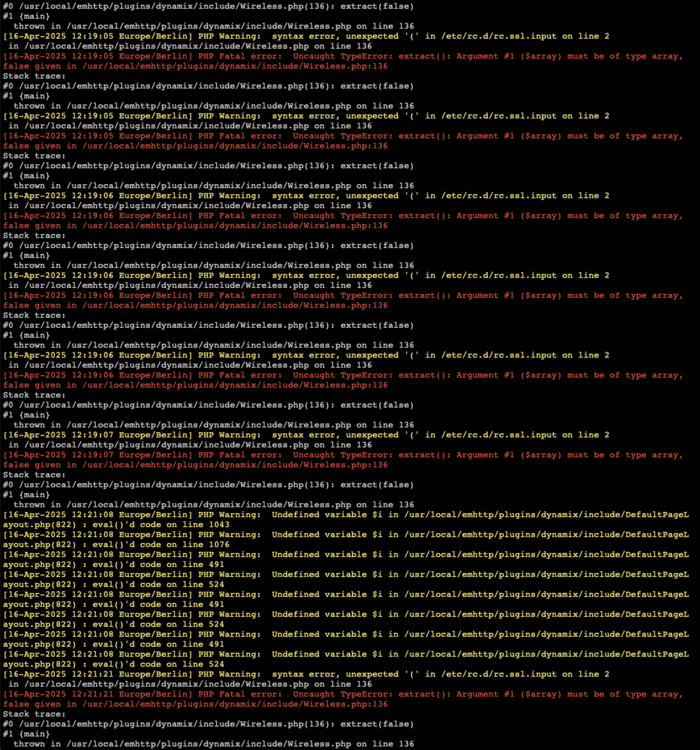
Hello @bonienl, how can I delete already joined networks? In Addition I will Switch it off and give it a try
-
Hello, I run my Unraid server with 7..1.0-rc.4 and I'm connected to my WiFi. Since I'm connected to WiFi, each morning the Unraid server is not reachable. Currently I press the power button and wait till the server is powered off and than I turn it back on. Any one with the same issue? unraid-diagnostics-20250505-0728.zip
-
Thank you for the hint. with all interfaces on dhcp now access via wireless is possible
-
Sure unraid-diagnostics-20250427-1139.zip
-
One more question. I successfully joined my network but a management access and even a ping is not possible. Is there another config necessary?
-
@JorgeB works like a charm! Thanks a lot
-
Hello, I recently watched a Youtube video of Spaceinvader. He showed how to implement the tailscale docker modes to containers. I've tried it with the NGINX Proxy Manager but it didn't worked. There are no error messages so far but on the tailscale website I cannot see it under machines. Anyone that tried the same with more success?
-
cipher=aes-256-cbc key=Micro_Computer_(HK)_Tech_LimitedABCDEFGH iv=12d012552c29ee34
-
A lot. I think by spamming the WiFi symbol