





Ignitis
Members
-
Joined
-
Last visited
-
Unraid has been working fine for years. But it now will not start. It will boot to bios and then appear as if it is starting but will either get stuck in the starting process or get to a particular section and then restart in a loop forever. I have changed multiple settings in BIOS (Secure boot, Fast boot, CSM) which have not helped. I have also tried using a fresh USB. I have completed fresh installs both with and without the previous config folder. Nothing is working. I have completed Memtest86+ and this Passes fine. I have attached some pictures of where it is getting stuck in the boot process. Any suggestions would be greatly appreciated.
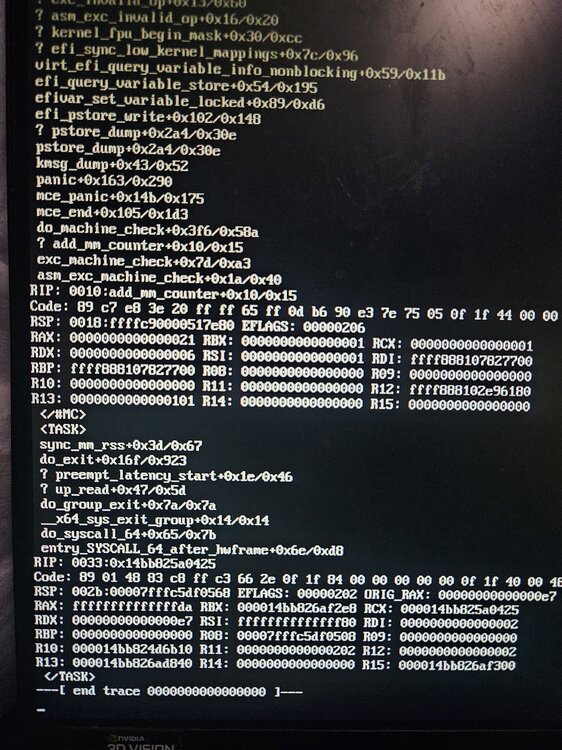
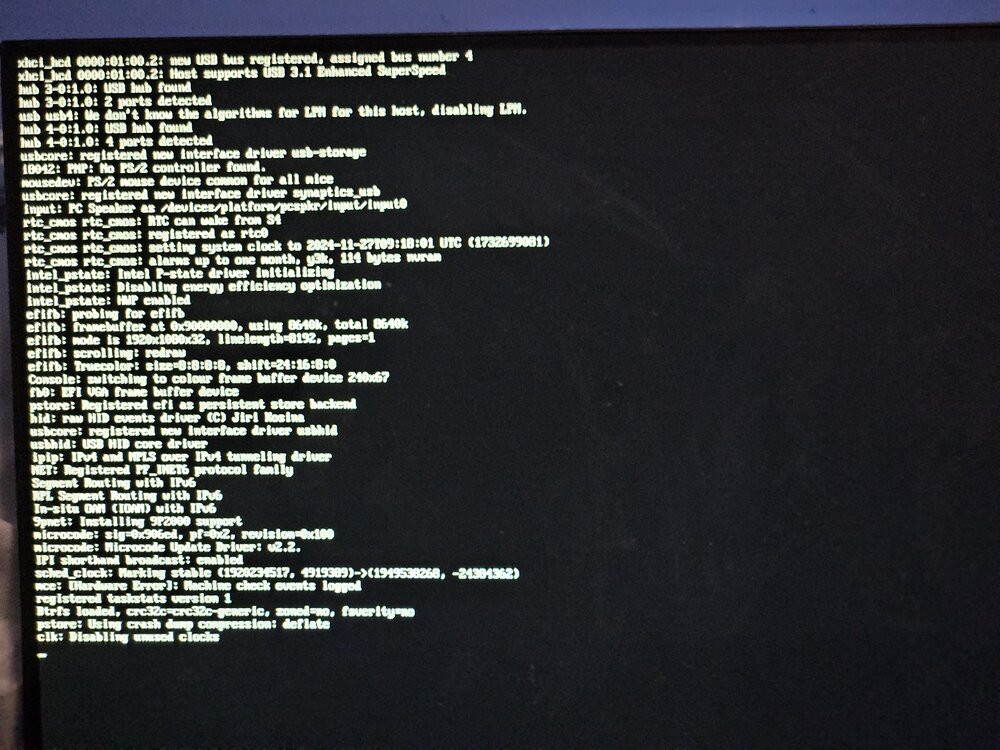
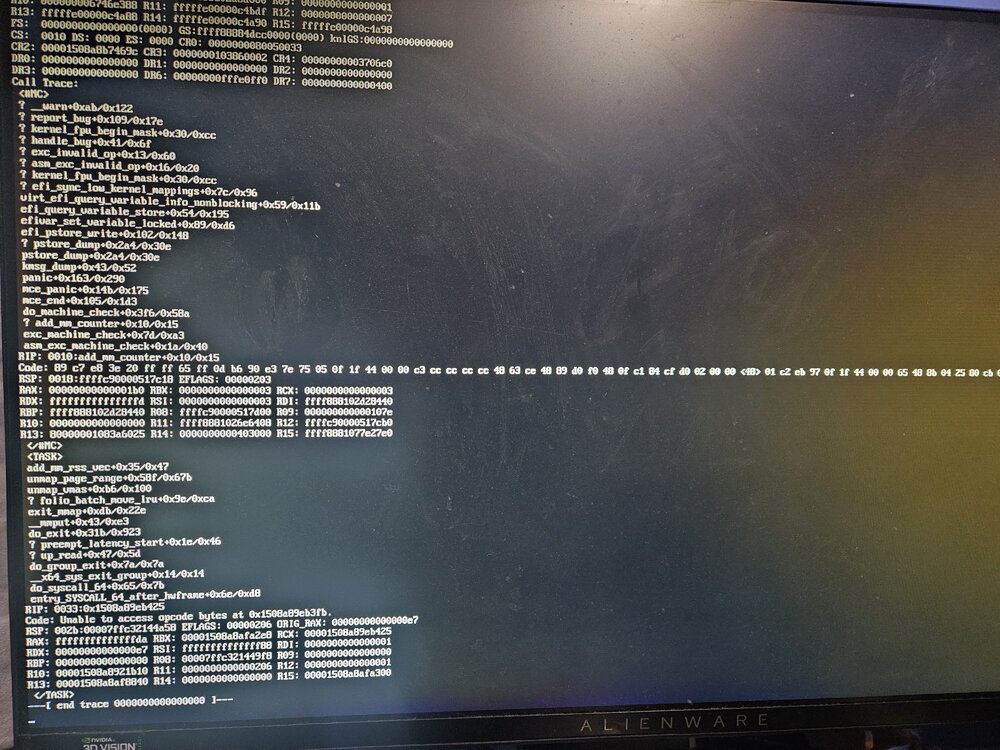
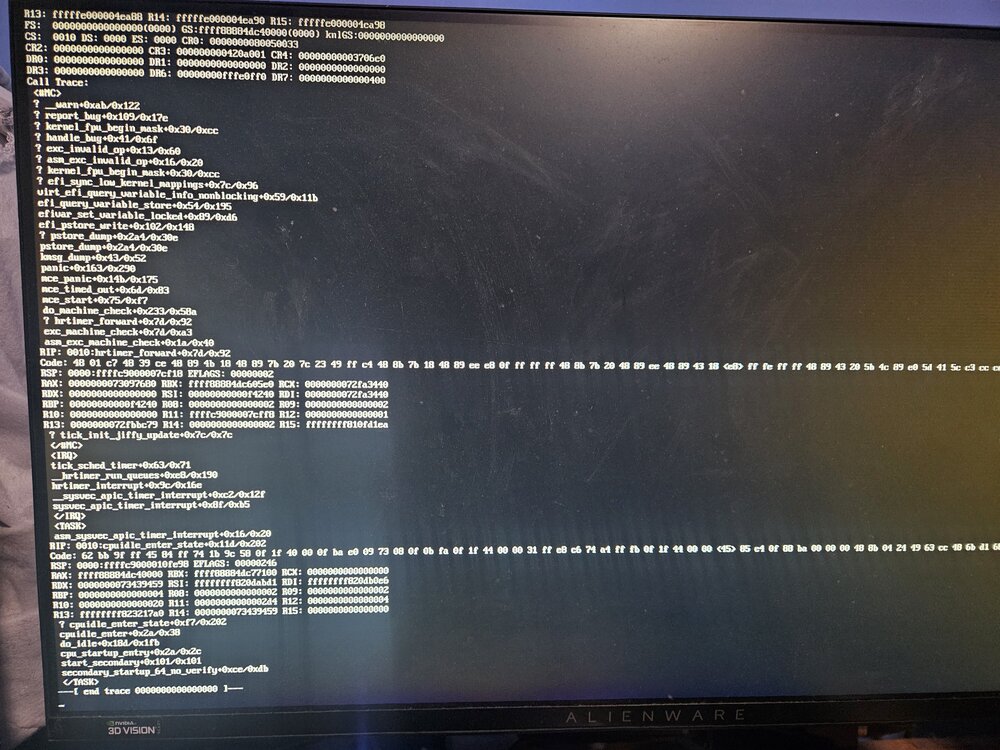
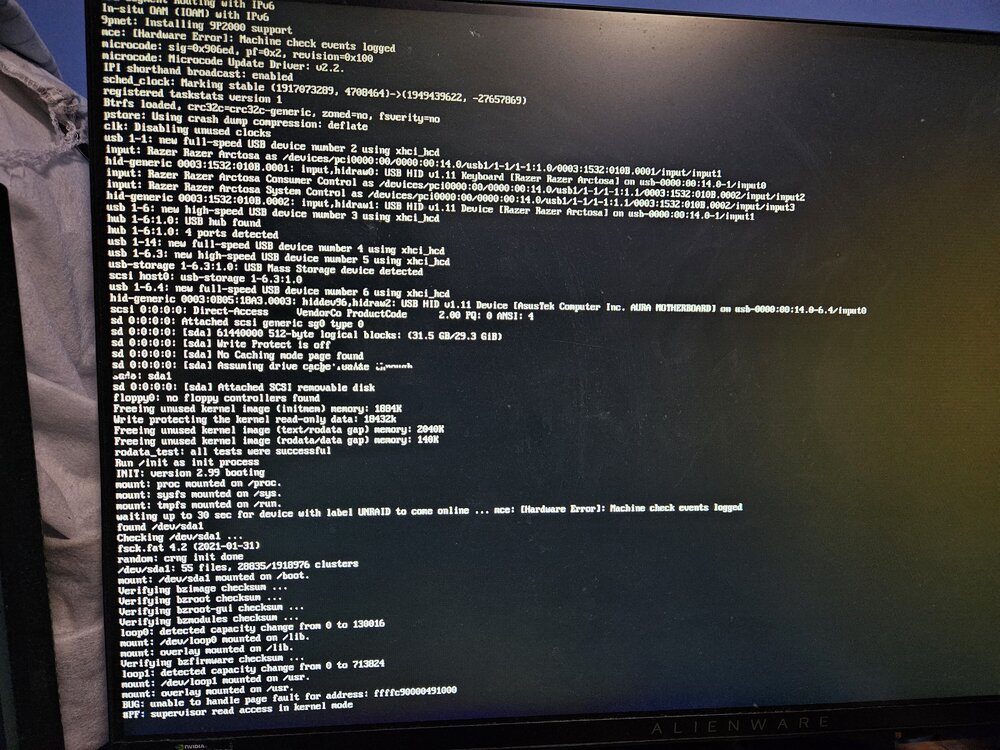
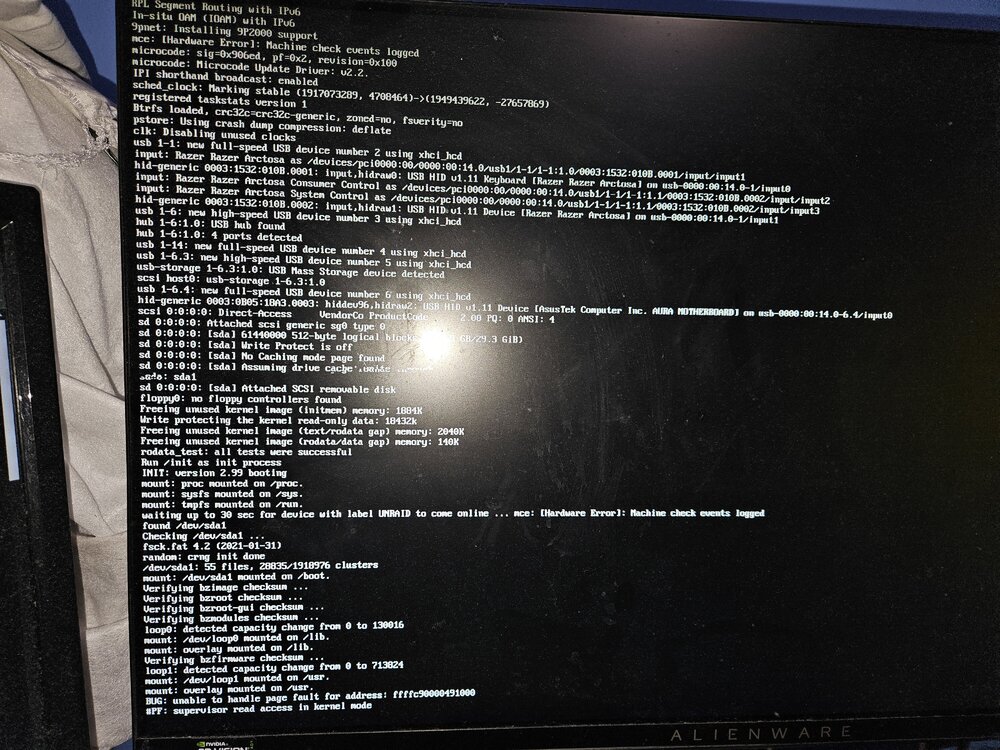
-
Hi, I am having trouble with backing up my appdata folder. My other back up routines work fine but anything within the appdata folder seems to either error and not work at all some days, or works with "warnings", and when it does this it is not purging any of the files and so I am ending up with hundreds of copies of them over time and have to manually delete them from cloud storage. I believe it is probably something to do with permissions and cloudberry backup not having full access to some folders but I have no idea how to change its permissions to fix this error. Cloudberry backup is already running in privileged mode. I have attached a screenshot of the latest error.
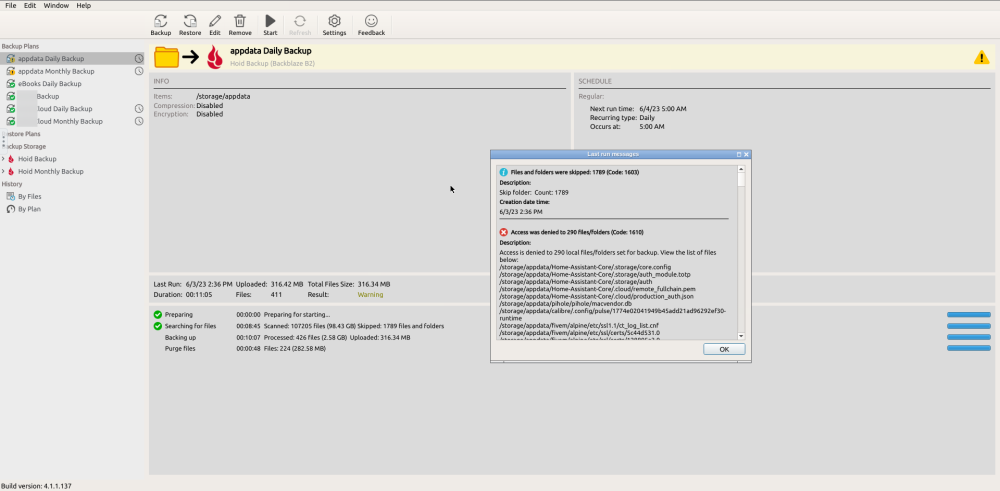
-
Having an issue when trying to install a curseforge modpack. Specifically trying to use better minecraft but have tested with others and am getting the same error. The server is successfully creating the FeedTheBeast folder with the mod inside it after launch, but then I get the following error: [init] Running as uid=1000 gid=1000 with /data as 'drwxrwxr-x+ 1 1000 1000 108 Jul 6 16:28 /data' [init] Resolved version given 1.18.2 into 1.18.2 and major version 1.18 [init] Resolving type given curseforge [init] Looking for Feed-The-Beast / CurseForge server modpack. [init] Unpacking FTB server modpack /data/Better+Minecraft+Server+Pack+[FORGE]+v12.5.zip ... ................................................................................................................................................................................................................................................................................................................................................... [init] ERROR: Modpack missing start script and unable to find Forge jar to generate one There is a start script inside the folder, not sure what is going wrong. Anyone know a fix or what the issue is? For clarity, I am placing the .zip of the mod inside the data file before launch and using the -e CF_SERVER_MOD=Better+Minecraft+Server+Pack+[FORGE]+v12.5.zip paramater.


