





CDLehner
Members
-
Joined
-
Last visited
Everything posted by CDLehner
-
OK; I'll change Moonlight. Can you help me, with the "right" logs? Thx
-
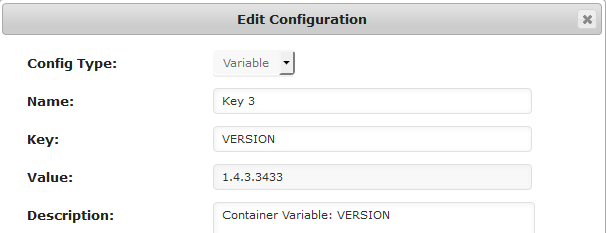
Applied... And here's the subsequent run command...

-
Obviously, I was looking at the version of the wrong thing. But 'latest' works, right; and that's what it was...when the issue just cropped up.
-
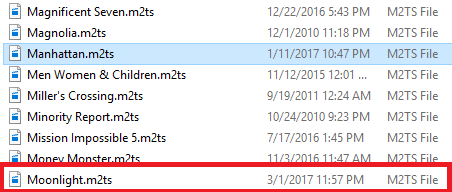
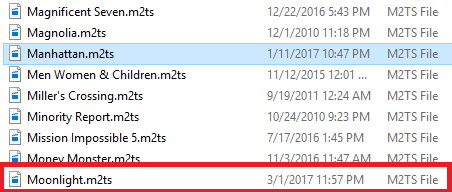
Above... For example; Moonlight isn't updating.
-
Well...that used to be just 'latest'; but I futzed with it, to try and solve the issue.
-
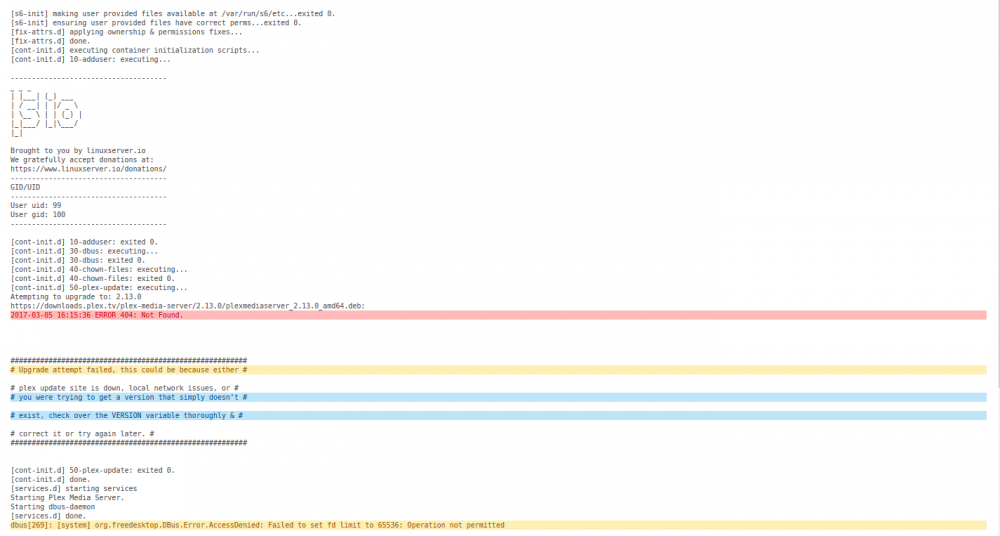
Docker run command? Log you're looking for? File naming. No different, than I've ever done... For example; Moonlight is not updating. TY, for bringing that exposed email addy to my attention! So..where to from here??

-
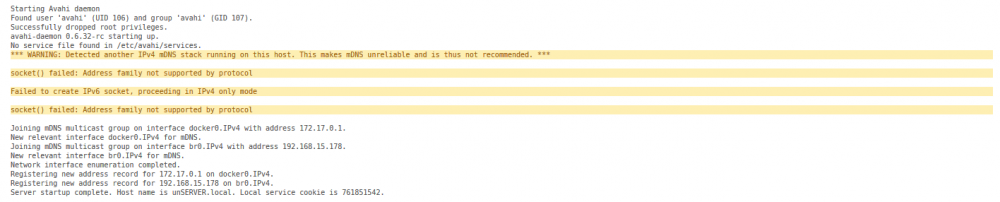
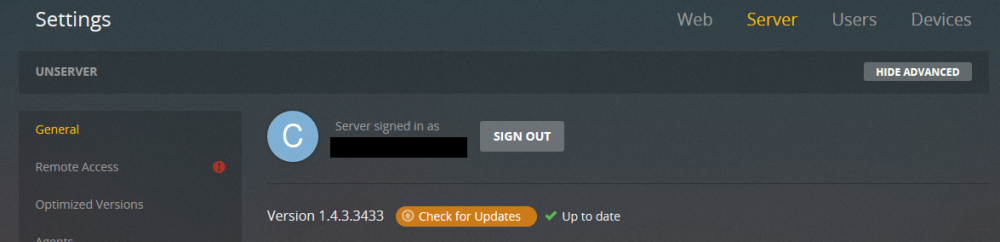
Sorry; my sig is not current. I am on uR 6.3.2. Here is my Plex Docker info Is this the version of Plex you're looking for? Flash Log Docker So...I've never done anything, other than manually update my library. I add a file, I click on the 'update library' icon (I know with this latest version, it's on the options, of the library itself); I'd have the title. In a nutshell...I've added several titles, since this issue started; and they don't show. Sorry if I'm in the wrong thread. And thanks, for showing me mercy!


-
Who do I have to pay...to get help, updating my libraries again? I miss my PLEX
-
Well...I turned on auto-update, to see if that might work; but prior to that, and since...I just do a manual update.
-
Library not updating. I took the previous advice, and have been seeking an answer on the PLEX forums, for some time; since my last posts here. Seems like a LOT of threads, with the same issue; and when I finally searched them out...it seems like they went no where...no definitive answers, just as mine has remained. I mean...I have begged, just to be pointed in the right direction; supplied logs, etc. Nothing. So I'm back here...looking for any help I can get; because it's rendered PLEX, practically useless...if I can't figure out, what's caused it to stop updating. TIA
-
Having trouble with PLEX library updating...and not sure if it coincided with upgrade to 6.3.1/2? Do I have the right thread?
-
Squid...how do I move this, to the LimeTech PLEX thread? I'm also reviewing this https://lime-technology.com/forum/index.php?topic=37732.0 [sOLVED]...for now. If I run into trouble again; I'll post at the LimeTech thread. Guys...I belong to many forums; you guys are the most helpful, on what is the hardest product! Thanks
-
Well let me ask this: as an obvious noob...which version, "should" I go for?
-
Should I try, to re-install the PLEX container now?
-
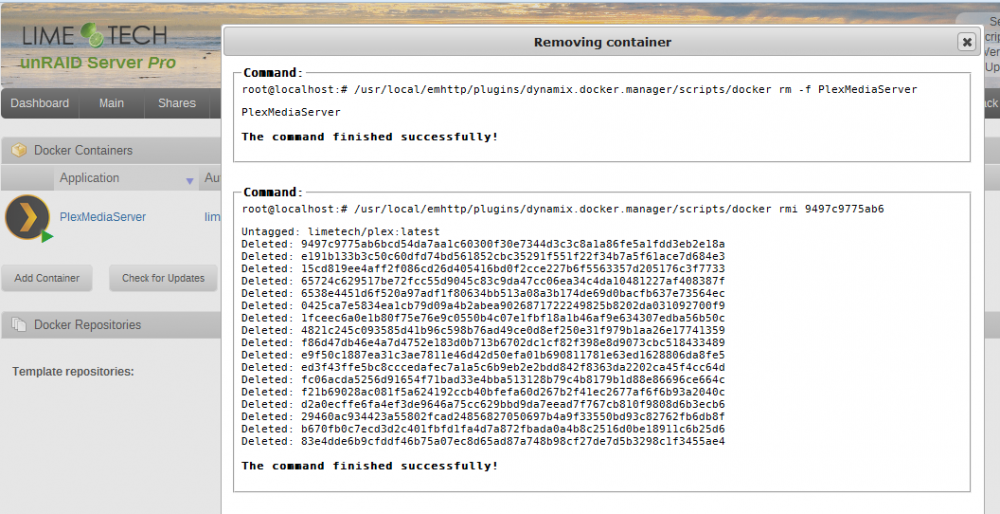
OK...so when I went to re-install PLEX; it was "back". So this time...when I went to un-install; container and image seemed to work!
-
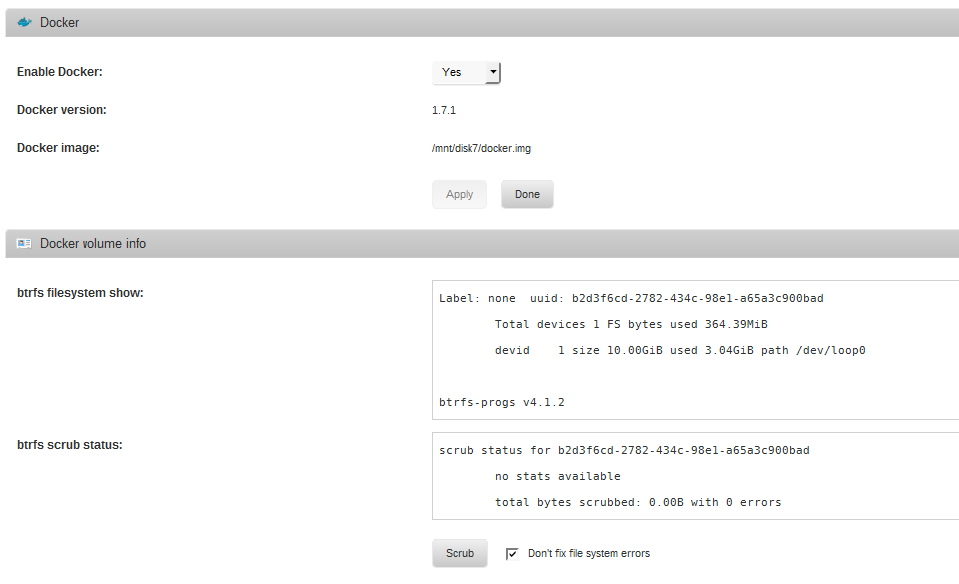
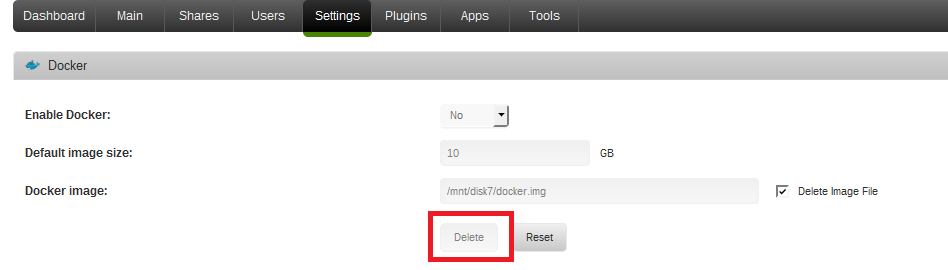
That's exactly what I did. I set 'enable docker' to No...hit apply; that gave me the check-box, to delete image file...but the delete button, stays greyed-out OK...I got impatient; so I set docker enabled back to yes, and pointed at the same image file for re-create.
-
Sorry?? I'll try this http://lime-technology.com/forum/index.php?topic=38323.0 Delete button is greyed-out. Man, do I feel like I am ALL jacked-up at this point.
-
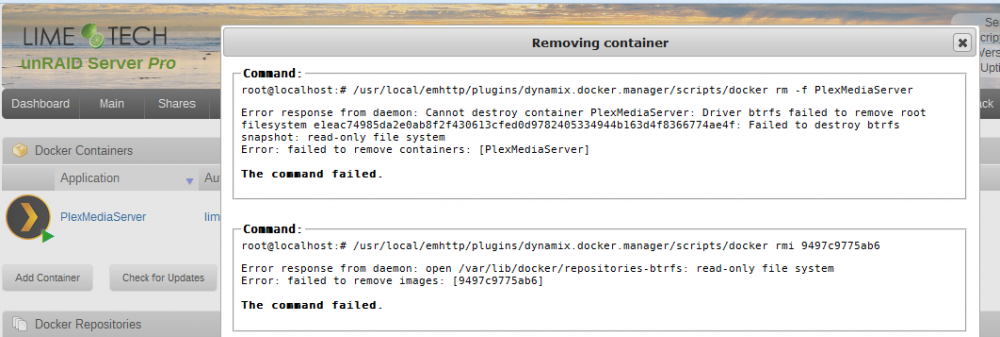
OK; do I still remove the container and image first? Then...re-trace my steps? Yes OK...and the reason I asked, is I did it once before; and got the same result this time. But...PLEX is gone.
-
OK; do I still remove the container and image first? Then...re-trace my steps?
-
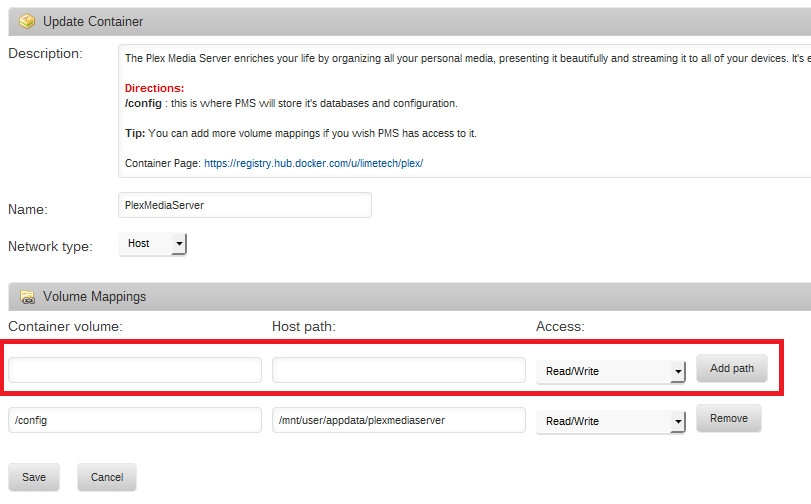
And...I think I need something here too... But at this point...are we going to try and fix it; or back it out, and re-install the right way?
-
Thanks Squid. But I'm a visual guy; so I'll post pictures STEP 1, yes? I'm such a fraidy cat...I'm waiting for the go-ahead, lol.
-
Thanks Squid. But I'm a visual guy; so I'll post pictures STEP 1, yes?
-
Guys, I'm sorry; will someone take mercy on me...walk me back, and forward through this. One step at a time? I thought I removed the PLEX and the container; then re-installed. But seriously...Docker, Container; man...it's all new to me. GREAT; I can't believe, the leaps and bounds 6 has taken. But the curve has me swinging and missing (to reiterate...I had the damn thing working, and streaming f-ing movies and everything! Just don't know, where things got fouled up...or how to correct them).
-
So I'm in the wrong thread?
-
He's got it set as Host in previous picture. I'd completely remove Plex as well as it's container. Then from a command line run: docker rmi $(docker images -q --filter "dangling=true") Then reinstall the container. Wait a bit for the container to load. You can watch using the log by clicking the piece of paper looking icon to the far right of the plex container. It's been so long, since I ran a command line; and without telnet, and on 6. Sorry.


