





MegaBlindy
Members
-
Joined
-
Last visited
-
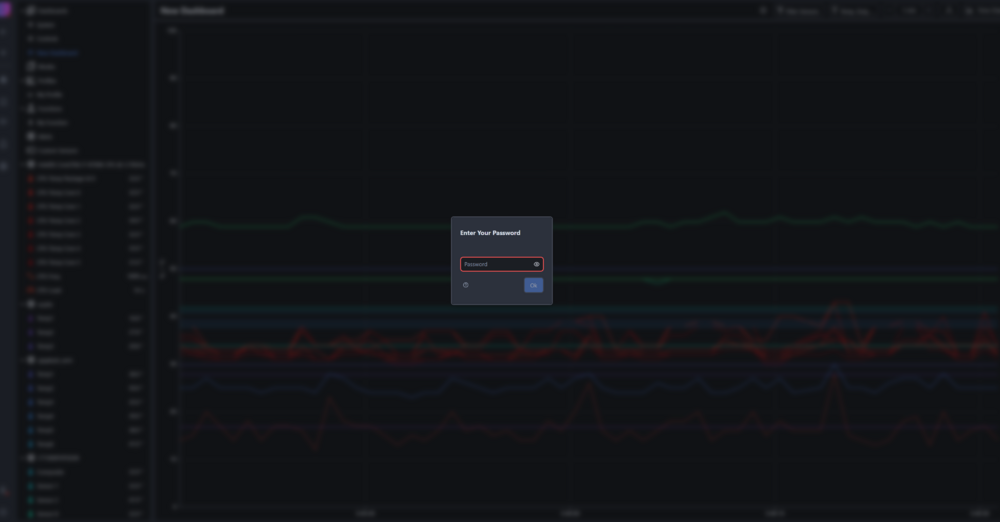
This is what I'm getting, when pressing f12 and deleting elements i can bypass this screen and start editing stuff, but every time i refresh the screen I need to fiddle around by deleting elements
-
I don't think i've ever had such a frustrating experience installing an app... Install all fine, but as i log in, I'm asked for a password, it says use the default one. So i go on the hunt for it, half of the gitlab links end up at 404, documentation hasn't got it, install notes does not list it.
-
Download the previous release with: chibisafe/chibisafe:v5.6.10
-
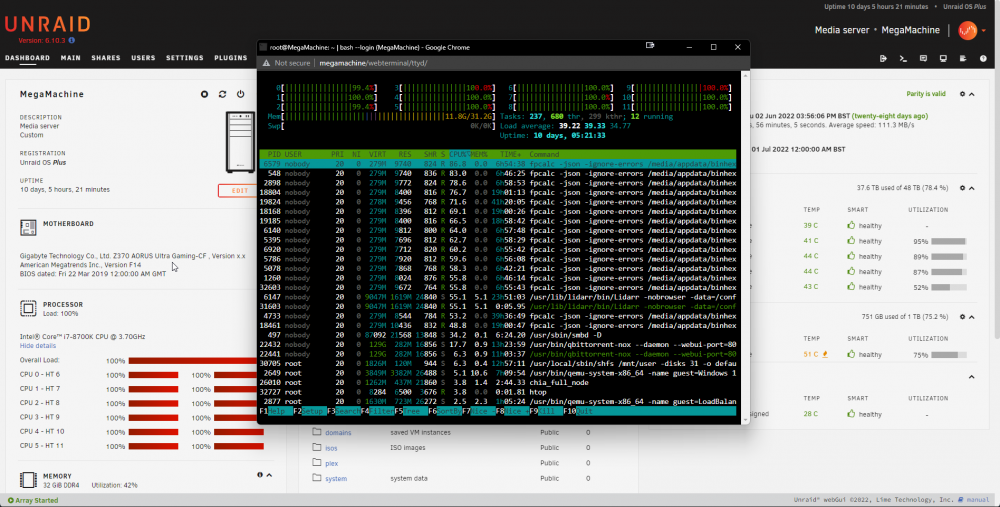
Im experiencing this issue, that lidarr is pinning my cpu to 100%, but not showing of doing anything in the webapp. This is what it looks like on htop
-
Hello all, I provisioned myself a certificate using the unraid terminal openssl. Issue is I can't find it anywhere. Any clue where its located? Cheers!
-
So I gave my vm's a bit less memory and now qbittorent is not crashing. Thanks for pointing me in the right direction!
-
No idea why, but when overseer is running my "binhex-qbittorrentvpn" crashes


