






Rhuarc
Members
-
Joined
-
Last visited
-
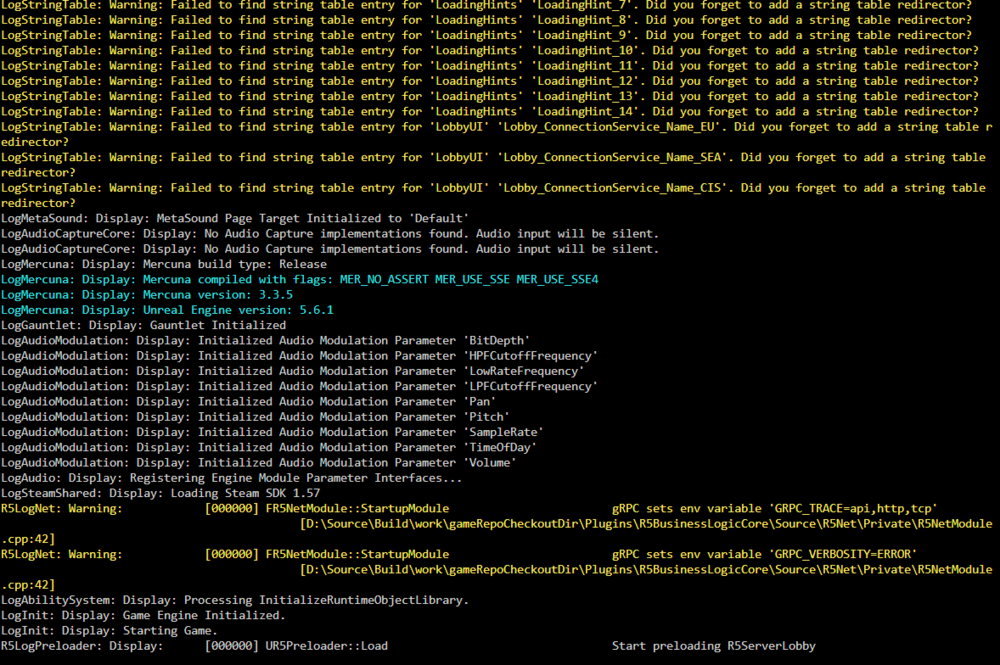
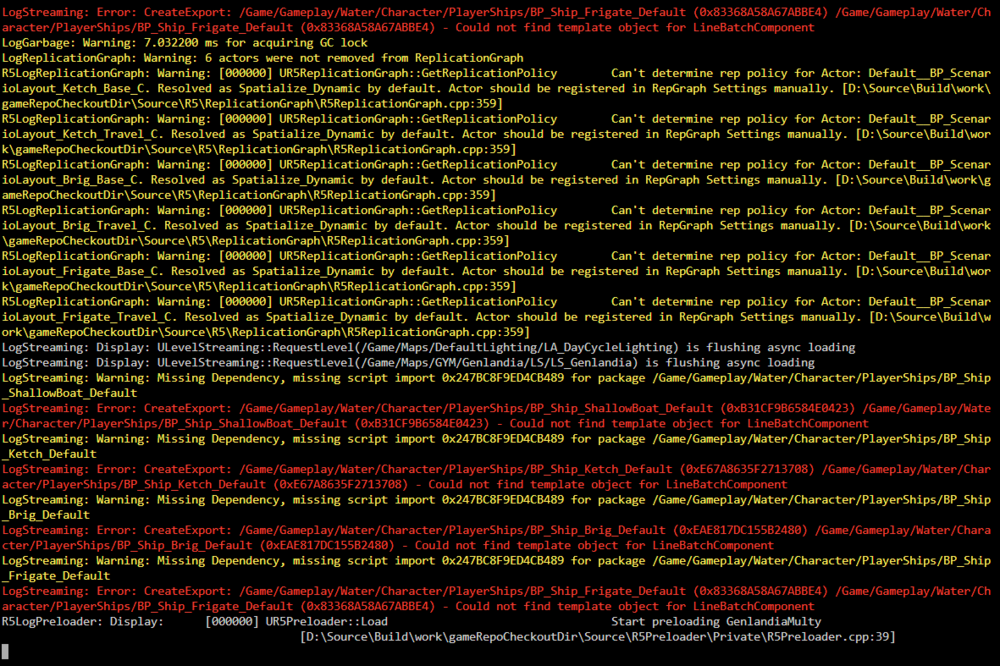
I am struggling to get this working. I followed all of the directions, but when I run it for the second time after copying the files and making the changes I get these errors: When I try to load into the world it loads the character, but the world has a blank map and none of the buildings are built. In the worlds folder it has now created a new world ID and has changed the World ID to that one in the ServerDescription.json Any ideas? Thank you!
-
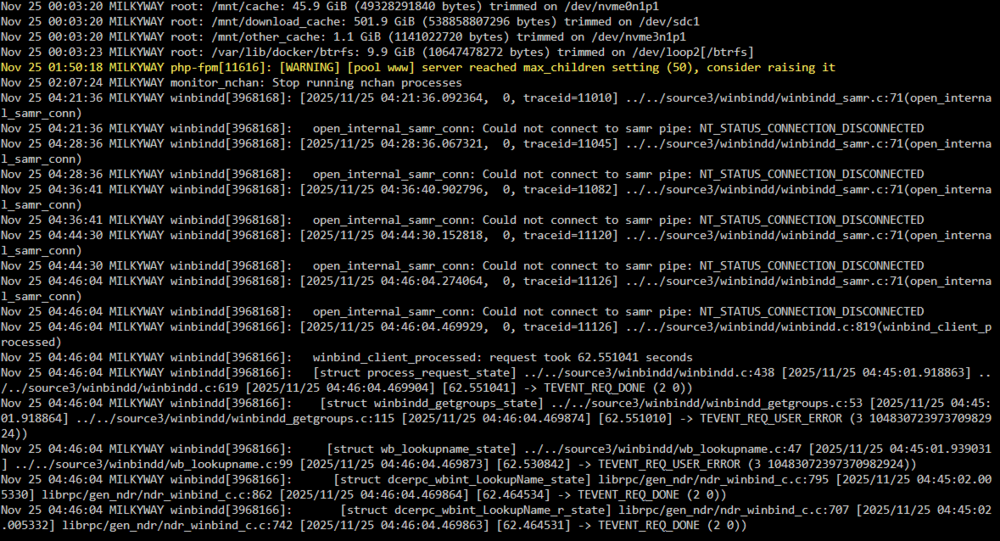
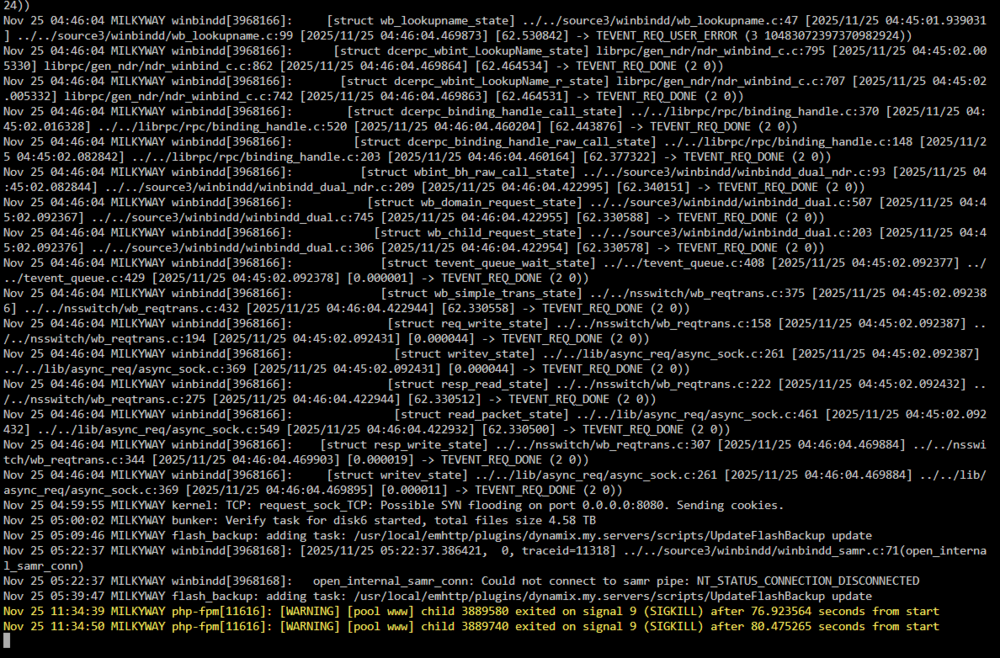
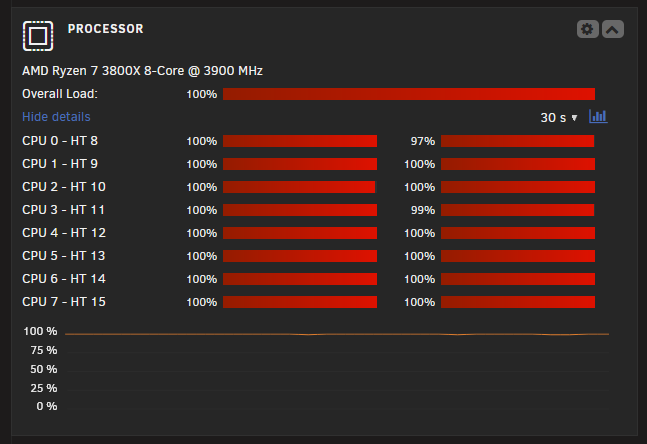
After restarting the server and all my containers I was gone fora couple days. I get up this morning to the GUI being barely responsive, and my container services not being reachable. Using the GUI I was able to confirm that the services are still running and pull a fresh diagnostics. I also included 2 screenshots of the log screen. This was right when I got to the server this morning and what I was seeing. THe CPU on the dashboard also shows as pegged at 100%. I have no idea if any of this is related. Edit: After stopping and restarting docker the CPU usage dropped back to normal and the GUI became responsive again. Unraid seems to have gotten less stable for me and I am at a loss as to why. Thank you again for your help! milkyway-diagnostics-20251125-1146.zip
-
After I restart everything seems to run fine for some period of time. After 12 hours or more typically the GUI no longer responds and all my docker services drop offline. I was able to pull a diagnostics. Hoping to get some help to see wha tmight be causing the issues. Thank you! milkyway-diagnostics-20251123-1148.zip
-
Suddenly failing to start. I know I have an issue with my second cache drive right now, but it wasn't causing any problems with my system running correctly. milkyway-diagnostics-20250626-1204.zip
-
Ok, I think I may be in the same problem I had before. I did this, and the array started saying there was a disk missing on cache2. I followed the instructions exactly, only creating the cache with 1 slot and importing the original drive not the new one. I have included diagnostics from after that start. I then stopped the array, and the cache already showed 2 slots. I tried to assign the new drive in the 2nd slot and start the array. It says Wrong Pool State cache - too many wrong or missing devices. milkyway-diagnostics-20250530-1141.zip
-
I rebooted, and during the reboot I went into the BIOS and disabled one feature that had to do with PCIE link power adjustment. I have no idea if that had anything to do with it or not. Included new diags from right after a reboot. I guess my next steps will eb to try another new drive, and then finally to replace hte motherboard. milkyway-diagnostics-20250530-0322.zip
-
I am at a complete loss to figure out what is going on. The drive shows up in the bios, it shows up in unraid as online, it shows in the system devices section of unraid. Any help on steps to take to get this back up and running in raid 1 would be very much appreciated. Thank you!
-
Alright, I am still struggling to get my pool upgraded. I think I have it in a stable tate with 1 480GB drive and 1 2TB drive. THey are supposed to be in raid 1, but when I look at the cache settigns page it says Allocation profile is single. Can someone take a look at my diagnostics and see what is going on? Thank you! milkyway-diagnostics-20250530-0013.zip
-
Could someone confirm for me that my cache is in a state that I can now add a second drive on? I am still having trouble getting the raid1 mirroring to seem to work correctly, so I am going to need to take it step by step posting Diagnostics between each step I think. Thank you! milkyway-diagnostics-20250520-1712.zip
-
Ok, I finally figured out what the problem was. I twas the damn PCIe to NVME adapter. It had been working perfectly fine before (at least I thought it was) and then when I went to upgrade the drive it started throwing all of those errors. I got a new adapter and just added a new 2TB drive (since I thought the 1TB drives were the problem I got 2 new 2TB drives). I added it, it did the btrfs balance without any errors. So the moral of the story is, check everything in the chain, even if it was just working!
-
Well, I have 2 new drives on their way, hopefully I just got a bad batch. I am also switching from using a PCIE riser to using both onboard m.2 slots as soon as I get the SAS extender so that I can stop using the onboard SATA ports that share lanes with the 2nd M.2 slot. Hopefully this will solve most of the problems and I will just return the other 2 drives that seem to be causing me problems. On a related note, the SAS expander that I got can be powered by molex, but still needs to be mounted somewhere. I have kapton tape to put over all of the contacts so that hopefully i can use an x1 slot soley for mounting the card,and the motherboard won't see the card at all. If the motherboard sees the card as installed then it disables the M.2 slot that I need for the NVME drive. Has anyone tried this and can verify that it works?
-
Well, temporarily I was able to mount the cache drive and am currently copying over all of the data that was on it to the array. Hmm, Could I point the shares that were pointing to the cache pool change and point them to the array now and have them find the data that I copied over? Assuming I put it in the correct place on the array of course. Hopefully once I get working 1TB drives copying all of the data back over to a cache pool will go easily enough.
-
I am attempting to just get back to my original cache to make sure the motherboard is ok, and now neither one of my original cache drives is showing that they have a file system. I have included 2 diagnostics, each one with the different drive added as cache. THe drive ending in 1207 should never have been overwritten. Is there a way do a repair on the cache drive to get back the data? I think I may have gotten a couple of bad 1TB drives, I am going to order new ones but in the mean time I just need to get back to where my previous cache is accessible. milkyway-diagnostics-20250518-0201.zip milkyway-diagnostics-20250518-0206.zip
-
Ok, I did that and am continuing to get tons of errors. The PCIE adapter I am using I know is good because the pool was working great before I tried to start this upgrade. I think I may try just creating a new pool with just the 1 drive and see if I get errors. I may even then just change shares that are using the old pool to use the new pool, then if that works I'll add the second 1TB drive to the new pool. I have no idea why this would make a difference, but I am at a loss right now. milkyway-diagnostics-20250517-1546.zip
-
Assuming that is a 1TB NVME yes that is the new device. I thought I added it to the cache pool, but when I started the array it did not add.


