Skip to content
View in the app

A better way to browse. Learn more.

Unraid

A full-screen app on your home screen with push notifications, badges and more.

To install this app on iOS and iPadOS
  1. Tap the Share icon in Safari
  2. Scroll the menu and tap Add to Home Screen.
  3. Tap Add in the top-right corner.
To install this app on Android
  1. Tap the 3-dot menu (⋮) in the top-right corner of the browser.
  2. Tap Add to Home screen or Install app.
  3. Confirm by tapping Install.

derriang

Members
  • Joined

  • Last visited

Everything posted by derriang

  1. The Traffmonetizer template i dont know where to put my token
  2. need some info on how to use this the template doesnt have a spot to put the token in can anyone help
  3. I now have it working had to uninstall the plugin then reboot then reinstall it
  4. Still no go i get an error when trying to install the fix Uploading Attachment...
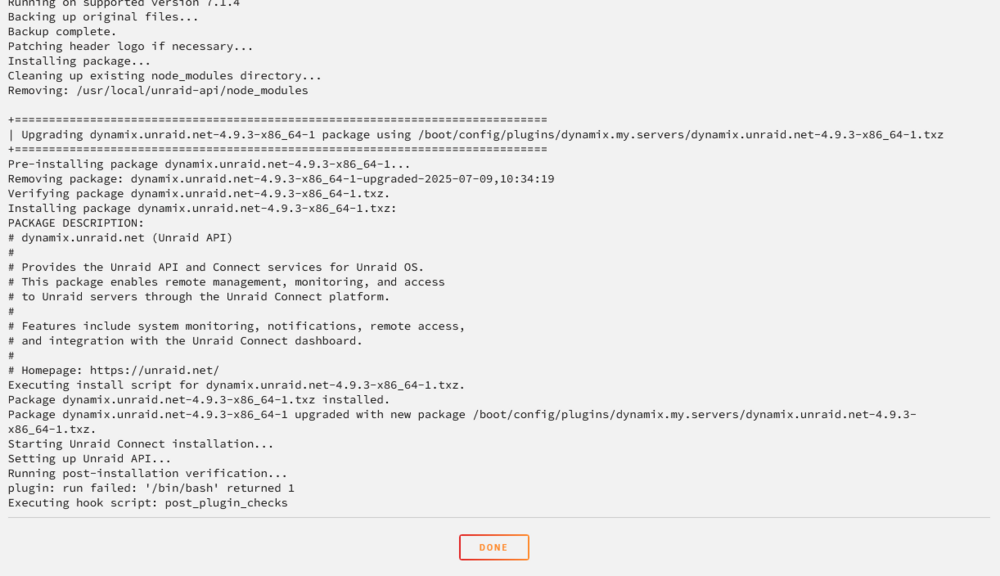
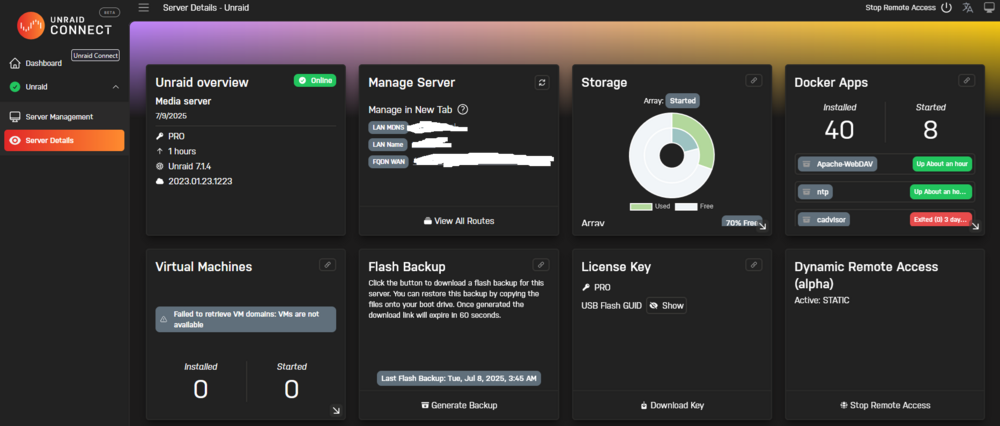
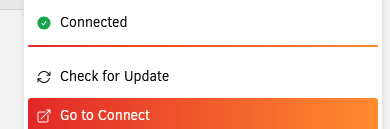
  5. I have tried rebooting, signing out of connect and back in, reinstalling the plugin, and also the unraid-api start and unraid-api restart commands in cli with no fix i have attached diagnostic folder When going to connect it is showing as server is connected. unraid-diagnostics-20250709-0437.zip

  6. same thing happened to mine
  7. how did you get the container to auto run to update ?

Account

Navigation

Search

Search

Configure browser push notifications

Chrome (Android)
  1. Tap the lock icon next to the address bar.
  2. Tap Permissions → Notifications.
  3. Adjust your preference.
Chrome (Desktop)
  1. Click the padlock icon in the address bar.
  2. Select Site settings.
  3. Find Notifications and adjust your preference.